
EnglishDeutsch
 logo
Brands
  1. Home
  2. •
  3. Brands
  4. •
  5. Pool Blaster
  6. •
  7. Vacuum Cleaner
  8. •
  9. Pool Blaster iVac M3 User manual

Pool Blaster iVac M3 User manual

Other Pool Blaster Vacuum Cleaner manuals

Pool Blaster AQUA BROOM XL ULTRA User manual

Pool Blaster

Pool Blaster AQUA BROOM XL ULTRA User manual

Pool Blaster MAX Li 30000ML User manual

Pool Blaster

Pool Blaster MAX Li 30000ML User manual

Pool Blaster Rush X21 User manual

Pool Blaster

Pool Blaster Rush X21 User manual
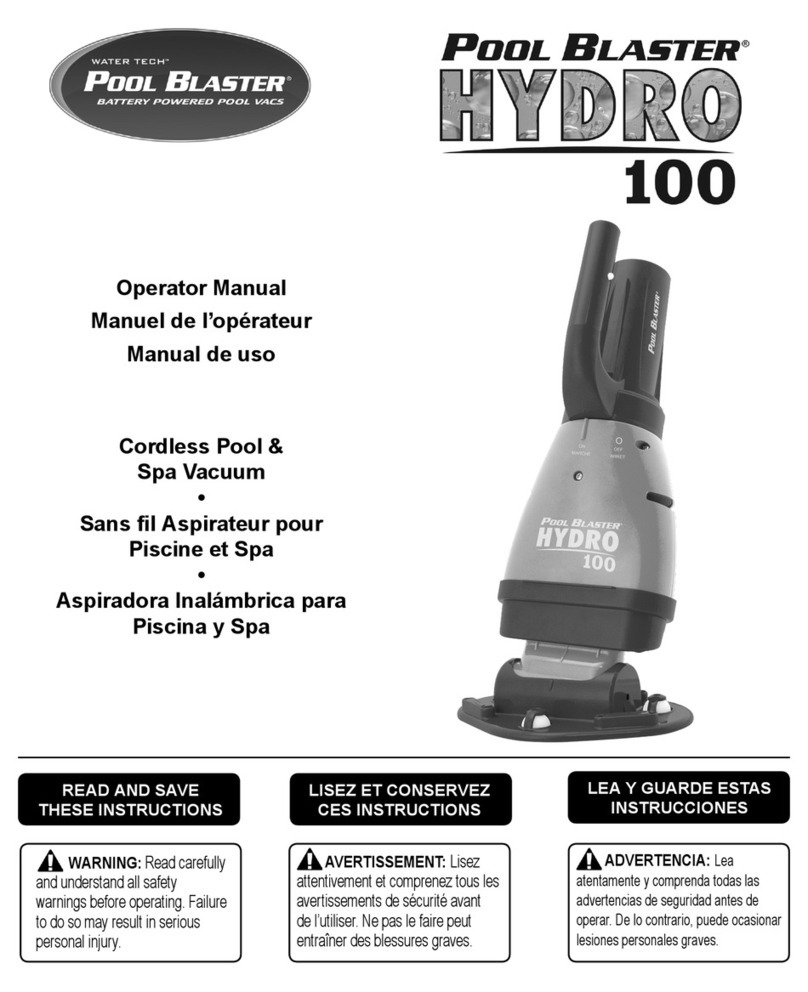
Pool Blaster HYDRO 100 14051AL User manual
Pool Blaster

Pool Blaster HYDRO 100 14051AL User manual

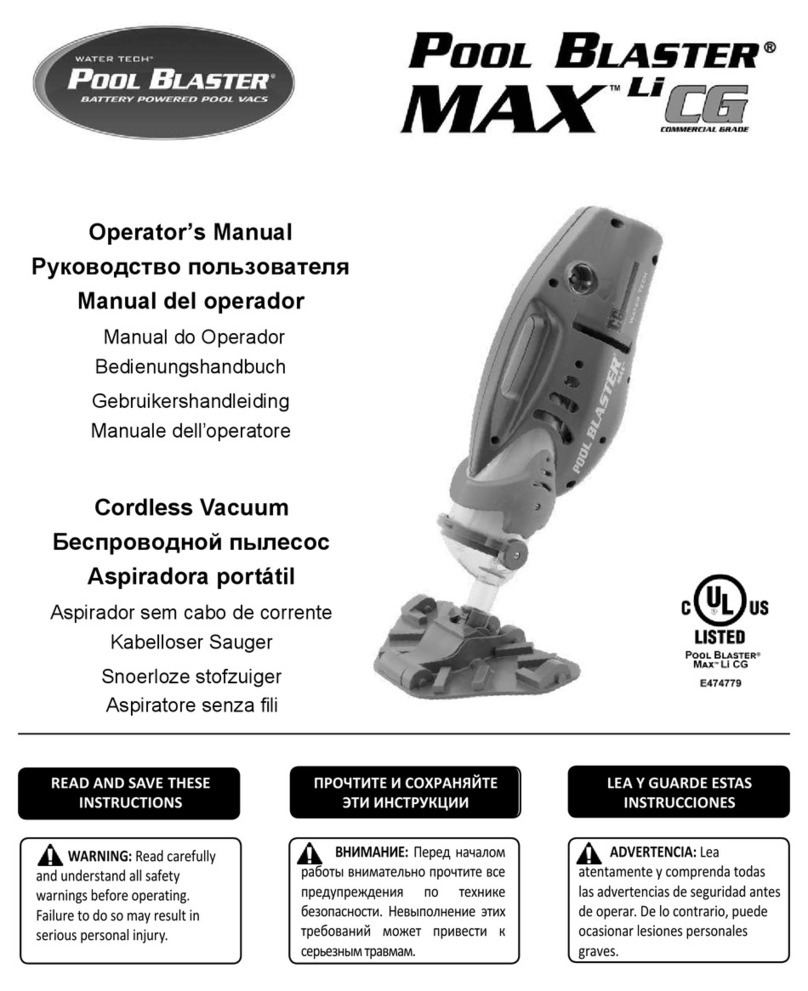
Pool Blaster MAX CG 31000KL User manual

Pool Blaster

Pool Blaster MAX CG 31000KL User manual

Pool Blaster AQUA BROOM SWEEP XL User manual
Pool Blaster

Pool Blaster AQUA BROOM SWEEP XL User manual

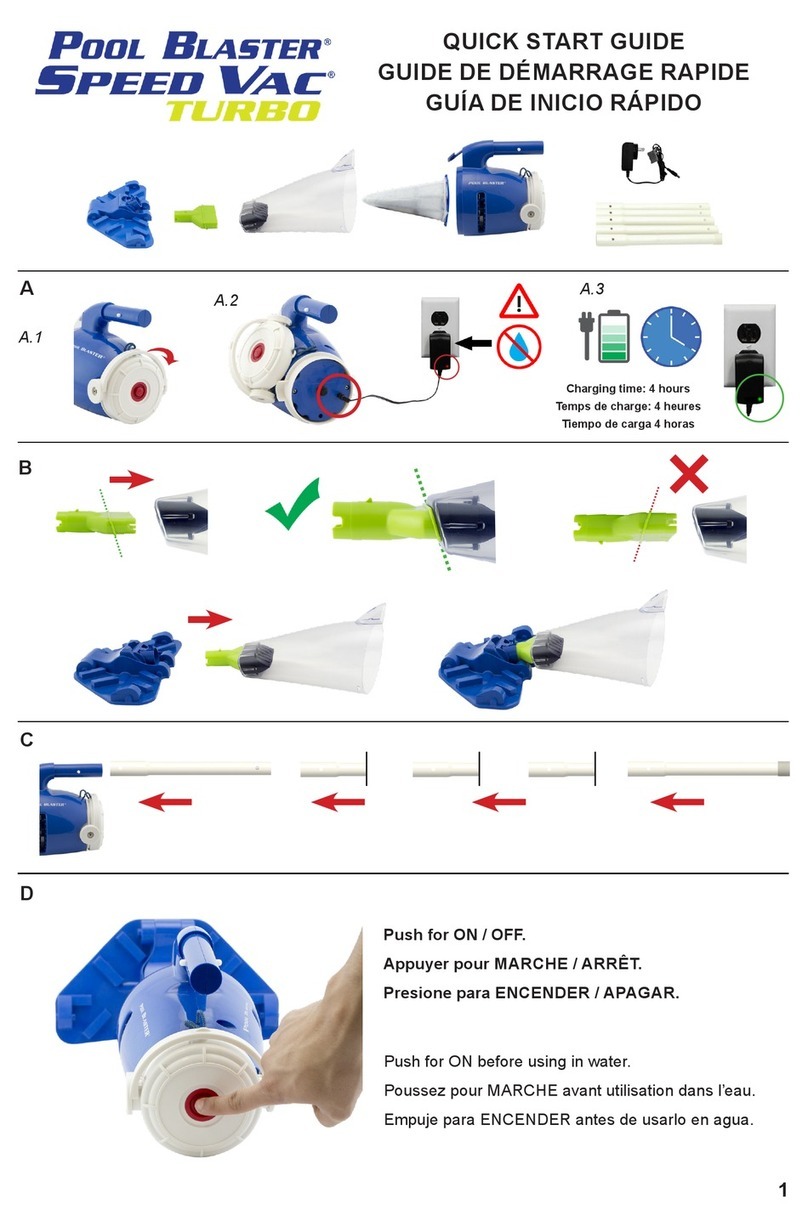
Pool Blaster Speed Vac Turbo 26000SL User manual
Pool Blaster

Pool Blaster Speed Vac Turbo 26000SL User manual

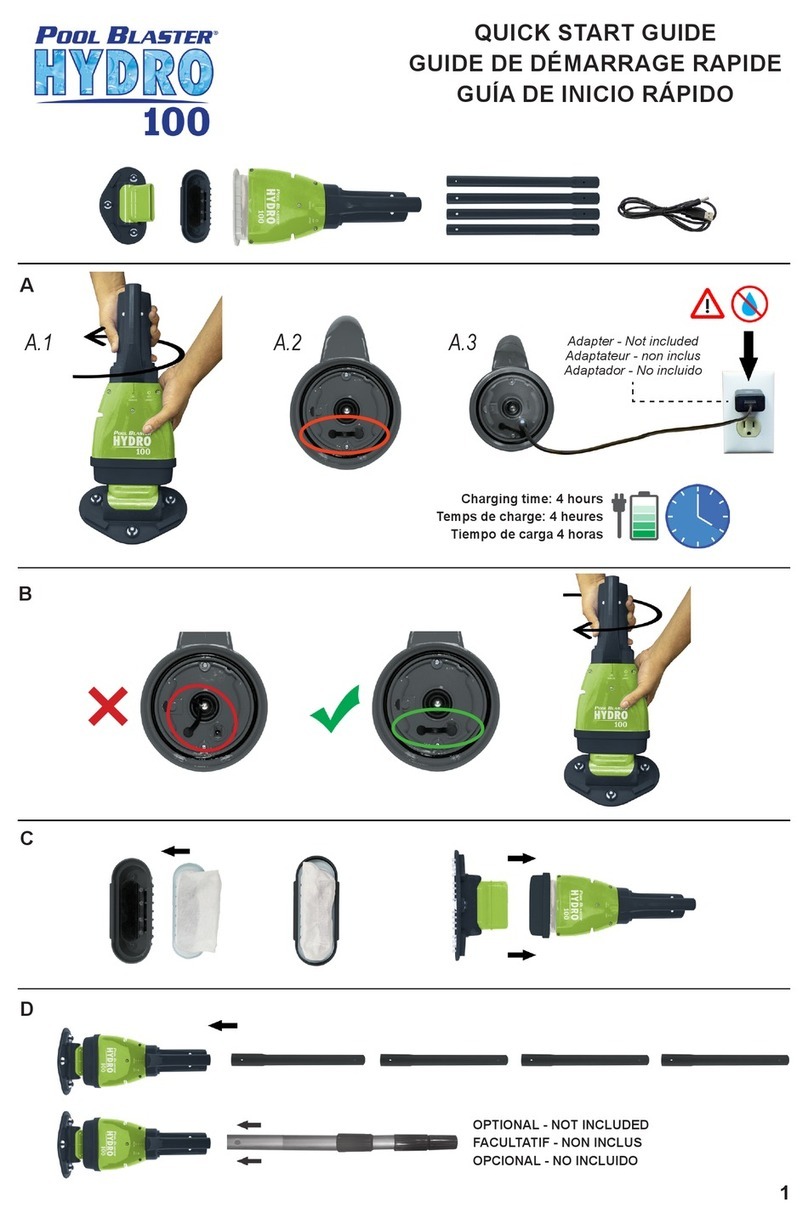
Pool Blaster HYDRO 100 User manual

Pool Blaster

Pool Blaster HYDRO 100 User manual

Popular Vacuum Cleaner manuals by other brands

Bissell LittleGreen Proheat 1425 Series user guide

Bissell

Bissell LittleGreen Proheat 1425 Series user guide

Panasonic MC-YL637S147-AE Service manual

Panasonic

Panasonic MC-YL637S147-AE Service manual

LG A9 Series owner's manual

LG

LG A9 Series owner's manual

Oreck Cordless Captura BK51700 Series user guide

Oreck

Oreck Cordless Captura BK51700 Series user guide

Kogan KAVACROBVWA user manual

Kogan

Kogan KAVACROBVWA user manual

Kränzle VENTOS 50 ID Use and maintenance

Kränzle

Kränzle VENTOS 50 ID Use and maintenance

NEFF N17XH10 0 Series instruction manual

NEFF

NEFF N17XH10 0 Series instruction manual

EVVO Ai35 instruction manual

EVVO

EVVO Ai35 instruction manual

DeWalt DWH200D instruction manual

DeWalt

DeWalt DWH200D instruction manual

Pontec Pondomatic Vacuum Cleaner operating instructions

Pontec

Pontec Pondomatic Vacuum Cleaner operating instructions

Cleanmaxx PC-P007E instruction manual

Cleanmaxx

Cleanmaxx PC-P007E instruction manual

RIDGID WD1685AU0 owner's manual

RIDGID

RIDGID WD1685AU0 owner's manual

Ezviz RE4P manual

Ezviz

Ezviz RE4P manual

STG global TANVAC HDV3000 Operator's manual

STG global

STG global TANVAC HDV3000 Operator's manual

Shark ROTATOR PRO COMPLETE NV550 Series manual

Shark

Shark ROTATOR PRO COMPLETE NV550 Series manual

Factory M3340 operating manual

Factory

Factory M3340 operating manual

Shop-Vac VN92 SERIES user manual

Shop-Vac

Shop-Vac VN92 SERIES user manual

Nobles 608669 Operator and parts manual

Nobles

Nobles 608669 Operator and parts manual

https://manuals.online logo
https://manuals.online logoBrands
  • About & Mission
  • Contact us
  • Privacy Policy
  • Terms and Conditions

Copyright 2026 Manuals.Online. All Rights Reserved.

®
1
Installation Guide - NiMH to Lithium
Need Help? Contact Customer Care at (732) 967-9888
Upgrading the Pool Blaster® iVac M3 Motor Box
Why did my new motor box kit come with a charger?
This complete kit replaces all of the electronics for the Pool
Blaster® iVac M3 and will guarantee that your machine will
be repaired and increase the longevity of your battery.
Your old charger will not work. Please dispose of
your original charger.
No cover needed
Your new kit includes:
Motor Box with ON/OFF Button (P30X003LI)
Charger (LC099-3S-US-EU)
You will need the following tools:
Phillips screwdriver or battery
powered screwdriver and a cutting tool
(set drill at low torque setting)
STEP 1: Place the unit on a workbench
with the ON/OFF knob facing up. Note the
screw locations shown above. 4 screws on
the main body and 1 small screw on the
bottom right.
STEP 2: Using cutters, cut the lanyard and
unscrew the ON / OFF Knob. Discard it as it
won’t be needed anymore.
®
2
Installation Guide - NiMH to Lithium
Need Help? Contact Customer Care at (732) 967-9888
Upgrading the Pool Blaster® iVac M3 Motor Box
STEP 3: Remove the 4 screws on the main
body.
STEP 4: Using a screwdriver, remove the
small screw as shown above.
STEP 5: Separate the shells until you have
access to the motor box. Remove the old
motor box and discard it as per your town’s
recycling regulations.
STEP 6: Make sure to grab the shell where
the old motor box was and face it down as
shown in the image above.
®
3
Installation Guide - NiMH to Lithium
Need Help? Contact Customer Care at (732) 967-9888
Upgrading the Pool Blaster® iVac M3 Motor Box
STEP 7: Grab the new motor box. Note that
the ON / OFF button does not need a cover
as the design makes the motor box sealed
to prevent water damage.
STEP 8: Place the new motor box into the
shell.
STEP 9: Grab the other half of the shell
and connect the two shells. Screw back the
main body screws.
STEP 10: Last, using a screwdriver, screw
the small screw back in.
®
4
Installation Guide - NiMH to Lithium
Need Help? Contact Customer Care at (732) 967-9888
Upgrading the Pool Blaster® iVac M3 Motor Box
STEP 11: Finally, attach the charging adapter
to the unit to make sure it ts securely.
Rev.: 4262018
http://watertechcorp.com/switch
How to properly charge your unit









