4
Please refer to your primary controllers manual on how to turn your controller into inclusion or exclusion mode. Only if
the primary controller is in inclusion or exclusion mode, this device can join or leave the network. Leaving the network –
i.e. being excluded – sets the device back to factory default.
If the device already belongs to a network, follow the exclusion process before including it in your network. Otherwise
inclusion of this device will fail. If the controller being included was a primary controller, it has to be reset first.
A simple click on the button of the wireless module (3) will include the device. Keeping the button (3) pressed for 2
seconds will force the device to be included without application level security. Single click or 2 seconds hold will
exclude the device. A blinking LED indicates when the device is in inclusion or exclusion pending status.
Operating the Device
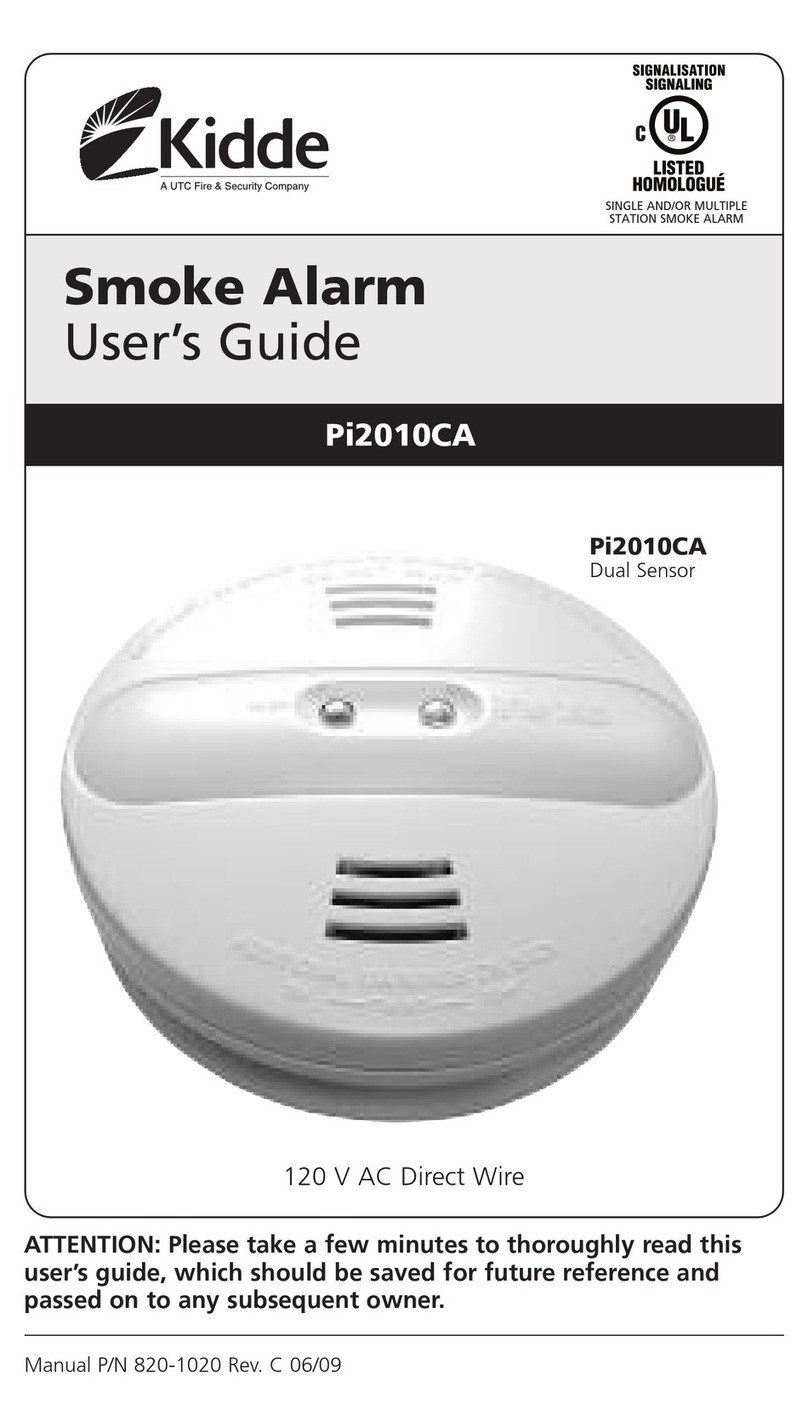
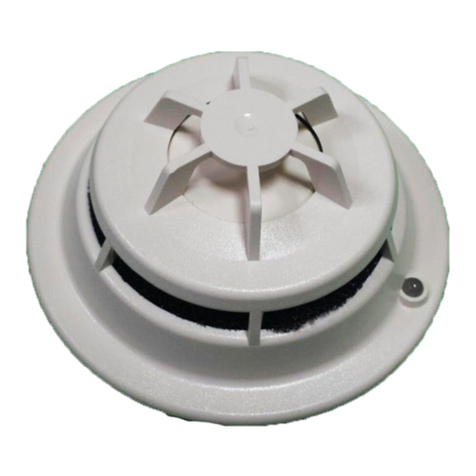
In case smoke is detected by the smoke detector the device will sound, the red LED will blink and the wireless module
will issue a Z-Wave alarm command to the main controller and other associated devices. A low battery will be indicated
on short siren noise plus the Z-Wave controller will be informed using „Battery Low“ warning commands.
Note: All communication of the wireless module is performed with application level security if the device was included
securely and all communication partners support secure communication as well. In case a non-secure device is
associated for switching on smoke alarm, the smoke detector will detect this and change its communication style with
this very device to non-secure. This process happens one time and will take about 20 seconds. This delay will happen
on first communication only.
The siren can be used for other alarm indication. For this reason the device will be shown at graphical user interface as
a simple on/off switch. Turning on this switch start the siren, turning it off will stop the noise. The generic siren alarm
has a different acoustic pattern than the permanent sound caused by smoke. The configuration parameters 1 and 2
define the style of the sound.
Wireless Alarm Meshing
The wireless meshing is performed by secure exchange of alarm commands among all wireless POPP smoke
detectors. In case an alarm (smoke or battery) is issued by one device, this very device will broadcast a respective
alarm (using Alarm CC V2 encapsulated into security wrapper if applied) to all devices in range. Every device that
receives an alarm command and did not receive an alarm within the last 10 seconds will broadcast the same alarm
command. Using this algorithm every POPP smoke sensor will also indicate an alarm within few seconds.
It is possible to wirelessly turn off the siren on all repeating smoke detectors but not on the detector that originally sent
the alarm. You must find and remove the reason for the smoke detector to buzz.
Factory Reset
To reset the device keep the button pushed for 10 seconds. After 5 seconds the LED starts flashing and after another 5
seconds there is a short beep signaling the successful reset back to factory defaults.
Node Information Frame
The Node Information Frame (NIF) is the business card of a Z-Wave device. It contains information about the device
type and the technical capabilities. The inclusion and exclusion of the device is confirmed by sending out a Node
Information Frame. Beside this it may be needed for certain network operations to send out a Node Information Frame.
Once included a simple click on button (3) will issue a Node Information Frame.
Associations
A Z-Wave device controls other Z-Wave devices. The relationship between one device controlling another device is
called association. In order to control a different device, the controlling device needs to maintain a list of devices that
will receive controlling commands. These lists are called association groups and they are always related to certain
events (e.g. button pressed, sensor triggers, ...). In case the event happens all devices stored in the respective
association group will receive a common wireless command.
Configuration Parameters
Z-Wave products are supposed to work out of the box after inclusion, however certain configuration can adapt the
function better to user needs or unlock further enhanced features.