manuals.online logo
Brands
  1. Home
  2. •
  3. Brands
  4. •
  5. POSIFLEX
  6. •
  7. RFID System
  8. •
  9. POSIFLEX TA-100 User manual

POSIFLEX TA-100 User manual

This manual suits for next models

3

Popular RFID System manuals by other brands

Stid ARCS Blue installation instructions

Stid

Stid ARCS Blue installation instructions

Iberwave RTS200 Hardware manual

Iberwave

Iberwave RTS200 Hardware manual

Omron V680S Series user manual

Omron

Omron V680S Series user manual

Feig Electronic OBID ID RW40.30-USB manual

Feig Electronic

Feig Electronic OBID ID RW40.30-USB manual

Chainway R1 user manual

Chainway

Chainway R1 user manual

IFM DTC600 installation instructions

IFM

IFM DTC600 installation instructions

Elatec TWN4 MULTITECH NANO LEGIC 63 M user manual

Elatec

Elatec TWN4 MULTITECH NANO LEGIC 63 M user manual

RHOMBUS DR20 user manual

RHOMBUS

RHOMBUS DR20 user manual

Sirit IDentity 6204 user guide

Sirit

Sirit IDentity 6204 user guide

Syris SYRDM5-W install guide

Syris

Syris SYRDM5-W install guide

Omron V600 Series Operation manual

Omron

Omron V600 Series Operation manual

Chacon 34958 user guide

Chacon

Chacon 34958 user guide

CipherLab 1800 series quick start guide

CipherLab

CipherLab 1800 series quick start guide

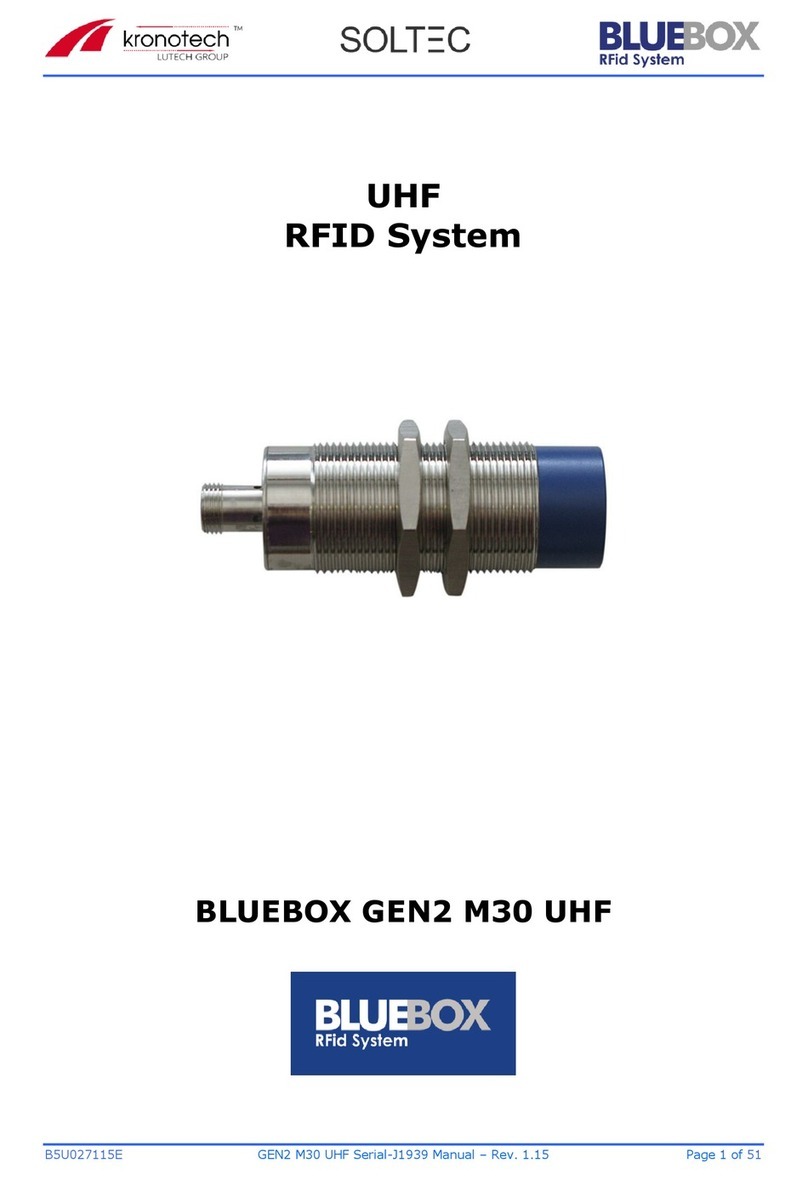
Kronotech BLUEBOX GEN2 M30 UHF manual

Kronotech

Kronotech BLUEBOX GEN2 M30 UHF manual

LenelS2 Slimline Economy 5000 Series installation guide

LenelS2

LenelS2 Slimline Economy 5000 Series installation guide

JCM KFC 2.0 manual

JCM

JCM KFC 2.0 manual

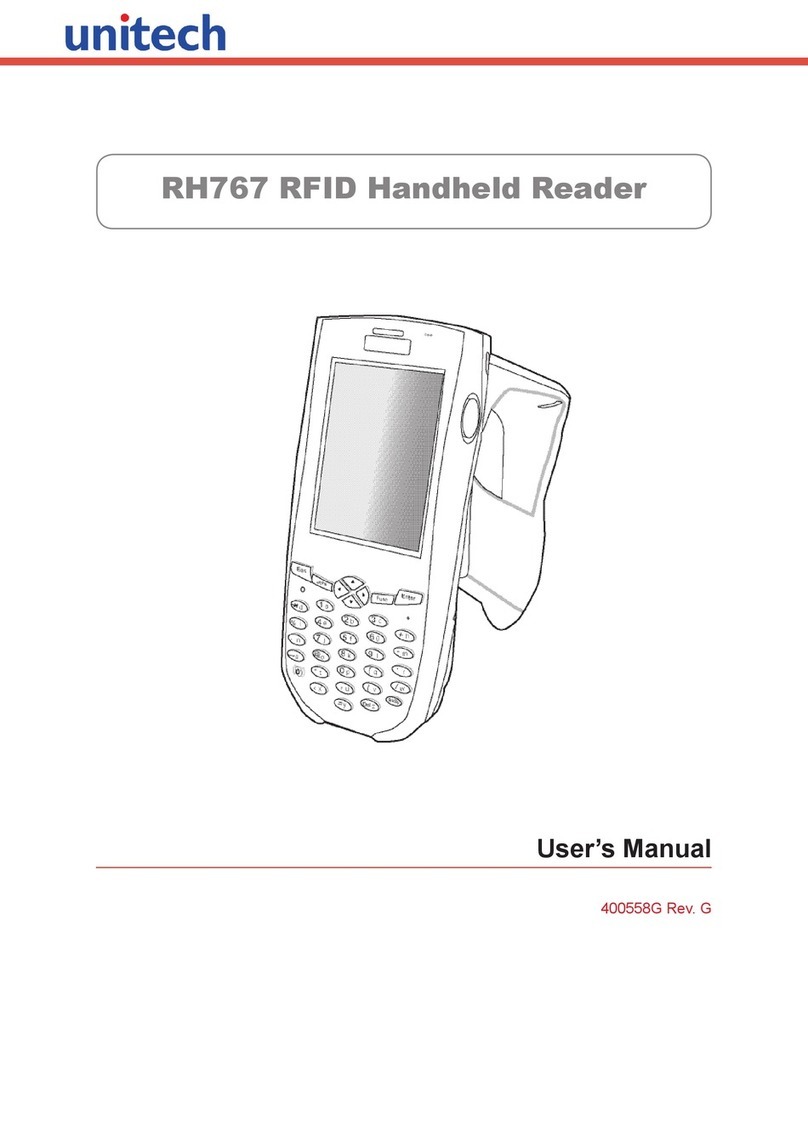
Unitech RH767 user manual

Unitech

Unitech RH767 user manual

Honeywell 026366.00 Mounting and operation instructions

Honeywell

Honeywell 026366.00 Mounting and operation instructions

manuals.online logo
manuals.online logoBrands
  • About & Mission
  • Contact us
  • Privacy Policy
  • Terms and Conditions

Copyright 2025 Manuals.Online. All Rights Reserved.

1
Package Contents
TA-100 USB 2.0 Port Attachment...(x 1)
User manual………….………….…(x 1)
TA-210/220 MSR Module
Attachment………………………...(x 1)
Transfer Bracket Kits for MT-Series(x 1)
User manual………….………….…(x 1)
TA-300 MSR & Fingerprint Module
Attachment.......................................(x 1)
Transfer Bracket Kits for MT-Series(x 1)
User manual…………………….…(x 1)
TA-100/210/220/300
Attachment for MT Series
User Manual
12540907030 Ver. C0
http://www.posiflex.com
2
Views of TA-100
USB 2.0 Type A Port
Screws Holes
Single Type A USB Port Board
USB 5-Pin Connector
3
Views of TA-210/220
MSR Module Cable
Screw Holes
NFC/RFID Reader (Optional for TA-220)
4
Views of TA-300
MSR Module Cable
USB 5-Pin Connector
for Fingerprint
Screw Holes
Fingerprint Reading Area
5
Mounting TA-100 onto MT-series Tablet
TA-100 is an external USB 2.0 port attachment it mainly designed to MT-
series tablet. Please follow the steps described below to finish the installation.
1. Lay MT-series with its screen on a flat surface.
2. Loosen and remove the two fixing screws (M2-6L) from the side
mount cover on the back of the right side of the MT-series terminal.
3. Connect the USB cable (either one is ok) from the terminal to the
TA-100.
6
4. Put the TA-100 attachment on the MT-series terminal like the below
picture, and then fix it with two M2-6L screws.
5. The installation of TA-100 onto the terminal is completed, as shown
in the below figure.
7
Mounting Transfer Bracket onto MT-xx10 series Tablet
Before mounting TA-210/220/300 onto MT-xx10 series (MT 10-inch tablet
with protective bumpers),you have to mount the transfer bracket first.
Please follow the steps described below to finish the installation. If the transfer
bracket has already been mounted to your MT-xx10 series model, please skip
this section.
1. Lay MT-xx10 series with its screen on a flat surface.
2. Loosen and remove the two fixing screws (M2-6L) from the side
mount cover on the back of the right side of the MT-xx10series
terminal.
3. Combine the two pieces of transfer bracket. If your transfer
bracket has been combined already, please skip this step.
To combine the two pieces of transfer bracket, please make
the metal bracket pass through the plastic cover to combine
them. Please refer to the pictures below.

Metal Bracket
Plastic Cover
8
Make the metal bracket
pass through the plastic
cover.
Combination complete.
9
4. Put the transfer bracket onto MT-xx10 series terminal. Make sure the
USB cables pass through the transfer bracket.
5. Fix the transfer bracket with two M3-5L screws into the outer screw
holes.
10
6. Fix the transfer bracket with two M2-7L screws into the inner screw
holes.
Mounting TA-210/220 onto MT-series Tablet
TA-210/220 is an external MSR module kit mainly designed to MT-series
tablet. Please follow the steps described below to finish the installation.
1. Lay MT-series with its screen on a flat surface.
2. Connect the USB cable (either one is ok) from the terminal to the
TA-210/220.