manuals.online logo
Brands
  1. Home
  2. •
  3. Brands
  4. •
  5. Powerware
  6. •
  7. UPS
  8. •
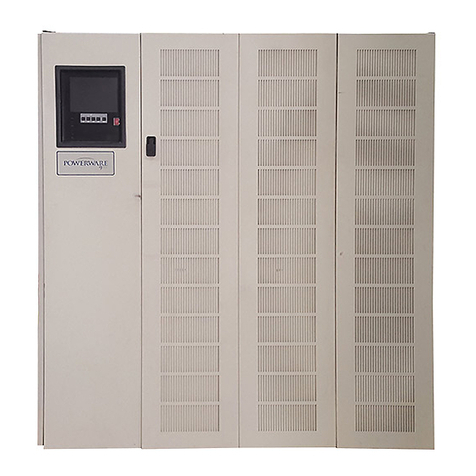
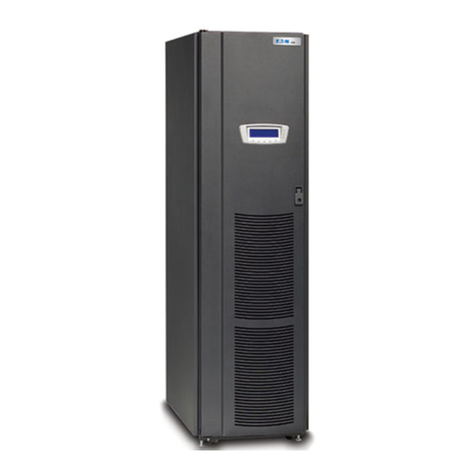
  9. Powerware 9170+ User manual

Powerware 9170+ User manual

Other manuals for 9170+

2

Other Powerware UPS manuals

Powerware 9170+ User manual

Powerware

Powerware 9170+ User manual

Powerware 9125 User manual

Powerware

Powerware 9125 User manual

Powerware 9155 User manual

Powerware

Powerware 9155 User manual

Powerware 5119 User manual

Powerware

Powerware 5119 User manual

Powerware 5125 User manual

Powerware

Powerware 5125 User manual

Powerware PW5110 User manual

Powerware

Powerware PW5110 User manual

Powerware 9320 User manual

Powerware

Powerware 9320 User manual

Powerware 5125 Tower User manual

Powerware

Powerware 5125 Tower User manual

Powerware BPIV User manual

Powerware

Powerware BPIV User manual

Powerware 5125 User manual

Powerware

Powerware 5125 User manual

Powerware 9305 HS Series Operating manual

Powerware

Powerware 9305 HS Series Operating manual

Powerware 5125 User manual

Powerware

Powerware 5125 User manual

Powerware 5140 User manual

Powerware

Powerware 5140 User manual

Powerware Plus 80 Instruction Manual

Powerware

Powerware Plus 80 Instruction Manual

Powerware 5105 User manual

Powerware

Powerware 5105 User manual

Powerware 8 - 15 kVA User manual

Powerware

Powerware 8 - 15 kVA User manual

Powerware 3110 User manual

Powerware

Powerware 3110 User manual

Powerware Ferrups FE/QFE UPS User manual

Powerware

Powerware Ferrups FE/QFE UPS User manual

Powerware 5125 9910 P18 User manual

Powerware

Powerware 5125 9910 P18 User manual

Powerware 5140 User manual

Powerware

Powerware 5140 User manual

Powerware 9125 PowerPass User manual

Powerware

Powerware 9125 PowerPass User manual

Powerware 9305 Operating manual

Powerware

Powerware 9305 Operating manual

Powerware 9390 User manual

Powerware

Powerware 9390 User manual

Powerware 3110 User manual

Powerware

Powerware 3110 User manual

Popular UPS manuals by other brands

AEG Protect 3.M 2.0 manual

AEG

AEG Protect 3.M 2.0 manual

Alpha Novus FXM 650 Installation and operation manual

Alpha

Alpha Novus FXM 650 Installation and operation manual

CyberPower RB12120X2A user manual

CyberPower

CyberPower RB12120X2A user manual

Pylontech Victron & Pylontech US5000 manual

Pylontech

Pylontech Victron & Pylontech US5000 manual

BEL LDX-U20 user manual

BEL

BEL LDX-U20 user manual

Mustek PowerMust 530(B) Plus Startup manual

Mustek

Mustek PowerMust 530(B) Plus Startup manual

Emerson Liebert NXL series Operation and maintenance manual

Emerson

Emerson Liebert NXL series Operation and maintenance manual

MAKELSAN BOXER SERIES user manual

MAKELSAN

MAKELSAN BOXER SERIES user manual

Block PC-0524-400-0 manual

Block

Block PC-0524-400-0 manual

CyberPower CP585LCD user manual

CyberPower

CyberPower CP585LCD user manual

Eaton 3S Advanced user's guide

Eaton

Eaton 3S Advanced user's guide

CyberPower Office Tower Series UPS 1000 user manual

CyberPower

CyberPower Office Tower Series UPS 1000 user manual

CyberPower BM100 quick start guide

CyberPower

CyberPower BM100 quick start guide

Best Power 610 quick start guide

Best Power

Best Power 610 quick start guide

Best Power Unity/I UT3K user manual

Best Power

Best Power Unity/I UT3K user manual

Mustek PowerMust 400 Offline user manual

Mustek

Mustek PowerMust 400 Offline user manual

Xantrex Trace 512 UR-UPS owner's manual

Xantrex

Xantrex Trace 512 UR-UPS owner's manual

Forza SL-1501UL user manual

Forza

Forza SL-1501UL user manual

manuals.online logo
manuals.online logoBrands
  • About & Mission
  • Contact us
  • Privacy Policy
  • Terms and Conditions

Copyright 2025 Manuals.Online. All Rights Reserved.

Powerware®9170
User's Guide
3 kVA  18 kVA, 50 and 60 Hz
www.powerware.com
Requesting a Declaration of Conformity
Units that are labeled with a CE mark comply with the following harmonized standards and EU directives:
Harmonized Standards: EN 50091-1-1 and EN 50091-2
EU Directives: 73/23/EEC, Council Directive on equipment designed for use within certain voltage limits
93/68/EEC, Amending Directive 73/23/EEC
89/336/EEC, Council Directive relating to electromagnetic compatibility
92/31/EEC, Amending Directive 89/336/EEC relating to EMC
The EC Declaration of Conformity is available upon request for products with a CE mark. For copies of the EC
Declaration of Conformity, contact:
Director of Engineering
Invensys Secure Power
P.O. Box 280
Necedah, WI 54646
USA
Phone: (608) 565-7200
Fax: (608) 565-5416
Class A EMC Statements
FCC Part 15
NOTE This equipment has been tested and found to comply with the limits for a Class A digital device, pursuant to
part 15 of the FCC Rules. These limits are designed to provide reasonable protection against harmful interference when
the equipment is operated in a commercial environment. This equipment generates, uses, and can radiate radio frequency
energy and, if not installed and used in accordance with the instruction manual, may cause harmful interference to radio
communications. Operation of this equipment in a residential area is likely to cause harmful interference in which case
the user will be required to correct the interference at his own expense.
ICES-003
This Class A Interference Causing Equipment meets all requirements of the Canadian Interference Causing Equipment
Regulations ICES003.
Cet appareil numérique de la classe A respecte toutes les exigences du Reglement sur le matériel brouilleur du Canada.
EN 50091-2
Some configurations are classified under EN 500912 as ClassA UPS for Unrestricted Sales Distribution." For these
configurations, the following applies:
WARNING This is a Class AUPS Product. In a domestic environment, this product may cause radio interference, in
which case, the user may be required to take additional measures.
VCCI Notice for Class A Equipment
Powerware is a registered trademark of Powerware Corporation.
CheckUPS II is a registered trademark and BestLink and BestDock are trademarks of Best Power.
Windows is a registered trademark of Microsoft Corporation.
Copyright 20002001 Powerware, Raleigh, NC, USA. All rights reserved. No part of this document may be reproduced
in any way without the express written approval of Powerware.
i
Powerware®9170 User's Guide LTM-1344 B Uncontrolled Copy
TABLE OF CONTENTS
1 Introduction 1. . . . . . . . . . . . . . . . . . . . . . . . . . . . . . . . . . . . . . . . . . . . . . . . . . . .

Safety Warnings 2. . . . . . . . . . . . . . . . . . . . . . . . . . . . . . . . . . . . . . . . . . . . . . . . . . . . . . . . . . . . . .
Physical Features 3. . . . . . . . . . . . . . . . . . . . . . . . . . . . . . . . . . . . . . . . . . . . . . . . . . . . . . . . . . . . .
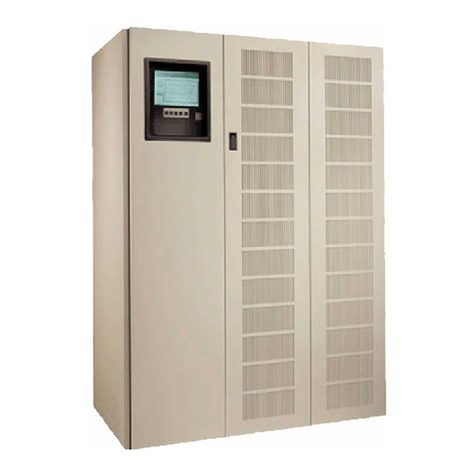
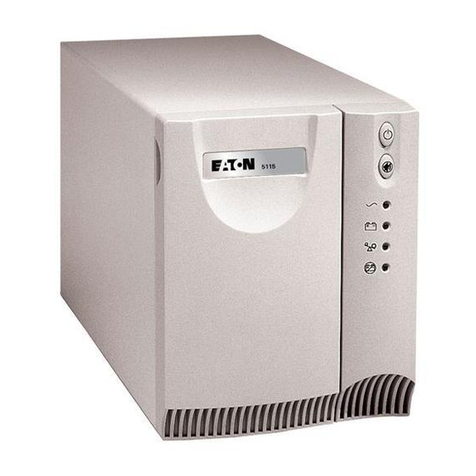

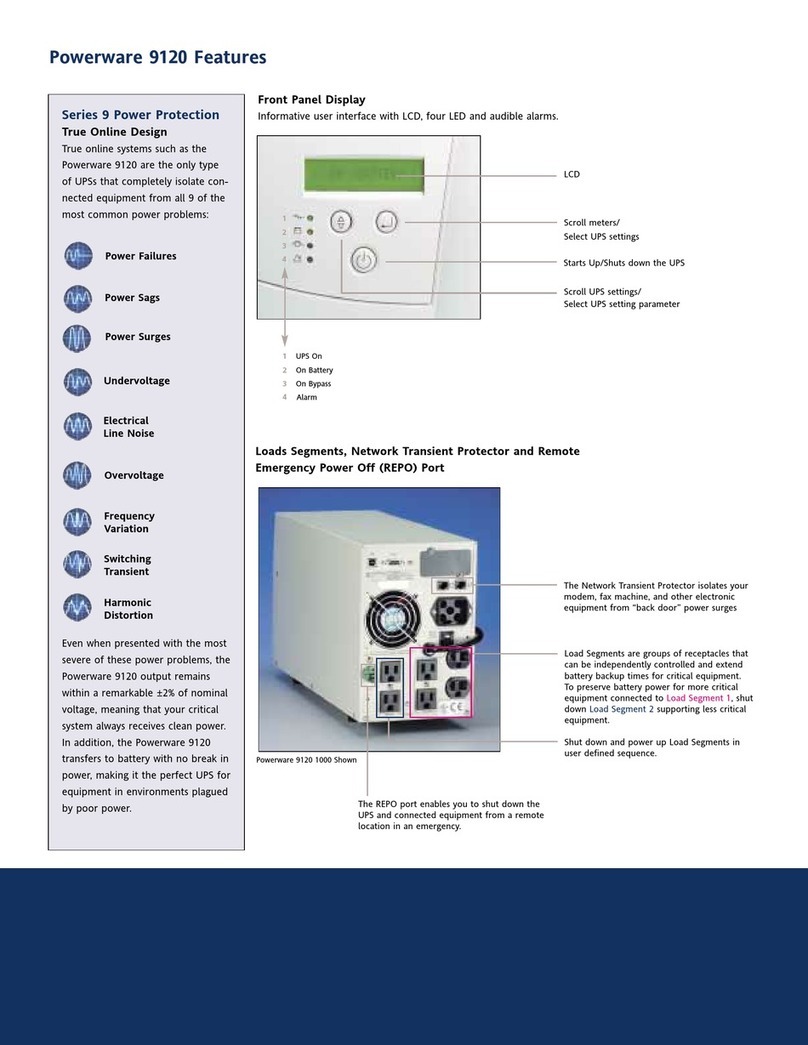
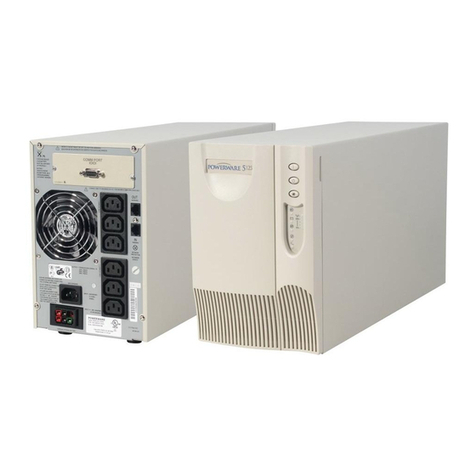






2 Installation Setup 7. . . . . . . . . . . . . . . . . . . . . . . . . . . . . . . . . . . . . . . . . . . . . . .





Equipment Clearances 7. . . . . . . . . . . . . . . . . . . . . . . . . . . . . . . . . . . . . . . . . . . . . . . . . . . . . . . . . .
Location Requirements 8. . . . . . . . . . . . . . . . . . . . . . . . . . . . . . . . . . . . . . . . . . . . . . . . . . . . . . . . .
UPS Unpacking and Setup 8. . . . . . . . . . . . . . . . . . . . . . . . . . . . . . . . . . . . . . . . . . . . . . . . . . . . . . .
Three- and Six-Slot Cabinets 8. . . . . . . . . . . . . . . . . . . . . . . . . . . . . . . . . . . . . . . . . . . . . . . . . . .
Nine- and Twelve-Slot Cabinets 9. . . . . . . . . . . . . . . . . . . . . . . . . . . . . . . . . . . . . . . . . . . . . . . . .
Caster Cart Installation 10. . . . . . . . . . . . . . . . . . . . . . . . . . . . . . . . . . . . . . . . . . . . . . . . . . . . . . . . .
Stabilizer Bracket Installation 11. . . . . . . . . . . . . . . . . . . . . . . . . . . . . . . . . . . . . . . . . . . . . . . . . . . . .
Rack-Mount Installation 12. . . . . . . . . . . . . . . . . . . . . . . . . . . . . . . . . . . . . . . . . . . . . . . . . . . . . . . . .
Floor Anchor Kit Installation 14. . . . . . . . . . . . . . . . . . . . . . . . . . . . . . . . . . . . . . . . . . . . . . . . . . . . . .
Moving the Cabinets 15. . . . . . . . . . . . . . . . . . . . . . . . . . . . . . . . . . . . . . . . . . . . . . . . . . . . . . . . . . .
3 Battery Cabinet Installation 17. . . . . . . . . . . . . . . . . . . . . . . . . . . . . . . . . . . . . . .
4 Electrical Installation 23. . . . . . . . . . . . . . . . . . . . . . . . . . . . . . . . . . . . . . . . . . . .
Input Current Ratings 26. . . . . . . . . . . . . . . . . . . . . . . . . . . . . . . . . . . . . . . . . . . . . . . . . . . . . . . . . . .
Bypass Switches 27. . . . . . . . . . . . . . . . . . . . . . . . . . . . . . . . . . . . . . . . . . . . . . . . . . . . . . . . . . . . . .
UPS Installation with an External Bypass Switch 30. . . . . . . . . . . . . . . . . . . . . . . . . . . . . . . . . . . . .
Wiring Diagrams 35. . . . . . . . . . . . . . . . . . . . . . . . . . . . . . . . . . . . . . . . . . . . . . . . . . . . . . . . . . . . . .
UPS Input Wiring Connections 35. . . . . . . . . . . . . . . . . . . . . . . . . . . . . . . . . . . . . . . . . . . . . . . . . . . .
UPS Output Wiring Connections (Non-Isolated Installations) 36. . . . . . . . . . . . . . . . . . . . . . . . . . . . . . .
System Wiring Diagrams 38. . . . . . . . . . . . . . . . . . . . . . . . . . . . . . . . . . . . . . . . . . . . . . . . . . . . . . . .
5 Isolated Output Wiring Diagrams 43. . . . . . . . . . . . . . . . . . . . . . . . . . . . . . . . . . .
Neutral-to-Ground Bonding for Isolated Output 44. . . . . . . . . . . . . . . . . . . . . . . . . . . . . . . . . . . . . . . .
System Wiring Diagrams 46. . . . . . . . . . . . . . . . . . . . . . . . . . . . . . . . . . . . . . . . . . . . . . . . . . . . . . . .
6 UPS Startup 49. . . . . . . . . . . . . . . . . . . . . . . . . . . . . . . . . . . . . . . . . . . . . . . . . . . .
Power and Battery Module Installation 50. . . . . . . . . . . . . . . . . . . . . . . . . . . . . . . . . . . . . . . . . . . . . .
Startup for Plug-Receptacle Units 51. . . . . . . . . . . . . . . . . . . . . . . . . . . . . . . . . . . . . . . . . . . . . . . . . .
Startup for Hardwired Units 53. . . . . . . . . . . . . . . . . . . . . . . . . . . . . . . . . . . . . . . . . . . . . . . . . . . . . .
Table of Contents
ii Powerware®9170 User's Guide LTM-1344 B Uncontrolled Copy
Initial Startup Parameters 56. . . . . . . . . . . . . . . . . . . . . . . . . . . . . . . . . . . . . . . . . . . . . . . . . . . . . . .
Balancing Receptacle Loads 58. . . . . . . . . . . . . . . . . . . . . . . . . . . . . . . . . . . . . . . . . . . . . . . . . . . . . .
7 Operation 59. . . . . . . . . . . . . . . . . . . . . . . . . . . . . . . . . . . . . . . . . . . . . . . . . . . . . .
Removing Input Power 61. . . . . . . . . . . . . . . . . . . . . . . . . . . . . . . . . . . . . . . . . . . . . . . . . . . . . . . . . .
Turning the UPS On 61. . . . . . . . . . . . . . . . . . . . . . . . . . . . . . . . . . . . . . . . . . . . . . . . . . . . . . . . . . . .
Front Panel Display 62. . . . . . . . . . . . . . . . . . . . . . . . . . . . . . . . . . . . . . . . . . . . . . . . . . . . . . . . . . . .
Using the Front Panel Display 63. . . . . . . . . . . . . . . . . . . . . . . . . . . . . . . . . . . . . . . . . . . . . . . . . . . . .
Parameters 64. . . . . . . . . . . . . . . . . . . . . . . . . . . . . . . . . . . . . . . . . . . . . . . . . . . . . . . . . . . . . . . . . .
Changing Parameter Settings 65. . . . . . . . . . . . . . . . . . . . . . . . . . . . . . . . . . . . . . . . . . . . . . . . . . . . .
Reading the Powerware 9170 System Logs 65. . . . . . . . . . . . . . . . . . . . . . . . . . . . . . . . . . . . . . . . . . .
Inverter Log 65. . . . . . . . . . . . . . . . . . . . . . . . . . . . . . . . . . . . . . . . . . . . . . . . . . . . . . . . . . . . . . .
Alarm Log 66. . . . . . . . . . . . . . . . . . . . . . . . . . . . . . . . . . . . . . . . . . . . . . . . . . . . . . . . . . . . . . . .
Menu Map 67. . . . . . . . . . . . . . . . . . . . . . . . . . . . . . . . . . . . . . . . . . . . . . . . . . . . . . . . . . . . . . . . . .
8 Communication 69. . . . . . . . . . . . . . . . . . . . . . . . . . . . . . . . . . . . . . . . . . . . . . . . .
CheckUPS II Software 69. . . . . . . . . . . . . . . . . . . . . . . . . . . . . . . . . . . . . . . . . . . . . . . . . . . . . . . . . .
RS-232 Communication 69. . . . . . . . . . . . . . . . . . . . . . . . . . . . . . . . . . . . . . . . . . . . . . . . . . . . . . . . .
Optional Interface Kits 70. . . . . . . . . . . . . . . . . . . . . . . . . . . . . . . . . . . . . . . . . . . . . . . . . . . . . . . . . .
Relay Card 70. . . . . . . . . . . . . . . . . . . . . . . . . . . . . . . . . . . . . . . . . . . . . . . . . . . . . . . . . . . . . . . . . .
BestLink Telecom Modem Controller 70. . . . . . . . . . . . . . . . . . . . . . . . . . . . . . . . . . . . . . . . . . . . . . . .
Optional Internal BestLink SNMP/WEB Adapter 70. . . . . . . . . . . . . . . . . . . . . . . . . . . . . . . . . . . . . . . .
BestDock Communication Slots 70. . . . . . . . . . . . . . . . . . . . . . . . . . . . . . . . . . . . . . . . . . . . . . . . . . .
Dedicated Input Signals 71. . . . . . . . . . . . . . . . . . . . . . . . . . . . . . . . . . . . . . . . . . . . . . . . . . . . . . . . .
DB-9 Port Pin Functions 71. . . . . . . . . . . . . . . . . . . . . . . . . . . . . . . . . . . . . . . . . . . . . . . . . . . . . . . . .
9 Maintenance 73. . . . . . . . . . . . . . . . . . . . . . . . . . . . . . . . . . . . . . . . . . . . . . . . . . .
Routine Maintenance 73. . . . . . . . . . . . . . . . . . . . . . . . . . . . . . . . . . . . . . . . . . . . . . . . . . . . . . . . . .
Storage Temperature 74. . . . . . . . . . . . . . . . . . . . . . . . . . . . . . . . . . . . . . . . . . . . . . . . . . . . . . . . . . .
External Bypass Switch (Make-Before-Break Only) Operation 74. . . . . . . . . . . . . . . . . . . . . . . . . . . . . . .
Battery Replacement 74. . . . . . . . . . . . . . . . . . . . . . . . . . . . . . . . . . . . . . . . . . . . . . . . . . . . . . . . . . .
Power Module Replacement 75. . . . . . . . . . . . . . . . . . . . . . . . . . . . . . . . . . . . . . . . . . . . . . . . . . . . . .
10 Specifications 77. . . . . . . . . . . . . . . . . . . . . . . . . . . . . . . . . . . . . . . . . . . . . . . . . .
11 Troubleshooting 81. . . . . . . . . . . . . . . . . . . . . . . . . . . . . . . . . . . . . . . . . . . . . . . .
Alarms 83. . . . . . . . . . . . . . . . . . . . . . . . . . . . . . . . . . . . . . . . . . . . . . . . . . . . . . . . . . . . . . . . . . . . .
Alarm Reason Codes 86. . . . . . . . . . . . . . . . . . . . . . . . . . . . . . . . . . . . . . . . . . . . . . . . . . . . . . . . . . .
Service and Support 87. . . . . . . . . . . . . . . . . . . . . . . . . . . . . . . . . . . . . . . . . . . . . . . . . . . . . . . . . . .
1
Powerware®9170 User's Guide LTM-1344 B Uncontrolled Copy
C H A P T E R 1
INTRODUCTION
The Powerware 9170 uninterruptible power system (UPS) is a modular
UPS that contains battery modules and power control modules (referred
to as power modules). These modules plug into a rack cabinet structure
containing additional control, communication, and display functions
that enable integrated control of all power modules. The UPS is housed
in a single cabinet, with extra battery capacity housed in auxiliary
battery cabinets.
The pluggable power modules can be removed and replaced
(hot-swapped) without powering the UPS down if the UPS has sufficient
redundant capacity. Battery modules may also be hot-swapped for
maintenance. Power control circuitry in the cabinet senses problems in
power modules, and automatically transfers control and load to the
remaining power modules.
All power modules share the load requirements equally. For example,
three power modules are capable of supplying a total of 9 kVA. If a load
requires only 4.5 kVA, each power module supplies 1.5 kVA to the
output. If one power module is removed or for some reason fails, each of
the two remaining power modules would supply half of the load, or
2.25 kVA. In other words, redundancy exists when the load can be
supplied by less than all of the installed power modules.
The UPS can be configured with up to seven power modules; its output
is limited such that an excess number of power modules allow the
failure of one or more modules without causing the UPS to lose any
functionality.
To permit UPS removal from the power path, while maintaining power
to the loads, an external bypass switch is required. This switch is
optional but recommended for system serviceability.
Introduction
2Powerware®9170 User's Guide LTM-1344 B Uncontrolled Copy
Safety Warnings
Read the following precautions before you install the UPS.
IMPORTANT SAFETY INSTRUCTIONS
SAVE THESE INSTRUCTIONS. This manual contains important instructions that you
should follow during installation and maintenance of the UPS and batteries. Please
read all instructions before operating the equipment and save this manual for future
reference.
CAUTION
Universal power modules (model ASY-0528) have white labels on the front and
produce a single output voltage: 208, 220, 230, or 240 Vac. Split-phase power
modules (model ASY-0567) have blue labels on the front and produce two output
voltages: 100/100 for 200, 110/110 for 220, 120/120 for 240, 120/120 for 208, or
127/127 for 220 Vac. DO NOT mix the two types of power modules in the same
Powerware 9170 cabinet.
Battery modules to be used in the Powerware 9170 system are model ASY-0529.
Each battery module weighs 30 lb (14 kg). Use care in lifting and moving battery
modules.
All input and output wiring must be copper and adequate to carrying currents as
listed in Table 13 on page 78.
Torque all bolts holding input and output power conductors to values specified in
Table 2 on page 27.
The user is required to provide power input and output disconnect devices for the
UPS. These must be within sight of the UPS and easily accessible. For a
plug-receptacle unit, the plug serves as the power input disconnect device, which
must also be readily accessible.
Introduction
3
Powerware®9170 User's Guide LTM-1344 B Uncontrolled Copy
Physical Features
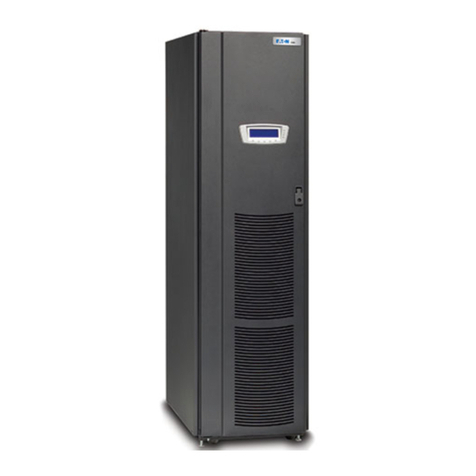
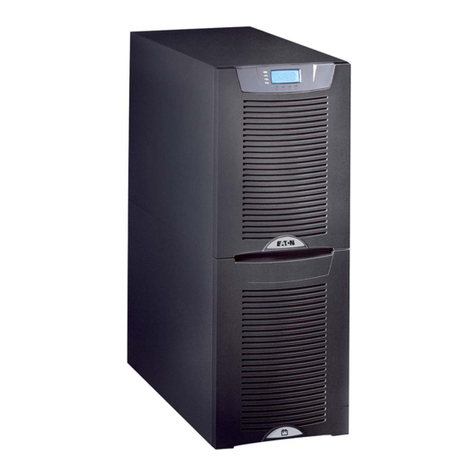
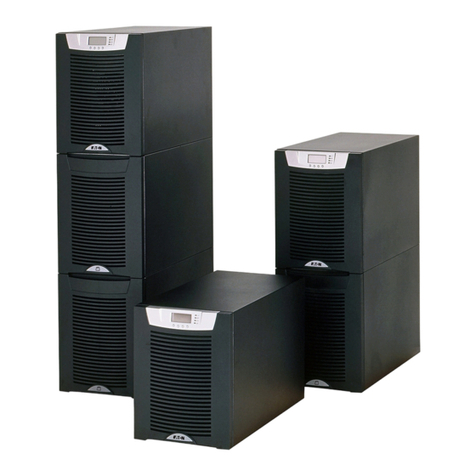
The Powerware 9170 UPS is available in four cabinet sizes. Figure 1
through Figure 6 show the 3-slot and 9-slot configurations and identify
basic Powerware 9170 system features. Six-slot and 12-slot cabinets are
also available; external battery cabinets are available in 6-, 9-, and
12-slot sizes.
Front Panel
Display
Front Cover
Bezel
Figure 1. Three-Slot Cabinet (Front View)
BestDock
Ports
Power Outlets
(optional)
Input Power
Cable (optional)
Figure 2. Three-Slot Cabinet (Rear View)
Introduction
4Powerware®9170 User's Guide LTM-1344 B Uncontrolled Copy
Front Panel
Display
Front Cover
Bezels
Cabinet Base
Figure 3. Nine-Slot Cabinet (Front View)
Introduction
5
Powerware®9170 User's Guide LTM-1344 B Uncontrolled Copy
BestDock Ports
Power Outlets
(optional)
Input Power
Cable (optional)
Figure 4. Nine-Slot Cabinet (Rear View)
Handle/Latch
Release
Insertion/Extraction
Cams
Handle
Thumbscrew
Figure 5. Power Module (ASY-0528 and ASY-0567)
Secondary Stop
Release
Latch Release
Figure 6. Battery Module (ASY-0529)
Introduction
6Powerware®9170 User's Guide LTM-1344 B Uncontrolled Copy