Note: The batteries should be replaced with two alkaline
type AAA 1,5 V batteries.
To do this proceed as follows:
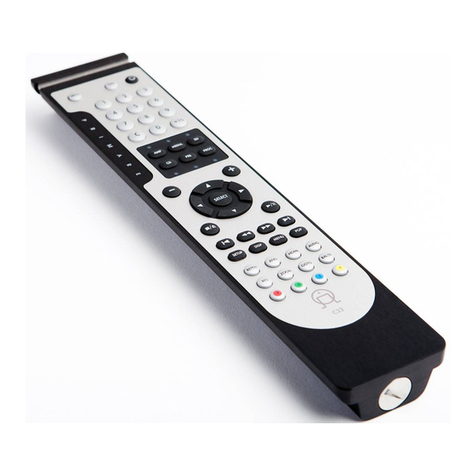
Use a coin to remove the screw cap.
Remove the batteries from the battery compartment
and replace with two alkaline type AAA
1,5 V batteries, ensure to t them with the
+pol ahead into the battery compartment.
Please be considerate to the environment when disposing
Control all Primare units
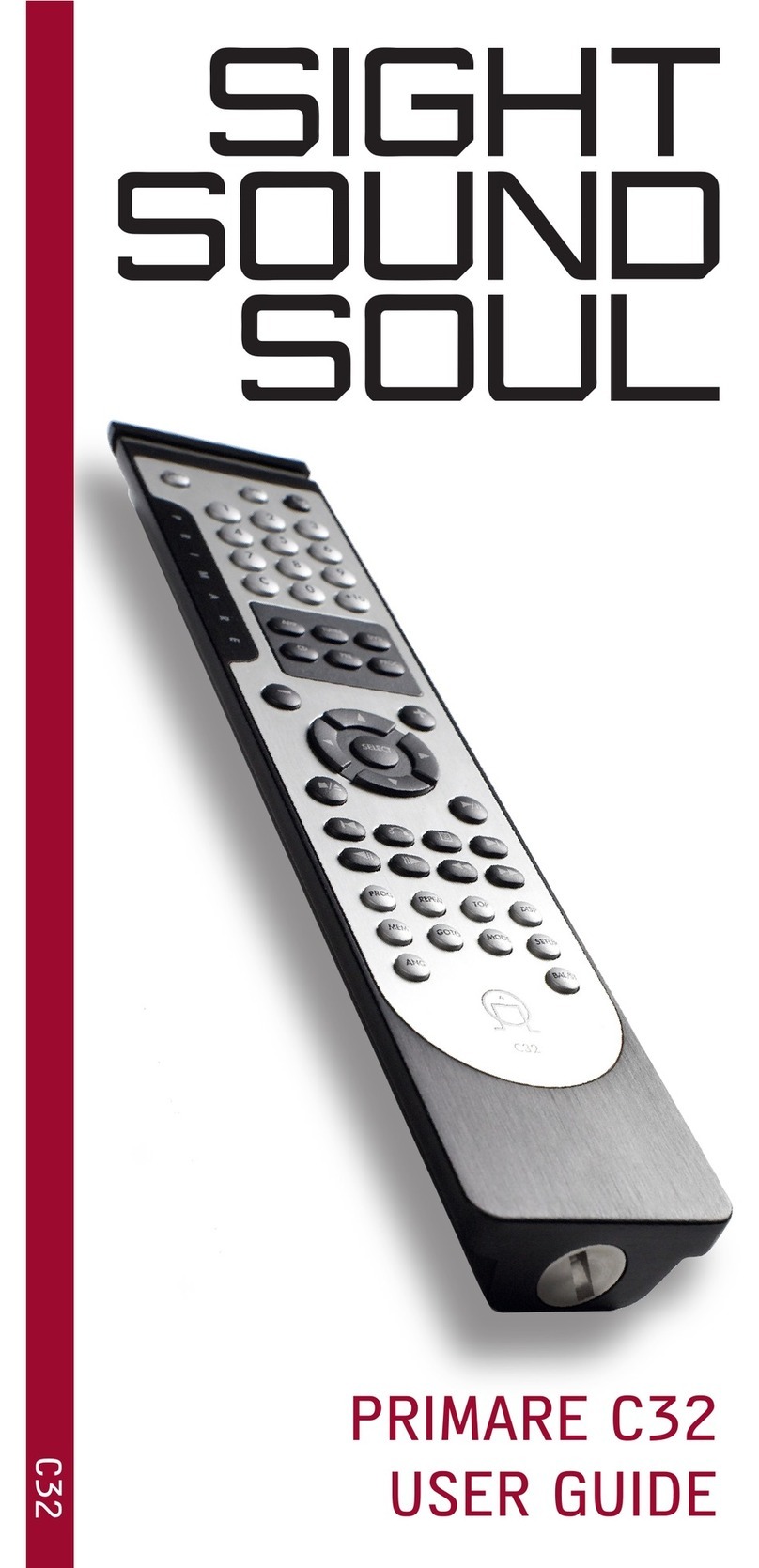
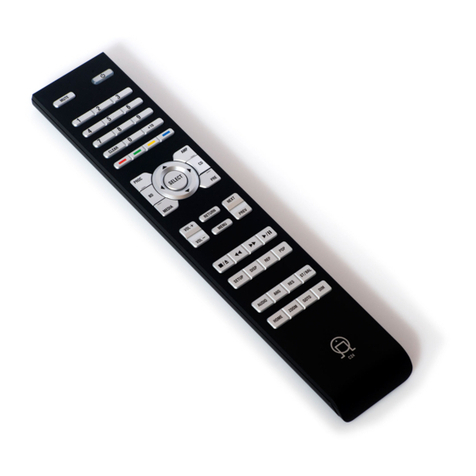
The C32 allows you to control all of your Primare units
with the same remote control. The six control buttons
T21, T22 or T30 FM Stereo Tuner
V10, V20, V25, DVD26* or DVD30*
SPA21 or SP31 Surround Processor
CD21 or CD31 Integrated CD player
I21 or I30 Integrated Ampli er
Press the appropriate control button to direct the C32 to
control the speci ed unit then press the required function
* = Set the C32 in DVD mode. (Press B)
To be able to control DVD26 or DVD 30, press G and H.
To be able to control V10, V20 and V25, press G and J.
Default settting is DVD26 / DVD30 mode.