Important Safety Notes
1. During the shredding process no other work may be performed on the machine (for example cleaning,
etc.)
2. This device automatically starts cutting once an object is detected in the shredder feed slot.
3. Keep this device out of the reach of children
4. Keep all loose articles of clothing, ties, jewelry, long hair or other loose objects away from opening as
injury may result.
5. Never insert fingers into shredder feed slot. Serious injury may result.
6. Repair must be made by Primera trained technicians only.
7. Always unplug the machine from the main power supply before opening the machine.
8. This machine is designed for shredding all types of discs, credit cards, or folded paper. Shredding any
objects other than those listed could damage the mechanism
Warning: Changes or modifications to this unit not expressly approved by the party responsible for com-
pliance could void the users’s authority to operate the equipment.
Installation & Operation
- unpack and set machine upright
- remove all packing styrofoam
- check the shredder output basket for contents and push them back in place
- plug the power cord into any standard AC outlet
- press the „power“ button. A green light indicated the shredder is ready for operation
- insert a disc into the shredder feed slot, the shredding process will start automatically and stop when its
completed.
- Never insert more than one disc as overloading causes jam. The mechanism will reverse automatically for
two seconds.
- do not allow the shredder basket to become overfilled as damage to the cutting mechanism can result.
- do not touch the „FWD/REV“ button while the machine is under normal operation.
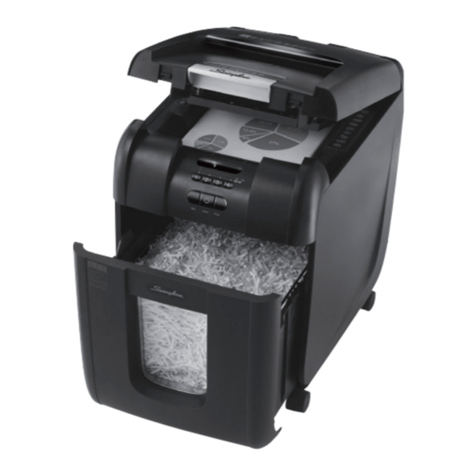
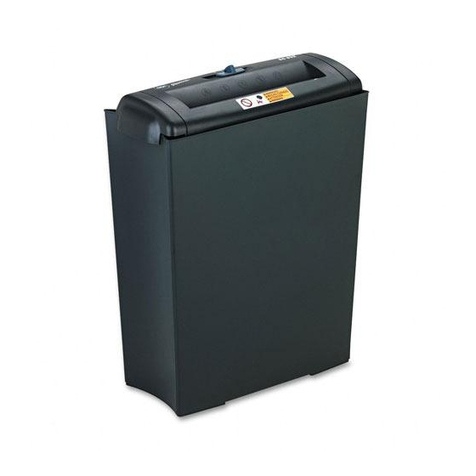
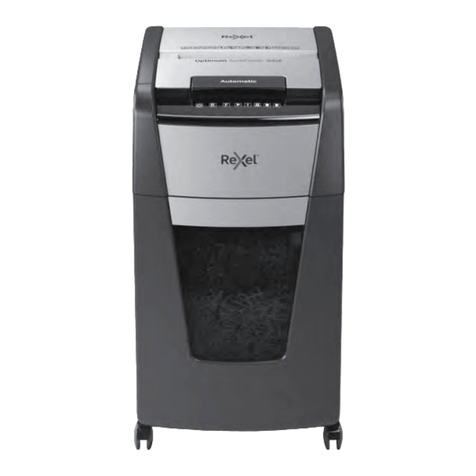
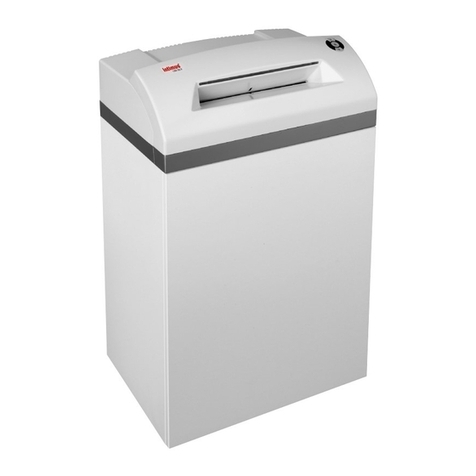
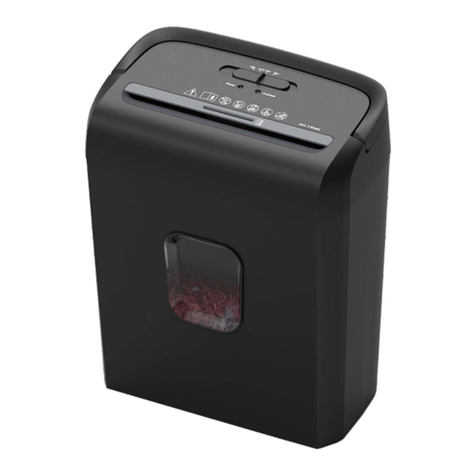
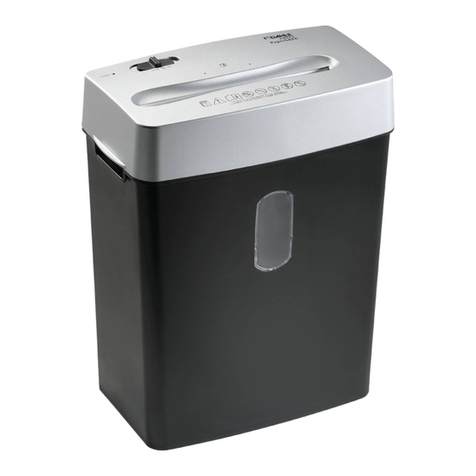
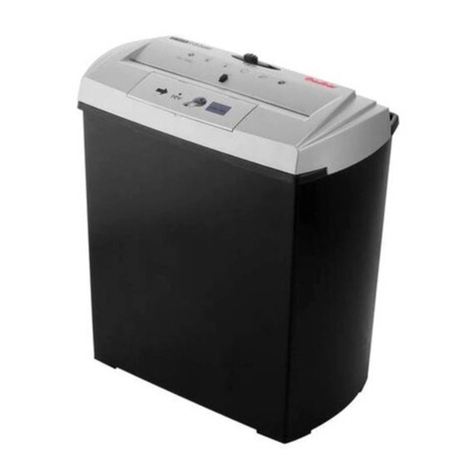
A. Top housing
B. Shredder feed slot
C. Power button
D. FWD/REV button
E. Outer housing
F. Shredder output basket
Media jam in machine
If too much material is fed into the shredder it will cause a jam. The mechanism will reverse automatic for two
seconds. Remove the partially shredded material from the slot and attempt to feed smaller pieces in.
Motor protection
The power LED will turn RED if the shredder motor becomes too hot after continuous use for a long time.
Should this happen, turn off the power button and wait at least 45 minutes to cool down and reset the over-
load protection device.
Specifications
shred type: cross cut
shred size: 4mm x 32mm
shredding capacity: either 1 CD or DVD disc,
1 credit card or
up to 5 sheets of folded paper
(80gr/qm) at one time.
feed opening: 1,8mm x 130mm
dimension: 244mm x 190mm x 266mm (WxDxH)
weight: 6,3 Kilos
input: 220-230 VAC, 2A 50 Hz
Operators
Manual
Mainzer Strasse 131
D - 65187 Wiesbaden (Germany)
Fon: +49 (0) 611 - 92777-0
Fax: +49 (0) 611 - 92777-50
Internet: www.primeraeurope.de