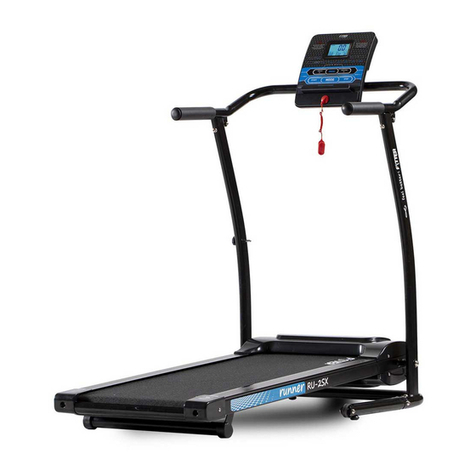
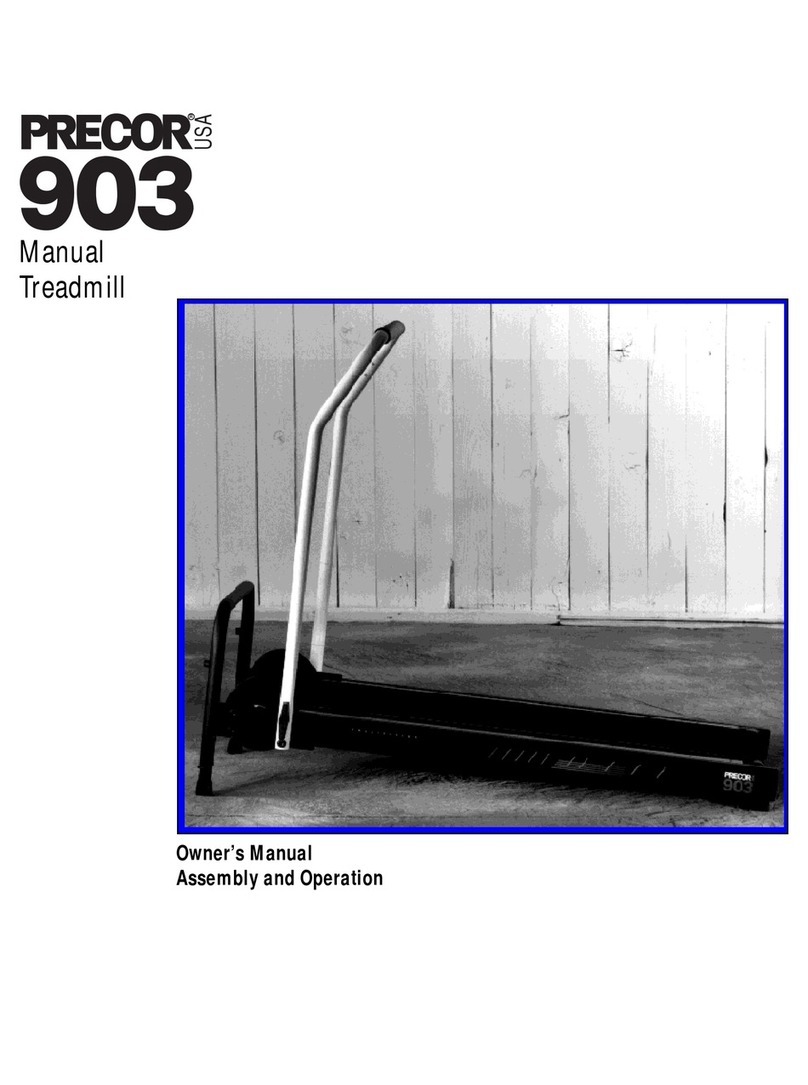
DIAGRAM O_ THE CONSOLE
Battery Cover-_ _" [,'! ....
MotJv_JonaJ _"le,_ Monitor _ _
Power Switch_-
Speed Control Knob
••mee
Yourtreadmillfeatures
adjustableincline,controlled
:with theinclineknobon the
J rightfootrail.See CHANG-
INGTHE INCLINE on page8.
The CROSS WALK features the innovativeACCUS-
MART console, designed to help you get the most
from your workouts. Please read the instructions
below before operating the console. Note: If there Is
athin sheet of clear plastic on the face of the con-
sole, remove It before operating the console.
HOW TO TURN ON THE POWER
Make sure that the power cord is properlyplugged in.
(See HOWTO PLUG IN THE POWER CORD on
page 6.)
Next, step onto the foot rails of the CROSS WALK and
hold the upper body arms. (See HOW TO OPERATE
THE UPPER BODY ARMS on page 8.) Locata the clip
attached by a cord to the key. Slide the cliponto your
waistband.
Insert the key into the power switch. The fourdisplays
of the motivational fitness monitorwill not appear until
the ON/CLEAR button is pressed or the walking belt
begins to move. (See CONTROLLING THE SPEED
OF THE WALKING BELT on this page.) Note: If bat-
teries were just installed, the four displayswillappear
already: .... ............ _ '
CONTROLLING THE SPEED OF THEWALKING BELT
The walking belt will be motionless each time the
power is turned on. To start the walking belt, first turn
thespeed control knob to the "RESET" position. Next,
turnthe knob slowly clockwise untilthe walking belt
begins to move at slow speed.
Step carefully onto the walking belt and begin exercis-
ing. Change the speed of the walking belt as desired
by turningthe speed control knob. To stop the walking
belt, turn the knob to the "RESET" position.
THE MOTIVATIONAL RTNESS MONITOR
The four displays of the motivational fitness monitor
provideinstant exercise feedback. The displays are
described below, Note: The displays can be reset by
pressingthe ON/CLEAR button.
•TIME--This display shows the elapsed time. Note:
When the walking belt is stopped, the TIME display
willpause after a few seconds.
•CALORIE--This display shows the approximate
number of nutritional-Caloriesthat you have bumed.
•SPEED--This display shows the speed of the walk-
ingbelt, in miles per hour.
•DISTANCE--This display shows the total distance
that you have walked or run, in miles.
Note: Ifthe walking belt is stopped for about rive min-
utes, the four displays will be reset and will darken,
although the power will remain on. The displays will
appear again when the ON/CLEAR button _pressed,
or the walking belt Is restarted. ...... 7