manuals.online logo
Brands
  1. Home
  2. •
  3. Brands
  4. •
  5. Pyle
  6. •
  7. Recording Equipment
  8. •
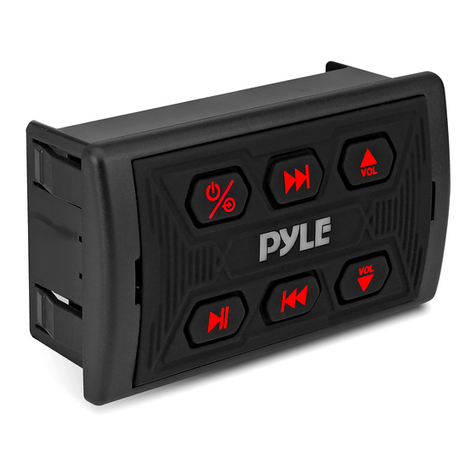
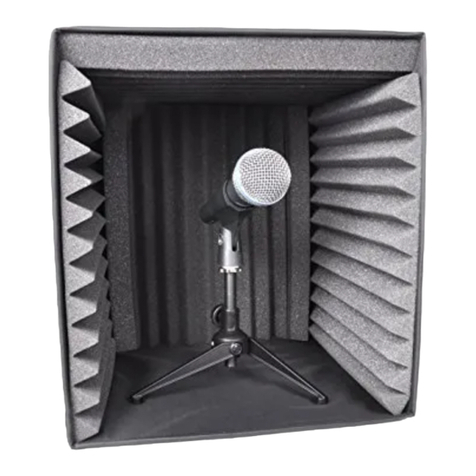
  9. Pyle PSMRSO9 User manual

Pyle PSMRSO9 User manual

Other Pyle Recording Equipment manuals

Pyle PSS8 User manual

Pyle

Pyle PSS8 User manual

Pyle PS1000 User manual

Pyle

Pyle PS1000 User manual

Pyle PSS6 User manual

Pyle

Pyle PSS6 User manual

Pyle PMXU43BT User manual

Pyle

Pyle PMXU43BT User manual

Pyle PVRCM500 User manual

Pyle

Pyle PVRCM500 User manual

Pyle PSIP24 User manual

Pyle

Pyle PSIP24 User manual

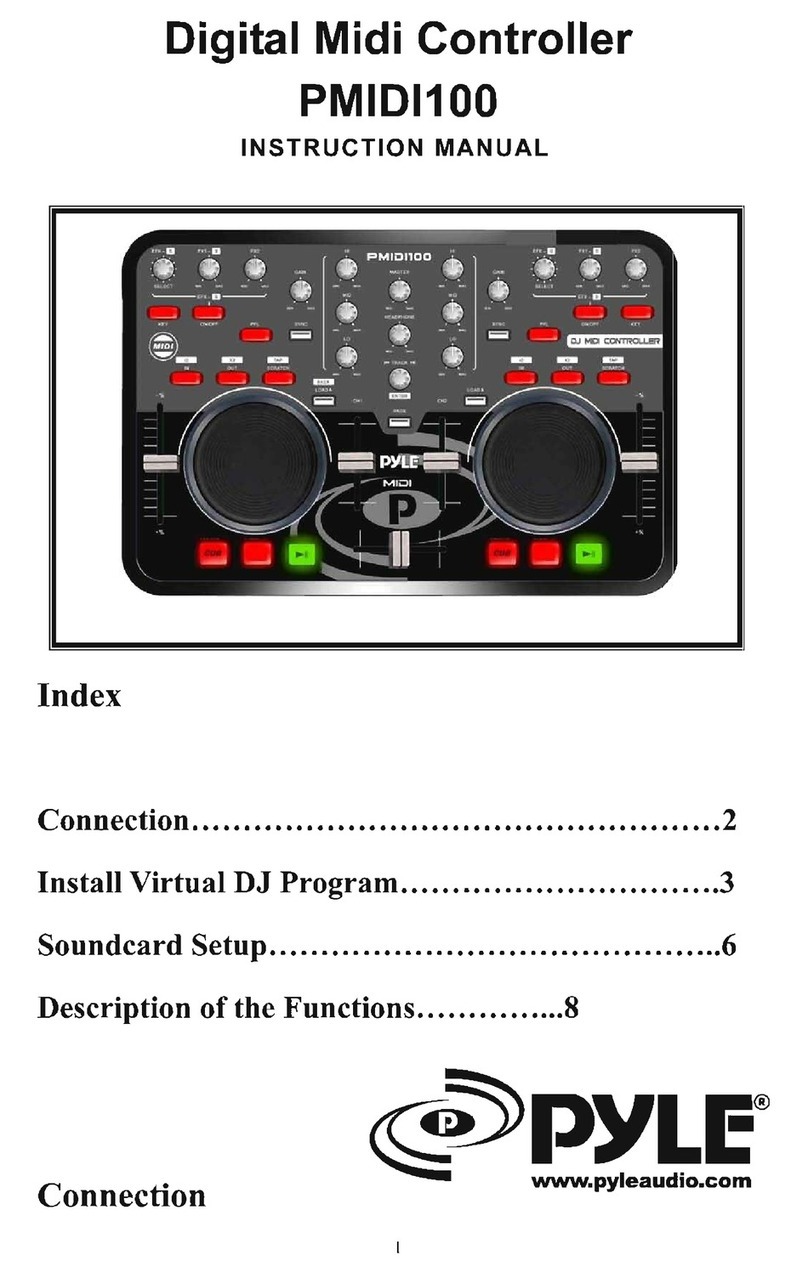
Pyle PMIDI100 User manual

Pyle

Pyle PMIDI100 User manual

Pyle Power sports PLMRBT18 User manual

Pyle

Pyle Power sports PLMRBT18 User manual

Pyle PowerSports PLMRBTSQ1 User manual

Pyle

Pyle PowerSports PLMRBTSQ1 User manual

Pyle PSIB27X2 User manual

Pyle

Pyle PSIB27X2 User manual

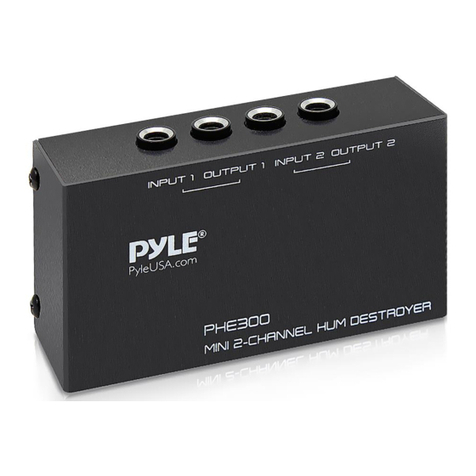
Pyle PHE300 User manual

Pyle

Pyle PHE300 User manual

Pyle PVRC52 User manual

Pyle

Pyle PVRC52 User manual

Pyle PPVERB16 User manual

Pyle

Pyle PPVERB16 User manual

Popular Recording Equipment manuals by other brands

ThermoFisher Scientific Dionex DRS 600 Installation checklist

ThermoFisher Scientific

ThermoFisher Scientific Dionex DRS 600 Installation checklist

Shure ANIUSB-Matrix user guide

Shure

Shure ANIUSB-Matrix user guide

Nady Audio HE-1 user guide

Nady Audio

Nady Audio HE-1 user guide

AUDAC APM 01 User manual & installation guide

AUDAC

AUDAC APM 01 User manual & installation guide

Teac GF-350 owner's manual

Teac

Teac GF-350 owner's manual

Fractal Audio MFC-101 MARK III owner's manual

Fractal Audio

Fractal Audio MFC-101 MARK III owner's manual

bmcm USB-OI16 manual

bmcm

bmcm USB-OI16 manual

HHB BurnIT CDR-830 Service manual

HHB

HHB BurnIT CDR-830 Service manual

GE VersaMax IC200CPUE05 manual

GE

GE VersaMax IC200CPUE05 manual

IntesisBox MH-RC-MBS-1 user manual

IntesisBox

IntesisBox MH-RC-MBS-1 user manual

Attero Tech unD4l user manual

Attero Tech

Attero Tech unD4l user manual

Sennheiser UI 765 instruction manual

Sennheiser

Sennheiser UI 765 instruction manual

Sony RCD-W1 Operating Instructions  (primary... Service manual

Sony

Sony RCD-W1 Operating Instructions (primary... Service manual

Roland Planet-P  MKS-10 owner's manual

Roland

Roland Planet-P MKS-10 owner's manual

Roland BOSS GT-PRO Turbostart

Roland

Roland BOSS GT-PRO Turbostart

8x8 Inc Valcom V-2001A manual

8x8 Inc

8x8 Inc Valcom V-2001A manual

Waves SUB Align user guide

Waves

Waves SUB Align user guide

Mitsubishi Electric MAC-334IF-E installation manual

Mitsubishi Electric

Mitsubishi Electric MAC-334IF-E installation manual

manuals.online logo
manuals.online logoBrands
  • About & Mission
  • Contact us
  • Privacy Policy
  • Terms and Conditions

Copyright 2025 Manuals.Online. All Rights Reserved.

1
www.PyleUSA.com
2
www.PyleUSA.com
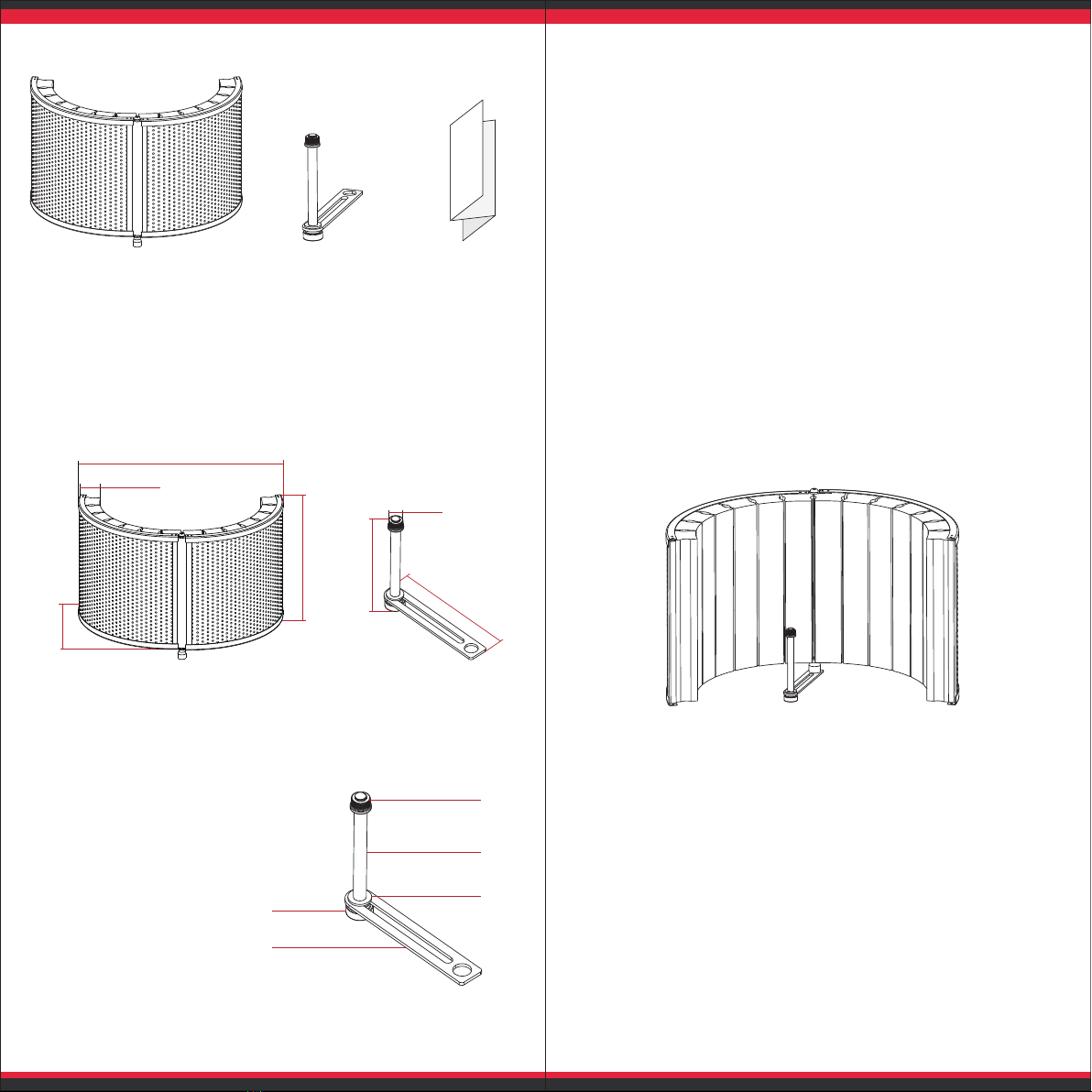
PACKING LIST
INTRODUCTION
The Mini Portable Vocal Recording Booth ensures
your recordings are clean, controlled, and noise-
free, helping to solve the problem of unappealing
room acoustics that impact your recordings.
BASIC ASSEMBLY INSTRUCTIONS
Your Mini Portable Vocal Recording Booth
includes the following hardware:
A : Microphone Adapter
B: Microphone Post
C: Washer
D: Microphone Post
Thumbscrew
E: Microphone / Booth
Connecting Plate
Assemble the hardware as shown. Attach the
Microphone / Booth connecting plate to the
bottom of the Mini Portable Vocal Recording
Booth. Once attached to the bottom of the Mini
Portable Vocal Recording Booth, you can mount
the Mini Portable Vocal Recording Booth to any
conventional microphone stand by screwing it on
to the top mounting pin found on most stands.
RECORDING TIPS
Select a microphone that has a cardioid pickup
pattern. Compared with an omnidirectional
microphone used at the same distance, a cardioid
microphone will be more sensitive to the direct
sound from the vocalist or other source, and less
sensitive to reected sound arriving at the sides
and rear of the microphone. Selecting a large-
diaphragm cardioid capacitor microphone is the
most common choice for vocal recordings.
Additional measures to improve your audio
recordings can include hanging a broadband
absorber behind the vocalist to trap reections that
might other wise bounce o the rear wall and into
the sensitive front side of the microphone. Using a
Pop Filter will also block explosive consonants
and excessive sibilance at the source. Finally, the
position of the mic in relation to the screen can
make a dierence in your recordings. Moving the
mic further into the screen area should increase
the attenuation of room reections.
You're ready to start recording!
USER
MANU AL
Vocal Recording Booth Microphone Mount User Manual
310mm
mi n230mm-ma x500mm
60mm
min300mm-max380mm
133mm
5/8"
150mm
A
B
C
D
E