HF-90 Operation & Installation Guide
Programming of channel settings
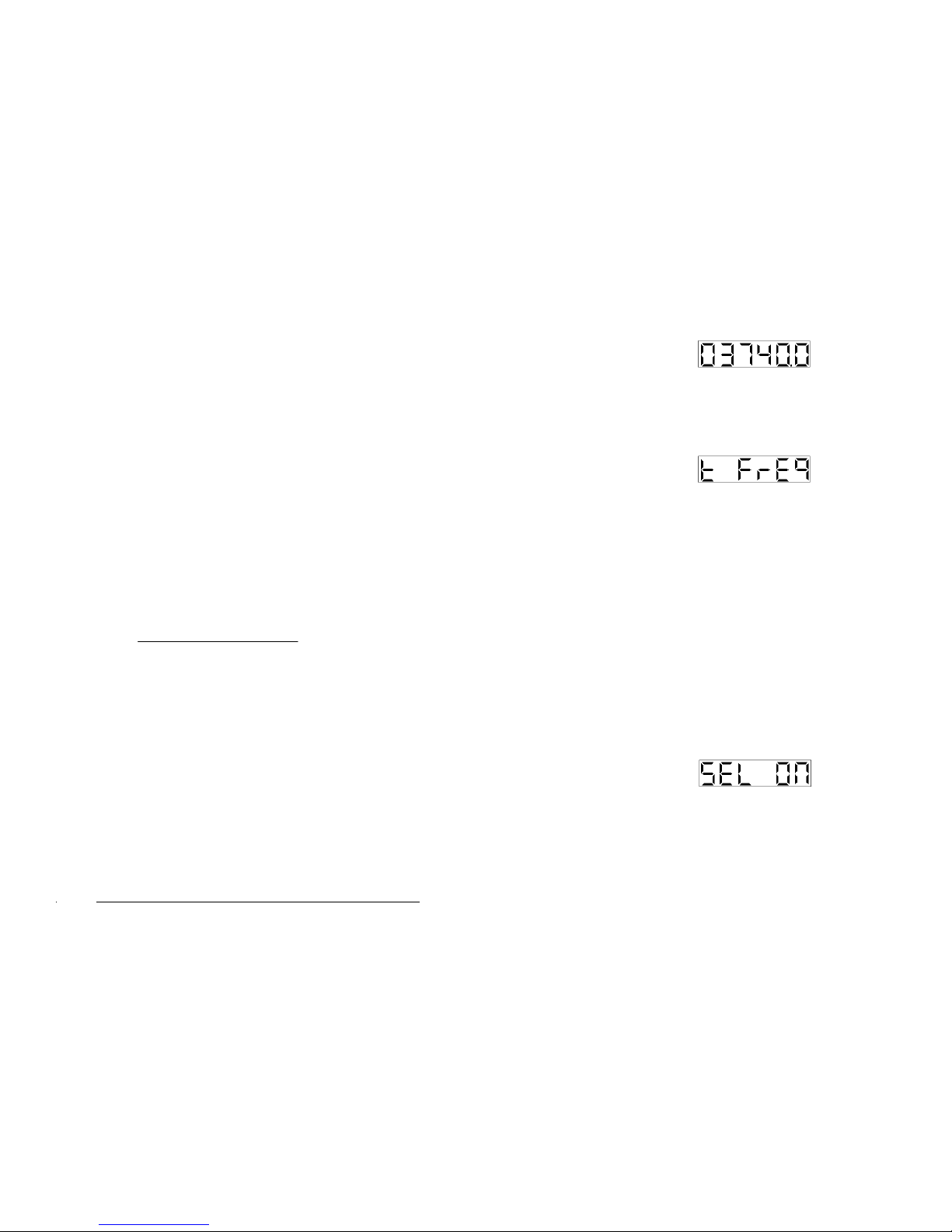
To enter channel settings press down the STAR (*) key on
your DTMF keypad. Your display will appear as follows:-
This display shows that you have entered
into channel settings.
First select the channel number you wish to program using
the CHAN keys on the front panel of the HF-90 (you have a
choice of Channel 1 - 255) and then press the STAR (*) key
on the DTMF keypad to save and proceed. Your display
will appear as follows:-
This display shows that you are ready to
view/edit the receive frequency.
The display above will disappear as soon as you release the
STAR (*) key. At this point the display will show your
current receive frequency (in kHz). Note that if no receive
frequency has been programmed into the selected channel,
your display will appear as follows:-
This display shows that the channel selected
has not been pre-programmed.
At this point, enter the new six digit frequency using the
numeric keys on your DTMF keypad and then press the
STAR (*) key to save. The frequency entered must
comprise six digits (down to 100Hz). For example:-
66
Addendum 1.3
2 . U N D E R S T A N D I N G H F / S S B
What is HF/SSB?
HF (High Frequency) is the section of the radio spectrum
between 1.6 and 30 MHz. SSB (Single Sideband) is a form
of radio modulation. HF/SSB combines the characteristics
of HF frequencies with SSB modulation to provide very
efficient, flexible and inexpensive communications.
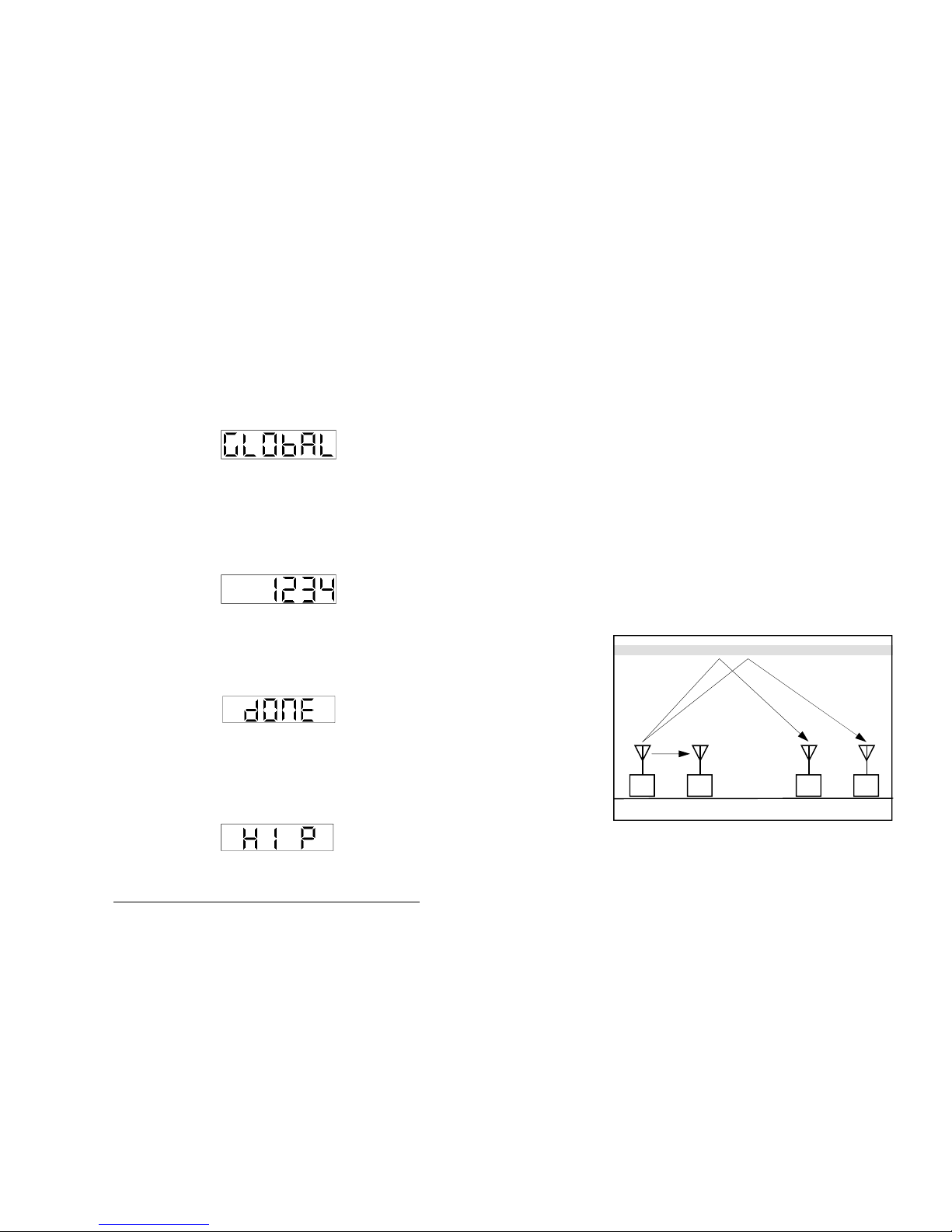
HF/SSB will enable short, medium and long range
communications over flat, hilly or mountainous terrain -
without the need for expensive re-transmission devices, such
as the repeaters used in VHF (Very High Frequency)
communications. Also, unlike satellite communications,
there is no dependence on a service provider with all the
associated ongoing costs.
In many remote areas around the globe, and in certain
conditions, HF/SSB is the only form of communication
possible.
3
Section 2.1