9
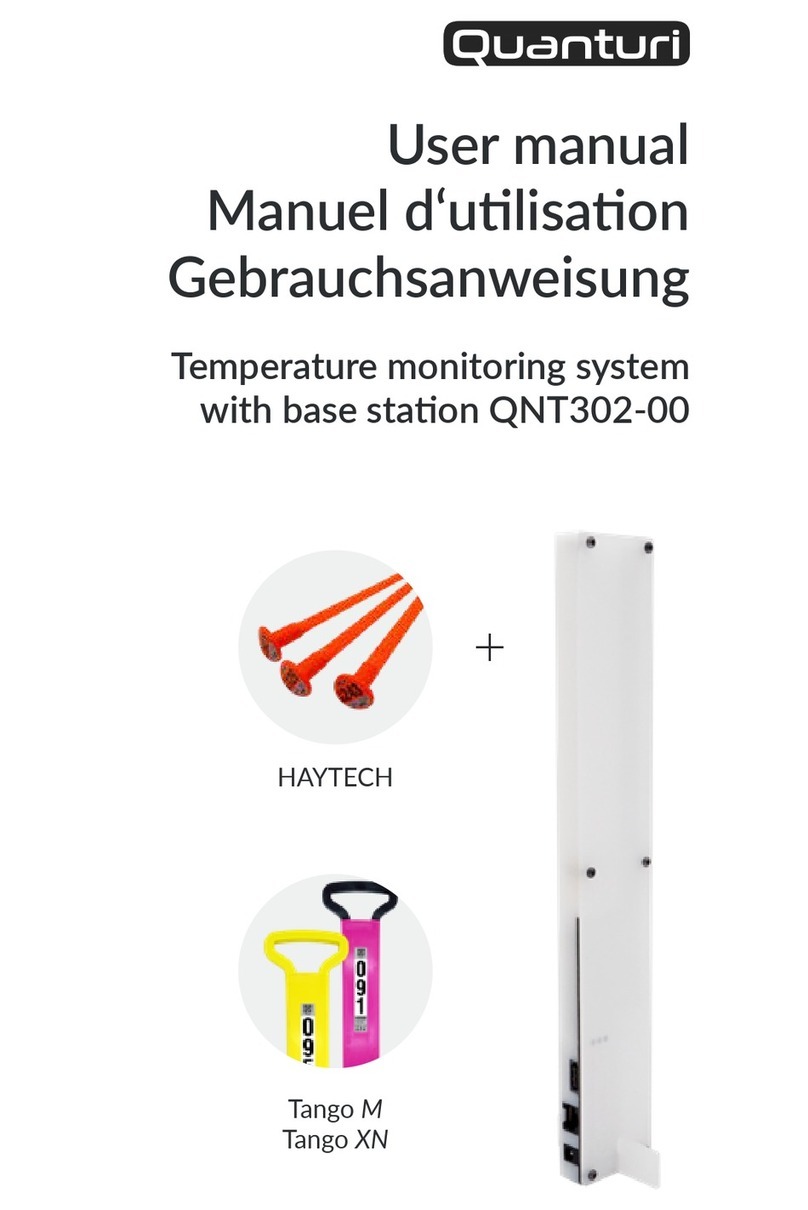
If one of your probes is not sending data:
1 Check that you have connected the baeries of the probes
properly. (HAYTECH probes only)
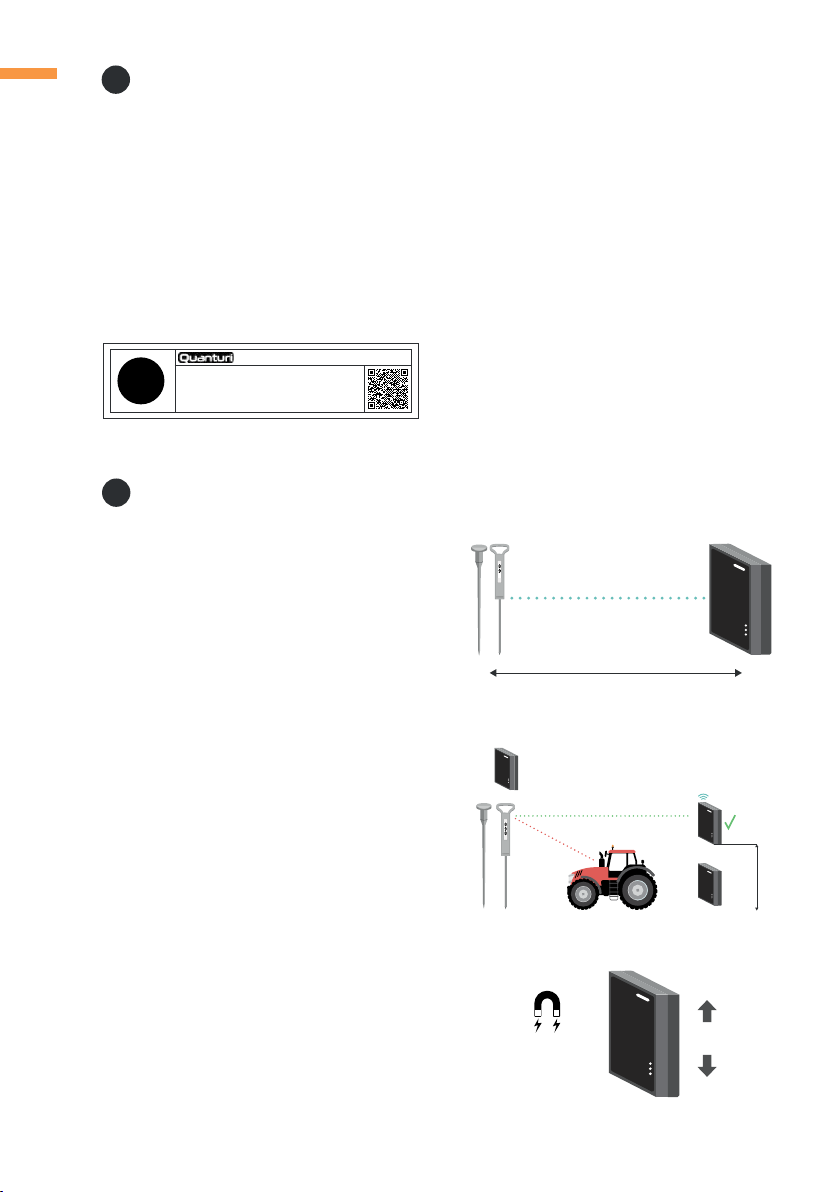
2 If you have a repeater, place the probe closer to the repeater and
wait for 2-3h.
A) If you receive some data, it means that your probe is too far
from the repeater. Move it closer.
3 If you don't have a repeater, move the probe closer to the base
staon and wait for 2-3h.
A) If you receive some data, it means that your probe is too far
from the base staon. Move it closer.
2 Check that you have connected the baeries of the probes
properly. (HAYTECH probes only)
3 Check that the base staon is connected to the internet (the green
NETWORK indicator should be on).
4 Check that the base staon is within the specied range from the
probes. (This also applies to the repeater, if installed.)
5 To check if the probes are working, move some of them closer to
the base staon and wait for 2-3h.
A) If you receive some data, it means that your base staon is
too far away from the other probes in the storage.
6 If you have a repeater, place some of the probes closer to the
repeater and wait for 2-3h.
A) If you receive some data, it means that your repeater is too
far away from the other probes in the storage. Move it closer
to the probes in the storage.
B) If you don't receive any data, it means that your repeater is
too far away from the base staon. Move it closer.
7 If you sll don't receive any data at this point, contact us at