SET THE CLOCK AND PROGRAMMING AUTOMATIC START-UP
(only fit for making drip coffee)
The appliance has a presetting function, after preparing:
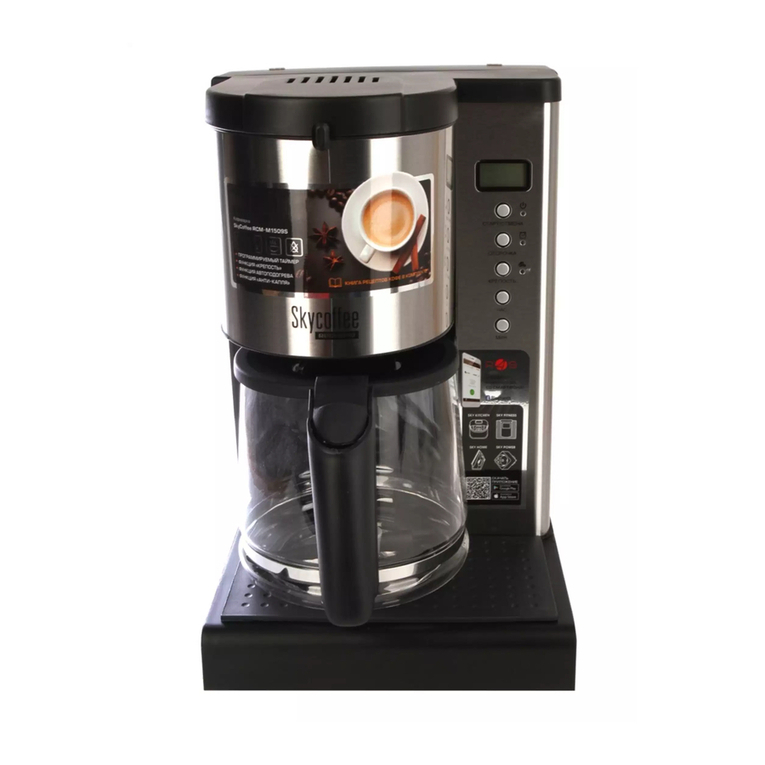
1.Press PROG to set the current time and appointment time.
2.When you press PROG once, CLOCK appears on the display
screen. Turn the knob to set the current time, the time range
is from 01:00 to 12:59. When the number that represent hour
on the display screen starts flashing, you can start turning the
knob to set the hour, clockwise and counterclockwise both
rotation can be set. After setting the hour time, after stopping
turning the knob for 3 seconds, when the number that repre-
sent minute on the display screen starts flashing, you can
start turning the knob to set the minute, clockwise and coun-
terclockwise both rotation can be set. Exit the setting state
after stopping the operation for 5 seconds.
(NOTE: The time cycle is 24 hours;“AM”and “PM”will switch
once every 12 hours.)
3.When you press PROG twice, TIMER appears on the display
screen. Turn the knob to set the appointment time, the time
range is from 01:00 to 12:59. When the number that represent
hour on the display screen starts flashing, you can start
turning the knob to set the hour, clockwise and counterclock-
wise both rotation can be set. After setting the hour time,
after stopping turning the knob for 3 seconds, when the
number that represent minute on the display screen starts
flashing, you can start turning the knob to set the minute,
clockwise and counterclockwise both rotation can be set.
Press the PROG button again to enter the reservation status.