Reservation Mode
Before Use
2.Under the condition of coffee-brewing or warm-keeping status,
press “ON/OFF”button to return to standby status.
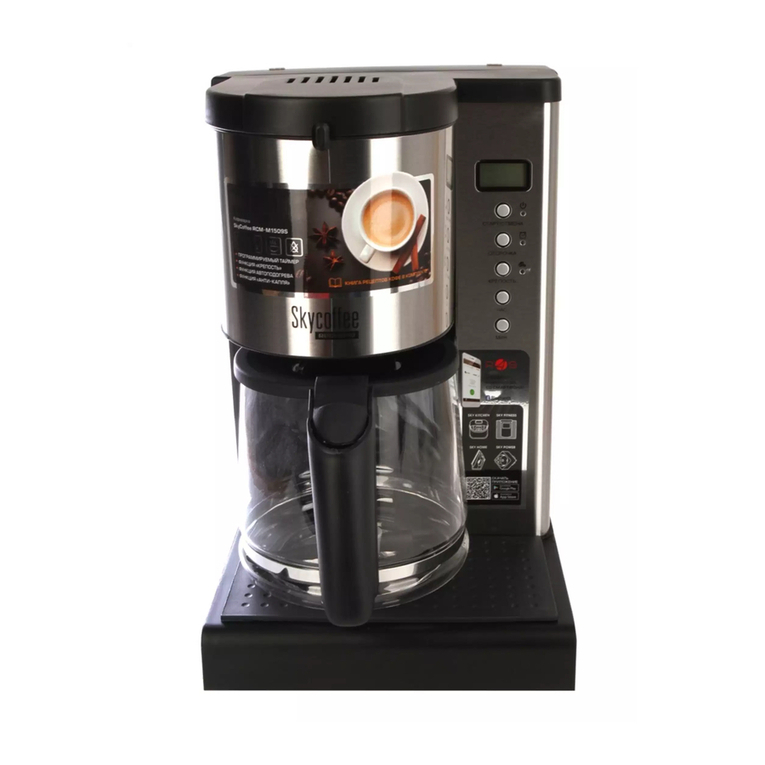
1. The interval of time setting is 12 hours, select “AM” and “PM”to
distinguish morning and afternoon (12: 00 AM indicates 00: 00
mid-night, and 12: 00 PM indicates 12: 00 noon )
2. After concentration is set, press "PROG" button and the sign
“CLOCK” is on. It is now able to set the Present Time. The time unit
will flash sequentially according to “hour”→“minute”→“AM/PM”.
The flashing part is editable.Turn the knob to set
“hour”→“minute”→“AM/PM” accordingly.
After 3 seconds since the turning, the system will automatically
skip to the next editable time unit.
3. After the setting of the present time, press PROG button and the
sign “TIMER” is on. It is able to set Reservation Time now.
4. After the setting of reservation time, press PROG button and the
blue light “ ” is on, entering into reservation and standby status.
After the setting of reservation time is finished, if there is no opera-
tion, the system will automatically enter into reservation and stand-
by status.
5. After entering into reservation and standby status, press PROG
button again to cancel it.
1. To ensure the good taste of the first brew, preheat the coffee maker
in advance. Add water into the water tank to its half, turn on the
coffee
maker, clean all the inner parts once, and repeat 2 to 3 times.
2.Add coffee powder according to the standard. It is recommended
to add one spoon of coffee powder for one cup.
3.To avoid overflow, do not add water over the maximum scale of the
water tank. 3