manuals.online logo
Brands
  1. Home
  2. •
  3. Brands
  4. •
  5. Reliance Foundry
  6. •
  7. Control System
  8. •
  9. Reliance Foundry R-7651-EM User manual

Reliance Foundry R-7651-EM User manual

Other Reliance Foundry Control System manuals

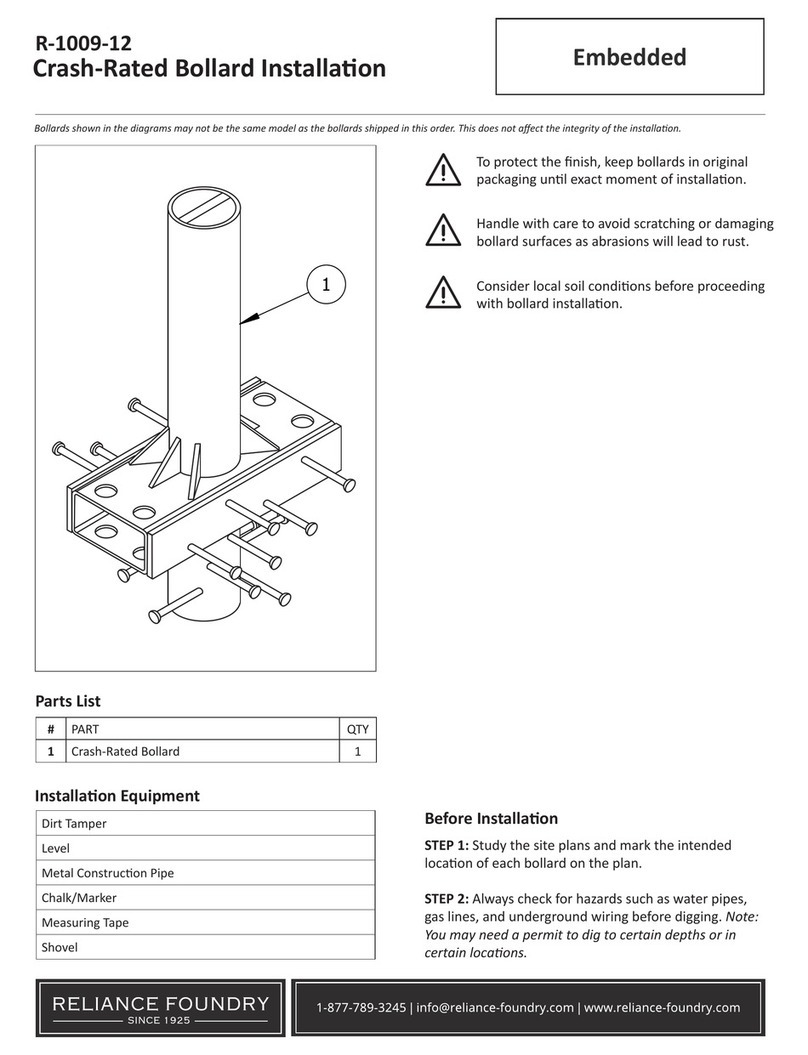
Reliance Foundry R-1009-12 User manual

Reliance Foundry

Reliance Foundry R-1009-12 User manual

Reliance Foundry Collapsible Bollard User manual

Reliance Foundry

Reliance Foundry Collapsible Bollard User manual

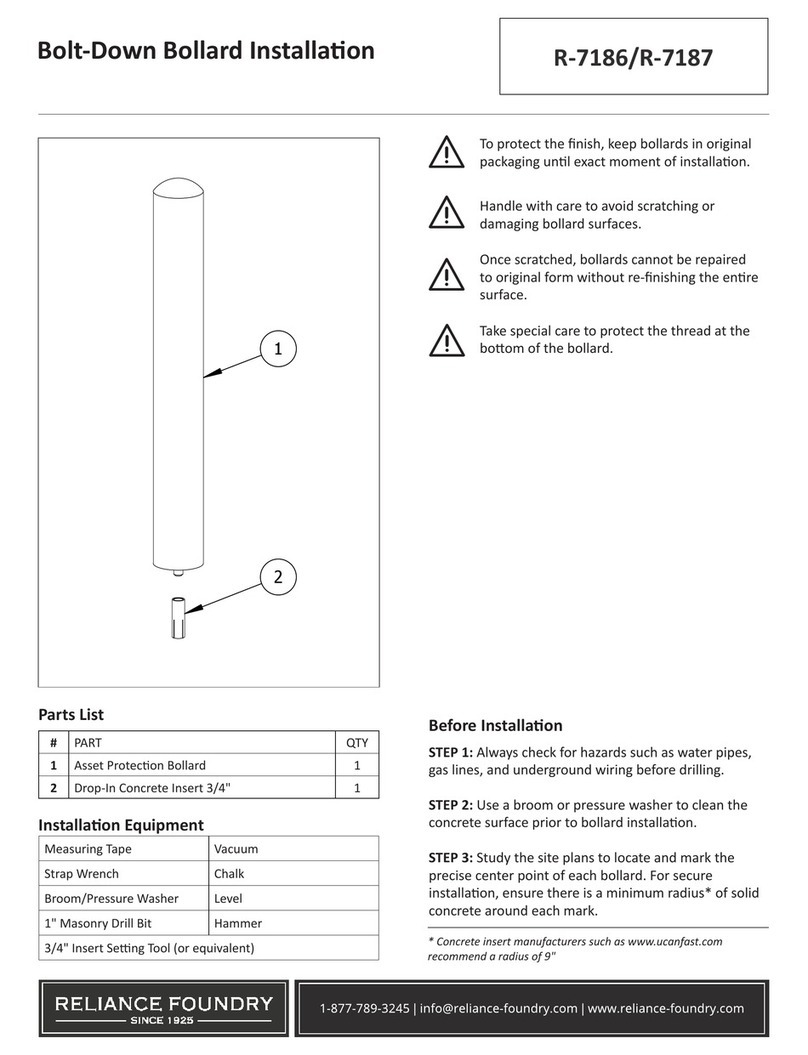
Reliance Foundry R-7186 User manual

Reliance Foundry

Reliance Foundry R-7186 User manual

Popular Control System manuals by other brands

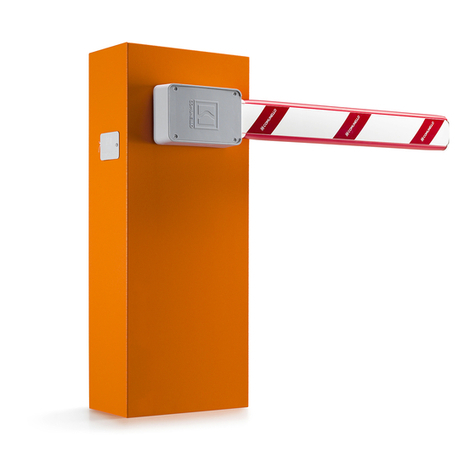
Comunello BORDER 400 Installation and user manual

Comunello

Comunello BORDER 400 Installation and user manual

Verlinde EUROBLOC Variator VTN Service manual

Verlinde

Verlinde EUROBLOC Variator VTN Service manual

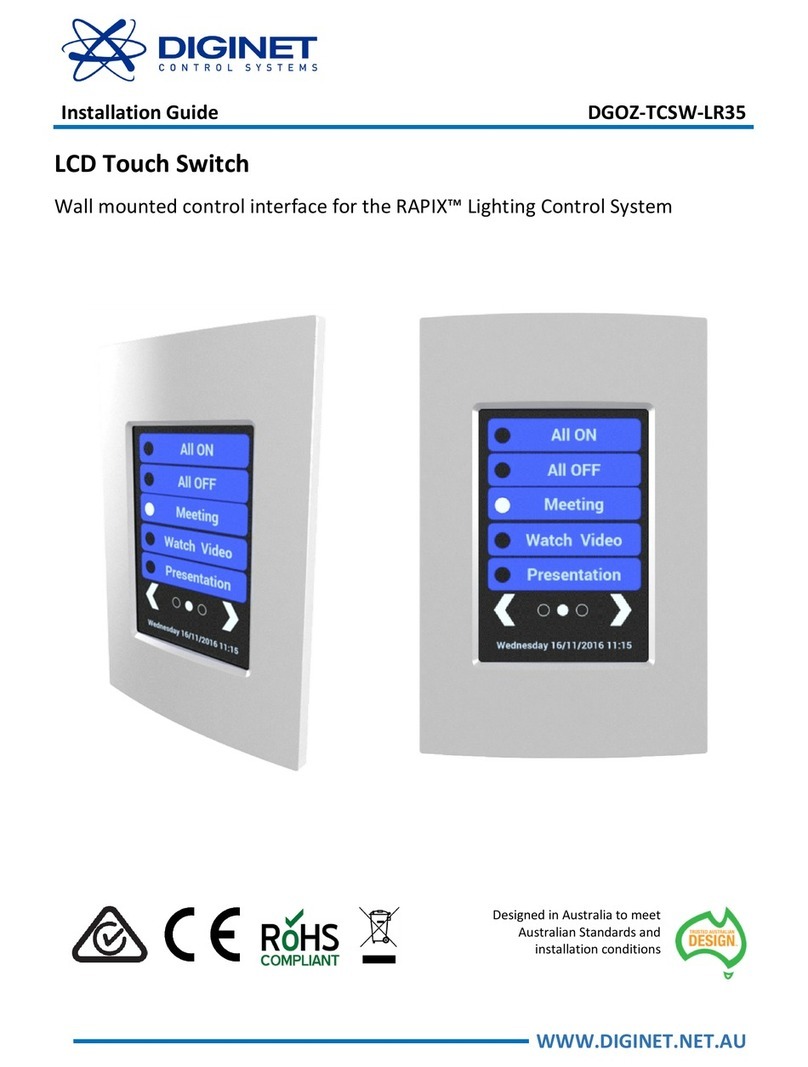
Diginet DGOZ-TCSW-LR35 installation guide

Diginet

Diginet DGOZ-TCSW-LR35 installation guide

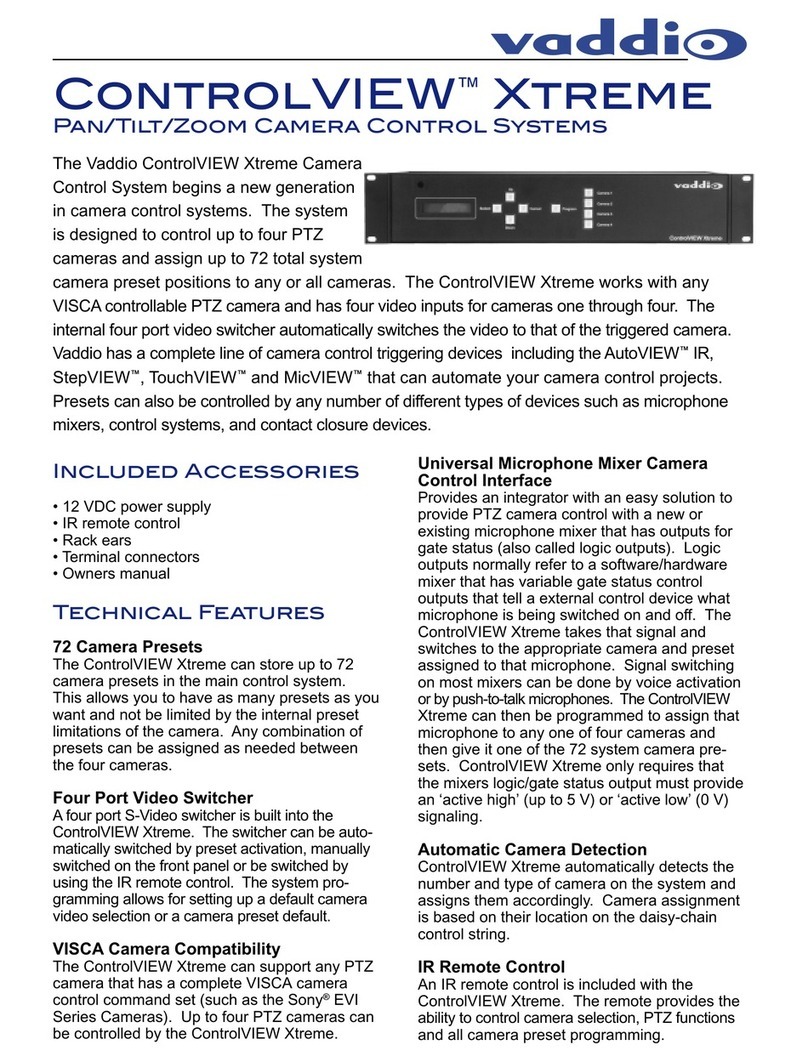
VADDIO ControlVIEW Xtreme manual

VADDIO

VADDIO ControlVIEW Xtreme manual

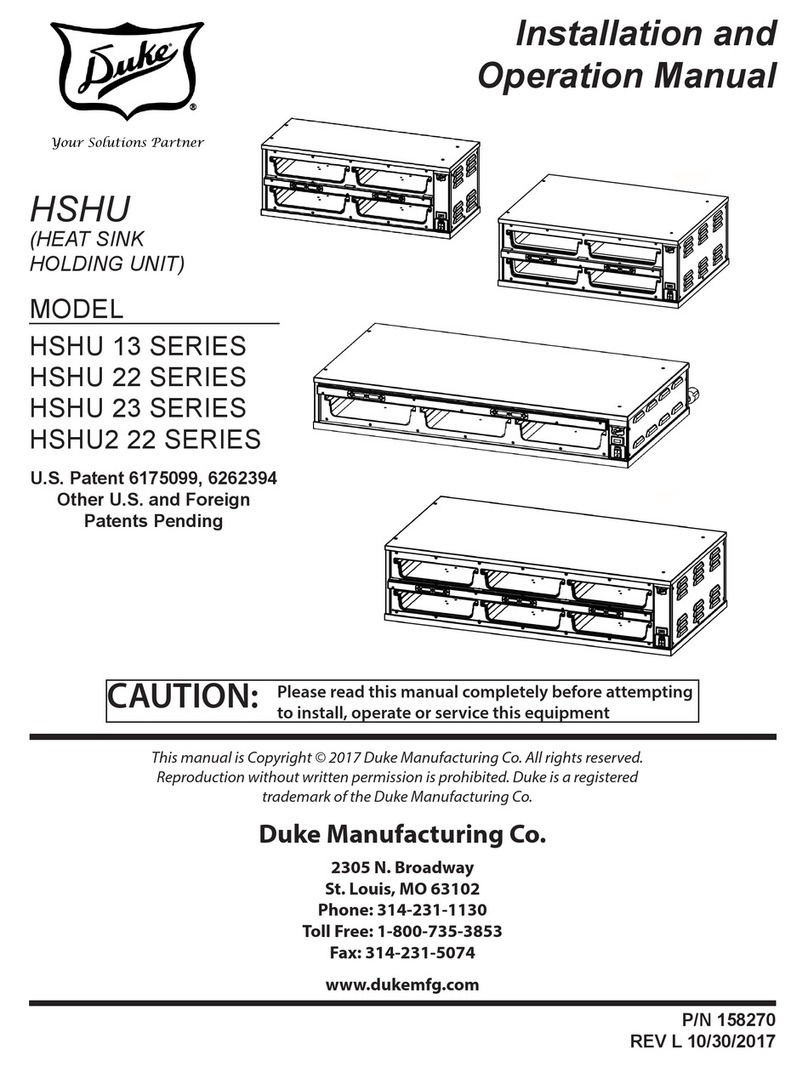
Duke HSHU 13 SERIES Installation and operation manual

Duke

Duke HSHU 13 SERIES Installation and operation manual

AIRTRONICS Blazer Sport manual

AIRTRONICS

AIRTRONICS Blazer Sport manual

Pentair Pool Products Compool Installation and user guide

Pentair Pool Products

Pentair Pool Products Compool Installation and user guide

ComfortNET CTK04 manual

ComfortNET

ComfortNET CTK04 manual

CAME G3000 installation manual

CAME

CAME G3000 installation manual

Idemia MorphoAccess VP MD installation guide

Idemia

Idemia MorphoAccess VP MD installation guide

Doosan DVF Series Operation user's manual

Doosan

Doosan DVF Series Operation user's manual

Axis P1445-LE-3 user manual

Axis

Axis P1445-LE-3 user manual

CNC-Step High-Z T-Series operating instructions

CNC-Step

CNC-Step High-Z T-Series operating instructions

Honeywell KAP 140 Maintenance manual

Honeywell

Honeywell KAP 140 Maintenance manual

Honeywell vk41 series Handbook

Honeywell

Honeywell vk41 series Handbook

Cypress HHR-3160 product manual

Cypress

Cypress HHR-3160 product manual

Zonex GEN II -VVT Installation and application manual

Zonex

Zonex GEN II -VVT Installation and application manual

Altronics K 9650 quick start guide

Altronics

Altronics K 9650 quick start guide

manuals.online logo
manuals.online logoBrands
  • About & Mission
  • Contact us
  • Privacy Policy
  • Terms and Conditions

Copyright 2025 Manuals.Online. All Rights Reserved.

1-877-789-3245 | info@reliance-foundry.com | www.reliance-foundry.com
Martello Bollard Installaon Embedded Mounng
Parts List
Installaon Equipment
#PART QTY
1Bollard Body 1
2Bollard Cover with Reecve Strip 1
3Concrete Anchor 2
Measuring Tape Chalk/Marker
Auger Level
Dirt Tamper Shovel
To protect the nish, keep bollards in original
packaging unl exact moment of installaon.
Handle with care to avoid scratching or
damaging bollard surfaces.
Once scratched, bollards cannot be repaired
to original form without re-nishing the enre
surface.
Consider local soil condions before proceeding
with bollard installaon.
Before Installaon
STEP 1: Always check for hazards such as water pipes,
gas lines, and underground wiring before digging.
STEP 2: Study the site plans and mark the precise center
point of each bollard.
STEP 3: Please consult your local Building Code
Department to determine the recommended depth
below the frost line for digging in your area. Choose a
minimum of this or 18", whichever is greater. This is the
total depth for digging. The diameter of the hole should
extend to a minimum of 42". Note: If you have specic
impact requirements, please consult your local civil
engineer.
STEP 4: Center the auger on the installaon mark and
bore a hole to the required depth and diameter.
R-7651-EM
SECTION W-W
SCALE 0.38 : 1
W
W
1
2
3
1
2
3
42"
FROST LINE
18"
1-877-789-3245 | info@reliance-foundry.com | www.reliance-foundry.com
Embedded Mounng
Martello Bollard Installaon
STEP 5: Ensure the area is properly formed to create a
perimeter that will hold wet concrete. Use a dirt tamper**
to compact the soil below the intended surface.
Set the Bollard
STEP 6: Keep the bollard in its protecve packaging and
carefully place near the installaon posion.
STEP 7: Ensure that the bend (A) along the enre
circumference of the bollard is ush with the intended
nished grade.
STEP 8: Orient the bollard so that the sloped side faces the
road. Note: Installers may nd it benecial to use wood or
brick to posion the bollard so that the bend (A) is ush
with the intended concrete surface.
Pour the Concrete
STEP 9: Mix the concrete. Check that the proper rao of
water and concrete mix is used—the concrete should have
a similar texture to moldable clay.
STEP 10: Fill the site around the bollard with concrete unl
it is level with the nished grade.
STEP 11: Start lling the body of the bollard through the
holes at the top. Sr and compact the concrete to get rid
of all air bubbles. Connue to pour concrete, leaving 1/2"
of the top clear.
STEP 12: When nished with pouring the concrete, remove
the bollard’s protecve packaging.
Install the Cap
STEP 13: Screw the concrete anchors (B) into the cap.
STEP 14: Fit the cap onto the bollard, ensuring that the
longer axis of the cap aligns with the long axis of the
bollard base.
** Dirt tamping is not required if working on undisturbed soil
A
FROST LINE
1/2" LANDSCAPING
MATERIAL
STEP 8
STEP 5
STEP 11
B
STEP 13 STEP 14
R-7651-EM

1-877-789-3245 | info@reliance-foundry.com | www.reliance-foundry.com
Embedded Mounng
Martello Bollard Installaon
Inspect the installaon. Abrasions should be
covered as soon as possible. For damage repair
or other servicing needs, please contact Reliance
Foundry’s sales department.
STEP 15: Once aligned, press the cap and concrete anchors
into the wet concrete unl the cap sits at on the base.
Note: Be sure to make any necessary adjustments to the
orientaon now. Once the concrete cures, there is no way
to reposion the cover.
Clean the Bollard
STEP 16: Use a cloth to clean the surface of the bollard
before the concrete cures.
1/2"
STEP 15
R-7651-EM