Notes:
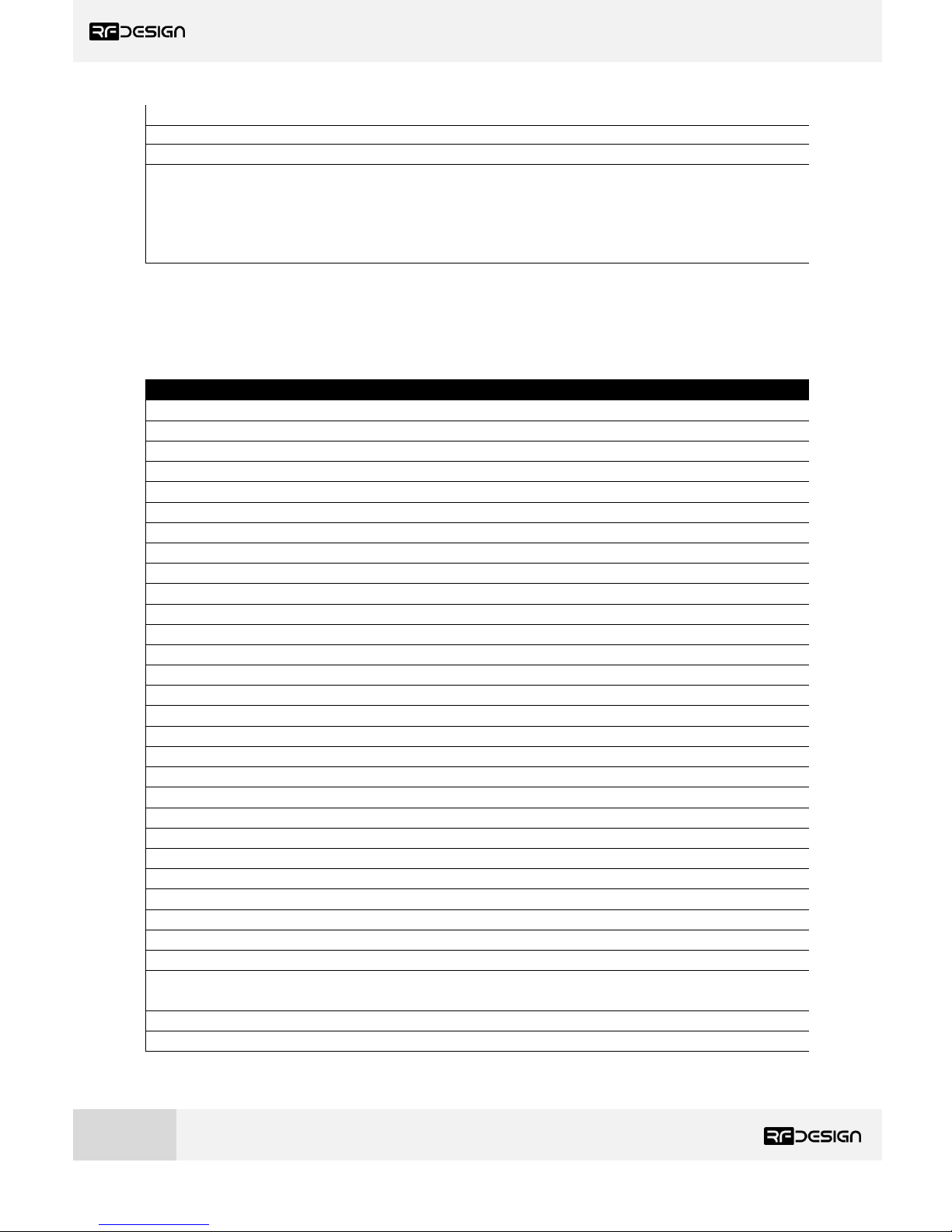
1To ensure the correct channel separation between networks this should only take the values 0,7 or 13
2ECC - Software Detection and correction, extra packet information, twice the packet length, is sent to allow the recovery of corrupted
packets. This increases the data usage of the link.
3Injects RSSI packet when MAVLink protocol used and heartbeat packet detected.
4Opportunistic resend allows the node to resend packets if it has spare bandwidth.
5Not recommended to use more then 3 networks as there may not be enough channel separation to prevent interference between modems
3.1 Setting up data encryption
The 128-bit AES data encryption may be set, enabled and disabled using the AT commands (see Table
2.1). The encryption key can be any 32-character hexadecimal string. Data encryption is essential for
the separation of different networks.
To encrypt a device, the encryption mode must first be enabled by typing ‘ATS15=1’ in the command
terminal. Once the encryption mode is active, an encryption key may be set after typing ‘AT&E’ into
the command terminal. The encryption key may be of any 32-character hexadecimal string of the users
choosing. Any devices with different encryption settings will not communicate.
After entering command mode, send the following commands to set encryption on using an arbitrary
16-byte key:
ATS15=1
AT&E=5AEEF103125C0AA233678909160111CA
AT&W
ATZ
3.2 Setting the air data rate
An air speed of 64kps will allow for 3 networks of 4 nodes. If the air speed is set to be lower, the range
of the wireless link increases but the amount of data that you can send will be limited and the number
of nodes that can be supported will also decrease. If set higher the greater throughput allows for more
nodes but reduces range.
The air data rate is chosen depending on:
•The range that you need
•How many nodes you want on each network
•The data rate that you will be sending
•Whether you send data in one direction or both
•Whether you have enabled ECC or not
•Whether you have APM firmware with adaptive flow control
It is important to note that the board’s data rate must be set to a higher value then the air data rate
(when flow control is enabled) to prevent bottlenecking and data loss.
To set a 250kbps air data rate, for instance, enter command mode and issue:
ATS2=250
AT&W
ATZ