manuals.online logo
Brands
  1. Home
  2. •
  3. Brands
  4. •
  5. Rolls
  6. •
  7. Amplifier
  8. •
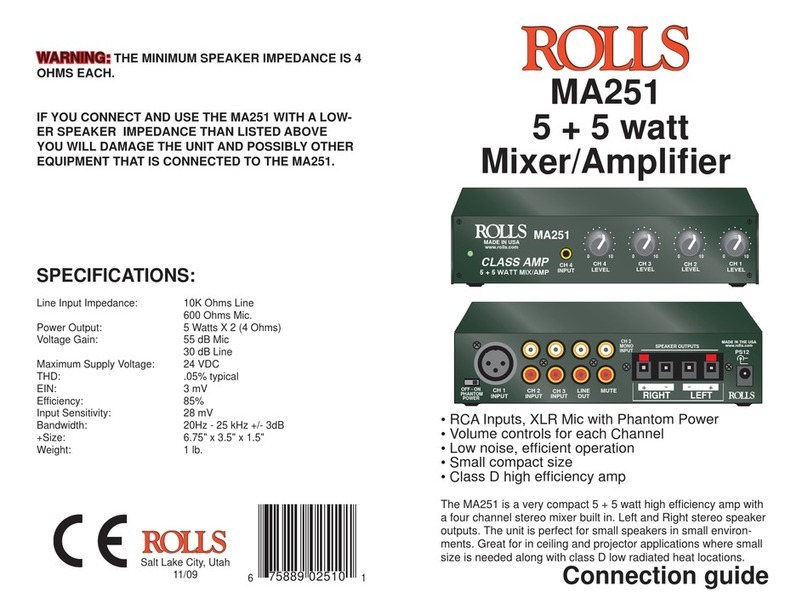
  9. Rolls DU30b User manual

Rolls DU30b User manual

Other Rolls Amplifier manuals

Rolls DU30 User manual

Rolls

Rolls DU30 User manual

Rolls RP503 User manual

Rolls

Rolls RP503 User manual

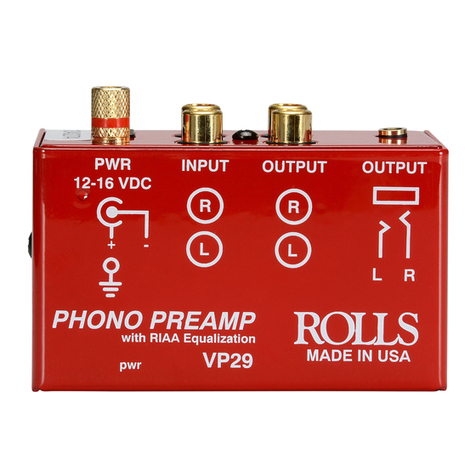
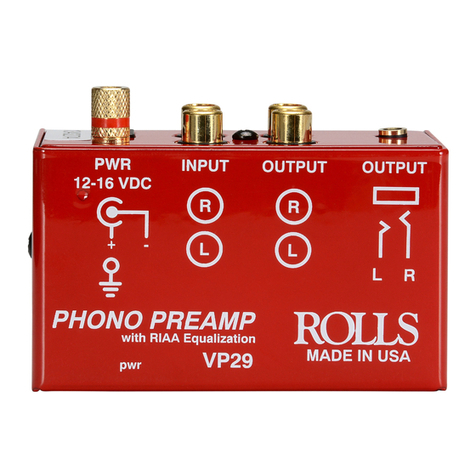
Rolls VP29 User manual

Rolls

Rolls VP29 User manual

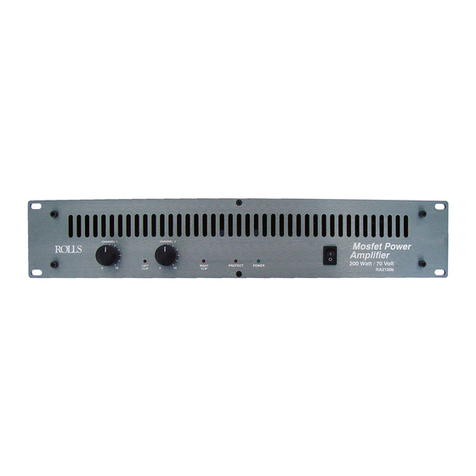
Rolls RA900 User manual

Rolls

Rolls RA900 User manual

Rolls RA53b User manual

Rolls

Rolls RA53b User manual

Rolls RA62C User manual

Rolls

Rolls RA62C User manual

Rolls MP105 ROUND SOUND User manual

Rolls

Rolls MP105 ROUND SOUND User manual

Rolls MP13 User manual

Rolls

Rolls MP13 User manual

Rolls MP13 User manual

Rolls

Rolls MP13 User manual

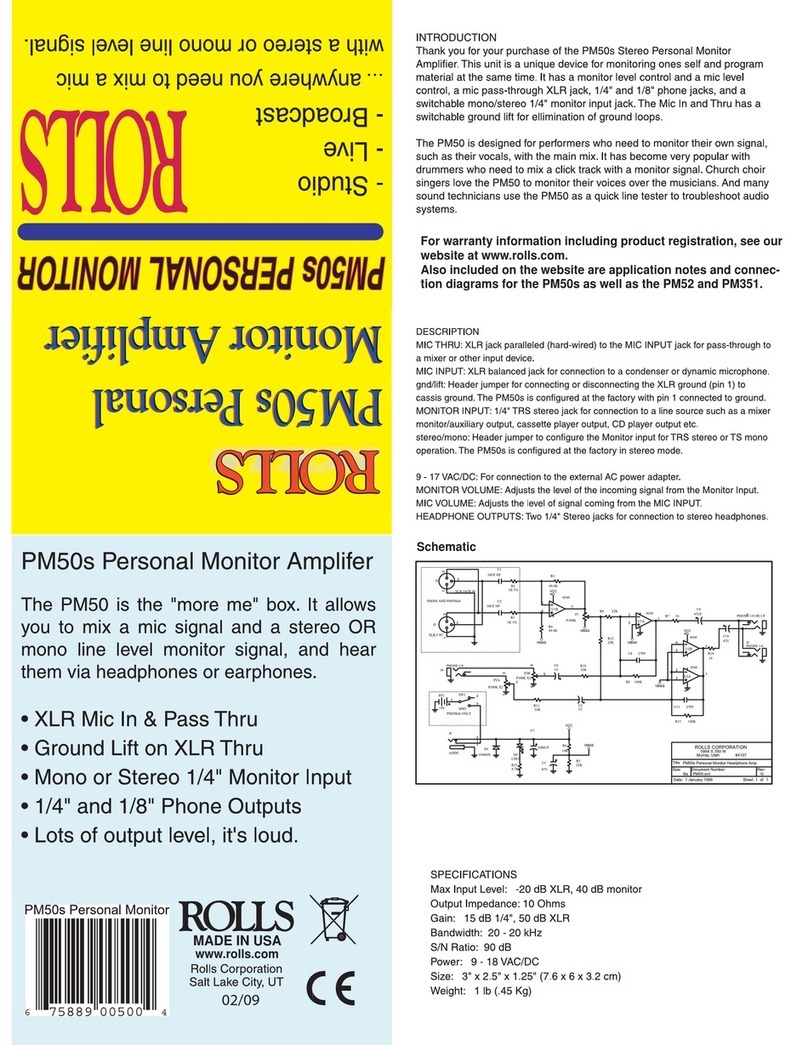
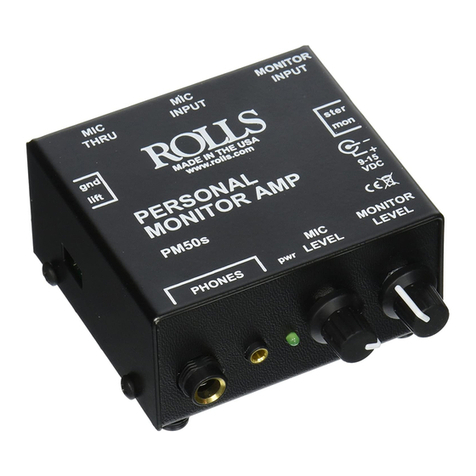
Rolls PM50s User manual

Rolls

Rolls PM50s User manual

Rolls RA63S - MANUAL 2 User manual

Rolls

Rolls RA63S - MANUAL 2 User manual

Rolls RA53 User manual

Rolls

Rolls RA53 User manual

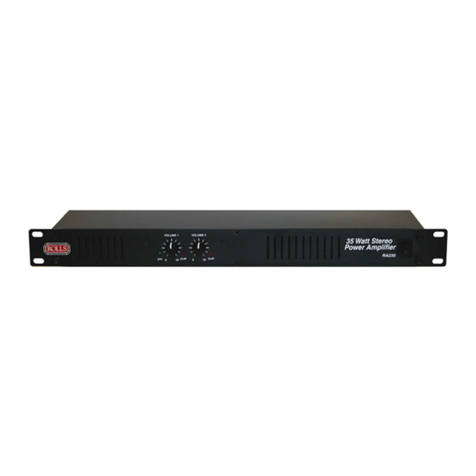
Rolls RA235 User manual

Rolls

Rolls RA235 User manual

Rolls MA66 User manual

Rolls

Rolls MA66 User manual

Rolls PA71PLUS User manual

Rolls

Rolls PA71PLUS User manual

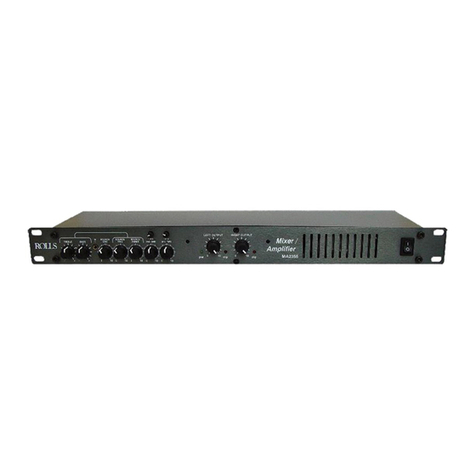
Rolls MA2355 User manual

Rolls

Rolls MA2355 User manual

Rolls RA2100b User manual

Rolls

Rolls RA2100b User manual

Rolls MA252 Instruction Manual

Rolls

Rolls MA252 Instruction Manual

Rolls MA2355 User manual

Rolls

Rolls MA2355 User manual

Rolls RA63s User manual

Rolls

Rolls RA63s User manual

Rolls RA170 User manual

Rolls

Rolls RA170 User manual

Rolls RA250 User manual

Rolls

Rolls RA250 User manual

Rolls PM50SOB - SCHEMA Quick start guide

Rolls

Rolls PM50SOB - SCHEMA Quick start guide

Rolls MA251 User manual

Rolls

Rolls MA251 User manual

Popular Amplifier manuals by other brands

Magnat Audio EDITION FOUR Owner's manual/warranty document

Magnat Audio

Magnat Audio EDITION FOUR Owner's manual/warranty document

Inter-m PA-2000A Operation manual

Inter-m

Inter-m PA-2000A Operation manual

Yamaha TX6n owner's manual

Yamaha

Yamaha TX6n owner's manual

Peavey TNT 150 user guide

Peavey

Peavey TNT 150 user guide

Bosch LBB 1903/10 Installation and user instructions

Bosch

Bosch LBB 1903/10 Installation and user instructions

Avocent Emerge DA1200D Installer/user guide

Avocent

Avocent Emerge DA1200D Installer/user guide

Redgum RGi35 operating instructions

Redgum

Redgum RGi35 operating instructions

Cambridge Audio AXA25 user manual

Cambridge Audio

Cambridge Audio AXA25 user manual

Alpine MRP-M200 owner's manual

Alpine

Alpine MRP-M200 owner's manual

Technical Pro H1502UrBT user manual

Technical Pro

Technical Pro H1502UrBT user manual

FMS EMGZ307 operating manual

FMS

FMS EMGZ307 operating manual

Racal Instruments 5601 user manual

Racal Instruments

Racal Instruments 5601 user manual

Valcom V-1094A Technical specifications

Valcom

Valcom V-1094A Technical specifications

Cambridge Audio 851D user manual

Cambridge Audio

Cambridge Audio 851D user manual

QSC 3800 Specifications

QSC

QSC 3800 Specifications

NAD C300 owner's manual

NAD

NAD C300 owner's manual

Rotel RMB-1077 owner's manual

Rotel

Rotel RMB-1077 owner's manual

Peavey Monitor 300 Series operating guide

Peavey

Peavey Monitor 300 Series operating guide

manuals.online logo
manuals.online logoBrands
  • About & Mission
  • Contact us
  • Privacy Policy
  • Terms and Conditions

Copyright 2025 Manuals.Online. All Rights Reserved.

Rolls Corporation
Salt Lake City, UT
9/05
DU30b DUCKER
-
Automatically ducks music under announcements
- Perfect for restaurants and small clubs
- Clean, Quiet Mic Preamp
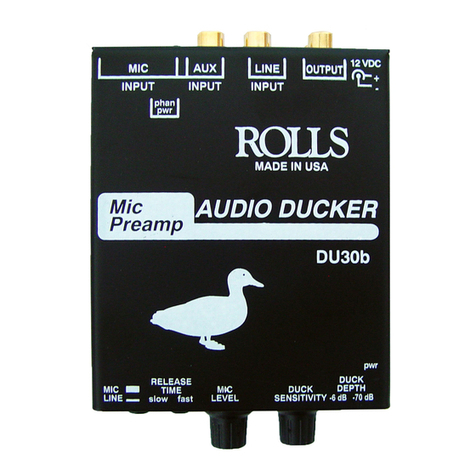
The DU30b is a microphone preamp and background
music preamp. When an announcement is made into
the microphone, the music is automatically “ducked”
under the announcement. Then the music is brought
back to it’s previous level.
SPECIFICATIONS
Frequency Response 20 Hz - 40 kHz
Input Impedance 100K
Ω
unbalanced, 600
Ω
balanced
THD + Noise <0.03% typical
Noise Floor -78 dB
Indicators Power LED
Input/Output jacks XLR balanced output
RCA unbalanced input and output
Size: 4" x 4" x 1.5"
Weight: 1 lb. (.5 kg)
Power: 12 - 16 VDC 50mA
5 x 1.2 mm DC Jack - Center Negative
Thank you for your purchase of the Rolls DU30b Mic Preamp Audio
Ducker. This device temporarily and automatically mutes or “ducks” a
background music signal under a paging microphone or other auxil-
iary signal. After the announcement, the music level is automatically
returned to it’s previous level.
DESCRIPTION
REAR PANEL
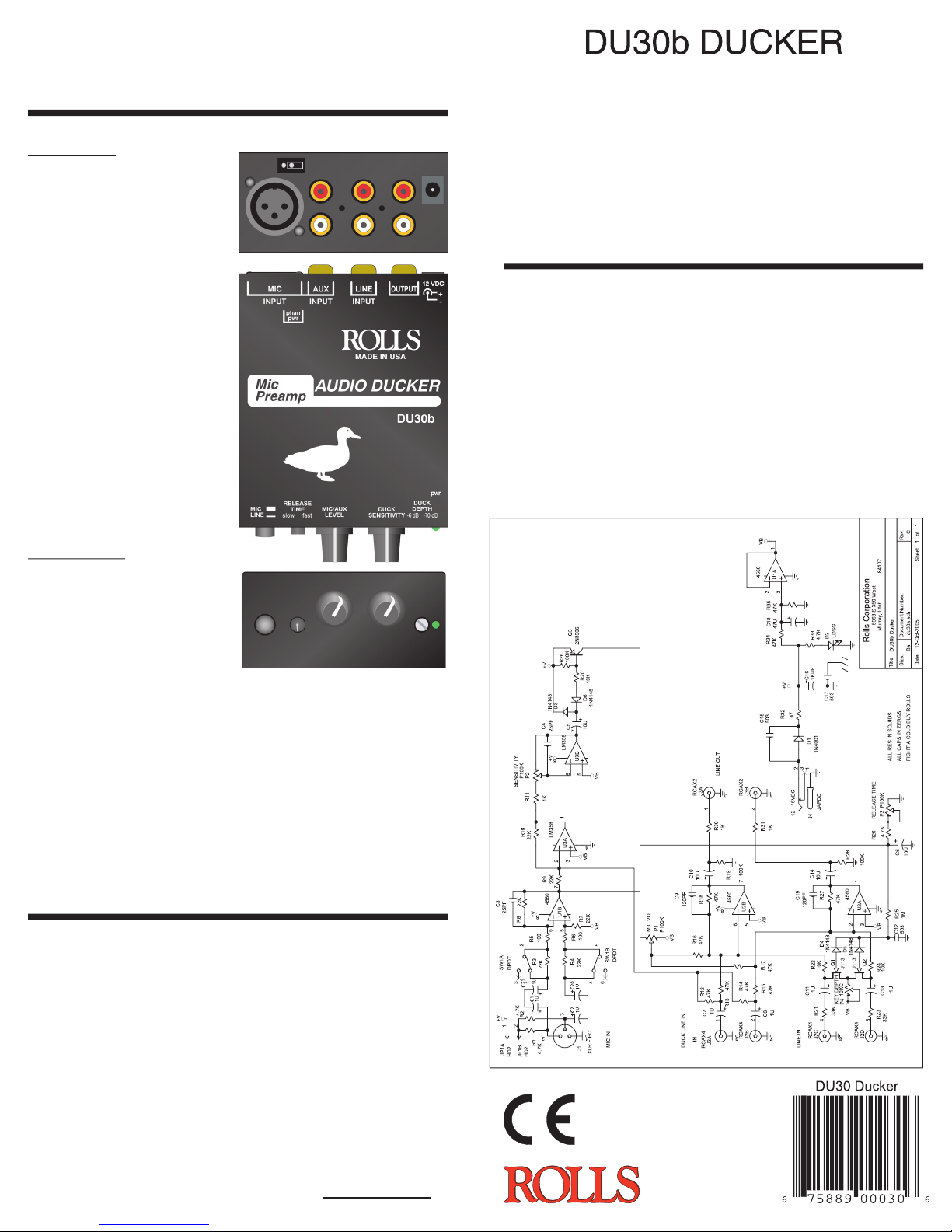
MIC IN: Female XLR jack for con-
nection to a dynamic or condens-
er paging microphone.
PHTM PWR: Jumper for engag-
ing the +12 volt phantom power to
the microphone input - configured
OFF from the factory.
AUX IN: Stereo RCA jacks for
connecting to a source different
from the Mic In as the master
signal.
LINE IN: Stereo RCA jack for
connection to the stereo signal
source to be “ducked” such as
a tuner, CD player or cassette
player.
OUTPUT: Stereo RCA jacks for
connection to the system’s ampli-
fiers.
12 VDC: Power input. Connect
to the enclosed Rolls PS27 AC
adapter.
FRONT PANEL
MIC/LINE: When pressed in, the
gain of the XLR Mic In is reduced
by 30 dB.
RELEASE TIME: Adjusts the
amount of time for the “ducked”
signal to return to its normal level.
Counterclockwise; slow - Clock-
wise; fast.
MIC LEVEL: Adjusts the amount of gain in the Mic In circuit.
DUCK SENSITIVITY: The Threshold at which “ducking” begins.
When the microphone level reaches the threshold, the signal pres-
ent at the Line In jacks is reduced until the announcement is over,
then the Line In signal returns to its previous level
A NOTE ON THE DU30b THRESHOLD SETTING, WITH THE SENSI-
TIVITY CONTROL FULLY CLOCKWISE: If the control (paging) signal is on
the XLR input, then ducking begins (the threshold is) at -40 dB when the
Mic/Line switch is set to “Mic”, and 0 dB when the switch is set to “Line”. If
the control signal is on the RCA input, ducking begins at -40 dB.
DUCK DEPTH
:
Adjusts the amount of background signal (or Line
In) reduction
-
fully counter clockwise the signal is reduced 6 dB,
fully clo
ckwise the signal is reduced 70 dB.
OPERATION
If you are using a condenser microphone, carefully connect the two
Phantom Power jumper pins together. Set the level of the music
signal (Line In) for a comfortable level. Speak into the microphone
and adjust the Mic Level for a comfortable level, then adjust the
Sensitivity so that the music is muted when speaking with a normal
voice. Set the Release Time control for the amount of time you wish
for the Aux In signal to return to normal. Set the Duck Depth control
for the amount of Aux In signal reduction you want when the Mic or
Alternate signal is present.
WARRANTY
For information on the Rolls One Year Limited Warranty, and
to register this product, visit our website at

www.rolls.com
DU30B SCHEMATIC