OPERATIVE INSTRUCTIONS
ON / OFF
•In order to light-up MegaGuard Pro press "Exit".
•To shut-off MegaGuard Pro keep pressed the same key for 1 second
SURFACE RESISTANCE MEASUREMENT
•Be sure that the surface under test is clean and free of grease or other
chemicals than can create an isolant layer.
•In case of doubt clean the surface with a specifical detergent, without
alcohol or silicon, so that the non conductive layer will be removed.
•Place meter on test surface.
•Press the central "MEASURE" button and keep it pressed by applyinga
pressure of about 2.5Kg.
•Continue to keep the button pressed and wait until the reading will be
stable, settling time is higher for high resistance values.
RESISTANCE TO GROUND MEASUREMENT
•Be sure that the surface under test is clean and free of grease or other
chemicals than can create an isolant layer.
•In case of doubt clean the surface with a specifical detergent, without
alcohol or silicon, so that the non conductive layer will be removed.
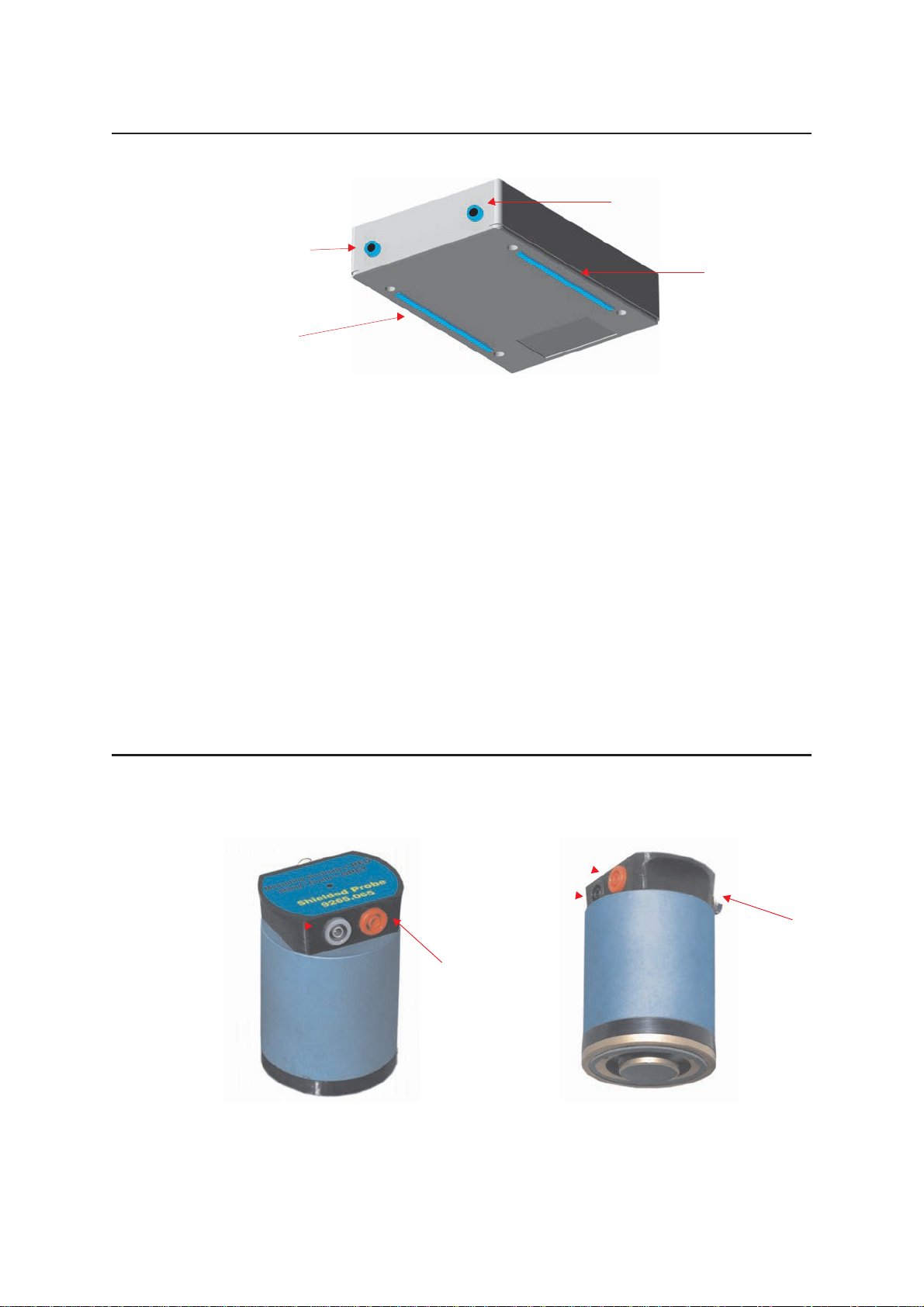
•Insert the 3.5mm jack of the connecting cable into the Left Socket
(SIGNAL measurement input) and connect the banana 4mm to a safe
ground point.
•Place meter on test surface.
•Press the central "MEASURE" button and keep it pressed by applyinga
pressure of about 2.5Kg.
•Continue to keep the button pressed and wait until the reading will be
stable, settling time is higher for high resistance values.
•
POINT TO POINT RESISTANCE MEASUREMENT
•Be sure that the surface under test is clean and free of grease or other
chemicals than can create an isolant layer.
•Insert the 3.5mm jack of the connecting cable into the Right Socket (HV
measurementoutput)andconnectthebanana4mmtoaneternalprobe.
•Insert the 3.5mm jack of the connecting cable into the Left Socket
(SIGNAL measurement input) and connect the banana 4mm to an
external probe.
•Place meter on test surface.