manuals.online logo
Brands
  1. Home
  2. •
  3. Brands
  4. •
  5. Salicru
  6. •
  7. UPS
  8. •
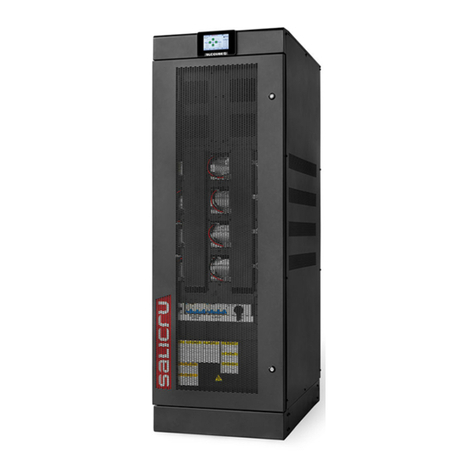
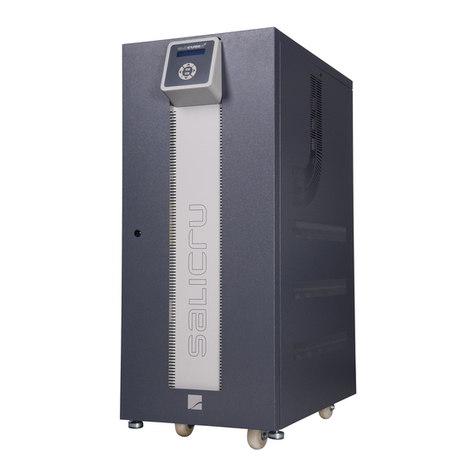
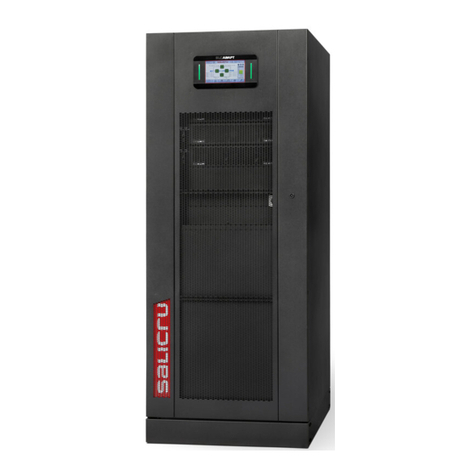
  9. Salicru SLC ADAPT Series User manual

Salicru SLC ADAPT Series User manual

This manual suits for next models

6

Other Salicru UPS manuals

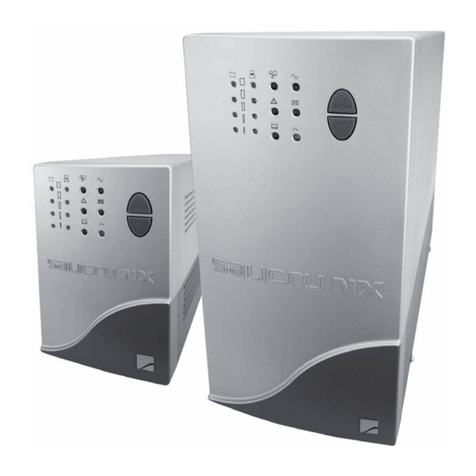
Salicru NX Series Installation manual

Salicru

Salicru NX Series Installation manual

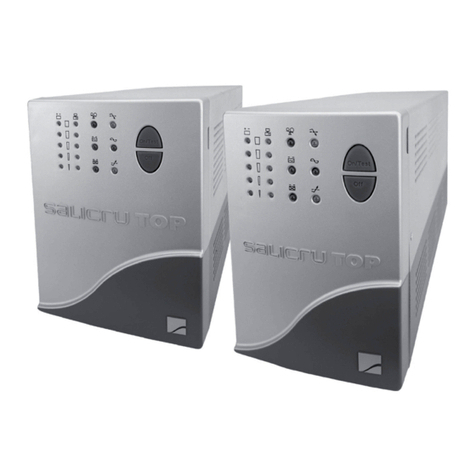
Salicru SPS.400.TOP Installation manual

Salicru

Salicru SPS.400.TOP Installation manual

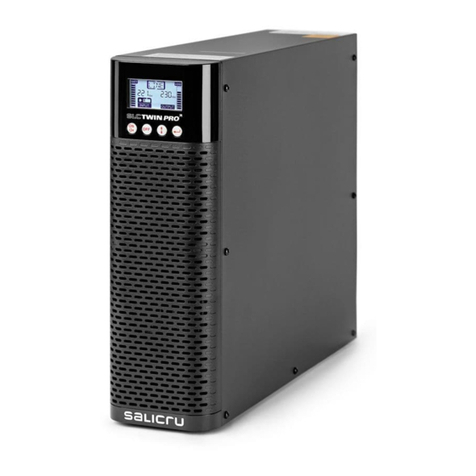
Salicru SLC TWIN PRO2 User manual

Salicru

Salicru SLC TWIN PRO2 User manual

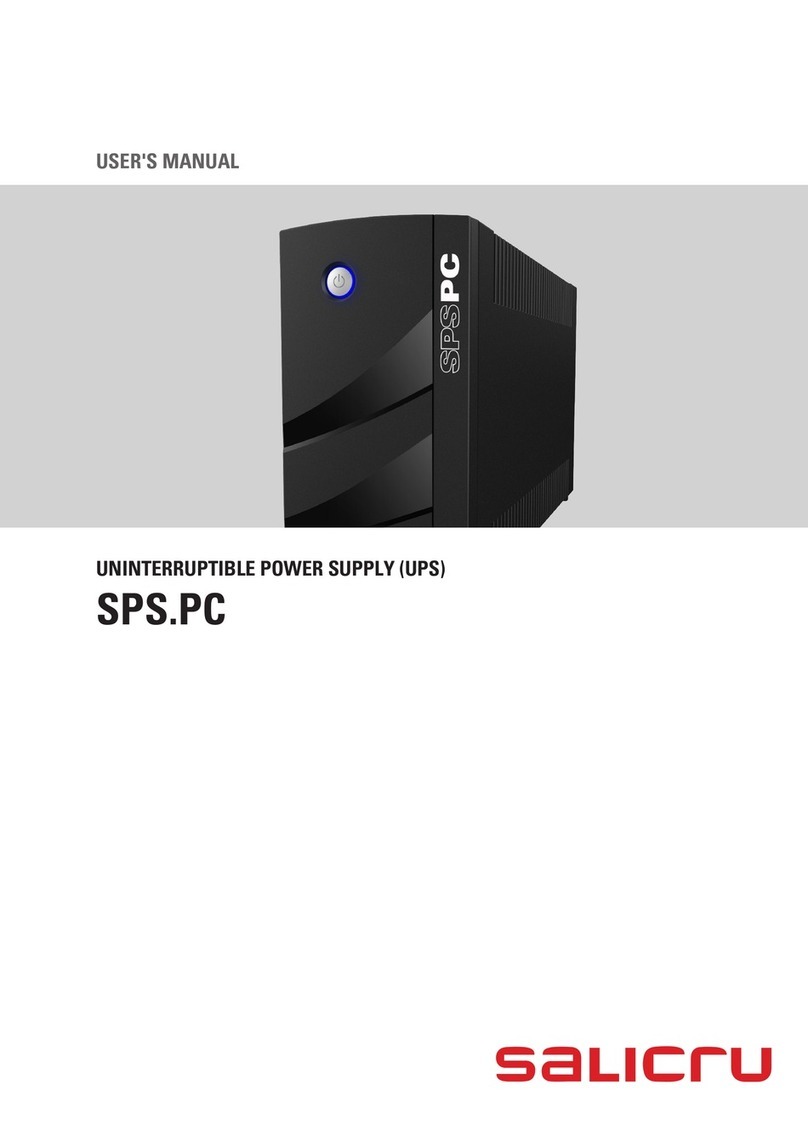
Salicru SPS.PC Series User manual

Salicru

Salicru SPS.PC Series User manual

Salicru SLC TWIN PRO Series User manual

Salicru

Salicru SLC TWIN PRO Series User manual

Salicru SPS.PC User manual

Salicru

Salicru SPS.PC User manual

Salicru SPS.ONE User manual

Salicru

Salicru SPS.ONE User manual

Salicru SPS.ADVANCE RT series User manual

Salicru

Salicru SPS.ADVANCE RT series User manual

Salicru SLC CUBE4 User manual

Salicru

Salicru SLC CUBE4 User manual

Salicru SPS.750.ADV RT User manual

Salicru

Salicru SPS.750.ADV RT User manual

Salicru SLC CUBE 3+ User manual

Salicru

Salicru SLC CUBE 3+ User manual

Salicru SLC-700-TWIN RT User manual

Salicru

Salicru SLC-700-TWIN RT User manual

Salicru SPS ADVANCE RT User manual

Salicru

Salicru SPS ADVANCE RT User manual

Salicru SPS 750 ADV R User manual

Salicru

Salicru SPS 750 ADV R User manual

Salicru SLC-700-TWIN PRO User manual

Salicru

Salicru SLC-700-TWIN PRO User manual

Salicru SLC ADAPT2 Series User manual

Salicru

Salicru SLC ADAPT2 Series User manual

Salicru SLC TWIN PRO2 T UL User manual

Salicru

Salicru SLC TWIN PRO2 T UL User manual

Salicru SLC ADAPT User manual

Salicru

Salicru SLC ADAPT User manual

Salicru SLC ELITE MAX Series Operating manual

Salicru

Salicru SLC ELITE MAX Series Operating manual

Salicru SLC-1000-TWIN PRO2 A User manual

Salicru

Salicru SLC-1000-TWIN PRO2 A User manual

Salicru ADAPT Series User manual

Salicru

Salicru ADAPT Series User manual

Salicru SPS One Series User manual

Salicru

Salicru SPS One Series User manual

Salicru SLC Link Series User manual

Salicru

Salicru SLC Link Series User manual

Salicru SLC TWIN PRO2 User manual

Salicru

Salicru SLC TWIN PRO2 User manual

Popular UPS manuals by other brands

AEG Protect 3.M 2.0 manual

AEG

AEG Protect 3.M 2.0 manual

Alpha Novus FXM 650 Installation and operation manual

Alpha

Alpha Novus FXM 650 Installation and operation manual

CyberPower RB12120X2A user manual

CyberPower

CyberPower RB12120X2A user manual

Pylontech Victron & Pylontech US5000 manual

Pylontech

Pylontech Victron & Pylontech US5000 manual

BEL LDX-U20 user manual

BEL

BEL LDX-U20 user manual

Mustek PowerMust 530(B) Plus Startup manual

Mustek

Mustek PowerMust 530(B) Plus Startup manual

Emerson Liebert NXL series Operation and maintenance manual

Emerson

Emerson Liebert NXL series Operation and maintenance manual

MAKELSAN BOXER SERIES user manual

MAKELSAN

MAKELSAN BOXER SERIES user manual

Block PC-0524-400-0 manual

Block

Block PC-0524-400-0 manual

CyberPower CP585LCD user manual

CyberPower

CyberPower CP585LCD user manual

Eaton 3S Advanced user's guide

Eaton

Eaton 3S Advanced user's guide

CyberPower Office Tower Series UPS 1000 user manual

CyberPower

CyberPower Office Tower Series UPS 1000 user manual

CyberPower BM100 quick start guide

CyberPower

CyberPower BM100 quick start guide

Best Power 610 quick start guide

Best Power

Best Power 610 quick start guide

Best Power Unity/I UT3K user manual

Best Power

Best Power Unity/I UT3K user manual

Mustek PowerMust 400 Offline user manual

Mustek

Mustek PowerMust 400 Offline user manual

Xantrex Trace 512 UR-UPS owner's manual

Xantrex

Xantrex Trace 512 UR-UPS owner's manual

Forza SL-1501UL user manual

Forza

Forza SL-1501UL user manual

manuals.online logo
manuals.online logoBrands
  • About & Mission
  • Contact us
  • Privacy Policy
  • Terms and Conditions

Copyright 2025 Manuals.Online. All Rights Reserved.

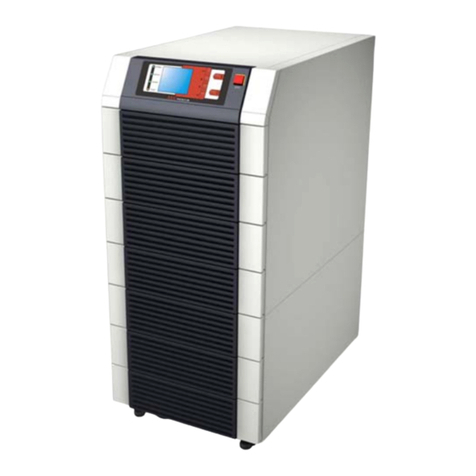
SLC serie ADAPT
180, 300 y 500 kVA
UNINTERRUPTIBLE POWER SUPPLY (UPS)
USER'S MANUAL
2SALICRU
General index
1. INTRODUCTION.
1.1. THANK YOU LETTER.
2. SAFETY INFORMATION.
2.1. USING THIS MANUAL.
2.1.1. Conventions and symbols used.
3. QUALITY ASSURANCE AND STANDARDS.
3.1. STATEMENT BY THE MANAGEMENT.
3.2. STANDARDS.
3.2.1. First and second environment.
3.2.1.1. First environment.
3.2.1.2. Second environment.
3.3. ENVIRONMENT.
4. PRESENTATION.
4.1. VIEWS.
4.1.1. Views of the device.
4.1.2. Device configurations.
4.2. DEFINITION OF THE PRODUCT.
4.2.1. Nomenclature.
4.3. GENERAL DESCRIPTION.
4.3.1. Introduction.
4.3.2. Conceptual diagram of the system.
4.3.2.1. Power modules (PM).
4.3.2.2. Static bypass.
4.3.2.3. Extra charger modules for 180 and 300kVA devices.
4.3.3. UPS operating modes.
4.3.3.1. Normal mode.
4.3.3.2. Battery mode.
4.3.3.3. Bypass mode.
4.3.3.4. Manual Bypass mode (maintenance bypass).
4.3.3.5. Parallel-Redundant mode.
4.3.3.6. ECO mode.
4.3.3.7. Frequency converter mode.
5. INSTALLATION.
5.1. RECEPTION OF THE DEVICE.
5.1.1. Reception, unpacking and contents.
5.1.2. Storage.
5.1.3. Unpacking and transportation to the site.
5.1.3.1. Unpacking the power module.
5.1.4. Siting, immobilising and considerations.
5.1.5. Room for the batteries.
5.2. CABINET POSITIONING.
5.2.1. 180 to 300kVA devices.
5.2.2. 500kVA devices.
5.2.3. Batteries.
5.2.4. Installation of seismic kits (optional).
5.2.5. Installation of power modules.
5.2.6. Installation of extra charger modules.
5.3. CONNECTIONS.
5.3.1. Cable entry for 180 and 300kVA devices.
5.3.2. Cable entry for 500kVA devices.
5.3.3. Connection to the entry.
5.3.3.1. Specifications.
5.3.3.2. Specifications for power cable terminals.
5.3.3.3. Circuit breakers.
5.3.3.4. Connection of the power cables.
5.3.4. Control and communication cables.
5.3.4.1. Relay interface.
5.3.4.2. Communications interface.
6. OPERATION.
6.1. STARTUP PROCEDURE.
6.1.1. Startup in Normal mode.
6.1.2. Startup from Battery mode (COLD START function).
6.2. SHUTTING DOWN THE UPS.
6.3. PROCEDURE TO TRANSFER BETWEEN OPERATING MODES.
6.3.1. Transfer from Normal mode to Battery mode.
6.3.2. Transfer from Normal mode to Bypass mode.
6.3.3. Transfer from Bypass mode to Normal mode.
6.3.4. Transfer from Normal mode to maintenance Bypass mode.
6.3.5. Transfer from maintenance Bypass mode to Normal mode.
6.4. BATTERY MAINTENANCE.
6.5. EPO.
3
6.6. INSTALLATION OF THE PARALLEL SYSTEM.
6.6.1. Location of parallel cards.
6.6.2. Jumper settings for parallel operation.
6.6.2.1. Case of 2 UPSs in parallel.
6.6.2.2. Case of 3 UPSs in parallel.
6.6.3. Setting the parameters on the display screen.
6.6.4. Connection of parallel cables.
6.6.5. Verification of the parallel system.
6.6.6. Parallel system switching.
7. CONTROL PANEL OF THE MODULES AND
THE UPS.
7.1. CONTROL PANEL OF THE MODULES.
7.1.1. Status LED.
7.1.2. Operation and control buttons.
7.1.3. LCD.
7.2. UPS CONTROL PANEL.
7.2.1. LED indicators.
7.2.2. Control and operation buttons.
7.2.3. LCD touch screen.
7.3. MAIN MENU.
7.3.1. Cabinet.
7.3.2. Power module.
7.3.3. Settings.
7.3.3.1. Date & Time setting.
7.3.3.2. Language setting.
7.3.3.3. Communications protocol setting.
7.3.3.4. User settings.
7.3.3.5. Battery settings.
7.3.4. Log.
7.3.5. Operate menu.
7.3.6. Charts.
8. MAINTENANCE, WARRANTY AND SERVICE.
8.1. PRECAUTIONS.
8.2. POWER MODULE MAINTENANCE INSTRUCTIONS.
8.3. MAINTENANCE INSTRUCTIONS.
8.3.1. CONTROL AND BYPASS UNIT MAINTENANCE
INSTRUCTIONS.
8.4. BATTERY MAINTENANCE.
8.4.1. Notes for the installation and replacement of the battery.
8.5. REPLACE DUST FILTER (OPTIONAL).
8.6. WARRANTY CONDITIONS.
8.6.1. Terms of the warranty.
8.6.2. Exclusions.
8.7. TECHNICAL SERVICES NETWORK.
9. ANNEXES.
9.1. GENERAL TECHNICAL SPECIFICATIONS.
9.2. GLOSSARY.
SLC ADAPT UNINTERRUPTIBLE POWER SUPPLY (UPS)USER'S MANUAL
4SALICRU
1. INTRODUCTION.
1.1. THANK YOU LETTER.
We thank you in advance for the trust placed in us in the pur-
chasing of this product. Read this instruction manual carefully
in order to familiarise yourself with its content, since the more
you know and understand the device the greater your satisfac-
tion, level of safety and optimisation of its functionalities will
be.
We remain at your disposal for any additional information or
queries that you may wish to make.
Yours sincerely
SALICRU
•The device described here is capable of causing sig-
nificant physical injury if improperly handled. For this
reason, its installation, maintenance and/or repair must be
carried out exclusively by our staff or qualified personnel.
•Although no effort has been spared to ensure that the in-
formation in this user manual is complete and accurate,
we accept no liability for any errors or omissions that may
exist.
The images included in this document are for illustrative
purposes and may not exactly represent the parts of the
device shown; therefore they are not contractual. However,
any divergence that may arise will be remedied or solved
with the correct labelling on the unit.
•Following our policy of constant evolution, we reserve
the right to modify the characteristics, operations
or actions described in this document without prior
notice.
•Reproduction, copying, assignment to third parties,
modification or total or partial translation of this
manual or document, in any form or by any means, without
previous written permission by us is prohibited, with
the company reserving full and exclusive property rights
over it.
5
2. SAFETY INFORMATION.
2.1. USING THIS MANUAL.
The documentation for any standard device is available to the
customer for download on our website (www.salicru.com).
•For devices ‘powered by socket,’ this is the website for
obtaining the user manual and ‘Safety Instructions’
EK266*08.
•For devices with ‘permanent connection’ via terminals, a
CD-ROM or pen drive containing all necessary information
for connection and startup, including ‘Safety Instructions’
EK266*08, may be supplied with it.
Before carrying out any action on the device relating to its in-
stallation or startup, change of location, configuration or han-
dling of any kind, carefully read the safety instructions.
The purpose of the user manual is to provide information re-
garding safety and explanations of the procedures for installa-
tion and operation of the equipment. Read them carefully and
follow the steps indicated in the order established.
Compliance with the ‘Safety Instructions’ is man-
datory and the user is legally responsible for com-
pliance and enforcement.
The device is delivered properly labelled for correct identification
of each of its parts, which, together with the instructions
described in this user manual, allows installation and startup
operations to be performed in a simple and organised manner
without any doubts whatsoever.
Finally, once the equipment is installed and operating, it is
recommended to save the documentation downloaded from the
website, CD-ROM or pen drive in a safe and easy-to-access
place, for any future queries or doubts that may arise.
The following terms are used interchangeably in the document
to refer to:
•‘SLC ADAPT,’ ‘device,’ ‘unit’ or ‘UPS’ - Uninterruptible
power supply.
Depending on the context of the phrase, it can refer either
to the actual UPS itself or to the UPS and the batteries,
regardless of whether or not it is all assembled in the same
metal enclosure.
•‘Batteries’ or ‘accumulators’ - Bank or set of elements
that stores the flow of electrons by electrochemical means.
•‘T.S.S.’ - Technical Service and Support.
•‘Customer,’ ‘installer,’ ‘operator’ or ‘user’ - These are
used interchangeably and by extension to refer to the in-
staller and/or operator who will carry out the corresponding
actions, and the same person may be responsible for car-
rying out the respective actions when acting on behalf, or
in representation, of the above.
2.1.1. Conventions and symbols used.
Some symbols may be used and appear on the device, batteries
and/or in the context of the user manual.
For more information, see Section 1.1.1 of the ‘Safety Instruc-
tions’ document EK266*08.
SLC ADAPT UNINTERRUPTIBLE POWER SUPPLY (UPS)USER'S MANUAL
6SALICRU
3. QUALITY ASSURANCE AND STANDARDS.
3.1. STATEMENT BY THE MANAGEMENT.
Our goal is customer satisfaction, therefore this Management
has decided to establish a Quality and Environment Policy,
through the implementation of a Quality and Environmental
Management System that will enable us to comply with the
requirements demanded in the ISO9001 and ISO14001 and
also by our Customers and Stakeholders.
Likewise, the management of the company is committed to
the development and improvement of the Quality and Environ-
mental Management System, through:
•Communication to the entire company of the importance
of satisfying both the customer's requirements as well as
legal and regulatory requirements.
•The dissemination of the Quality and Environment Policy
and the setting of the Quality and Environment objectives.
•Conducting reviews by the Management.
•Providing the necessary resources.
3.2. STANDARDS.
The SLC ADAPT is designed, manufactured and sold in accord-
ance with Quality Management Standard ENISO9001. The
marking indicates conformity with EC Directives through the ap-
plication of the following standards:
•2014/35/EU. - Low voltage safety.
•2014/30/EU. - Electromagnetic Compatibility (EMC).
•2011/65/EU. - Restriction of the use of hazardous sub-
stances in electrical and electronic equipment (RoHS).
In accordance with the specifications of the harmonised
standards. Reference standards:
•EN-IEC 62040-1. Uninterruptible power supplies (UPS).
Part 1-1: General and safety requirements for UPS used in
user access areas.
•EN-IEC 60950-1. Information technology equipment.
Safety. Part 1: General requirements.
•EN-IEC 62040-2. Uninterruptible power supplies (UPS).
Part 2: EMC requirements.
The UPS has been designed in accordance with the following
European and international standards:
Element Standard reference
General safety requirements for
UPSs used in areas accessible to
operators
EN50091-1-1
IEC62040-1-1
AS62040-1-1
Electromagnetic compatibility
(EMC) requirements for UPSs
EN50091-2
IEC62040-2
AS62040-2(C3)
Method for specifying the
performance and testing
requirements of UPSs
EN50091-3
IEC62040-3
AS62040-3(VFI SS 111)
The product standards mentioned above incorporate
relevant clauses that comply with IEC and EN standards
for safety (IEC/EN/AS60950), electromagnetic emission
and immunity (IEC/EN/AS61000 series) and construction
(IEC/EN/AS60146 series and 60950).
The manufacturer is not liable in the event of modifica-
tion or intervention on the device by the user.
WARNING!:
The SLC ADAPT is a modular double-conversion on-line
30 to 1500 kVA C3 category UPS.
The product’s CE declaration of conformity is available
to the customer upon express request to our head office.
3.2.1. First and second environment.
3.2.1.1. First environment.
Environment including residential, commercial and light in-
dustry installations, directly connected, without intermediate
transformers, to a low voltage public power grid.
3.2.1.2. Second environment.
An environment that includes all commercial, light industrial
and industrial establishments that are not directly connected
to a low voltage power grid supplying buildings used for resi-
dential purposes.
3.3. ENVIRONMENT.
This product has been designed to respect the environment and
manufactured in accordance with ISO14001.
Recycling of the device at the end of its useful life:
Our company undertakes to use the services of authorised and
regulatory companies to treat the set of products recovered at
the end of their useful life (contact your distributor).
Packaging:
For the recycling of the packaging there must be compliance
with the legal requirements in force, in accordance with the
specific regulations of the country where the device is installed.
Batteries:
Batteries pose a serious danger to health and the environment.
The disposal of them shall be carried out in accordance with
the laws in force.

7
4. PRESENTATION.
4.1. VIEWS.
4.1.1. Views of the device.

Fig. 1 to Fig. 13 show the views and dimensions (in mm) of
6-slot (180 kVA) and 10-slot (300 kVA and 500 kVA) devices.
Because the product is constantly evolving, however, slight
discrepancies or contradictions may arise. If in any doubt, the

labelling on the device itself will always prevail.

1300
1600
2000
2000
600
600
Fig. 1. General view of 6- and 10-slot cabinets.
SLC ADAPT UNINTERRUPTIBLE POWER SUPPLY (UPS)USER'S MANUAL
8SALICRU
19.8
LCD
4.98
Fig. 2. Front view of 30 kVA module
(20 kVA for 3x208 V AC voltages).
Touch display
Fig. 3. Front and rear view of 6-slot cabinet - 180 kVA
(120 kVA at 3x208 V) with closed doors.
9
Fig. 4. Rear view of 30 kVA module
(20 kVA for 3x208 V AC voltages).
30kVA power
modules
Module
display
Cold Start
Manual bypass
marking
Free slot for
Bypass module
Bypass input
A B C N
Output
A B C N Input
A B C N
Batteries
+ N –
SPD
(option)
Relay
interface Communications
interface
Power
module
connector
Fig. 5. Front and rear view of 6-slot cabinet - 180 kVA
(120 kVA at 3x208 V) with open doors.
SLC ADAPT UNINTERRUPTIBLE POWER SUPPLY (UPS)USER'S MANUAL
10 SALICRU
Fig. 6. Front and rear view of 10-slot cabinet - 300 kVA
(200 kVA at 3x208 V) with closed doors.