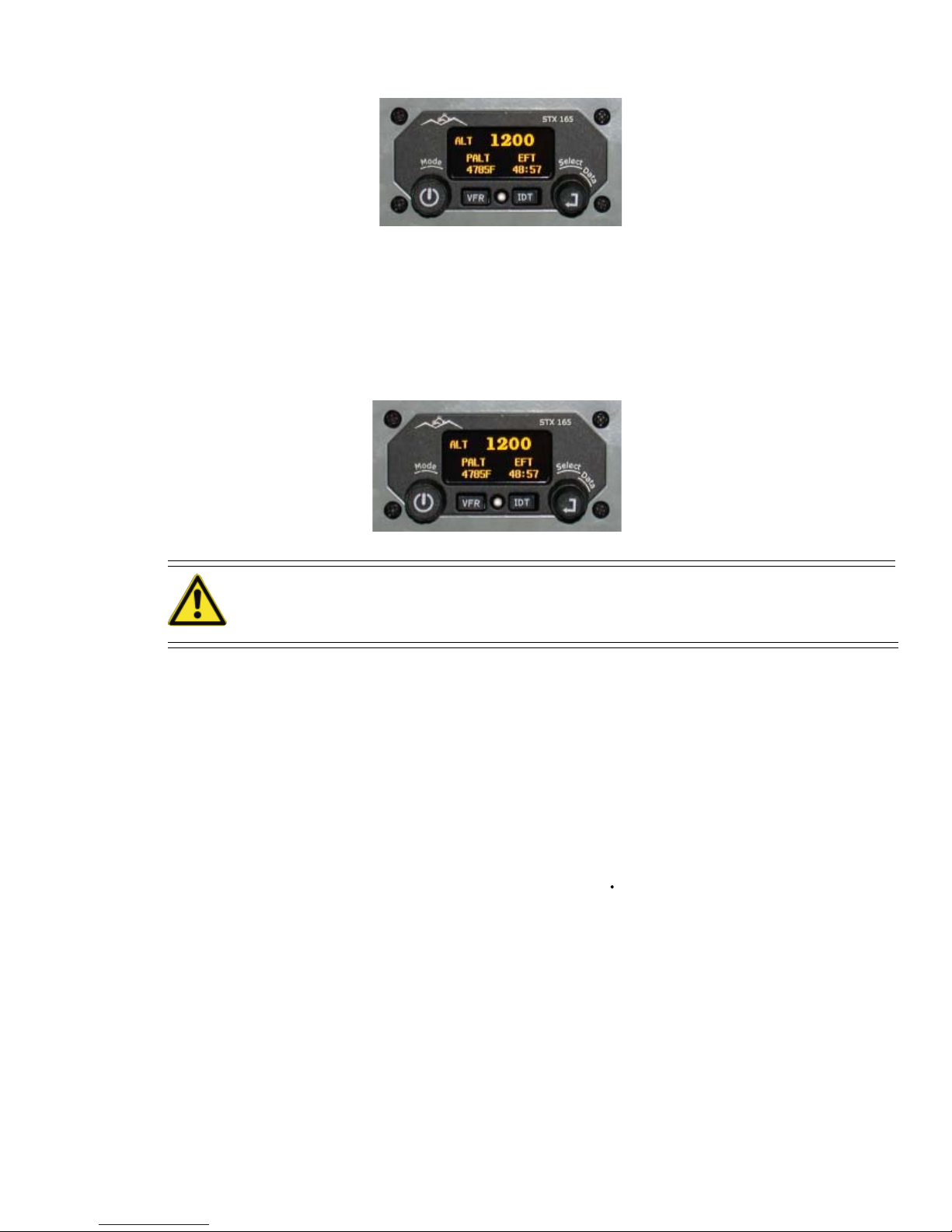
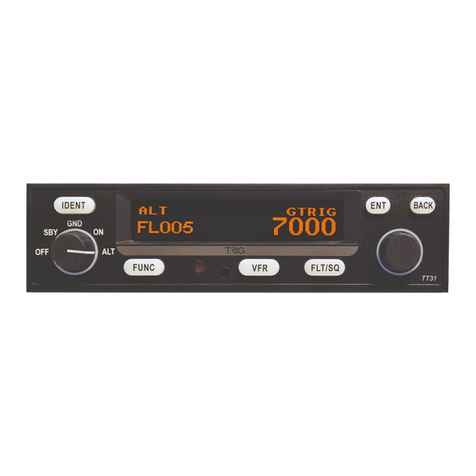
User Configurations allow pilots to set the STX 165 to display certain items to their preference. To set
the user configurations press and hold the IDT pushbutton while turning the SELECT knob counter
clockwise. Then press ENTER. The first configuration screen will appear. Rotating the DATA knob
counter clockwise will scroll the various user set up items.
TEMPUNIT: use the SELECT knob for temperatures to be displayed in either Celsius or Fahrenheit.
ALT UNIT: Rotate the SELECT knob for altitudes to be displayed in either Meters or Feet.
AUTO MODE ALT: This determines what altitude AGL the STX 165 will automatically transition
from Standby to ALT after initial turn on. It can be set in 25’ increments up to 900 feet. If 0 feet is
selected, the STX165 will turn on the ALT mode. To select an altitude Press the ENTER pushbutton.
The currently set altitude will blink. Use the DATA knob to select the desired altitude, and press
ENTER.
ICINGALERT: If the optional SANDIAST 78 OAT probe is installed, the pilot can selted a tempera-
ture at which an icing alert will be displayed. To program an icing alert temperature, Press the ENTER
pushbutton. The Temperature will begin to blink. Use the DATAknob to selected a desired icing alert
temperature. Icing Alert temperatures can be set from -5 to +5 degrees C or 23 to 41 degrees F.
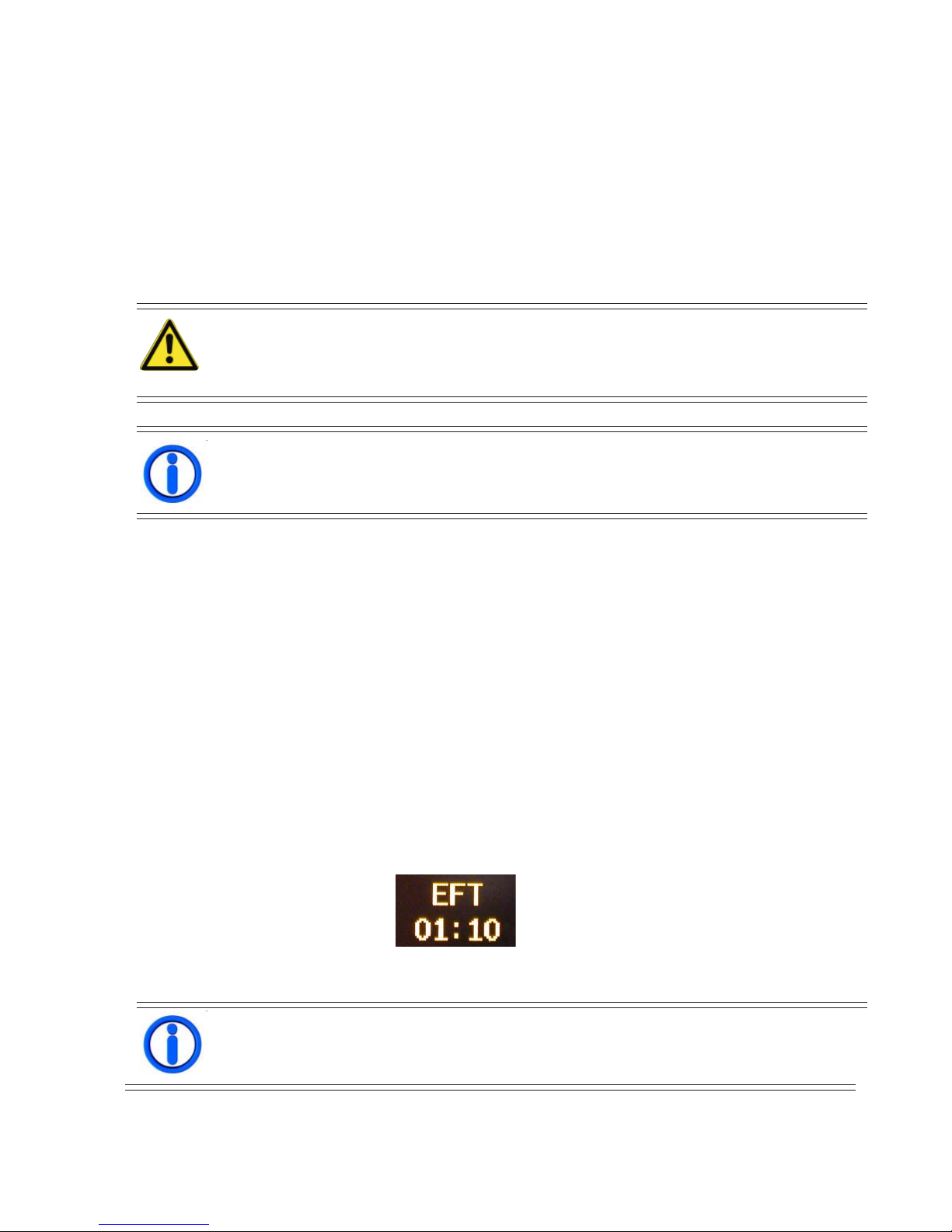
EFT STARTALT: This determines what altitudeAGL the STX 165 will automatically start the EFT
timer. If theAltitude is set to 0, the EFT will begin counting at unit start up. To select an altitude Press
the ENTER pushbutton. The currently set altitude will blink. Use the DATAknob to select the desired
altitude, and press ENTER.
BRIGHTNESS: The STX 165 automatically dims the display for the ambient lighting conditions.
This feature allows the pilot to set the minimum intensity to which the STX165 will dim. To set a
minimum intensity, Press ENTER and turn the DATA knob until the minimum desired intensity is
displayed.
DEFAULTVFR: This display allows the pilot to set the squawk code that will be active whenever the
VFR pushbutton is pressed. This is factory set at 1200 which is the VFR squawk code for the US. To
change the VFR code, Press the ENTER pushbutton. The first digit in the code will blink, indicating it
can be changed. Rotate the DATA knob to select a new value. Rotate the SELECT knob to select the
second digit. Continue this until all digits have been changed to the new VFR code and then press
ENTER.
SET DEFAULTS: This will return all setting to the factory default setting. To reset all the user
setting, Rotate the SELECT knob counter clockwise, [YES] will be displayed. Press the ENTER
pushbutton. The setting have now been reset.
To exit the user set up mode, momentarily press the POWER pushbutton.
9