A UTO MODE-C ALT
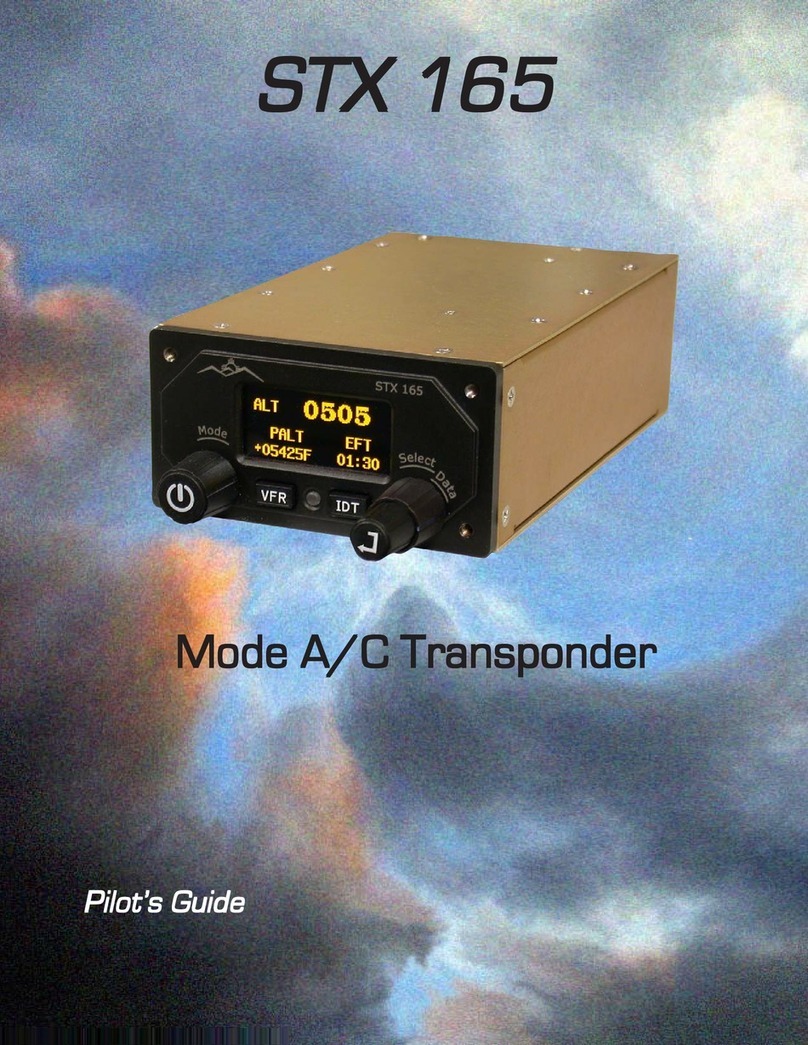
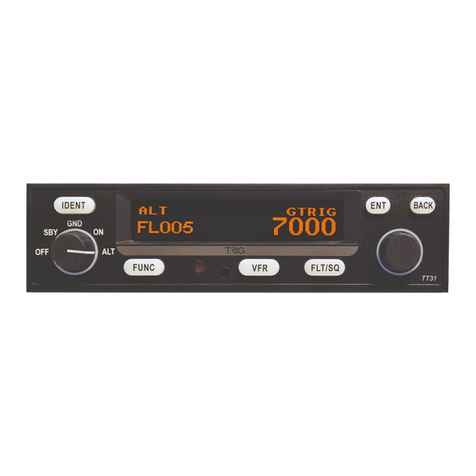
The STX 165 is designed to turn on in the Standby (SBY) Mode. The user can select an altitude at
which the STX 165 will automatically select Mode-C (ALT) Mode. This altitude is the differential
altitude from when the STX 165 was rst turned on. To select an Auto On altitude:
1. Rotate the Data knob to select the AUTO MODE CALT page.
2. Press the Enter Pushbutton. The Auto Alt On altitude will be blinking.
3. Rotate the Data knob to select the desired Auto On Altitude. The altitude will change in
25 foot or 10 meter increments.
4. Press the Enter Pushbutton
Note:TheAutoOnAltitudeand theEFTAltitudearethe differentialAltitudes
from when the STX 165 is turned on. For example if the Auto On altitude is
set for 200 feet and the STX 165 is turned on at 1200 feet, the STX 165 will
automatically select ALT Mode at 1400 feet.
EFT START ALT
Note: If 0 (zero) feet or meters is selected in AUTO MODE C ALT, the STX
165 will turn on in the ALT Mode. This is generally not recommended. If
OFF is selected, the pilot will be required to select the ON orALT Mode.
The STX 165 starts with the EFT displayed in the lower right hand corner of the display.
The user can set the EFT to begin counting at turn on or at a specied Alt above the turn on
altitude. It the EFT is set at 0, then the EFT will begin counting at turn on. To set the EFT
start altitude:
1. Rotate the Data knob to select the EFT STARTALT page.
2. Press the Enter Pushbutton. The EFT start altitude will be blinking.
3. Rotate the Data knob to select the desiredAuto OnAltitude. The altitude will change
in 25 foot or 10 meter increments.
4. Press the Enter Pushbutton
ICING ALERT
Ifa SANDIA aerospace STP78 OATprobe is installed with the STX165 the unit willprovide
an icing alert. The icing alert is a snow ake that appears in the upper right corner of the
display whenever a user preset temperature is reached. To set the Icing Alert temperature:
1. Rotate the Data knob to select the ICING ALERT page.
2. Press the Enter Pushbutton. The brackets will extinguish and the Temperature will
blink
3. Rotate the Data knob until the desire Icing Alert temperature is displayed.
4. Press the Enter Pushbutton.
7