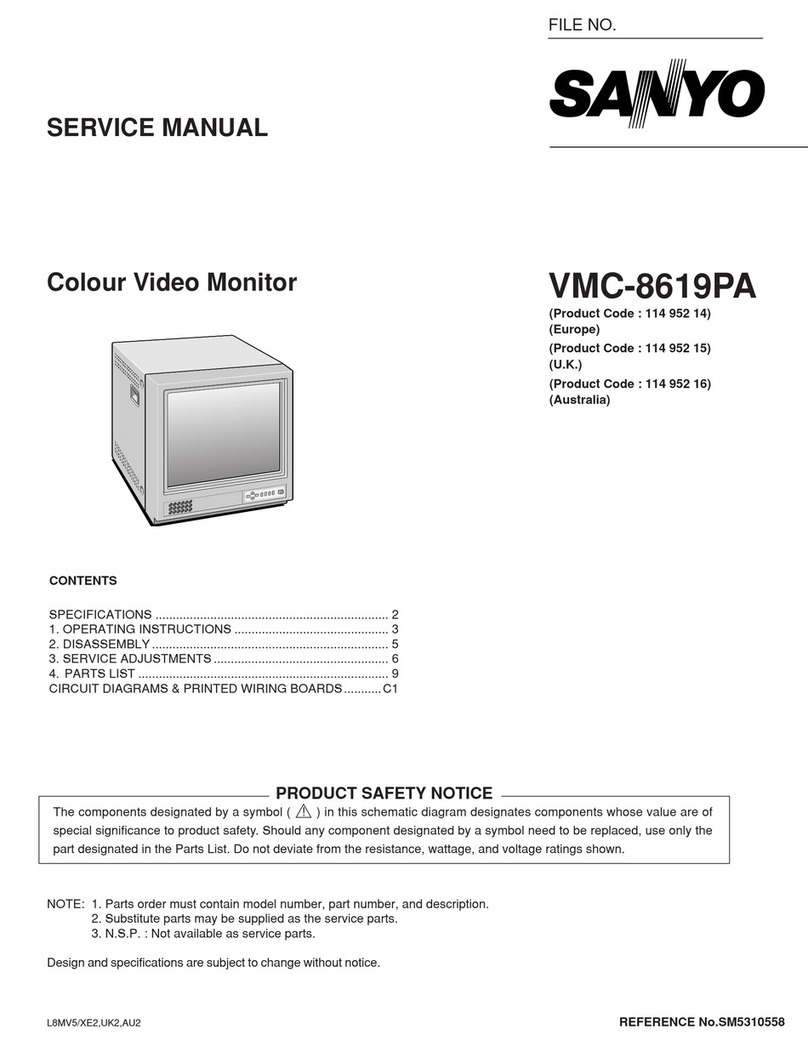
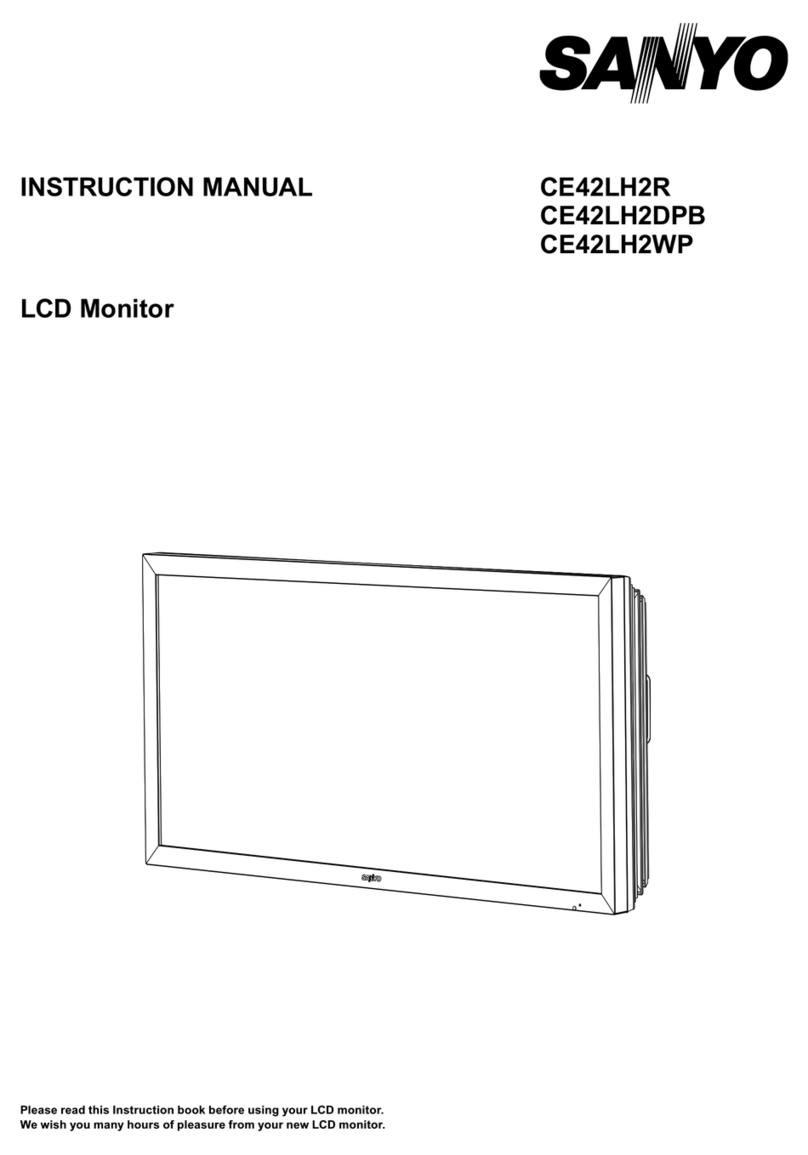
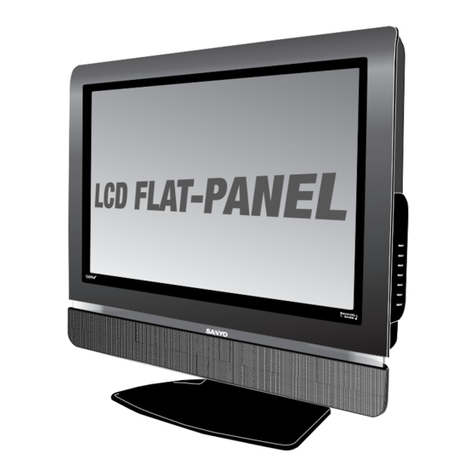
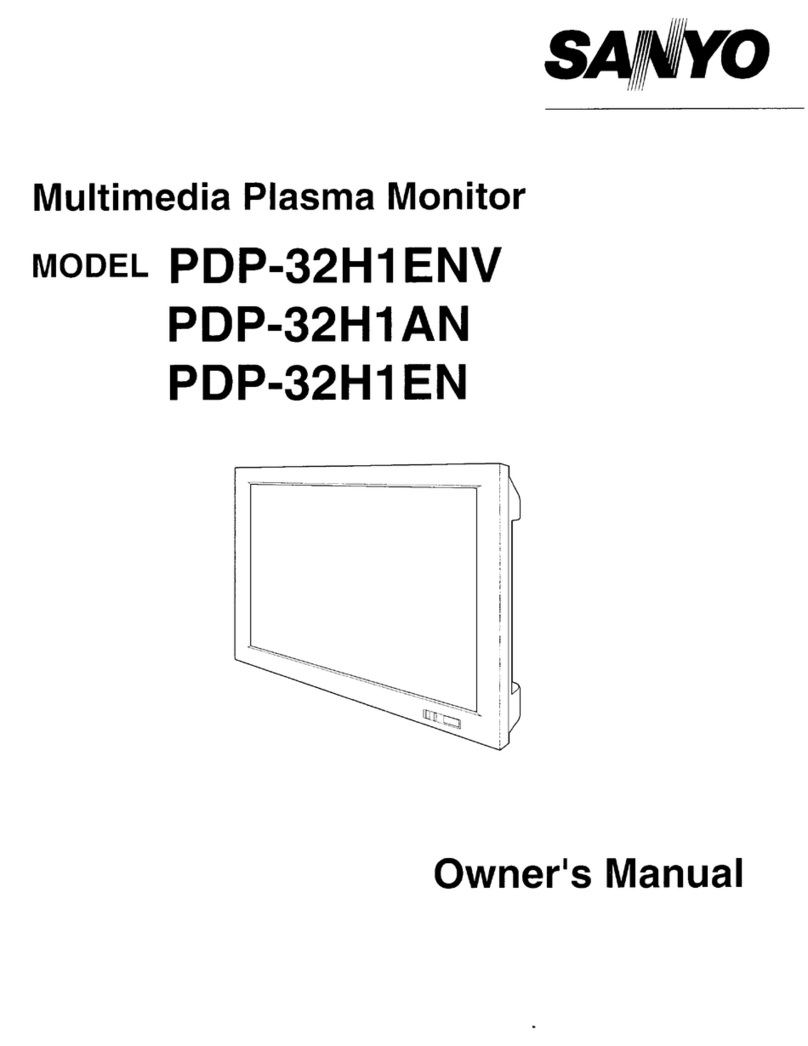
42V ROBUST NETWORKABLE LCD MONITOR
Issued 06/08 © 2008 SANYO
CE42LM4N-NA
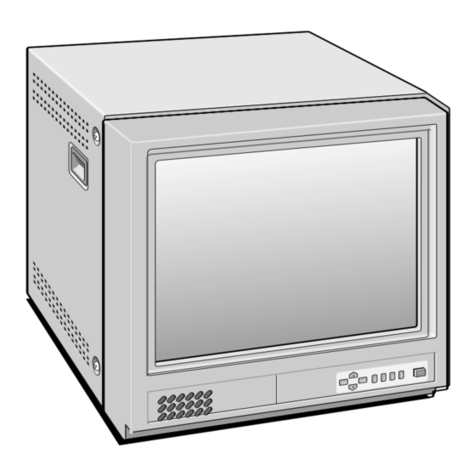
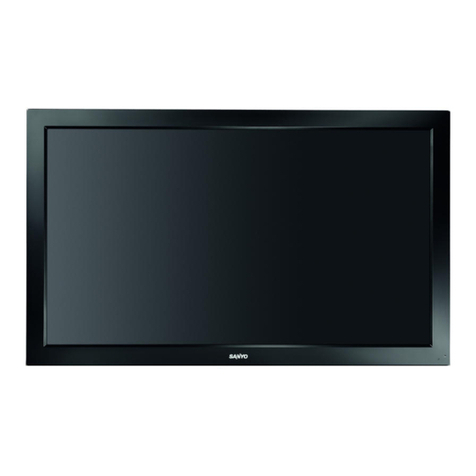
Robust LCD Monitor
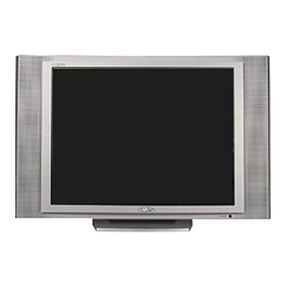
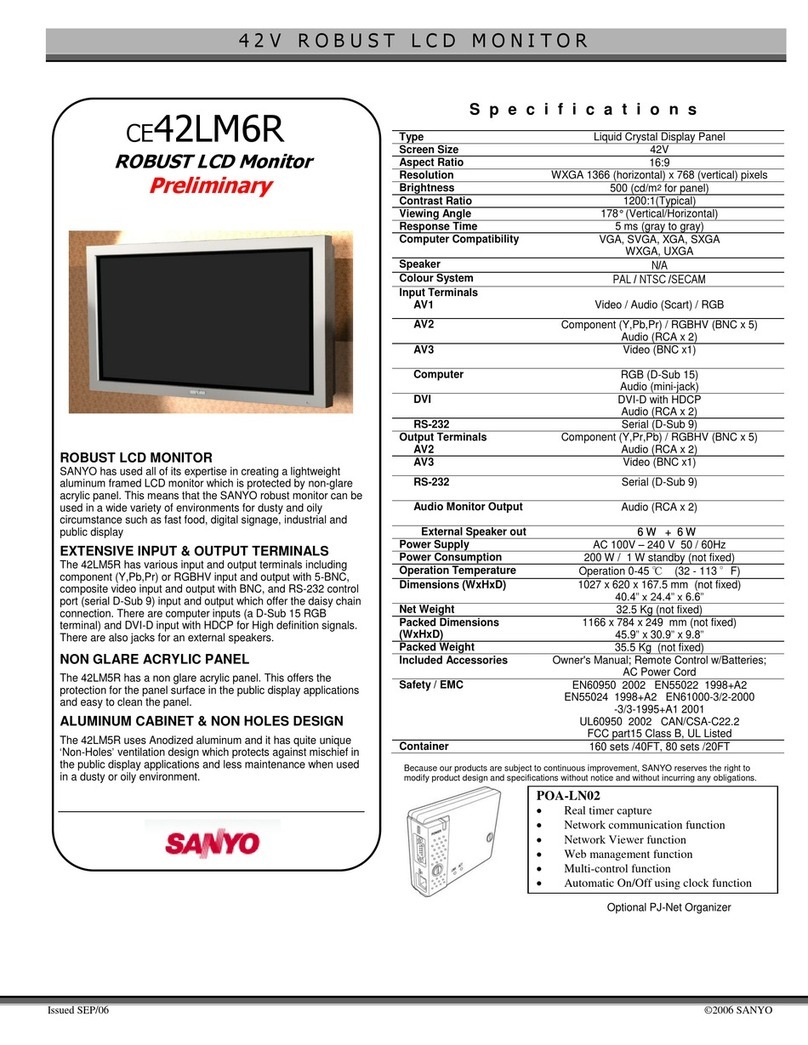
ROBUST LCD MONITOR
SANYO has used all of its expertise in creating a
lightweight aluminum framed LCD monitor which is
protected by non-glare acrylic panel. This means that
the SANYO robust monitor can be used in a wide
variety of environments for dusty and oily circumstance
such as fast food, digital signage, industrial and public
display
EXTENSIVE INPUT & OUTPUT TERMINALS
The 42LM4N has various input and output terminals
including component (Y,Pb,Pr) or RGBHV input and
output with 5-BNC, composite video input and output
with BNC, and RS-232 control port (serial D-Sub 9)
input and output which offer the daisy chain connection.
There are computer inputs (a D-Sub 15 RGB terminal)
and HDMI input with HDCP for High definition signals.
There are also jacks for an external audio amp and
speakers system (RCA).
NON GLARE ACRYLIC PANEL
The 42LM4N has a non glare acrylic panel. This offers
the protection for the panel surface in the public display
applications and easy to clean the panel.
ALUMINUM CABINET & NON HOLES DESIGN
The 42LM4N uses Anodized aluminum and it has quite
unique ‘Non-Holes’ ventilation design which protects
against mischief in the public display applications and
less maintenance when used in a dusty or oily
environment.
OPTIONAL PJ-NET ORGANIZER
An optional network box (POA-LN01) makes it possible
to use the 42LM4WPN as a network monitor, using your
internet browser to monitor and control the display's
properties. Additional software is not required.
Specifications
Type Liquid Crystal Display Panel
Screen Size 42V (Landscape / Portrait use available)
Portrait is turning clockwise in 90 degree)
Aspect Ratio 16:9
Resolution WXGA 1366 (H) x 768 (V)
Brightness 500 (cd/m2for panel)
Contrast Ratio 800:1 (typical)
Viewing Angle 178° (Vertical/Horizontal)
Panel tilt angle 90 degree tilt available (panel downward)
Response Time 8ms (gray to gray)
Computer Compatibility VGA, SVGA, XGA, SXGA, WXGA, UXGA
Audio Amp N/A
Speaker N/A
Input Terminals
AV1
Video / Audio (Scart)
AV2 Component (Y,Pb,Pr) / RGBHV (BNCx 5)
Audio (RCA x 2)
AV3 Video (BNC x1)
Computer 1 RGB (D-Sub 15)
HDMI HDMI v1.1 w/HDCP
RS-232 Serial (D-Sub 9)
Output Terminals
AV2 Component (Y,Pr,Pb) / RGBHV (BNC x 5)
Audio (RCA x 2)
AV3 Video (BNC x1)
Audio Monitor Audio (RCA x 2)
RS-232 Serial (D-Sub 9)
Power Supply AC 100-240V 50-60Hz
Power Consumption 225W
Operation Temperature 32 – 115 °F
Operation Altitude Up to 13, 124ft (4,000m)
Dimensions (WxHxD) 41.3” x 25.7” x 5.9” (w/o Option)
Net Weight 78 lbs. (w/o Option)
Included Accessories Owner's Manual; Remote Control w/Batteries;
AC Power Cord
Optional Accessories PJ-Net Organizer (POA-LN01)
Safety UL60950 2003
CAN/CSA-C22.2
FCC Rating Class B, UL Listed
Caution:
Due to product design considerations,
please consult with a qualified
installation engineer prior to monitor
ceiling mounting. Ceiling mounting
must be such so the ambient
temperature does not exceed 104°F
and that the proper side-supporting
bracket, specifically designed for
ceilings, is used.
Because its products are subject to continuous improvement, SANYO reserves the right to modify
product design and specifications without notice and withoutincurring any obligations. It is not
recommended to install the screen in direct sunlight without adequate shading. Using in direct
sunlight may cause a black shadow to appear on the screen and will disappear when panel
temperature goes down.
Optional PJ-Net Organizer
(POA-LN01)
Rear Input Panel