9
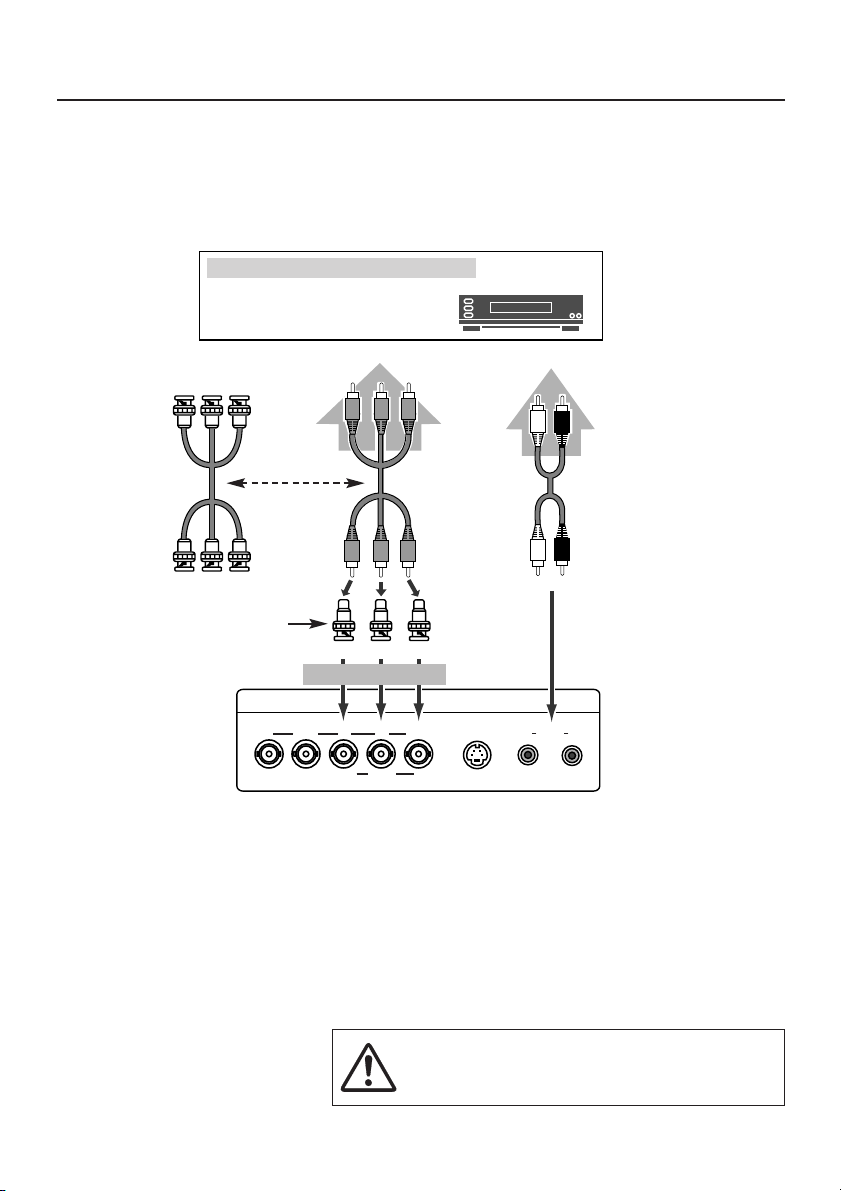
Cables used for connection (Cables and Adapter are not supplied with this board or monitor.)
• VGA Cable (HDB 15 pin)
• MAC Adapter (in the case of connecting Macintosh computer)
• Video Cable (BNC x 5)
• Audio Cable (Mini Plug - Mini Plug) or (RCA x 2)
NOTE: We recommend you to use a cable shorter than 3m.
Connecting to computer (PC, RGB)
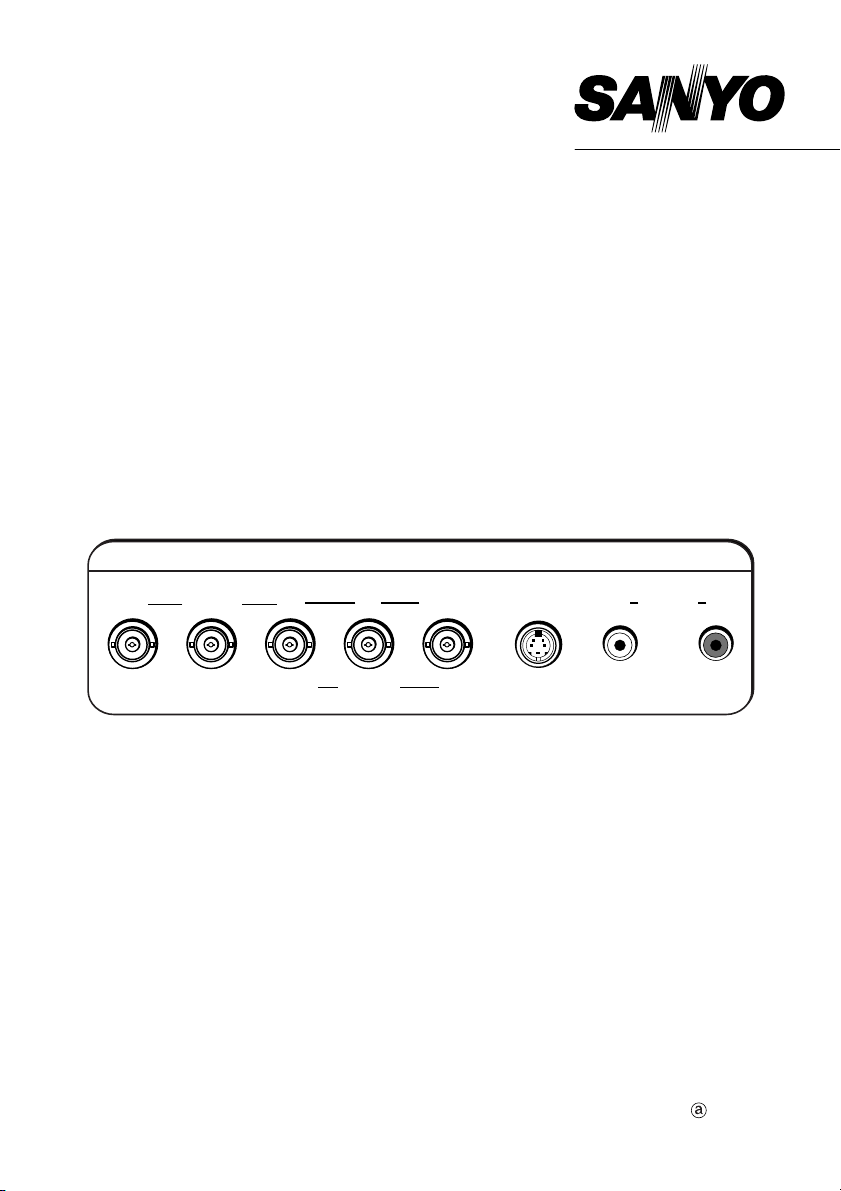
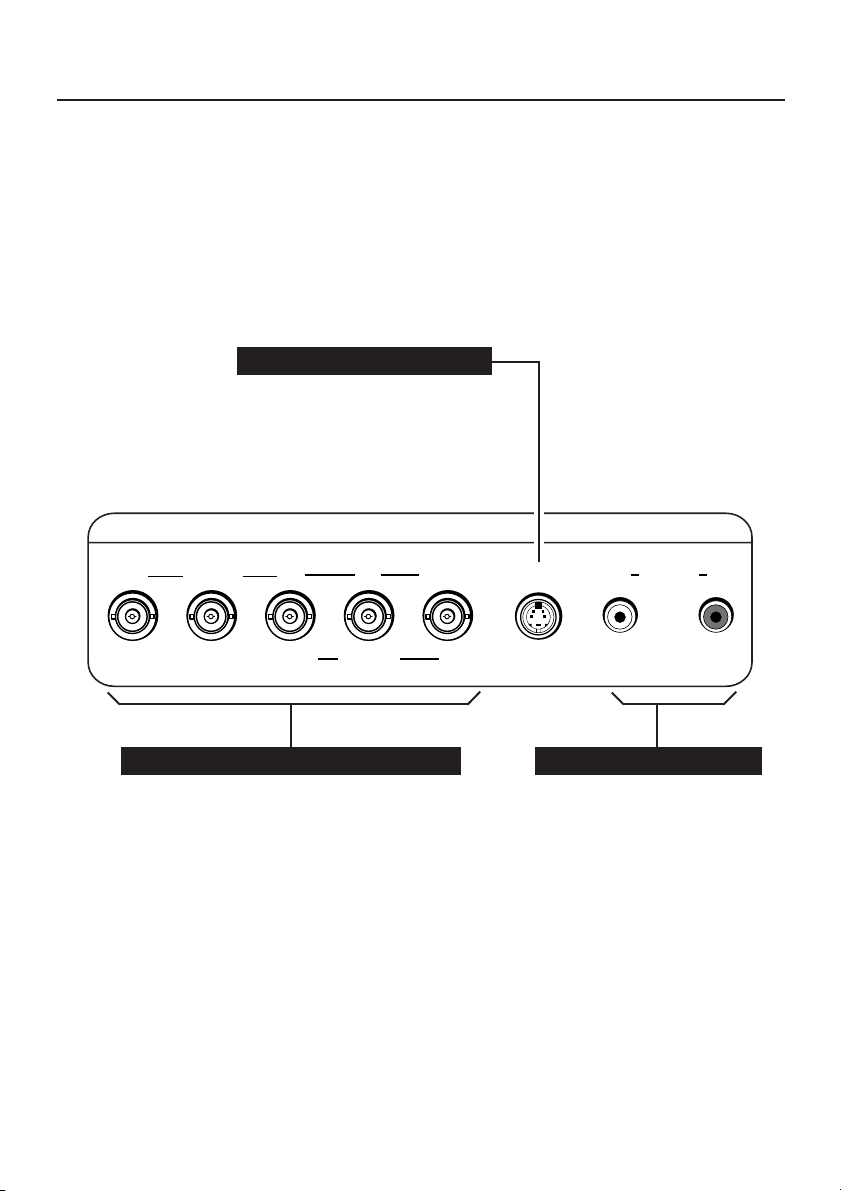
S-VIDEO
COMPONENT/RGB/CV IN
V H/HV R B G/CV
Cr/Pr Cb/Pb Y
L RAUDIO
SERIAL PORT OUT SERIAL PORT IN
COMPUTER IN
AUDIO (R/L)D-SUBRS-232CRS-232C
Audio Output
Mini Plug
Video Cable
(BNC x 5)
Audio Output
Computers
(another example)
IBM-compatible computers or
Macintosh computers
(VGA / SVGA / XGA / SXGA)
VGA Cable
Desktop
type
Laptop
type
MAC Adapter
Set the slide switches
according to the chart in the
owner's manual of your
Plasma Monitor.
NOTE :
When connecting the cable, AC Power Cords of both Plasma
Monitor and external equipment should be disconnected from
AC outlet. Turn Plasma Monitor and peripheral equipment on
before your computer is switched on.
Audio Cable
(Mini Plug)
Monitor Output
REAR TERMINALS OF MONITOR
HR GB
V
TERMINALS OF INTERFACE BOARD
Monitor Output
LR
Audio Cable
(RCA x 2)
RGB
PC