________________________________________________________________________
Sealevel Systems SIO-485 Page 2
SECTION 1. Installation
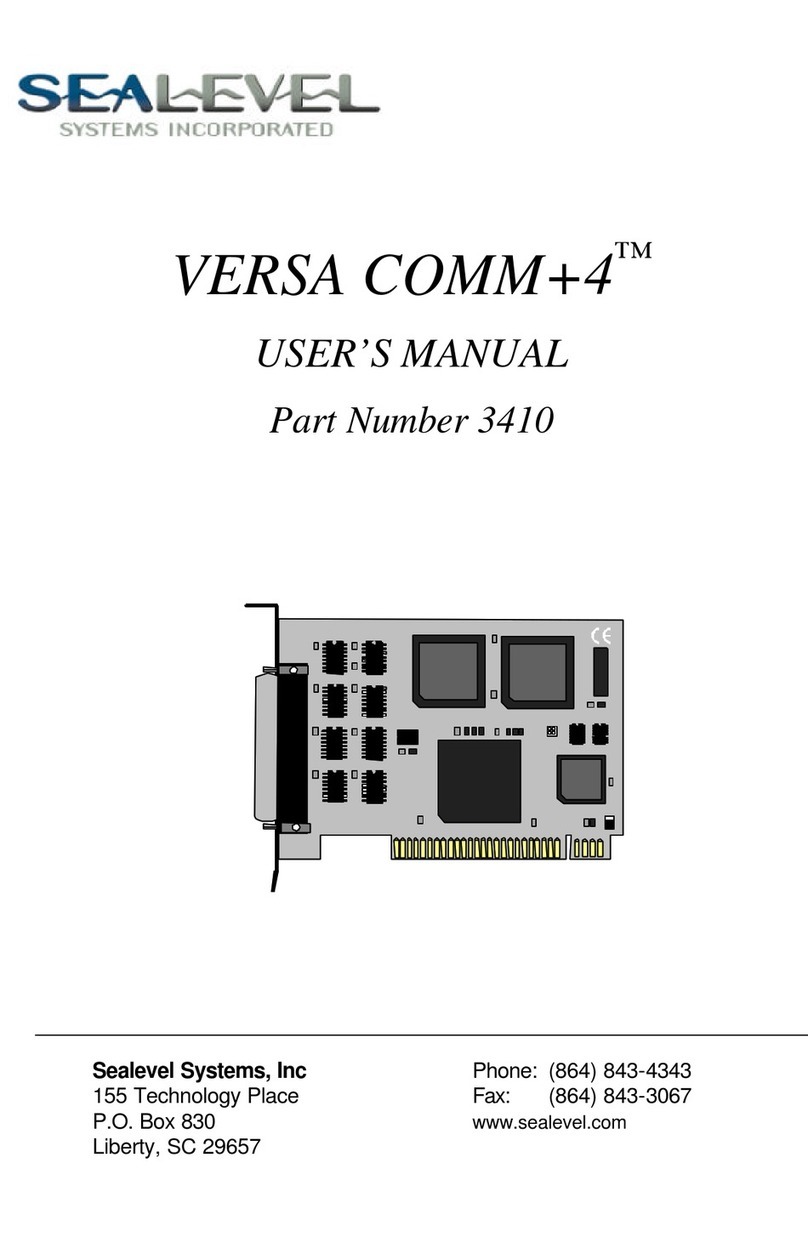
The COMM+4 can be installed in any of the PC expansion slots except J8 on the XT, and the
IBM Portable. First you must set the board base address and IRQ jumper. Remove the PC
case, remove the blank metal slot cover, and insert the board. The COMM+4 model you have
will determine how the cables are connected. Replace the screw, replace the case, and
installation is complete.
Ribbon Cables -These cables are routed through the slot opening and connected to the
board before the board is seated in the bus connector. The cables should be connected so
that the stripe is down, or toward the bottom, with the cables facing toward the rear of the PC.
Hang the attached cable bracket on the rear deck before tightening the case screws.
DB-9 Cables -Install the board in a slot, and then install the extra two cable bracket in the
slot toward the power supply from the board.
Spider Cable -Install the board in a slot, close the cover, and then install the DB-37
connector (Spider Cable) to the board.
SECTION 2. Address Selection
The COMM+4 board occupies 32 consecutive I/O locations. The dip-switch is used to set the
base address for these locations. Be careful when selecting the base address as some
selections conflict with existing PC ports. The following table shows several examples that
usually do not cause a conflict.
Address Switch Settings
12345
280-29F Off On Off On On
2A0-2BF Off On Off On Off
380-39F Off Off Off On On
3A0-3BF Off Off Off On Off
1A0-1BF OnOff Off On Off
2E0-2FF Off On Off Off Off
Figure 1
Address Selection Table
NOTE That 3A0-3BF cannot be used if the monochrome adapter is installed, as port
contention will result. The 2E0-2FF setting in conjunction with the IRQ 3 interrupt selection
will let the PC recognize COM2:(2F8 Hex) and COM4:(2E8 Hex).
The following illustration shows the correlation between the DIP-switch setting and the
address bits used to determine the base address. In the example below, the address 2E0
Hex is selected as a base. Address 2E0 in binary is XX 10 111X XXXX where X = a non-
selectable address bit.
1 2 3 4 5
ON
OFF
A9 A8 A7 A6 A5
Figure 2
DIP-Switch S1