EnglishDeutsch
 logo
Brands
  1. Home
  2. •
  3. Brands
  4. •
  5. Sekonic
  6. •
  7. Camera Accessories
  8. •
  9. Sekonic MULTIMASTER L-408 User manual

Sekonic MULTIMASTER L-408 User manual

Other manuals for MULTIMASTER L-408

1

Other Sekonic Camera Accessories manuals

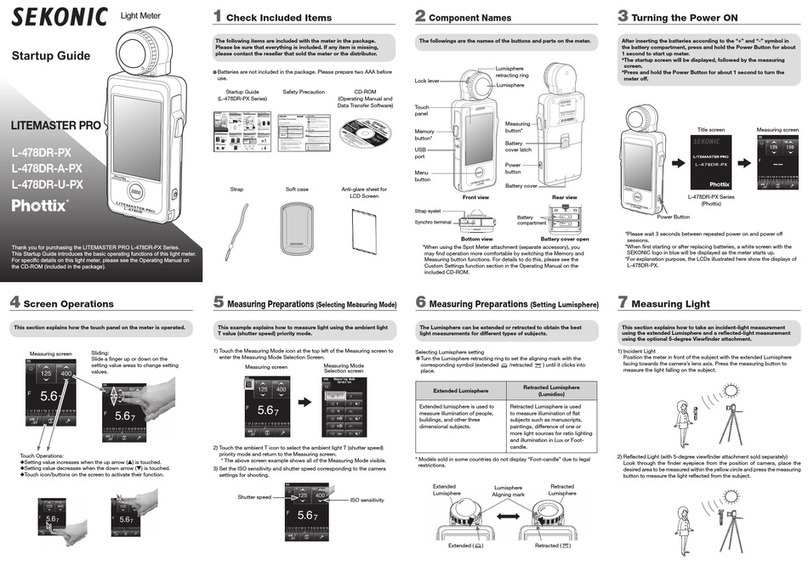
Sekonic LITEMASTER PRO L-478DR-A-PX User guide

Sekonic

Sekonic LITEMASTER PRO L-478DR-A-PX User guide

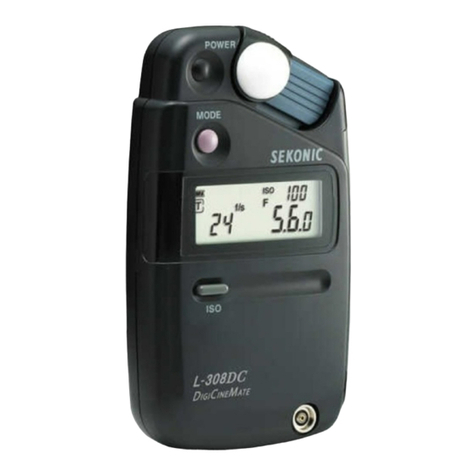
Sekonic DigiCineMate L-308DC User manual

Sekonic

Sekonic DigiCineMate L-308DC User manual

Sekonic L-398M User manual

Sekonic

Sekonic L-398M User manual

Popular Camera Accessories manuals by other brands

Bowens Camera Bag 125 null

Bowens

Bowens Camera Bag 125 null

Viltrox EF-NEX Mount instructions

Viltrox

Viltrox EF-NEX Mount instructions

Calumet 7100 Series CK7114 operating instructions

Calumet

Calumet 7100 Series CK7114 operating instructions

Ropox 4Single Series User manual and installation instructions

Ropox

Ropox 4Single Series User manual and installation instructions

Cambo Wide DS Digital Series Main operating instructions

Cambo

Cambo Wide DS Digital Series Main operating instructions

Samsung SHG-120 Specification sheet

Samsung

Samsung SHG-120 Specification sheet

Ryobi BPL-1820 Owner's operating manual

Ryobi

Ryobi BPL-1820 Owner's operating manual

Aegis ABL-36020P user manual

Aegis

Aegis ABL-36020P user manual

Fantasea EyeGrabber F Series instruction manual

Fantasea

Fantasea EyeGrabber F Series instruction manual

Honeywell HDZ20HD user manual

Honeywell

Honeywell HDZ20HD user manual

EGO BA1400T Operator's manual

EGO

EGO BA1400T Operator's manual

Sima SRW-62 user guide

Sima

Sima SRW-62 user guide

Shape A7SSMKIT Assembly manual

Shape

Shape A7SSMKIT Assembly manual

Slide Kamera HST-2 user manual

Slide Kamera

Slide Kamera HST-2 user manual

Power works 2902613 Original instructions

Power works

Power works 2902613 Original instructions

SES SE-2047-2 user manual

SES

SES SE-2047-2 user manual

Starlite OctoDome nxt instructions

Starlite

Starlite OctoDome nxt instructions

Custom Brackets Digital PRO-M Instructions for use

Custom Brackets

Custom Brackets Digital PRO-M Instructions for use

https://manuals.online logo
https://manuals.online logoBrands
  • About & Mission
  • Contact us
  • Privacy Policy
  • Terms and Conditions

Copyright 2026 Manuals.Online. All Rights Reserved.

Quick Guide to the Sekonic L-408
INCIDENT
(omni-directional)
SPOT VIEWER
COVER
BRIGHTNESS/
DIFFERENCE
(uni-directional)
ON/OFF
BATTERY CHECK
MEMORY (SEE
INSTRUCTIONS)
MEASURE
UP
DOWN
- - - - -
SPOT VIEWER
SPOT / INCIDENT
INDICATOR
1/10 STOP
INCREMENTS
ANALOG
MEMORY SCALE
MEMORY OFF
ISO
DEPRESS WHILE
PUSHING UP OR DOWN
SWITCH
FLASH CORD SOCKET
WHEN CORD IS ATTACHED PUSH
MEASURE BUTTON TO TRIGGER
FLASH AND MEASURE LIGHT
MODE
FLASH
FLASH W/CORD
DAYLIGHT
F/EV MULTI
·IN FLASH MODES
TOGGLES MULTI ON/OFF
·IN DAYLIGHT MODE
F-STOP PRIORITY
SHUTTER SPEED PRIORITY
EV BRIGHTNESS/DIFFERENCE
LUMISPHERE
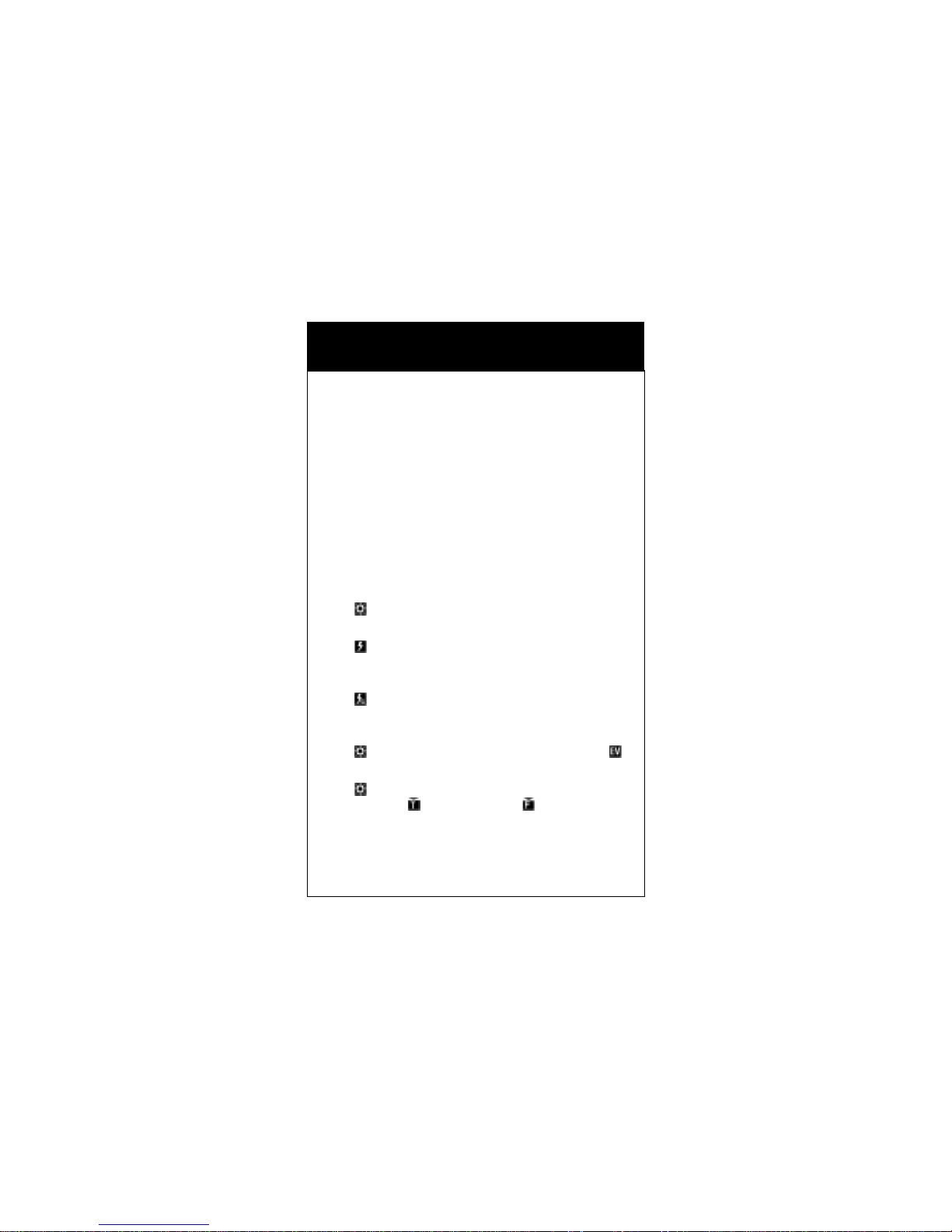
Basic Operation - Sekonic L-408
On/Off/Battery Check
Press Power button. To check battery power hold down
button. Power is indicated in 1/10th steps
Set ISO
Hold down ISO button while depressing Up or Down button
Use as Spot Meter
Slide open Spot Viewer Cover, sight through window
Use as Incident Meter
Close Spot Viewer Cover, rotate Lumisphere to high position
Measure Brightness/Contrast Difference
Close Spot Viewer Cover, rotate Lumisphere to low position
Daylight Reading
Select Daylight Mode, depress Measure button
Cordless Flash Reading
Select Flash Mode, depress Measure button, manually
trigger flash
Flash Reading Using Flash Cord
Select Flash with Cord Mode, insert flash cord, depress
Measure button
EV Reading
Select Daylight Mode, depress F/EV Multi button to see
Select Shutter or Aperture Priority
Select Daylight Mode. Toggle F/EV Multi button.
Shutter priority = Aperture priority =
Set Exposure Compensation
Press ISO and F/EV Multi simultaneously and toggle Up/Down
switch to set in 1/10th step increments
PRINTED IN USA