manuals.online logo
Brands
  1. Home
  2. •
  3. Brands
  4. •
  5. Shark
  6. •
  7. Vacuum Cleaner
  8. •
  9. Shark Navigator DELUXE NV41 User manual

Shark Navigator DELUXE NV41 User manual

Other Shark Vacuum Cleaner manuals
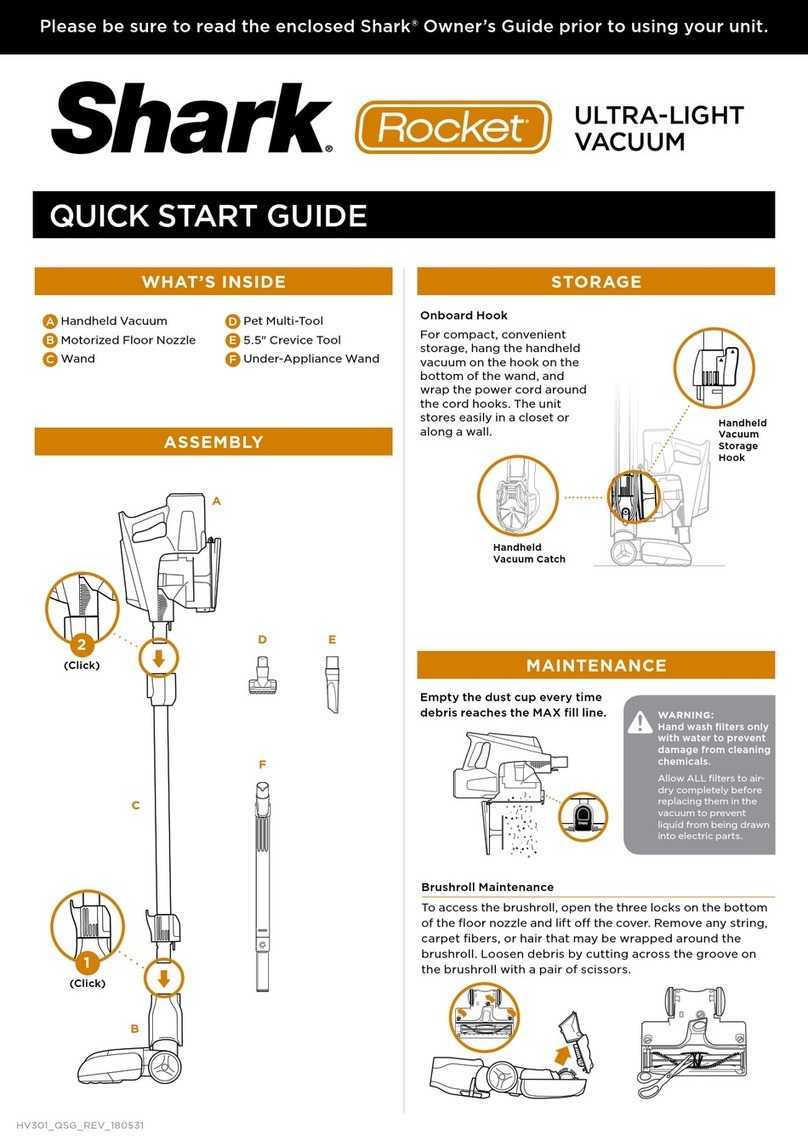
Shark NV80 User manual

Shark

Shark NV80 User manual

Shark Rotator Speed Powered Lift Away NV682 User manual

Shark

Shark Rotator Speed Powered Lift Away NV682 User manual

Shark ROTATOR Powered Lift-Away Speed NV683 Series User manual

Shark

Shark ROTATOR Powered Lift-Away Speed NV683 Series User manual

Shark APEX duoclean Powered Lift-Away AX950 Series User manual

Shark

Shark APEX duoclean Powered Lift-Away AX950 Series User manual

Shark NV360NZ User manual

Shark

Shark NV360NZ User manual

Shark ION RV750 N User manual

Shark

Shark ION RV750 N User manual

Shark Rocket AH452 User manual

Shark

Shark Rocket AH452 User manual

Shark HV300 User manual

Shark

Shark HV300 User manual

Shark 3DCOMPLETE VM200 User manual

Shark

Shark 3DCOMPLETE VM200 User manual

Shark ROTATOR SLIM-LIGHT Lift-Away User manual

Shark

Shark ROTATOR SLIM-LIGHT Lift-Away User manual

Shark DuoClean Powered Lift-Away AZ910UK Series User manual

Shark

Shark DuoClean Powered Lift-Away AZ910UK Series User manual

Shark Powered Lift-Away DuoClean Zero-M ZU880... User manual

Shark

Shark Powered Lift-Away DuoClean Zero-M ZU880... User manual

Shark SONIC DUO KD450UKL User manual

Shark

Shark SONIC DUO KD450UKL User manual

Shark ION ROBOT RV720 Series User manual

Shark

Shark ION ROBOT RV720 Series User manual

Shark MATRIX RV2300 Series User manual

Shark

Shark MATRIX RV2300 Series User manual

Shark NAVIGATOR NV350W User manual

Shark

Shark NAVIGATOR NV350W User manual

Shark HYDROVAC WD200 Series User manual

Shark

Shark HYDROVAC WD200 Series User manual

Shark NV350UK Series User manual

Shark

Shark NV350UK Series User manual

Shark ROTATOR SLIM-LIGHT Lift-Away NV340UKP User manual

Shark

Shark ROTATOR SLIM-LIGHT Lift-Away NV340UKP User manual

Shark Navigator Pet ZU62ANZ User manual

Shark

Shark Navigator Pet ZU62ANZ User manual

Shark HV300 User manual

Shark

Shark HV300 User manual

Shark Rotator ZU100 Series User manual

Shark

Shark Rotator ZU100 Series User manual

Shark NV801UK SERIES User manual

Shark

Shark NV801UK SERIES User manual

Shark duoclean POWERED LIFT-AWAY NV835 User manual

Shark

Shark duoclean POWERED LIFT-AWAY NV835 User manual

Popular Vacuum Cleaner manuals by other brands

Bissell LittleGreen Proheat 1425 Series user guide

Bissell

Bissell LittleGreen Proheat 1425 Series user guide

Panasonic MC-YL637S147-AE Service manual

Panasonic

Panasonic MC-YL637S147-AE Service manual

LG A9 Series owner's manual

LG

LG A9 Series owner's manual

Oreck Cordless Captura BK51700 Series user guide

Oreck

Oreck Cordless Captura BK51700 Series user guide

Kogan KAVACROBVWA user manual

Kogan

Kogan KAVACROBVWA user manual

Kränzle VENTOS 50 ID Use and maintenance

Kränzle

Kränzle VENTOS 50 ID Use and maintenance

NEFF N17XH10 0 Series instruction manual

NEFF

NEFF N17XH10 0 Series instruction manual

EVVO Ai35 instruction manual

EVVO

EVVO Ai35 instruction manual

DeWalt DWH200D instruction manual

DeWalt

DeWalt DWH200D instruction manual

Pontec Pondomatic Vacuum Cleaner operating instructions

Pontec

Pontec Pondomatic Vacuum Cleaner operating instructions

Cleanmaxx PC-P007E instruction manual

Cleanmaxx

Cleanmaxx PC-P007E instruction manual

RIDGID WD1685AU0 owner's manual

RIDGID

RIDGID WD1685AU0 owner's manual

Ezviz RE4P manual

Ezviz

Ezviz RE4P manual

STG global TANVAC HDV3000 Operator's manual

STG global

STG global TANVAC HDV3000 Operator's manual

Factory M3340 operating manual

Factory

Factory M3340 operating manual

Shop-Vac VN92 SERIES user manual

Shop-Vac

Shop-Vac VN92 SERIES user manual

Nobles 608669 Operator and parts manual

Nobles

Nobles 608669 Operator and parts manual

Craftsman CMCVS001D1 instruction manual

Craftsman

Craftsman CMCVS001D1 instruction manual

manuals.online logo
manuals.online logoBrands
  • About & Mission
  • Contact us
  • Privacy Policy
  • Terms and Conditions

Copyright 2025 Manuals.Online. All Rights Reserved.

QUICK
START
GUIDE
Use this Quick Start Guide
to learn about your new
vacuum’s great features.
NV41_170127
AHandle Assembly
BVacuum Body
CMotorized Floor Nozzle
DSuper Stretch Hose
ECleaning Wand
FPet Power Brush
GDusting Brush
H5" Compact Crevice Tool
For questions or to register your product, contact us at
1-800-798-7398 or visit us online at sharkclean.com
@sharkcleaning
Join
The Clean
Evolution.
™
When it comes to
cleaning, we’re not afraid
to get our hands dirty.
At Shark®, we’re constantly
working to evolve and
innovate products to meet
the needs of people like
you. Because our job is
to make 5-star-worthy
products that make your
life a whole lot easier.
WHAT’S INSIDE
For additional parts and accessories, visit sharkaccessories.com
©2017 SharkNinja Operating LLC. SHARK and SHARK NAVIGATOR are registered trademarks of SharkNinja Operating LLC.
NAVIGATOR and JOIN THE CLEAN EVOLUTION are trademarks of SharkNinja Operating LLC.
Please be sure to read the enclosed Shark® Owner’s Guide prior to using your unit.
A
B
C
D
E F G H
NV41
HAVING
TROUBLE?
ISSUE
Vacuum is not picking
up debris. No suction
or light suction.
Solution
Empty dust cup, clean
filters, check all openings
for blockages.
ISSUE
Vacuum lifts area rugs.
Solution
Turn o the unit to disengage
the brushroll and restart with
the Power slider switch.
ISSUE
Brushroll and/or Soft Roller
does not spin. The Brushroll
Indicator Light on the floor
nozzle turns red.
Solution
Turn o and unplug the
vacuum immediately.
Remove any blockages, then
reconnect and turn vacuum
back on. If Brushroll Indicator
Light on the floor nozzle
is green, the blockage has
been successfully cleared.
If the light is still red, please
contact customer service
at 1-800-798-7398.
BARE FLOOR AND CARPET CLEANING
Pull handle toward you to
release the motorized floor
nozzle and engage the brushroll.
Choose Floor Setting.
O
Bare Floors
Carpets
Adjust suction as needed
by turning the controller
on the handle.
ASSE M B LY
Attach handle
assembly to vacuum
body with screw,
then connect body to
motorized floor nozzle.
2
(Click)
1
(Attach) 3
(Click)
Store accessories
on the posts on the
vacuum body.
Connect hose to back
of vacuum body,
pressing until it clicks
into place. To use an
accessory, connect it
to other end of hose.
4
(Click)
d
a c e
g
h
b
f
MAINTENANCE
Empty dust cup after each use
TIP:
Wash filters
every 3 months
to keep the
suction strong.
Rinse filters and
allow them to air-dry
completely. Tap
loose dirt from foam
filters as needed
between washes.
Note: The foam filters may
discolor over time. This is normal.
d
a c e
g
h
b
f
11
Pre-Motor
Felt Filter
(Felt Side Up)
Pre-Motor
Foam Filter
Filter Frame Filter Frame
(Underside)
11
11
Release Empty
Remove