EnglishDeutsch
 logo
Brands
  1. Home
  2. •
  3. Brands
  4. •
  5. Shark
  6. •
  7. Vacuum Cleaner
  8. •
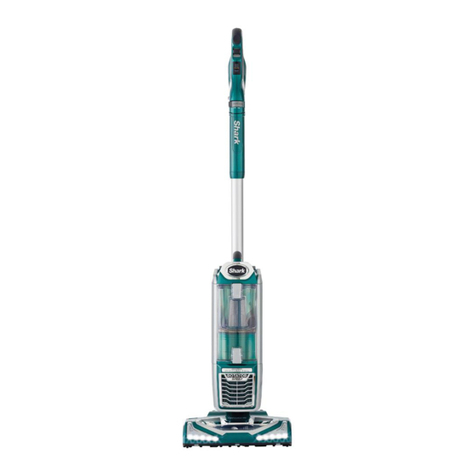
  9. Shark NV601 User manual

Shark NV601 User manual

This manual suits for next models

1

Other Shark Vacuum Cleaner manuals

Shark LIFT-AWAY NV590UK Series User manual
Shark

Shark LIFT-AWAY NV590UK Series User manual

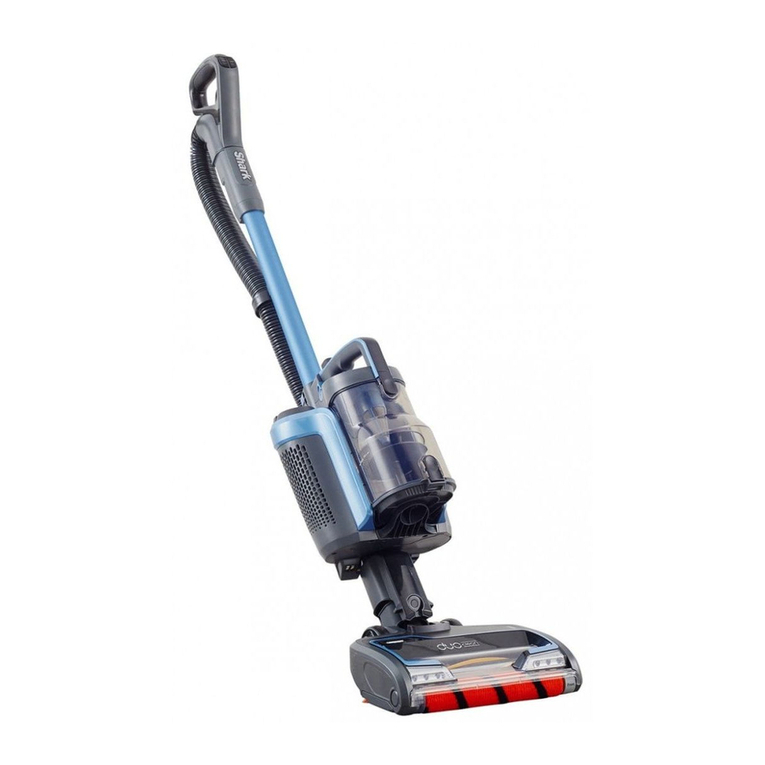
Shark DuoClean User manual

Shark

Shark DuoClean User manual

Shark ION P50 User manual

Shark

Shark ION P50 User manual

Shark NV353Q Series User manual

Shark

Shark NV353Q Series User manual

Shark UV490CCO User manual

Shark

Shark UV490CCO User manual
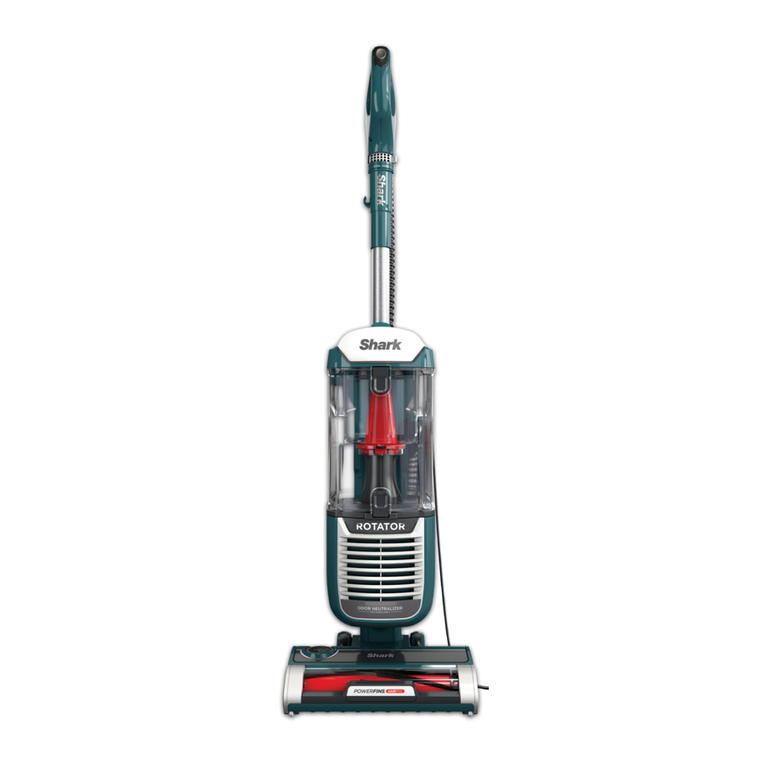
Shark Rotator ZU80 User manual

Shark

Shark Rotator ZU80 User manual

Shark EP750ST User manual

Shark

Shark EP750ST User manual
Shark Vertex DuoClean PowerFins AZ2000 Series User manual
Shark

Shark Vertex DuoClean PowerFins AZ2000 Series User manual

Shark 250 Series IC205 Series UF280 Series User manual
Shark

Shark 250 Series IC205 Series UF280 Series User manual

Shark Rotator ZU632 User manual

Shark

Shark Rotator ZU632 User manual
Shark Vertex DuoClean PowerFins AZ2000 Series User manual
Shark

Shark Vertex DuoClean PowerFins AZ2000 Series User manual

Shark UV210CN User manual

Shark

Shark UV210CN User manual

Shark Rocket DuoClean HV380 series User manual
Shark

Shark Rocket DuoClean HV380 series User manual

Shark SONIC DUO+ KD450 Series User manual

Shark

Shark SONIC DUO+ KD450 Series User manual

Shark Rotator Powered Lift-Away NV750 Series User manual
Shark

Shark Rotator Powered Lift-Away NV750 Series User manual

Shark NINJA IQRobot UR1000SR Series User manual

Shark

Shark NINJA IQRobot UR1000SR Series User manual

Shark WV203SM User manual

Shark

Shark WV203SM User manual

Shark Rocket HV322Q Series User manual
Shark

Shark Rocket HV322Q Series User manual

Shark ION User manual

Shark

Shark ION User manual
Shark STRATOS CLEAN SENSE IQ MultiFLEX IZ862H User manual

Shark

Shark STRATOS CLEAN SENSE IQ MultiFLEX IZ862H User manual
Shark STRATOS IZ400EU Series User manual

Shark

Shark STRATOS IZ400EU Series User manual

Shark Rotator NV752 User manual

Shark

Shark Rotator NV752 User manual

Shark Rotator User manual

Shark

Shark Rotator User manual

Shark NV100UKL User manual

Shark

Shark NV100UKL User manual

Popular Vacuum Cleaner manuals by other brands

Bissell LittleGreen Proheat 1425 Series user guide

Bissell

Bissell LittleGreen Proheat 1425 Series user guide

Panasonic MC-YL637S147-AE Service manual

Panasonic

Panasonic MC-YL637S147-AE Service manual

LG A9 Series owner's manual

LG

LG A9 Series owner's manual

Oreck Cordless Captura BK51700 Series user guide

Oreck

Oreck Cordless Captura BK51700 Series user guide

Kogan KAVACROBVWA user manual

Kogan

Kogan KAVACROBVWA user manual

Kränzle VENTOS 50 ID Use and maintenance

Kränzle

Kränzle VENTOS 50 ID Use and maintenance

NEFF N17XH10 0 Series instruction manual

NEFF

NEFF N17XH10 0 Series instruction manual

EVVO Ai35 instruction manual

EVVO

EVVO Ai35 instruction manual

DeWalt DWH200D instruction manual

DeWalt

DeWalt DWH200D instruction manual

Pontec Pondomatic Vacuum Cleaner operating instructions

Pontec

Pontec Pondomatic Vacuum Cleaner operating instructions

Cleanmaxx PC-P007E instruction manual

Cleanmaxx

Cleanmaxx PC-P007E instruction manual

RIDGID WD1685AU0 owner's manual

RIDGID

RIDGID WD1685AU0 owner's manual

Ezviz RE4P manual

Ezviz

Ezviz RE4P manual

STG global TANVAC HDV3000 Operator's manual

STG global

STG global TANVAC HDV3000 Operator's manual

Factory M3340 operating manual

Factory

Factory M3340 operating manual

Shop-Vac VN92 SERIES user manual

Shop-Vac

Shop-Vac VN92 SERIES user manual

Nobles 608669 Operator and parts manual

Nobles

Nobles 608669 Operator and parts manual

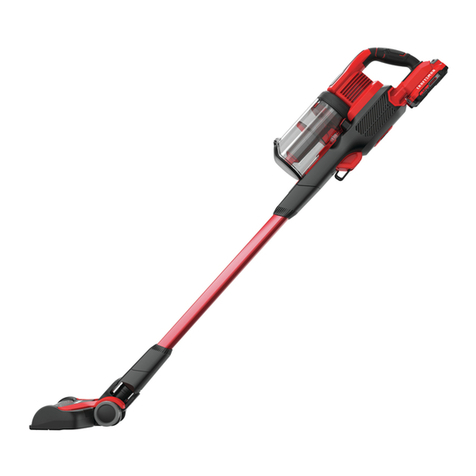
Craftsman CMCVS001D1 instruction manual

Craftsman

Craftsman CMCVS001D1 instruction manual

https://manuals.online logo
https://manuals.online logoBrands
  • About & Mission
  • Contact us
  • Privacy Policy
  • Terms and Conditions

Copyright 2026 Manuals.Online. All Rights Reserved.

Join The
Clean Evolution.
™
When it comes to cleaning, we’re not
afraid to get our hands dirty. At Shark®,
we’re constantly working to evolve and
innovate products to meet the needs of
people like you. Because our job is to
make 5-star-worthy products that make
your life a whole lot easier.
QUICK
START
GUIDE
Use this Quick Start Guide
to learn about your new
vacuum’s great features.
NV601
For questions or to register your product, contact us at
800-798-7398 or visit us online at registeryourshark.com
@sharkcleaning
NV601_160623
WHAT’S INSIDE:
A Vacuum Pod
B Motorized Floor Nozzle
C Handle & Hose
D Wand
E Hard Floor Hero™
F Pet Multi-Tool
G 12" Crevice Tool
For additional parts and accessories, visit sharkaccessories.com
FG
Please be sure to read the enclosed Owner’s Guide prior to using your unit.
©2016 Sh arkN inja Op eratin g LLC. SHARK, R OTATO R , and L IF T- AWAY are regis tered tra dema rks of Shar kNin ja Opera ting LLC .
HARD FLO OR HERO an d JOIN TH E CLEA N EVOLUTI ON are trad emar ks of Shark Ninj a Operat ing LLC.
A
B
D
C
Brushroll
Access
Brushroll
Access
E
Lift-Away
Release
Attach a ny of the
accessories to the
handle or wand .
Power
Push the POWER
button to turn the
vacuum on or off.
Floor Setting
Slide the POWER
button up or down
to choose floor type.
Carpet
Hard Floor
Carpet
Hard Floor
2 WAYS TO CLEAN:
1
UPRIGHT
2
LIFT-AWAY®
OR
Handle
Release
Wand
Release
Suction
Control
NOTE:
The flat si de
of the Hard
Floor Hero™
attachment
should face
forward.
ASSEMBLE
Assemble vacuum
3
(Click)
2
(Click)
4
(Click)
1
(Click)
5
(Click)
HAVING
TROUBLE?
ISSUE
Vacuum is not picking
up debris. No suction
or light suction.
Solution
Empty dust cup, clean
filters, check all openings
for blockages, and clean
brushroll.
ISSUE
Vacuum lifts area rugs.
Solution
Slide the POWER button
to the Hard Floor setting
to turn off the brushroll.
Adjust Suction Control
on handle to minimize suction.
ISSUE
Brushroll does not spin.
The Brushroll Indicator
Light is red.
Solution
Turn off and unplug the
vacuum. Remove any
blockages, then reconnect
and turn vacuum back on.
Brushroll
Access
Brushroll
Access
Empty dust cup after each use
MAINTENANCE
EmptyRelease
Easy brushroll access: just pop open the garage
Push the release buttons and the brushroll garage door will pop open. Lift out the
brushroll to easily remove any string, hair, or debris that may be wrapped around it.
TIP:
Wash filters
every 3 months
to keep the
suction strong.
Rinse filters and
allow to air-dry
completely. Tap
loose dirt from foam
filters as needed
between washes.
Brushroll
Access
lBrushrol
Access
PULL
Attach onboard
accessories
6
(Connect)
OR
l