manuals.online logo
Brands
  1. Home
  2. •
  3. Brands
  4. •
  5. Shure
  6. •
  7. Microphone
  8. •
  9. Shure UNISPHERE 565SD User manual

Shure UNISPHERE 565SD User manual

Other manuals for UNISPHERE 565SD

5

Other Shure Microphone manuals

Shure SM7B User manual

Shure

Shure SM7B User manual

Shure PSM 200 User manual

Shure

Shure PSM 200 User manual

Shure MX183BP User manual

Shure

Shure MX183BP User manual

Shure Unisphere I PE56D-CN User manual

Shure

Shure Unisphere I PE56D-CN User manual

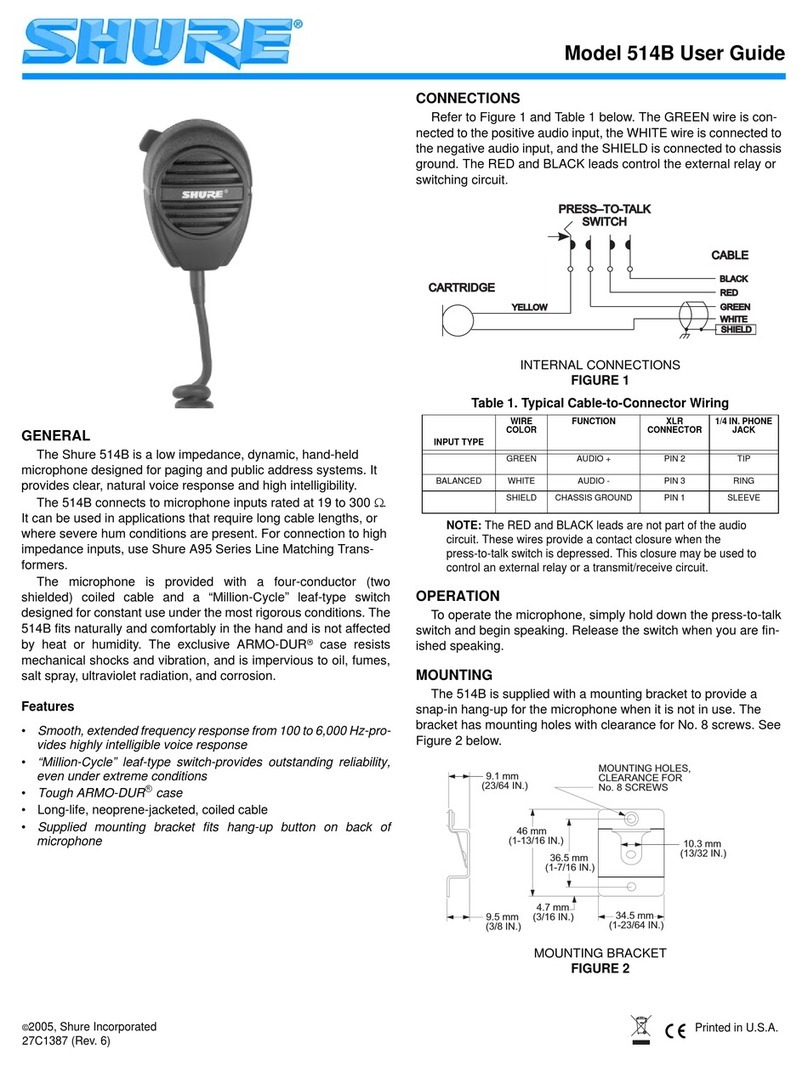
Shure 514B User manual

Shure

Shure 514B User manual

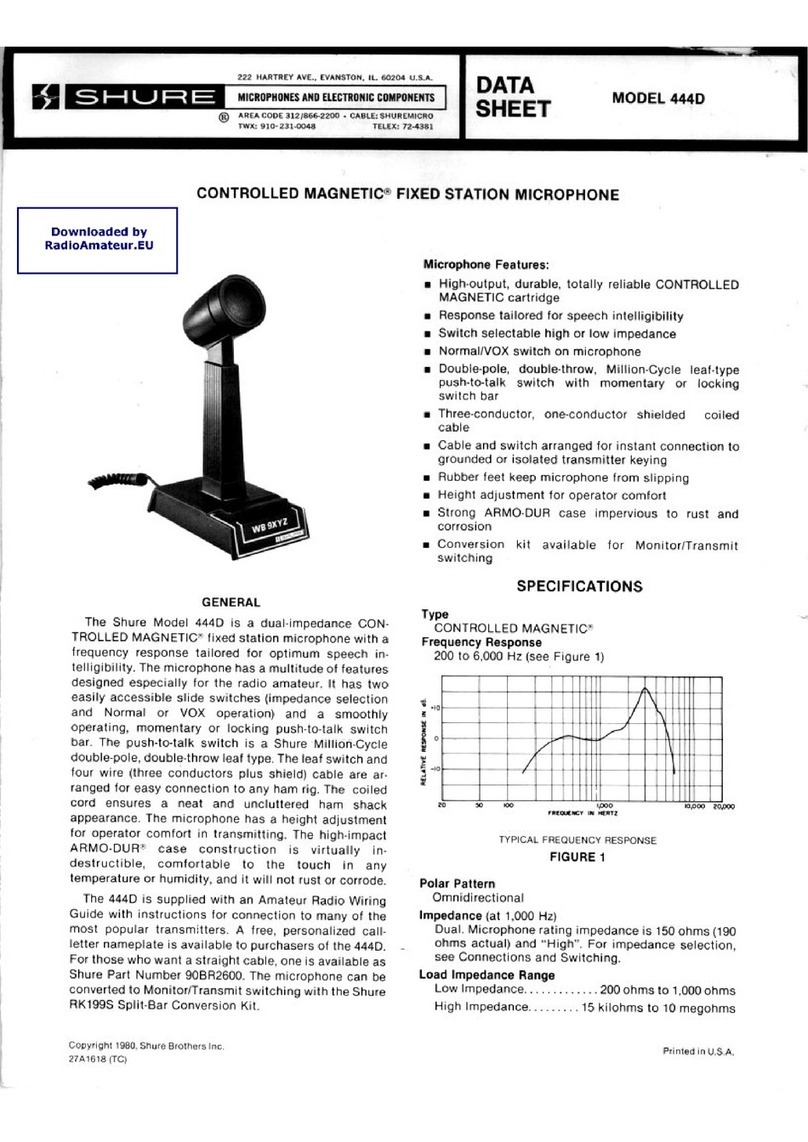
Shure Controlled Magnetic 444D User manual

Shure

Shure Controlled Magnetic 444D User manual

Shure 104C User manual

Shure

Shure 104C User manual

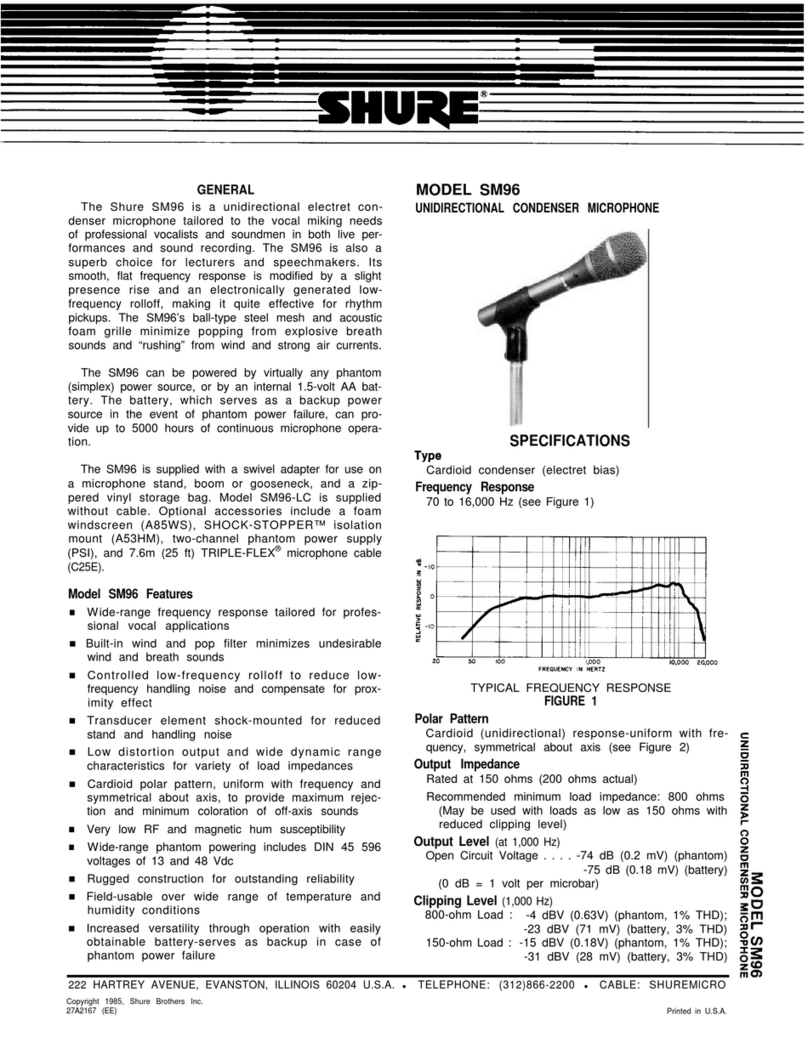
Shure SM96 User manual

Shure

Shure SM96 User manual

Shure Spher-O-Dyne 533SA User manual

Shure

Shure Spher-O-Dyne 533SA User manual

Shure R174 User manual

Shure

Shure R174 User manual

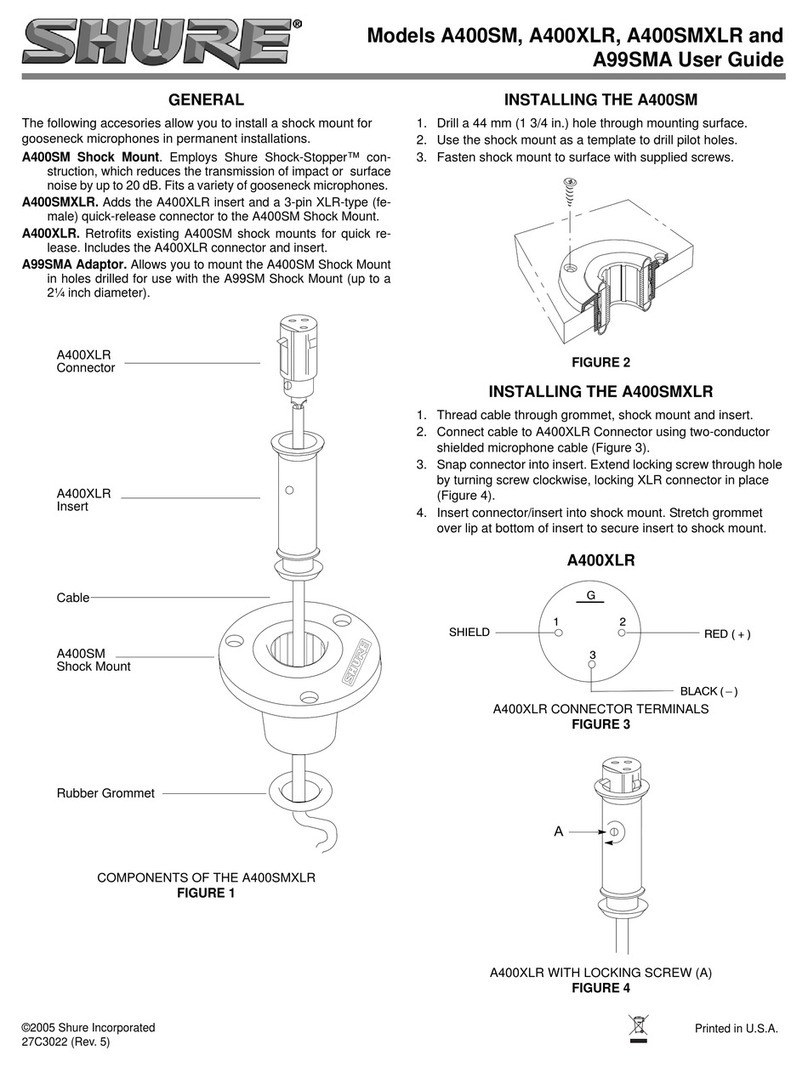
Shure A400XLR User manual

Shure

Shure A400XLR User manual

Shure 56628 User manual

Shure

Shure 56628 User manual

Shure MV5 User manual

Shure

Shure MV5 User manual

Shure R174 User manual

Shure

Shure R174 User manual

Shure MUSIC EDUCATORS User manual

Shure

Shure MUSIC EDUCATORS User manual

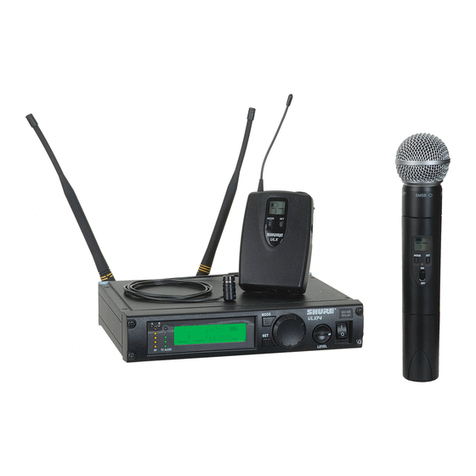
Shure ULX Wireless System User manual

Shure

Shure ULX Wireless System User manual

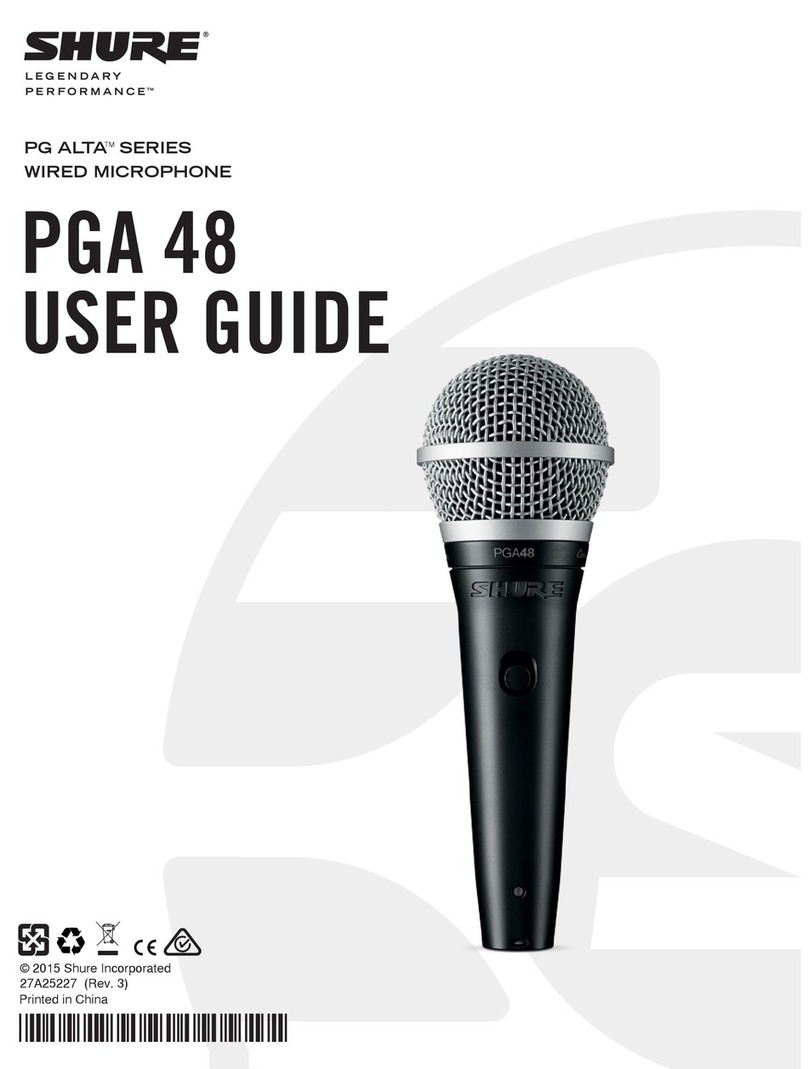
Shure PGA 48 User manual

Shure

Shure PGA 48 User manual

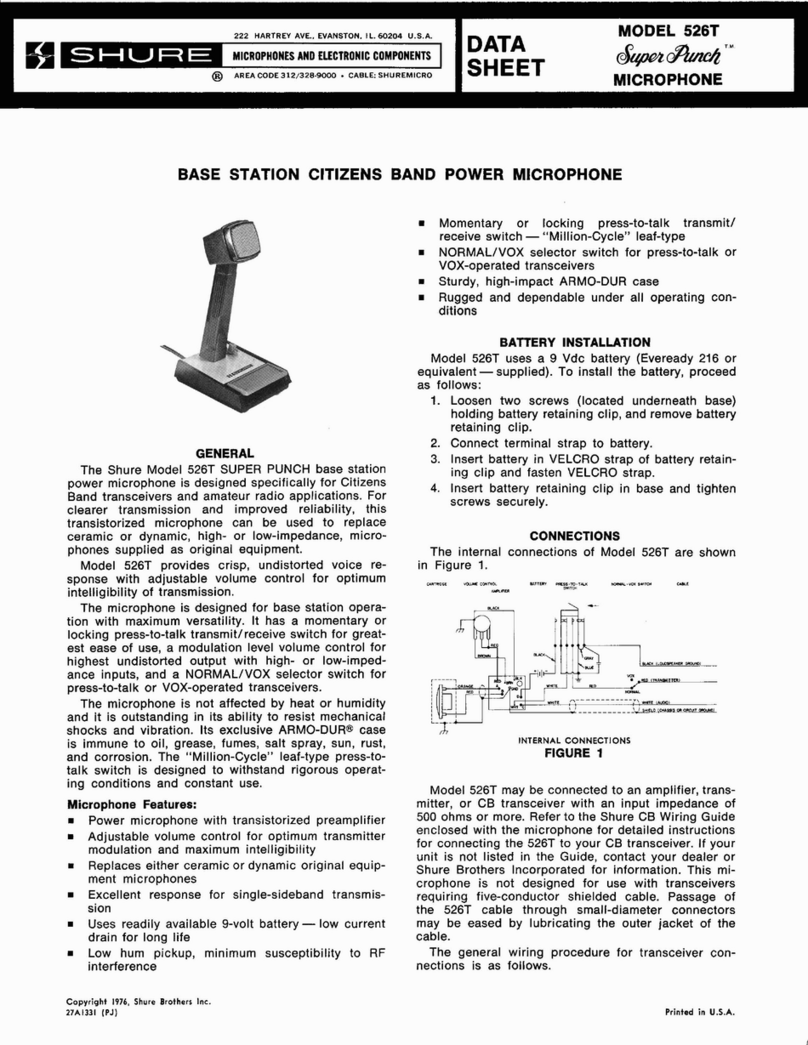
Shure 526T Series II Super Punch User manual

Shure

Shure 526T Series II Super Punch User manual

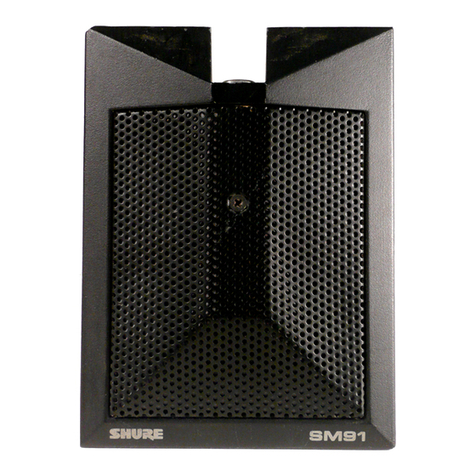
Shure SM91 Instruction manual

Shure

Shure SM91 Instruction manual

Shure KSM137 User manual

Shure

Shure KSM137 User manual

Shure Microflex MX391BP Series User manual

Shure

Shure Microflex MX391BP Series User manual

Shure 544 User manual

Shure

Shure 544 User manual

Shure 55s User manual

Shure

Shure 55s User manual

Shure UNF Wireless system User manual

Shure

Shure UNF Wireless system User manual

Popular Microphone manuals by other brands

IK Multimedia iRig Stream MIC PRO user manual

IK Multimedia

IK Multimedia iRig Stream MIC PRO user manual

DAPAudio RM-101 user manual

DAPAudio

DAPAudio RM-101 user manual

AKG CHM 21 User instructions

AKG

AKG CHM 21 User instructions

Sennheiser evolution wireless series EM 100 instruction manual

Sennheiser

Sennheiser evolution wireless series EM 100 instruction manual

Sony C-48 operating instructions

Sony

Sony C-48 operating instructions

GIGAMEDIA GGM PAMICUHFG user manual

GIGAMEDIA

GIGAMEDIA GGM PAMICUHFG user manual

auna PRO MIC-900 manual

auna PRO

auna PRO MIC-900 manual

AKG D 3800 User instructions

AKG

AKG D 3800 User instructions

MAIIN SOUND IIN style instruction manual

MAIIN SOUND

MAIIN SOUND IIN style instruction manual

Earthworks TC25 user manual

Earthworks

Earthworks TC25 user manual

Alesis MicLink Wireless user guide

Alesis

Alesis MicLink Wireless user guide

DSPPA D6234 manual

DSPPA

DSPPA D6234 manual

Monacor IMG STAGELINE ECM-300B manual

Monacor

Monacor IMG STAGELINE ECM-300B manual

Ansr Audio Scan16 user manual

Ansr Audio

Ansr Audio Scan16 user manual

Sennheiser evolution D1 user manual

Sennheiser

Sennheiser evolution D1 user manual

JLab GO TALK manual

JLab

JLab GO TALK manual

Renkforce TY-109 operating instructions

Renkforce

Renkforce TY-109 operating instructions

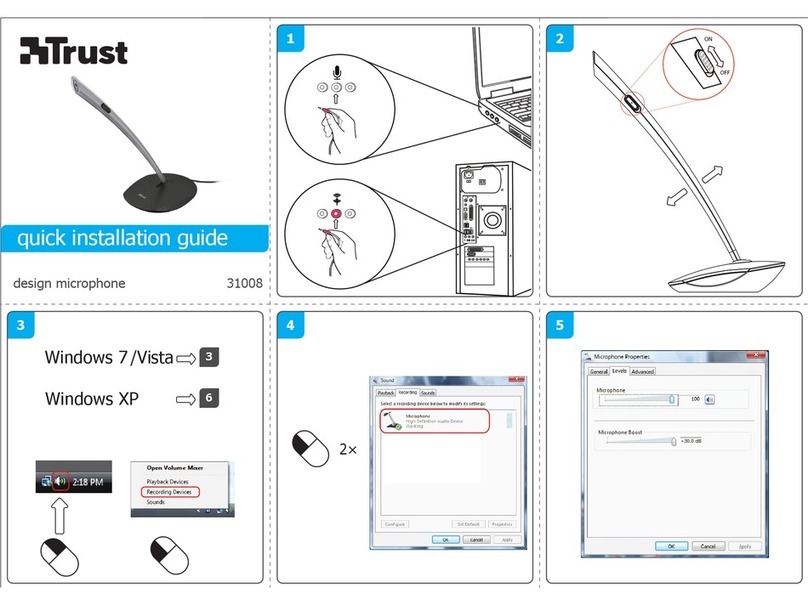
Trust 31008 Quick installation guide

Trust

Trust 31008 Quick installation guide

manuals.online logo
manuals.online logoBrands
  • About & Mission
  • Contact us
  • Privacy Policy
  • Terms and Conditions

Copyright 2025 Manuals.Online. All Rights Reserved.

Model 565SD User Guide
©2005, Shure Incorporated
27C3060 (Rev. 7)
Printed in U.S.A.
GENERAL
The UNISPHERE I 565 Series microphones are dual-imped-
ance, unidirectional dynamic microphones with a strong,
wire-mesh, spherical front grille that contains a highly effective
wind and “pop“ filter.
Shipped connected for low-impedance operation, 565 Series
microphones provide excellent vocal or speech reproduction on
lecterns and stages, and are a popular choice for use in public au-
ditoriums, churches, convention halls, and schools.
FEATURES
• Selectable dual impedance operation
• Silent magnetic reed on/off switch with lock-on option
• Cardioid dynamic
• Frequency response: 50 to 15,000 Hz
MODEL VARIATIONS
Model 565SD-CN: Supplied with 6.1 m (20 ft) XLR cable.
Model 565SD-LC: No cable supplied.
CONNECTIONS
When using the microphone with a balanced input, pins 2 and 3
are the audio signal carriers. When using the microphone with an
unbalanced input, use a cable wired with pin 2 as the signal carrier
and pin 3 connected to the cable shield (ground), such as the
Shure C20HZ high-impedance cable.
IMPEDANCE SELECTION
The microphone is shipped connected for low impedance oper-
ation. To change to high impedance, proceed as follows (refer to
Figure 1):
1. Remove plug element at receptacle end of microphone by
turning slotted setscrew in (counterclockwise) and carefully
withdrawing plug element from case.
2. Disconnect 2-terminal impedance selection socket from rear
of plug element.
3. Reconnect 2-terminal impedance selection socket in reverse
position so that pin 3 of plug element is inserted in socket ter-
minal “H” (White).
4. Reassemble plug element into microphone and seal setscrew
securely by turning out (clockwise).
IMPEDANCE SELECTION-
RECEPTACLE END OF MICROPHONE
FIGURE 1
POLARITY
All cables and microphones should be tested to ensure that they
have the same polarity. To test two microphones and/or their ca-
bles for proper polarity, connect them to an amplifier and talk or
sing into them while holding them three or four inches apart. The
sound from the speakers should be the same when talking into ei-
ther microphone or directly between them. If the sound drops dras-
tically, or if a dead spot is found when talking between the two
microphones, either the microphones or their cables have opposite
polarity.
To change the polarity of a microphone cable, either use a
Shure A15PRS phase reverser or interchange the wires connected
to pins 2 and 3 of the three-pin connector at one end of the cable.
To change the polarity of a microphone, the microphone cartridge
leads must be interchanged. This should be performed by your
dealer, the Shure Factory Service Department, or other qualified
service personnel.
SPECIFICATIONS
Type
Dynamic
Frequency Response
50 to 15,000 Hz
SET SCREW
IMPEDANCE
SELECTION SOCKET
PLUG
ELEMENT
PIN 3
20 200001000 1000050 100 9876543298765432
+10
0
–10
Hz
dB
-20
+20

2
Polar Pattern
Cardioid (unidirectional)-uniform with frequency, symmetrical
about axis
lmpedance
Dual. Microphone rating impedance is 150 ohms (250 ohms ac-
tual) for connection to microphone inputs rated at 19 to 300
ohms and “High” for connection to high-impedance microphone
inputs.
Wired for low impedance as supplied. To change impedance,
see sections on lmpedance Selection and Connections.
Output Level (at 1,000 Hz)
*0 dB = 1 volt per Pascal (1 Pa = 94 dB SPL)
Polarity
Positive pressure on diaphragm produces positive voltage on
pin 2 (with respect to pin 3).
Switch
Built-in magnetic reed on/off switch with lockplate. To lock
switch in the ON position, remove screw on lockplate and turn
lockplate 180°. Reassemble and tighten screw.
Cartridge Shock Mount
Internal rubber vibration-isolator
Cable
565SD-CN: 6.1 m (20 ft) two-conductor shielded, rubber-jacket-

ed, detachable, with XLR connectors.
Swivel Adapter
Positive action, adjustable through 90°from vertical to horizon-
tal, permits easy removal for handheld use, suitable for mount-
ing on stand with 5/8"-27 thread
Case
Chrome-plated die casting with steel mesh grille
Dimensions
Net Weight (less cable)
298 grams (10.5 oz)
CERTIFICATIONS
Eligible to bear CE Marking. Conforms to European EMC Direc-
tive 89/336/EEC. Meets applicable tests and performance criteria
in European Standard EN55103 (1996) parts 1 and 2, for residen-
tial (E1) and light industrial (E2) environments.
FURNISHED ACCESSORY
Swivel Adapter ...................................................... A25D
REPLACEMENT PARTS
Cartridge ...................................................................R65
Screen and Grille ................................................... RS65
Plug Element......................................................RK169P
OPTIONAL ACCESSORIES
Line Matching Transformer ............................A95 Series
Desk Stand ..................................................S37A, S39A
Isolation Mount....................................................... A55M
Dual Mount............................................................. A26M
Windscreen .............................................. A58WS Series
Cable, LO-Z (7.6 m [25 ft])...................................... C25J
Cable, HI-Z (6.1 m [20 ft]) ....................................C20HZ

“L” “H”
Open Circuit Voltage* -56.0 dB
(1.6 mV) -34.0 dB
(20 mV)
150°
120°
150°
120°
180°
30°
60°
90°
30°
60°
0
90°
–10 dB
–20 dB
–15 dB
–5 dB
150°
120°
150°
120°
180°
30°
60°
90°
30°
60°
0
90°
–10 dB
–20 dB
–15 dB
–5 dB
500 Hz
1000 Hz
125 Hz
400 Hz
8000 Hz
2000 Hz
CARTRIDGE TRANSFORMER XLR CONNECTOR
CODED TERMINAL
IMPEDANCE SELECTION SOCKET
(SHOWN IN LOW IMPEDANCE POSITION)
REED
SWITCH
GREEN
BLACK
YELLOW
GREEN
YELLOW
RED
BLUE
WHITE
BLACK
(2 in.)
51 mm
161 mm
(6 7/16 in.)
23 mm
(15/16 in.)
22 mm
(7/8 in.) 93 mm
(3 11/16 in.)
34 mm
(1 11/32 in.)