1. 2.
3.
4.
5.6. 7.8.
10.
13.
14.
17.
11. & 12.
C
8
4
0
15.
9.
3
English –
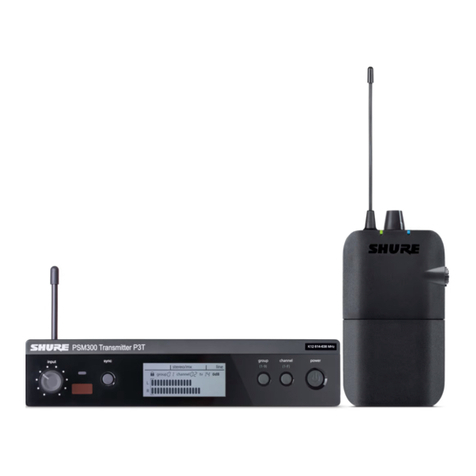
GETTING STARTED WITH THE PSM700 SYSTEM
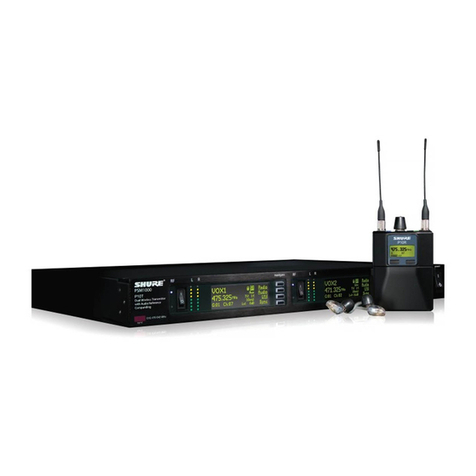
Thank you for purchasing the PSM700 Personal Stereo Monitor System. The PSM700
isarevolutionarynewproductfamilydesignedtomeetthediverseaudiomonitoringneedsof
musicians, engineers, and stage performers.
The following are step-by-step instructions showing how to connect your PSM700
wireless system to an audio source while introducing you to some of its features.
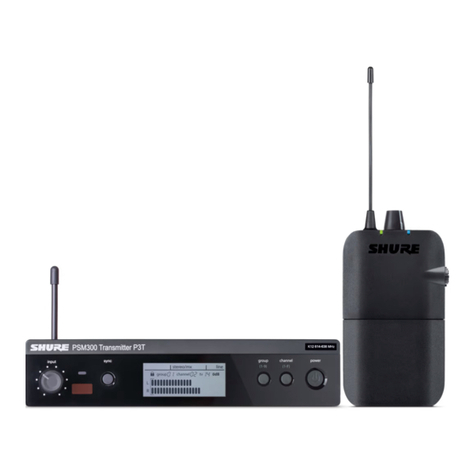
P7T Transmitter Setup
1. Plug the power cord to the power connector.
Connect the other end to a power supply.
2. Attach the antenna to the
ANTENNA OUT BNC connector.
3. Plug the cable(s) from the audio source (mixer,
audio output, CD player) into the LEFT/RIGHT
audio inputs. For a stereo send, use both inputs.
For mono send, use either the LEFT or RIGHT input.
NOTE: All inputs are phantom power
protected up to 60 VDC.
4. Put the PAD switch in the +4 dB position if the
input signal is +4 dB, or the –10 dB position if
the input signal is –10 dB.
5. Turn on the P7T Transmitter.
6. Set the SOURCE switch to match the
audio send (stereo/mono).
7. Set the GROUP switch in the UP position
to frequency GROUP #1.
8. Set the CHANNEL dial to the desired frequency.
IMPORTANT: Never set more than ONE transmitter to the same operating
frequency.
9. Power on the audio source and adjust the level control so the LEDs are in the –3 dB
to +3 dB range.
P7R Receiver Setup
10. Attach the bodypack antenna to the ANTENNA
connector by aligning the red dot and threading the
shell until it is tight.
11. Open the battery door and insert a 9V alkaline battery.
12. Set the DIP switches according to the illustration.
#1: UP – Group #1
#2: DOWN – Stereo control
#3: UP – High frequency boost
#4: UP – Limiter on
13. Set the frequency dial to the desired frequency.
14. Set the balance control to the center detent position.
15. Insert the plug of the earpieces into the headphone
connector on the top panel.
16. Insert the earpieces into your ears.
17. Turn on the receiver by rotating the volume knob clockwise past the click, then slowly
raise the volume to a comfortable listening level.
NowyouknowthebasicsetupforyournewPSM700PersonalStereoMonitorSystem. If
anytroublesoccur,pleaserefertothe
Troubleshooting
sectionofthismanual. Therestofthe
manualgoesintogreaterdetailonfeaturesandapplications—includingMixModetcontrol,
which enables you to customize your own mixes. Please read the rest of the manual to help
you make the most of your PSM700 System.