5
en
Controls
Power on/off switch O / I
The power switch O / I (9) is used to switch
the appliance on or to switch it off fully
(power supply off)�
Important: Before switching off, run the
cleaning programme or use the koff / i
button (13) to switch off�
abutton
Press the abutton (11) to prepare
two cups of the selected drink at the
same time� The button can be activated
for drinks without milk and without the
aromaDouble Shot function�
koff / ibutton
When the koff / ibutton (13) is pressed
off� Pressing and holding down the koff / i
button (13) displays the user settings or
starts the descaling and cleaning function�
l/ mbutton
Press the button l/ m(12) to generate
steam for preparing milk froth�This button is
also used to dispense hot water�
start button
Press the start button (10) to begin drink
preparation or to start a service programme�
Press the start button (10) again during
drink preparation to cut the dispensing
process short�
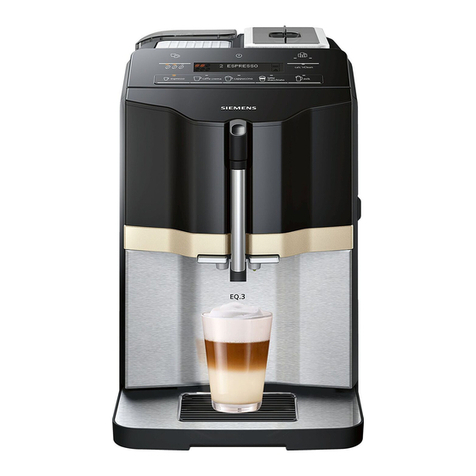
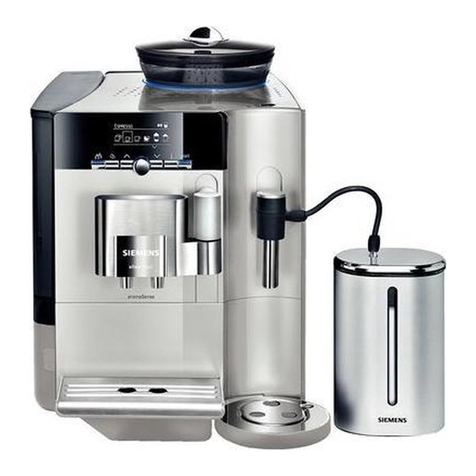
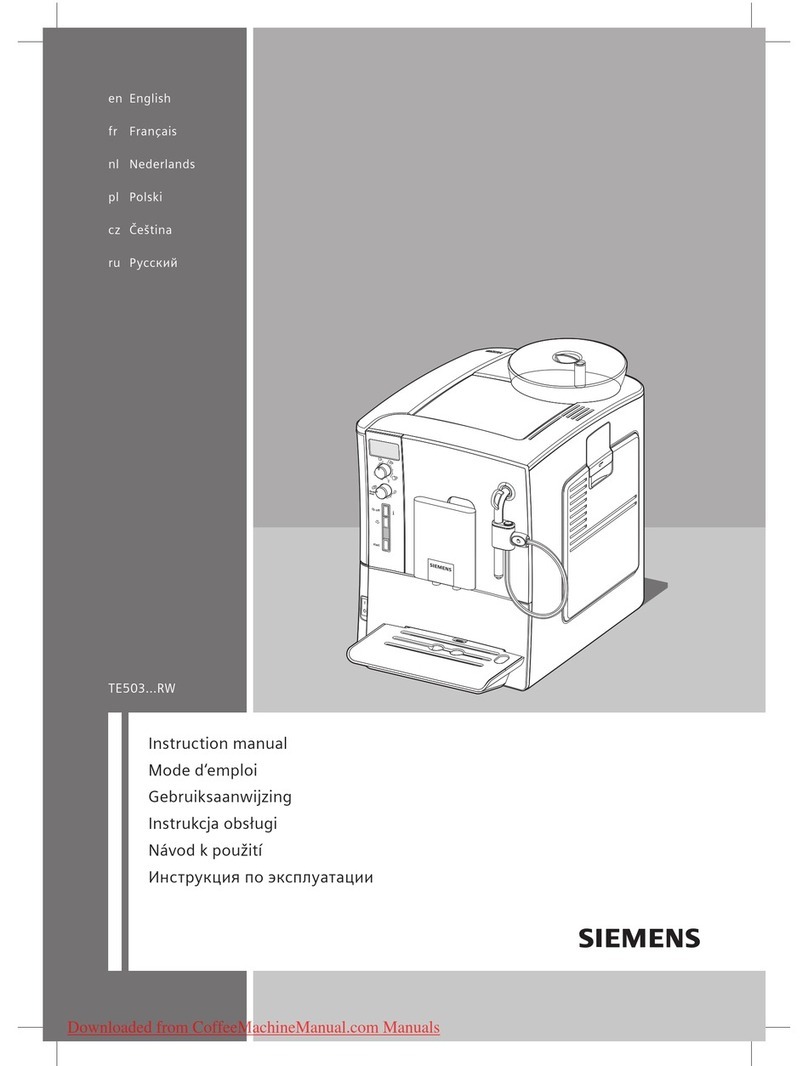
Overview
(see overview images A, B, C, D and E at
the beginning of this instruction manual)
1 Bean container
2 Aroma cover
3 Selector for grind setting
4 Drawer (ground coffee/cleaning tablet)
5 Brewing unit (Fig. E)
a) Brewing unit
b) Door
c) Storage compartment for
quick reference guide
d) Eject lever for brewing unit
e) Lock
f) Cover
6 Milk frother (Fig. C) removable
a) Outlet
b) Connection (milk tube)
c) Milk tube
d) Upper part
e) Air nozzle
7 Coffee outlet, height-adjustable
8 Drip tray (Fig. D)
a) Drip tray panel
b) Coffee grounds container
c) Drip tray for coffee outlet
d) Grate for coffee outlet
e) Float
9 Power on/off switch O / I
10 start button
11 abutton
12 l/ mbutton
13 koff / ibutton
14 “Coffee strength” rotary knob
15 “Drink selection” rotary knob
16 Display
17 Removable water tank
18 Lid for water tank
19 Measuring spoon
20 Storage compartment for
measuring spoon
21 Power cable with storage compartment