纸张大小:16开(18.4×26厘米)
Operating Instruction
6
Operating Instruction
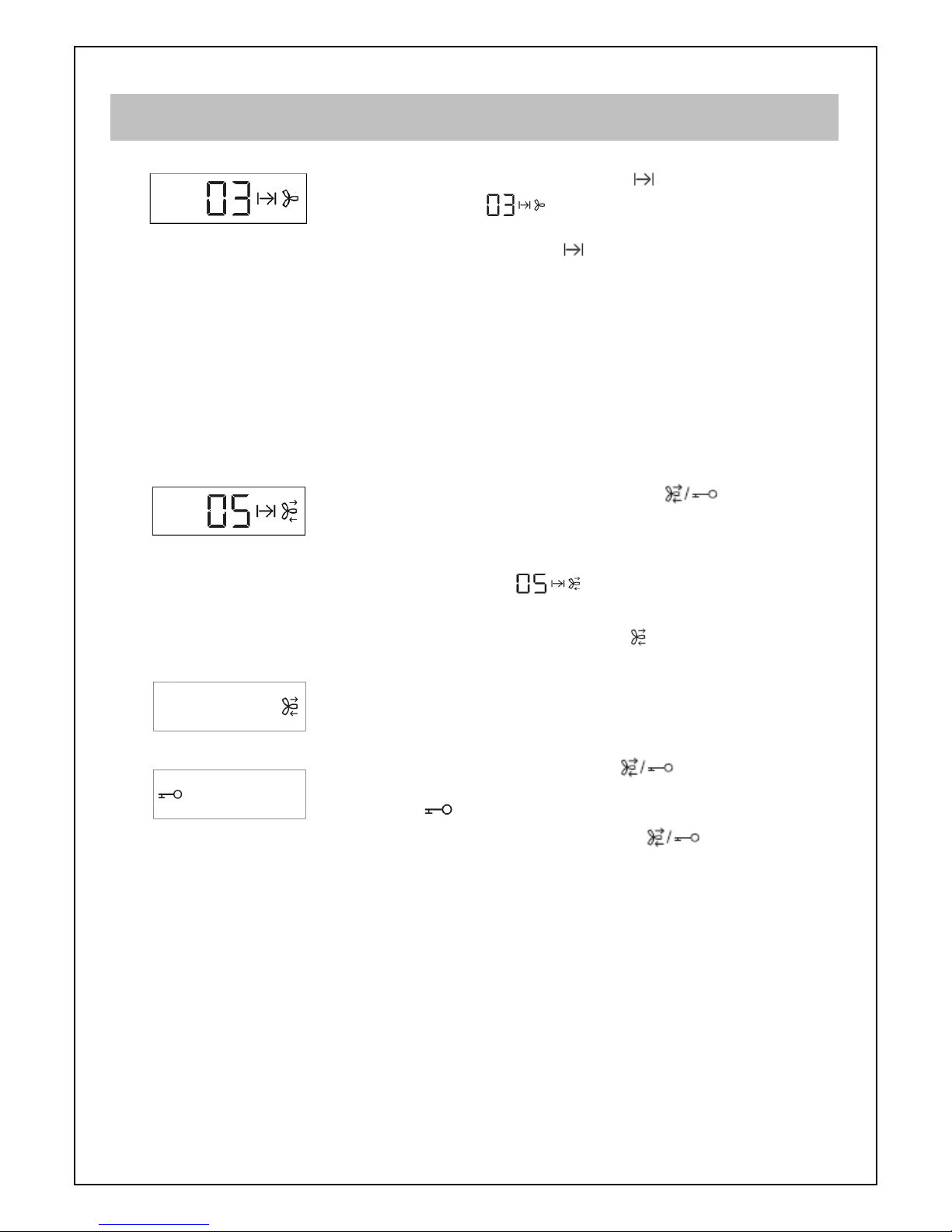
1. Start the fan power: first push ” “ button, fan is starting
with max. speed 3, “ “ shown in screen, then push
“ “ button, fan speed will be changed circularly. (Tips:
the number shown in the middle screen is the fan speed.)
No response by touching “ “ when fan is working,
can not into auto-ventilation function.
2. Control Lighting: first push “ “ button, the lamp will be
turning bright in 1.5 sec. Brightness of lamps will be
changed circularly by holding the button for over 1 sec..
When stop holding, it will keep the brightness which
before stopping holding.
Lamps will be turned off slowly by push “ “ button again.
3. Function Self-Cleaning: the symbol “ “ will be twinkled
in screen after using for a period. It means the grease are
saturated in the cooker hood, the self cleaning function
should start. Please first close any other functions
(excepting lighting), then push “ “ button, starts self
cleaning process. If the self cleaning symbol is not shown
in middle screen, and other functions are shut down, push
“ “ button for 3 sec., and the symbol is twinkling, self
cleaning function can be then started by pushing
“ “ again.
This function will last 30 min., and count down will show in
the middle screen. The function will close forward if
running already 10min. by pushing “ “ button for 3 sec.
If running less than 10 min. and closing the function,
“ “ is twinkling to warn for another self cleaning process.
User can push “ “ for 3 sec. to cancel the warning when
it is twinkling.
Other buttons besides lighting will have no response when
this function is running. (Tips: please clean up the oil
collector before running this function to avoid overflow in it.
Do not leave when self cleaning is running.)
4. “ “ change fan speed: fan speed will change circularly
by every pushing “ “ button once, when the cooker hood
is working. (Tips: the number shown in the middle screen
is the fan speed.)