English
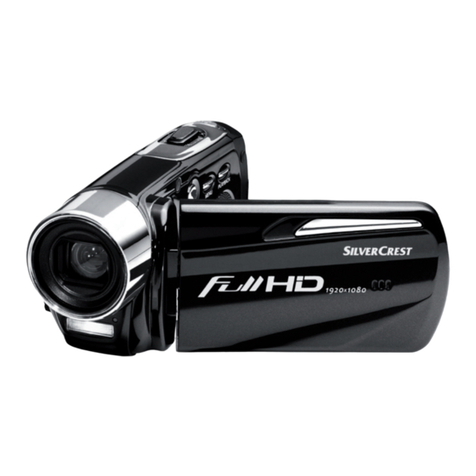
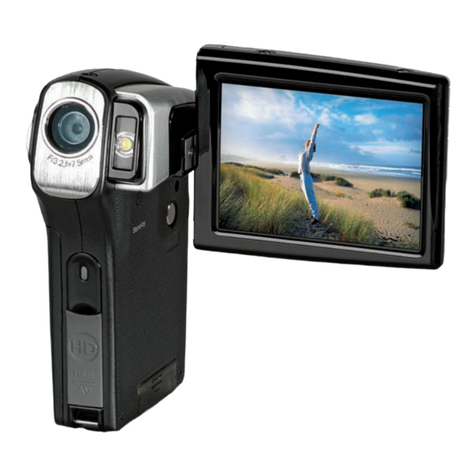
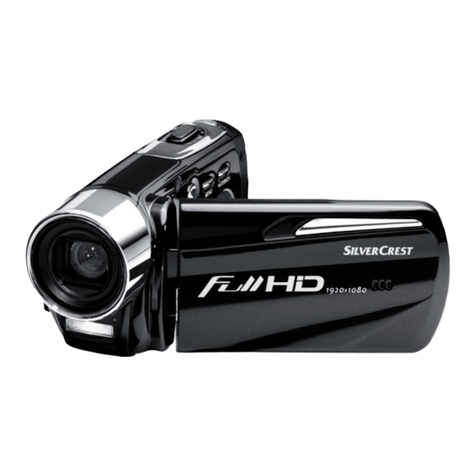
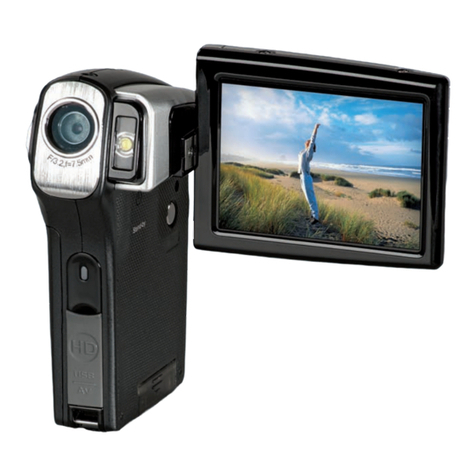
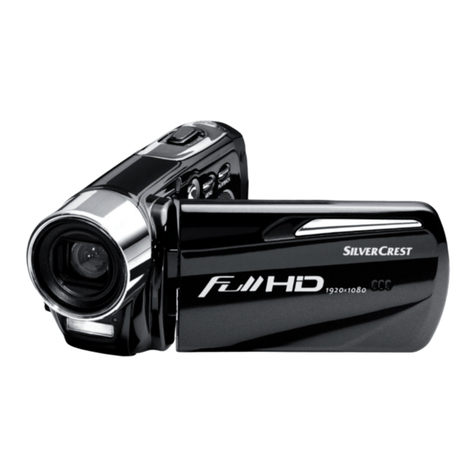
Silvercrest DV-5300HD 3
Contents
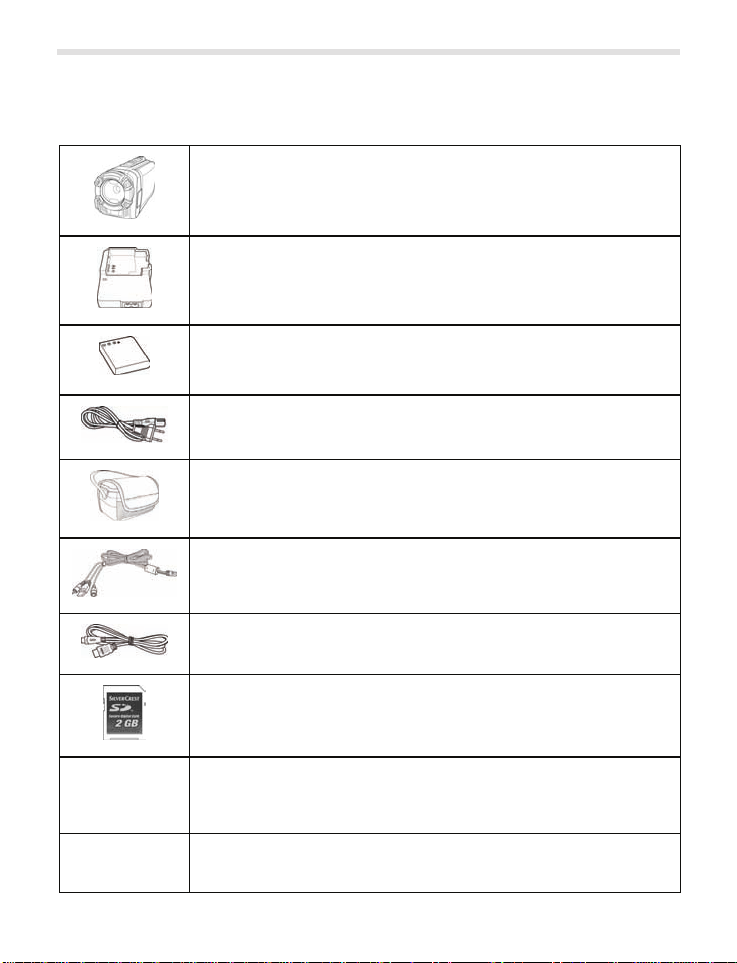
1Supplied items.........................................................................................5
2Safety instructions ..................................................................................6
2.1 General precautions ........................................................................6
2.2 Intended use....................................................................................6
2.3 Notes on conformity.........................................................................7
2.4 Legal stipulations.............................................................................7
2.5 Operating environment/Environmental conditions ...........................7
2.6 Operational safety ...........................................................................8
2.7 Cleaning ........................................................................................12
2.8 Repair............................................................................................13
2.9 Disposal of old devices..................................................................13
3Technical data........................................................................................14
4Product description...............................................................................14
4.1 Features ........................................................................................16
4.2 System requirements for the "TotalMediaHDCam" software .........16
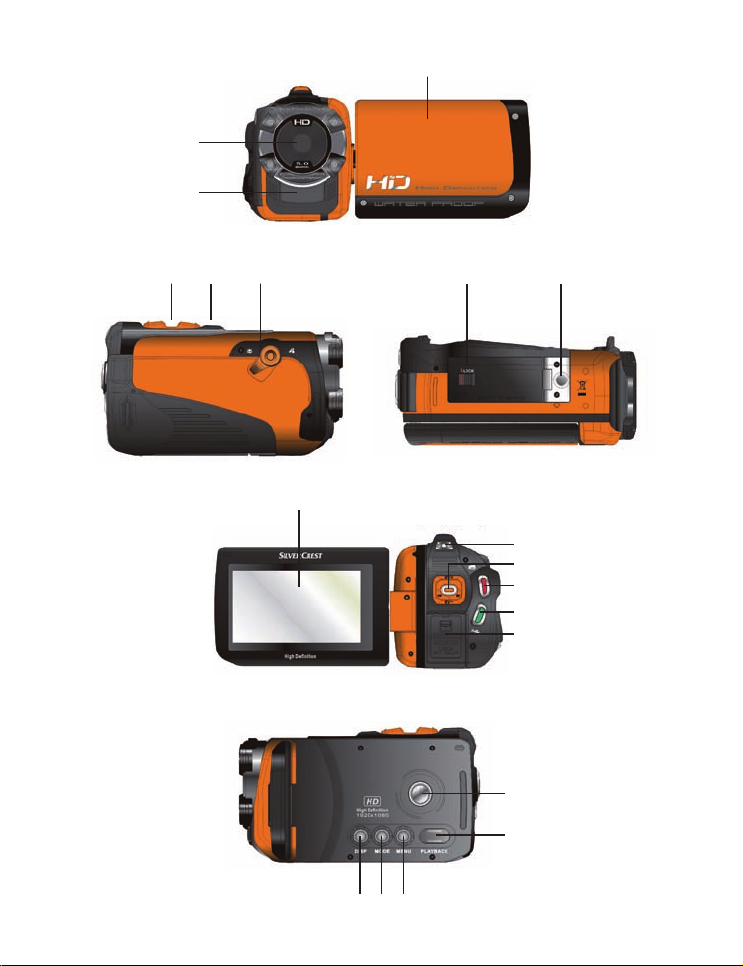
4.3 Operating elements and connections ............................................17
5Start-up and configuration....................................................................19
5.1 Step 1: Charge the battery.............................................................19
5.2 Step 2: Insert the SD card and battery ..........................................20
5.3 Step 3: Switch on the camcorder and configure
the basic settings...........................................................................21
5.3.1 Switching the camcorder on and off ...................................21
5.3.2 Opening the configuration menu ........................................22
5.3.3 Configuration menus ..........................................................23
5.4 Step 4: Install the "TotalMedia™ HDCam" software......................25