manuals.online logo
Brands
  1. Home
  2. •
  3. Brands
  4. •
  5. Sima
  6. •
  7. Media Converter
  8. •
  9. Sima CopyThis! CT-1 User manual

Sima CopyThis! CT-1 User manual

Other Sima Media Converter manuals

Sima SED-CM User manual

Sima

Sima SED-CM User manual

Sima eXtenHD XCON-YUV User manual

Sima

Sima eXtenHD XCON-YUV User manual

Sima GoDVD! CT-200 User manual

Sima

Sima GoDVD! CT-200 User manual

Sima GoDVD! CT-2 User manual

Sima

Sima GoDVD! CT-2 User manual

Sima SVC-2 User manual

Sima

Sima SVC-2 User manual

Sima SCW-2 User manual

Sima

Sima SCW-2 User manual

Sima CT-2 Instruction Manual

Sima

Sima CT-2 Instruction Manual

Sima SED-2 User manual

Sima

Sima SED-2 User manual

Sima SED-VA User manual

Sima

Sima SED-VA User manual

Sima Copythis CT-1 Instruction Manual

Sima

Sima Copythis CT-1 Instruction Manual

Sima GoDVD! CT-100 User manual

Sima

Sima GoDVD! CT-100 User manual

Sima CT-200 Instruction Manual

Sima

Sima CT-200 Instruction Manual

Sima CT-Q1 User manual

Sima

Sima CT-Q1 User manual

Sima PAL-83 User manual

Sima

Sima PAL-83 User manual

Sima GoDVD! CT-200 User manual

Sima

Sima GoDVD! CT-200 User manual

Popular Media Converter manuals by other brands

TR-Electronic CMS582M-4096/4096 IOL DMS 14H7 KRF Assembly instructions

TR-Electronic

TR-Electronic CMS582M-4096/4096 IOL DMS 14H7 KRF Assembly instructions

Korenix JetCon 2301S user manual

Korenix

Korenix JetCon 2301S user manual

StarTech.com ET91000LCOAM manual

StarTech.com

StarTech.com ET91000LCOAM manual

Alesis AI-3 Reference manual

Alesis

Alesis AI-3 Reference manual

Caton Vpro 5100 user guide

Caton

Caton Vpro 5100 user guide

Cypress CSC-5500 Operation manual

Cypress

Cypress CSC-5500 Operation manual

H&B TX-100 Installation and instruction manual

H&B

H&B TX-100 Installation and instruction manual

Bolin Technology D Series user manual

Bolin Technology

Bolin Technology D Series user manual

IFM Electronic Efector 400 RN30 Series Device manual

IFM Electronic

IFM Electronic Efector 400 RN30 Series Device manual

GRASS VALLEY KUDOSPRO ULC2000 user manual

GRASS VALLEY

GRASS VALLEY KUDOSPRO ULC2000 user manual

Linear Technology DC1523A Demo Manual

Linear Technology

Linear Technology DC1523A Demo Manual

Lika ROTAPULS I28 Series quick start guide

Lika

Lika ROTAPULS I28 Series quick start guide

Weidmuller IE-MC-VL Series Hardware installation guide

Weidmuller

Weidmuller IE-MC-VL Series Hardware installation guide

Optical Systems Design OSD2139 Series Operator's manual

Optical Systems Design

Optical Systems Design OSD2139 Series Operator's manual

Tema Telecomunicazioni AD615/S product manual

Tema Telecomunicazioni

Tema Telecomunicazioni AD615/S product manual

KTI Networks KGC-352 Series installation guide

KTI Networks

KTI Networks KGC-352 Series installation guide

Gira 0588 Series operating instructions

Gira

Gira 0588 Series operating instructions

Lika SFA-5000-FD user guide

Lika

Lika SFA-5000-FD user guide

manuals.online logo
manuals.online logoBrands
  • About & Mission
  • Contact us
  • Privacy Policy
  • Terms and Conditions

Copyright 2025 Manuals.Online. All Rights Reserved.

90-day Limited Warranty
Sima Products Corporation warrants this product against defects in materials and
workmanship for a period of 90 days from the date of purchase. During the
warranty period, the product will be repaired or replaced at Sima’s option. Mail the
enclosed product registration card within ten days of the original purchase.
Conditions
Ship your unit, freight pre-paid, including a copy of your sales receipt and a
description of problem to:
Sima Products Corporation
Attn: Customer Service
140 Pennsylvania Ave.
Bldg. #5
Oakmont, PA 15139
This warranty is void if any defects are caused by abuse, misuse, negligence or
unauthorized repairs.
All liability for incidental or consequential damages is specifically excluded. Some
states do not allow for the exclusion or limitation of incidental or consequential
damages, so the above limitation or exclusion may not apply to you. This warranty
gives you specific legal rights and you may have other rights, which vary from state to
state.
Optional Accessories available from Sima Products:
• RCA style video cable
• RCA style audio and video cable
• S-video cable
Sima Products Corporation
140 Pennsylvania Ave Bldg #5 Oakmont, PA 15139
800-345-7462 www.simacorp.com
e-mail us at custserv@simacorp.com
© 2003 Sima Products Corporation PN21677
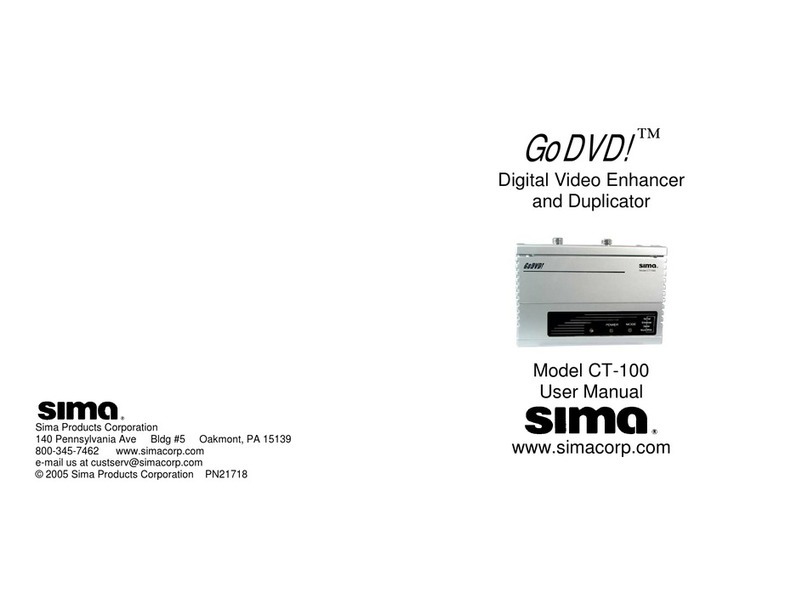
Digital Video Enhancer
and Duplicator
Model CT-1
User Manual
No picture
Device does
Not operate
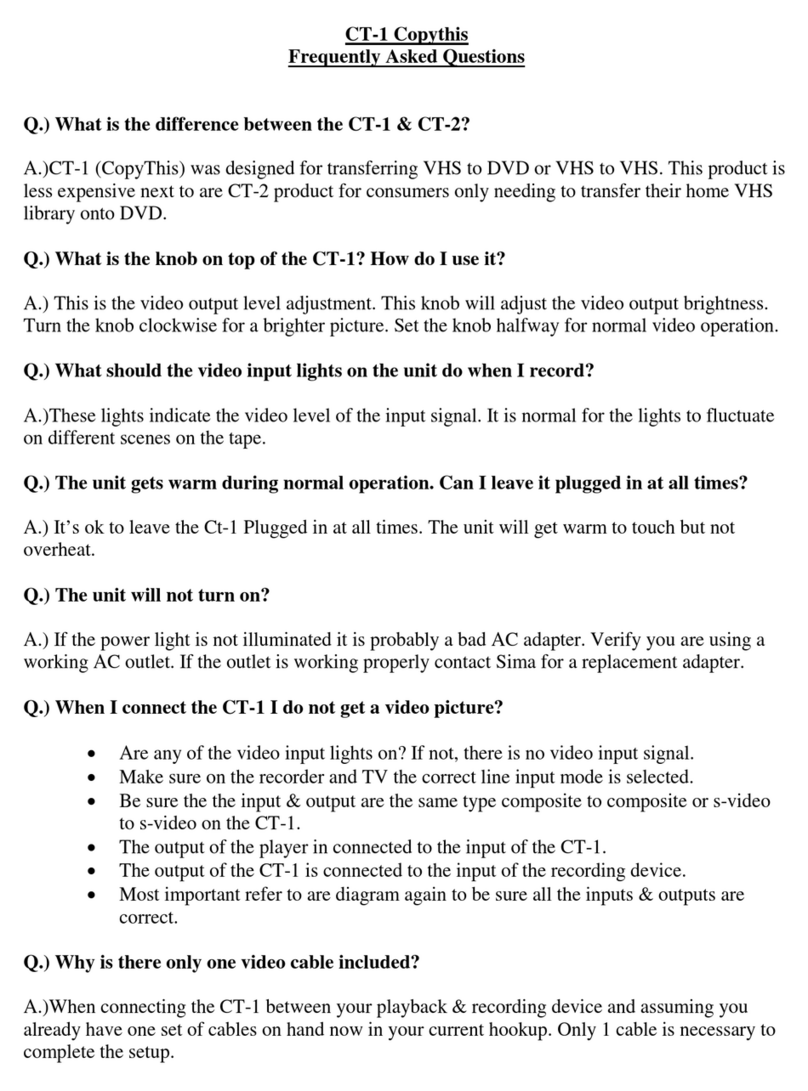
• Are Video Input lights on? If not, there is no video
input signal.
• Has correct mode (AV, Line, Tuner, etc.) been set
on the VCR or DVD
• Correct connecting cable?
• Have the RCA cables been mixed up at the input
and output of the VCR/DVD?
• Be sure inputs and outputs are of the same type –
composite to composite or s-video to s-video
• Is the Power light on? If not, there is no power.
• Is the connecting cable of the plug-in adapter
damaged?
Sima’s CopyThis! (Model CT-1)
will automatically enhance the
quality of the home video you are
duplicating.*
This package includes:
1 CopyThis! Unit (Model CT-1)
1 7.5V, 300 mA adapter
1 RCA style Video Cable
This Instruction Manual
Connection: CopyThis! should be connected between your playback camcorder,
VCR or DVD and the recording VCR or DVD as shown in Fig. 1. Only the video
cables are to be connected to CopyThis!. Audio cables should be connected directly
between the playback and recording units. With Hi-8 or S-VHS capability, connect
your S-video cables to CopyThis!.
Operation: Select A/V input on your recording VCR and press
RECORD. Then press PLAY on your playback device.
Note on AV Input Modes: All
VCR’s have at least one AV input mode; many have
more than one. There will be a switch or button on
the VCR that will toggle between the Tuner Mode
and AV Modes. Manufacturers use different names
to identify the AV Mode: External Mode (EXT),
Auxiliary Mode (AUX) or Line Input. (L1, L2 etc.) Consult the VCR’s user manual to
identify the AV Mode for your unit.
B & W - CopyThis! can also give your home videos an old-time look by eliminating
color and creating black and white video. Slide the switch located on the rear panel,
from color to black and white to achieve this effect. Note: Some color flashing may
occur with some video sources.
Video Output Level – You can manually adjust the video output level by turning the
Video Output Level Adjust knob on the front panel. Increase the brightness of the
video output level by turning the knob as needed. Leave in center position for
normal video
Video Input Level Lights – These lights indicate the video level of the input signal.
It is normal for the lights to fluctuate on different scenes or tapes.
FCC Information
This equipment generates and uses radio frequency energy and if not installed and used
properly, that is, in strict acceptance with the manufacturer’s instructions, may cause
interference to radio and television reception. It has been type tested and found to comply
with the limits for a Class B computing device in accordance with the specifications in
Subpart J of Part 15 of FCC Rules, which are designed to provide reasonable protection
against such interference in a residential installation. However, there is no guarantee that
interference will not occur in a particular installation. If this equipment does cause
interference to radio and television reception, which can be determined by turning the
equipment off and on, the user is encouraged to try to correct the interference by one or more
of the following measures:
* Re-orient the receiving antenna
* Relocate this equipment with respect to the receiver
* Move this equipment away from the receiver.
* Plug this equipment into a different outlet so that this equipment and receiver are on
different branch circuits.
If necessary, the user should consult the dealer or an experienced radio/television
technician for additional suggestions. The user may find “How to Identify and resolve
Radio/Television Interference Problems” prepared by the FCC helpful. The booklet is
available from the U.S. Government Printing Office, Washington, DC 20402, Stock No. 004-
000-00345-4
* Notice: Use of this product for unauthorized duplication of copyrighted
material from DIVX, DVD, VHS or other media is prohibited under the federal
copyright laws unless the copy qualifies as a fair use under Copyright Laws.

CT
-
1
Fig.1
Fi
g
. 2