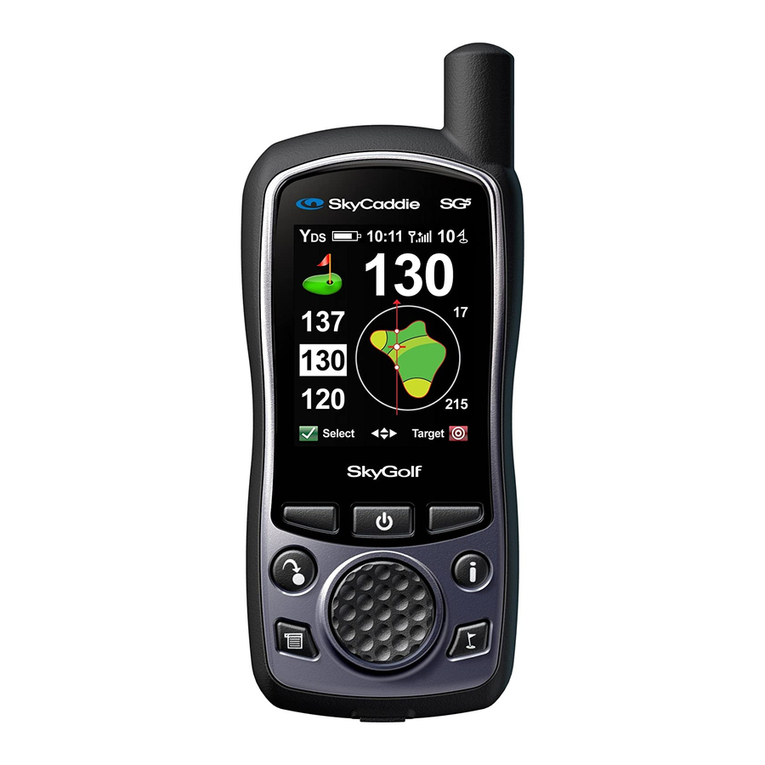
SkyCaddie®7
1.1.2 Navigation Keys
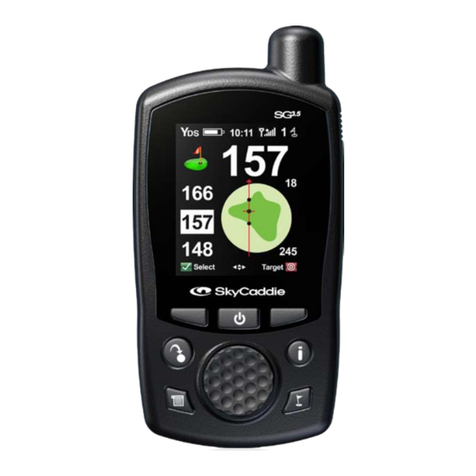
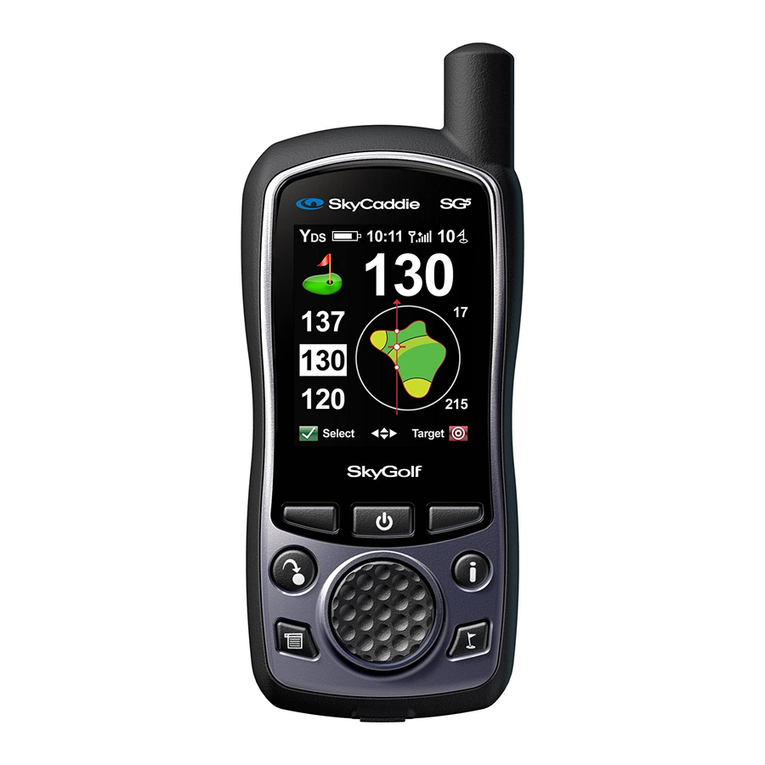
• Center Soft Key (Power On/Off, Keypad Lock, Backlight) — Press the Center
Soft Key button located beneath the SkyCaddie display to power on/off, lock
the keypad or to turn on the backlight. Pressing the Center Soft Key button
while the SkyCaddie is on, you are prompted to choose either:
– “Off” (Left Soft Key) to power off the device
– “Lock” (Right Soft Key) to lock the keypad. To unlock the keypad, select
‘Unlock” by pressing the Right Soft Key, then choose “Yes”.
– “Backlight” (Center Soft Key) to turn on the backlight. The backlight will
automatically turn off in 30 seconds.
• Scroll Pad — Navigate the SkyCaddie menus by pressing the Scroll Pad
up/down/left/right.
• Left and Right Soft Keys — The left and right soft keys correspond to functions
displayed at the bottom left and right of your SkyCaddie display. Press the
appropriate soft-key to select the desired function displayed.
1.1.3 Button Descriptions
• Info — To quickly view additional information relevant to your SkyCaddie
or hole in play, press the Info button (additional information may include
SkyCaddie Serial Number, Software Version, Course Name, Hole Number,
Par and Handicap). Pressing the Info button twice will display onscreen
instructions or information about the current screen being displayed.
Upon receiving satellite lock, the SkyCaddie can display the time. After
pressing the Info button while viewing the IntelliGreen or Target views, select
“Time” with the Right Soft Key. Adjust the hour, if needed, by selecting “Adj”.