manuals.online logo
Brands
  1. Home
  2. •
  3. Brands
  4. •
  5. SMART-AVI
  6. •
  7. Matrix Switcher
  8. •
  9. SMART-AVI HDR-4x4-Plus User manual

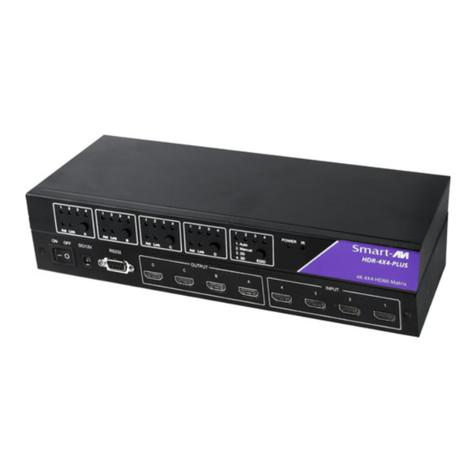
SMART-AVI HDR-4x4-Plus User manual

Other manuals for HDR-4x4-Plus

2

Other SMART-AVI Matrix Switcher manuals

SMART-AVI FXCORE MX88 User manual

SMART-AVI

SMART-AVI FXCORE MX88 User manual

SMART-AVI HDR-ULTRA User manual

SMART-AVI

SMART-AVI HDR-ULTRA User manual

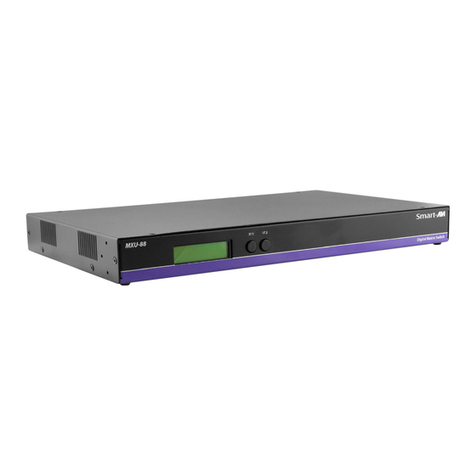
SMART-AVI MXU-88 User manual

SMART-AVI

SMART-AVI MXU-88 User manual

SMART-AVI HDR4X2 User manual

SMART-AVI

SMART-AVI HDR4X2 User manual

SMART-AVI CATSWITCH User manual

SMART-AVI

SMART-AVI CATSWITCH User manual

SMART-AVI DVR-4X4 User manual

SMART-AVI

SMART-AVI DVR-4X4 User manual

SMART-AVI CATXPro User manual

SMART-AVI

SMART-AVI CATXPro User manual

SMART-AVI DVR-4X4 User manual

SMART-AVI

SMART-AVI DVR-4X4 User manual

SMART-AVI QWALL-HD User manual

SMART-AVI

SMART-AVI QWALL-HD User manual

SMART-AVI DVR4X4S User manual

SMART-AVI

SMART-AVI DVR4X4S User manual

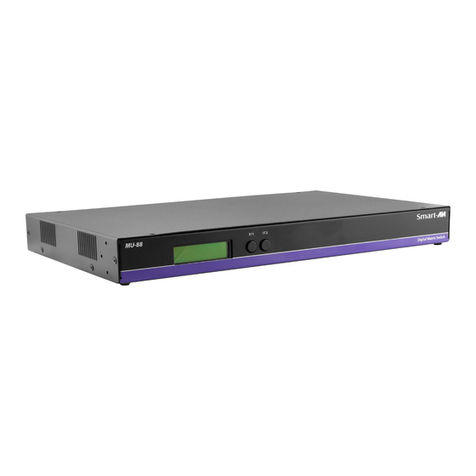
SMART-AVI MU-88 User manual

SMART-AVI

SMART-AVI MU-88 User manual

SMART-AVI HDR-4x4-Plus User manual

SMART-AVI

SMART-AVI HDR-4x4-Plus User manual

SMART-AVI HDR-8X8-Plus User manual

SMART-AVI

SMART-AVI HDR-8X8-Plus User manual

SMART-AVI MXWall-LT User manual

SMART-AVI

SMART-AVI MXWall-LT User manual

SMART-AVI HDR-4X2-Pro User manual

SMART-AVI

SMART-AVI HDR-4X2-Pro User manual

SMART-AVI 4K-WALL User manual

SMART-AVI

SMART-AVI 4K-WALL User manual

SMART-AVI CATSwitch CSWP64X16S User manual

SMART-AVI

SMART-AVI CATSwitch CSWP64X16S User manual

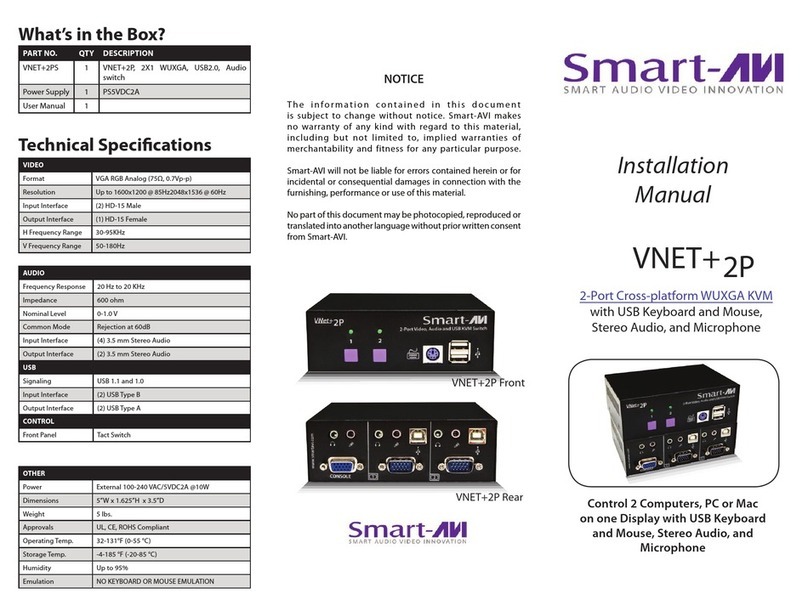
SMART-AVI VNET+2P User manual

SMART-AVI

SMART-AVI VNET+2P User manual

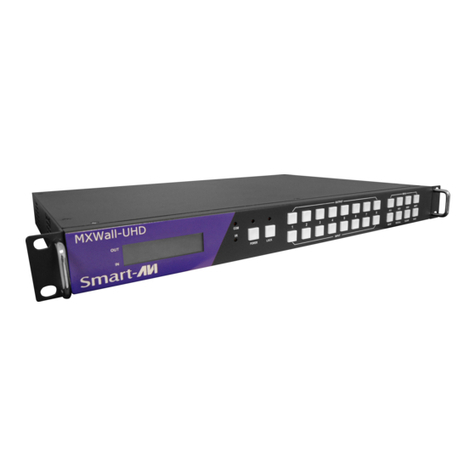
SMART-AVI MXWALL-UHD User manual

SMART-AVI

SMART-AVI MXWALL-UHD User manual

SMART-AVI MU-88 User manual

SMART-AVI

SMART-AVI MU-88 User manual
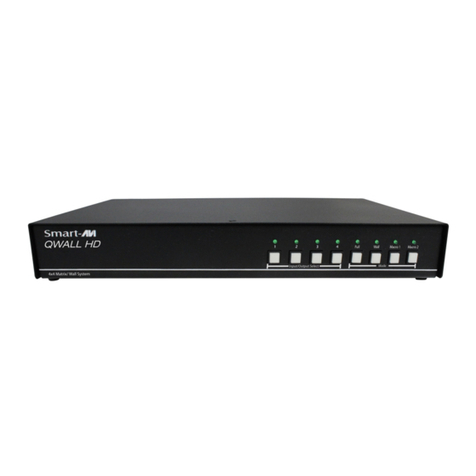
SMART-AVI MXU-88 User manual

SMART-AVI

SMART-AVI MXU-88 User manual
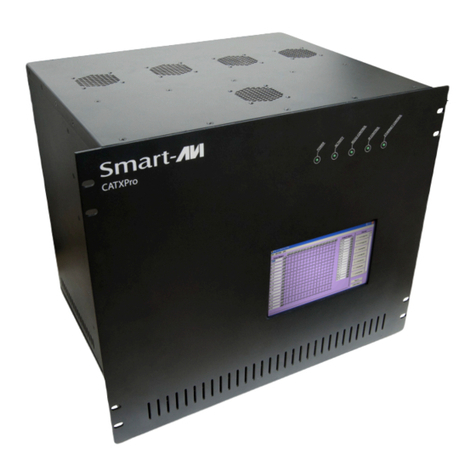
SMART-AVI HDR8X8 User manual

SMART-AVI

SMART-AVI HDR8X8 User manual

SMART-AVI HDR-8X8-XT User manual

SMART-AVI

SMART-AVI HDR-8X8-XT User manual
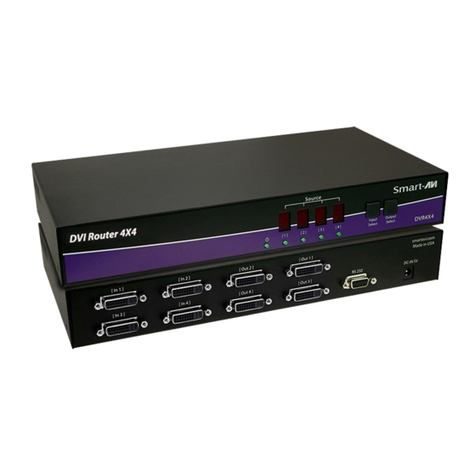
SMART-AVI SuperMatrix User manual

SMART-AVI

SMART-AVI SuperMatrix User manual

Popular Matrix Switcher manuals by other brands

Broadcast Tools SS 8.2 Installation and operation manual

Broadcast Tools

Broadcast Tools SS 8.2 Installation and operation manual

Altimium MATF32 user manual

Altimium

Altimium MATF32 user manual

ALFAtron ALF-MUK44N manual

ALFAtron

ALFAtron ALF-MUK44N manual

Monoprice Blackbird 15377 user manual

Monoprice

Monoprice Blackbird 15377 user manual

Kramer XL 3216VS Specifications

Kramer

Kramer XL 3216VS Specifications

PTN FMX12 user manual

PTN

PTN FMX12 user manual

CYP nT15GX01 Operation manual

CYP

CYP nT15GX01 Operation manual

Kramer VP-2x2 user manual

Kramer

Kramer VP-2x2 user manual

Kramer Sierra Video 6432V5xl Specifications

Kramer

Kramer Sierra Video 6432V5xl Specifications

TESmart HMA0402A40 quick start guide

TESmart

TESmart HMA0402A40 quick start guide

Kramer LASSEN XL 3232S Specifications

Kramer

Kramer LASSEN XL 3232S Specifications

Kramer VS-66HDCPxl user manual

Kramer

Kramer VS-66HDCPxl user manual

Atlona AT-HDMI-22M user manual

Atlona

Atlona AT-HDMI-22M user manual

Link HD8X8 user manual

Link

Link HD8X8 user manual

AMX AVS-OP-2020-117 Product View

AMX

AMX AVS-OP-2020-117 Product View

Extron electronics MTPX Plus Series Setup guide

Extron electronics

Extron electronics MTPX Plus Series Setup guide

Key Digital Champion KD-16x16CS operating instructions

Key Digital

Key Digital Champion KD-16x16CS operating instructions

Kramer VS-66H user manual

Kramer

Kramer VS-66H user manual

manuals.online logo
manuals.online logoBrands
  • About & Mission
  • Contact us
  • Privacy Policy
  • Terms and Conditions

Copyright 2025 Manuals.Online. All Rights Reserved.

4 Port 4K 30Hz HDMI
Matrix Switch
SWITCHES MULTIPLE 4K
HDMI VIDEO AND
DIGITAL AUDIO SIGNALS
FROM ANY FOUR SOURCES
TO FOUR HD DISPLAYS
Quick Start Guide
VIDEO
Video Amplier Bandwidth 1.65 Gbps
Input Video Signal 1.2 volts
Input DDC Signal 5 volts
Max Resolution 3840x2160 (4K)
HDMI Connector HDMI Type A 19 pin female
CONTROL
Direct 4 buttons and DIP switch
IR Remote control
DB9 Female RS232 or RS422 @
9600bps
OTHER
Power Requirements 12V
Power Connector 2.1mm DC jack (center +ve)
Dimensions 7.1” W x 1.1” H x 2.8“ D
Weight 4.05 lbs
NOTICE
The information contained in this document is
subject to change without notice. SmartAVI makes
no warranty of any kind with regard to this material,
including but not limited to, implied warranties of
merchantability and tness for particular purpose.
SmartAVI will not be liable for errors contained
herein or for incidental or consequential damages in
connection with the furnishing, performance or use of
this material.
No part of this document may be photocopied,
reproduced, or translated into another language
without prior written consent from SmartAVI
Technologies, Inc.
800.AVI.2131, 702.800.0005
2455 W Cheyenne Ave, Suite 112
North Las Vegas, NV 89032
SmartAVI.com
TECHNICAL SPECIFICATION
HDR-4X4 Plus V2
WHAT’S IN THE BOX
PART NO. Q-TY DESCRIPTION
HDR-4X4 Plus V2 1HDMI 4x4 Router
Remote Control 1
12V 1 Power Adapter
Quick Start Guide 1
ABOUT
The HDR-4X4 Plus V2 works with HD-DVD players, TiVo
systems, PCs, and satellite set top boxes that connect to
an HDMI display. The main function of a matrix switcher is
to allow any 4 inputs to be routed to any 4 outputs; or the
same input to be routed to all outputs, or any combination.
FEATURES
• 4x4 non-blocking, single-link HDMI matrix switch
• Switch offer any inputs and any outputs for HDMI
sources
• Distributes any of the four inputs to any or any
combination of the four HDMI output displays
• Maintains high resolution video up to 3840x2160 (4K)
• Supports IR remote
• Serial RS-232 remote port
• Individual push button for switching HDMI source to
each display
• Comes with easy to use SmartControl software
• HDMI 1.3 compatible
• HDCP compliant
1. Turn off all input devices and displays.
2. Connect male to male HDMI cables to the input devices or sources and the “IN” ports on the HDR-4X4 Plus V2.
3. Connect the displays to the “OUT” ports on the HDR-4X4 Plus V2.
4. Power on the input devices and the displays.
5. Connect the power cord and power-on the HDR-4X4 Plus V2.
Note: Each input and output can support up to 12V. Do not connect extenders that are powered by HDMI.
HARDWARE INSTALLATION
HDR-4X4 Plus V2 FRONT HDR-4X4 V2 Plus BACK
HDMI IN
HDMI OUT
RS232
OFF/ON
DC/12V
HDR-4x4 Plus V2
Blu-Ray Player Blu-Ray Player Blu-Ray Player Blu-Ray Player