manuals.online logo
Brands
  1. Home
  2. •
  3. Brands
  4. •
  5. Sony
  6. •
  7. Handheld
  8. •
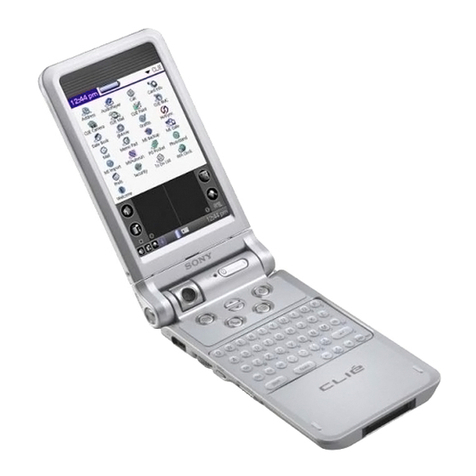
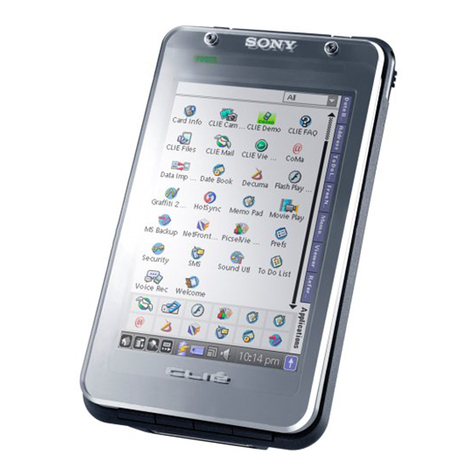
  9. Sony PEG-UX00 User manual

Sony PEG-UX00 User manual

This manual suits for next models

1

Other Sony Handheld manuals

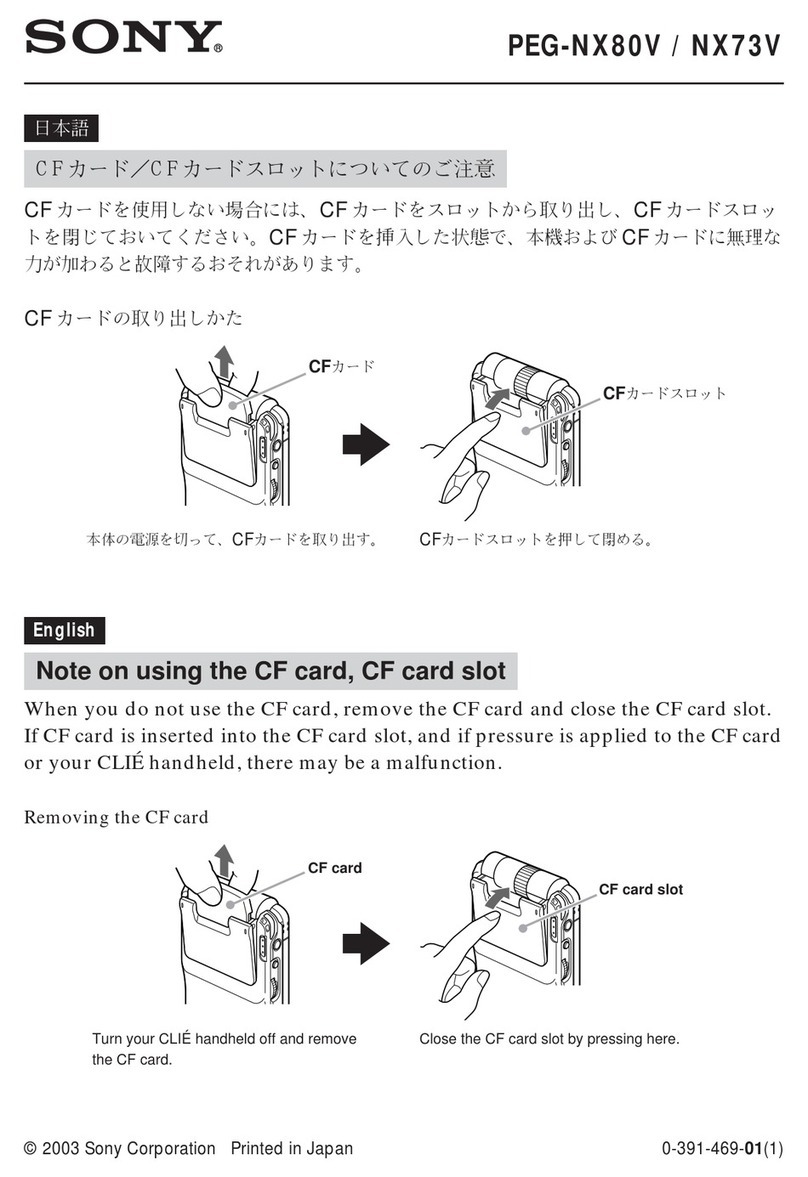
Sony CLIE PEG-S360 User manual

Sony

Sony CLIE PEG-S360 User manual

Sony CLIE PEG-S320 User manual

Sony

Sony CLIE PEG-S320 User manual

Sony CLIE PEG-SJ22 User manual

Sony

Sony CLIE PEG-SJ22 User manual

Sony PEG-T665C Intellisync Lite User manual

Sony

Sony PEG-T665C Intellisync Lite User manual

Sony PEG-TJ25 CLIE Handbook  (primary manual) User manual

Sony

Sony PEG-TJ25 CLIE Handbook (primary manual) User manual

Sony CLIE PEG-NX73V User manual

Sony

Sony CLIE PEG-NX73V User manual

Sony PEG-TG50 Intellisync Lite User manual

Sony

Sony PEG-TG50 Intellisync Lite User manual

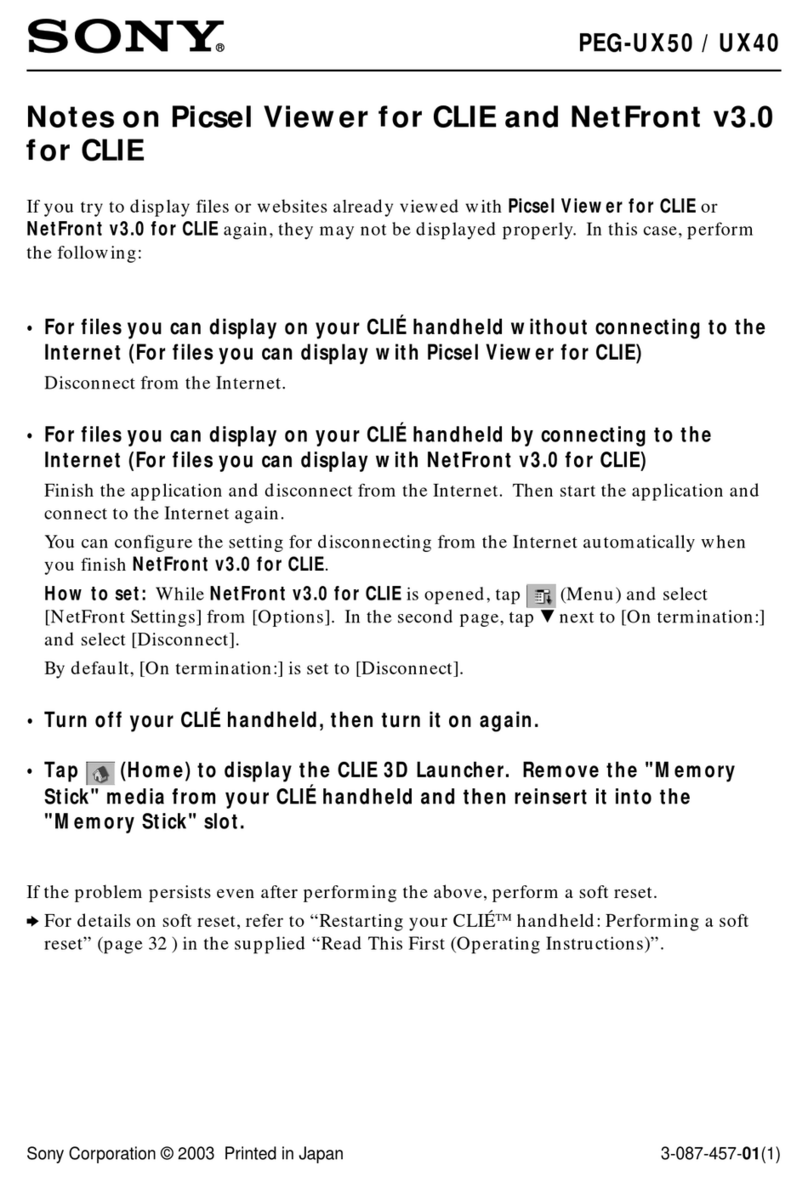
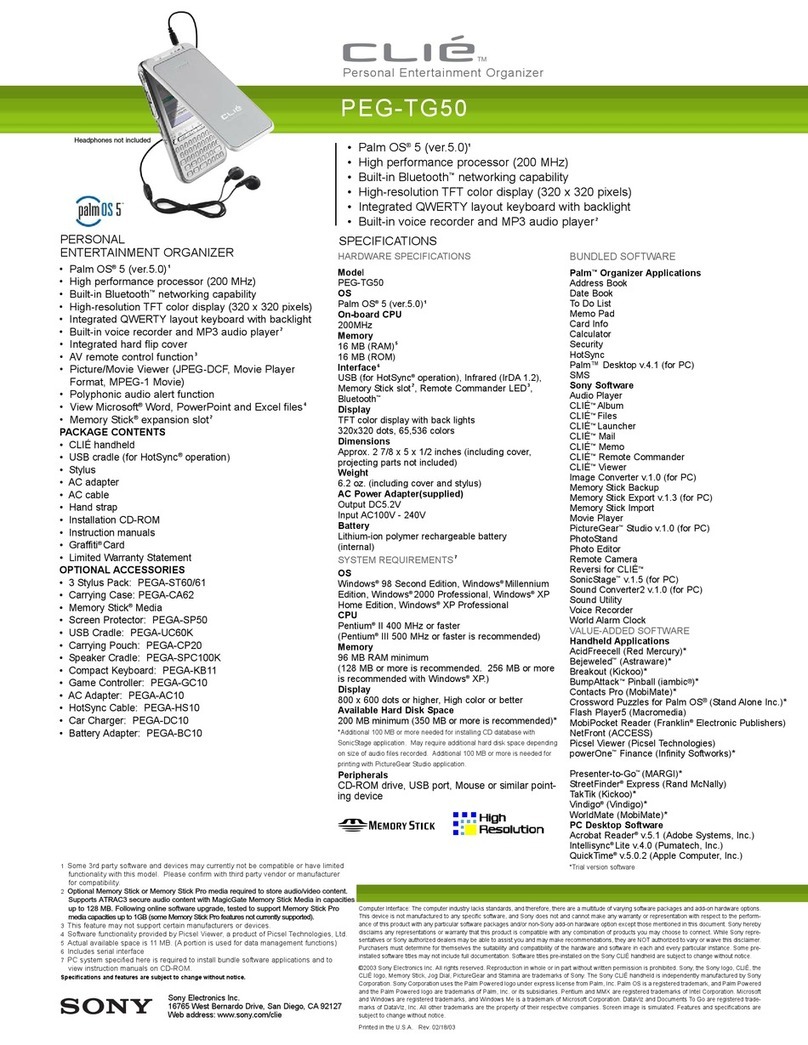
Sony CLIE PEG-UX40 Manual

Sony

Sony CLIE PEG-UX40 Manual

Sony PEG-SJ33 CLIE Handbook  (primary manual) User manual

Sony

Sony PEG-SJ33 CLIE Handbook (primary manual) User manual

Sony CLIE PEG-T615C User manual

Sony

Sony CLIE PEG-T615C User manual

Sony CLIE PEG-NX60 User manual

Sony

Sony CLIE PEG-NX60 User manual

Sony CLIE PEG-NX73V User manual

Sony

Sony CLIE PEG-NX73V User manual

Sony CLIE PEG-TJ27 Instruction Manual

Sony

Sony CLIE PEG-TJ27 Instruction Manual

Sony CLIE PEG-T665C User manual

Sony

Sony CLIE PEG-T665C User manual

Sony CLIE PEG-T415 User manual

Sony

Sony CLIE PEG-T415 User manual

Sony PEG-N610C PictureGear Pocket v2.0 User manual

Sony

Sony PEG-N610C PictureGear Pocket v2.0 User manual

Sony CLIE PEG-NX73V Quick start guide

Sony

Sony CLIE PEG-NX73V Quick start guide

Sony CLIE PEG-TH55 Instruction Manual

Sony

Sony CLIE PEG-TH55 Instruction Manual

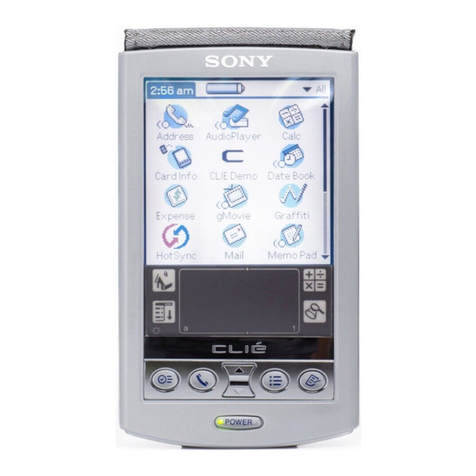
Sony PEG-UX50 - Clie Handheld User manual

Sony

Sony PEG-UX50 - Clie Handheld User manual

Sony CLIE PEG-NR70V User manual

Sony

Sony CLIE PEG-NR70V User manual

Sony CLIE PEG-UX40 Instruction Manual

Sony

Sony CLIE PEG-UX40 Instruction Manual

Sony PEG-SL10 - CLIE Handheld User manual

Sony

Sony PEG-SL10 - CLIE Handheld User manual

Sony CLIE PEG-NX73V Instruction Manual

Sony

Sony CLIE PEG-NX73V Instruction Manual

Sony CLIE PEG-NX60 User manual

Sony

Sony CLIE PEG-NX60 User manual

Popular Handheld manuals by other brands

Panasonic CF-VST332U How-to

Panasonic

Panasonic CF-VST332U How-to

Wasp WPA 1000II user manual

Wasp

Wasp WPA 1000II user manual

Hand Held Products Dolphin 9500 Software upgrade instructions

Hand Held Products

Hand Held Products Dolphin 9500 Software upgrade instructions

Honeywell Dolphin 9900 user guide

Honeywell

Honeywell Dolphin 9900 user guide

Intermec CK61 quick start guide

Intermec

Intermec CK61 quick start guide

Honeywell CN75 user guide

Honeywell

Honeywell CN75 user guide

Wasp WDT92 user manual

Wasp

Wasp WDT92 user manual

Texas Instruments TI-Nspire user guide

Texas Instruments

Texas Instruments TI-Nspire user guide

Docomo F-04H instruction manual

Docomo

Docomo F-04H instruction manual

Armstrong Brain Wave Hardware & software installation

Armstrong

Armstrong Brain Wave Hardware & software installation

Unitech TB128 user manual

Unitech

Unitech TB128 user manual

Symbol MC9000-G Product reference guide

Symbol

Symbol MC9000-G Product reference guide

Ingenico IWL220 GPRS Quick reference guide

Ingenico

Ingenico IWL220 GPRS Quick reference guide

Intermec CK61 user manual

Intermec

Intermec CK61 user manual

Symbol c2000 user manual

Symbol

Symbol c2000 user manual

Toshiba e350 Series user manual

Toshiba

Toshiba e350 Series user manual

Palm Tungsten E2 supplementary guide

Palm

Palm Tungsten E2 supplementary guide

MiTAC Mio 168 user manual

MiTAC

MiTAC Mio 168 user manual

manuals.online logo
manuals.online logoBrands
  • About & Mission
  • Contact us
  • Privacy Policy
  • Terms and Conditions

Copyright 2025 Manuals.Online. All Rights Reserved.

98
Sony Personal Entertainment Organizer PEG-UX50/UX00 X-XXX-XXX-11 (1)
CLIÉ™ handheld
components
This chapter explains each part of your CLIÉ handheld and the supplied accessories.
Front panel
01US01COV.book Page 98 Friday, June 20, 2003 6:29 AM
99
Sony Personal Entertainment Organizer PEG-UX50/UX00 X-XXX-XXX-11 (1)
CLIÉ™ handheld components
ACamera Lens
(Pages 48, 50)
BPOWER LED
(Page 9)
Lights or blinks when turned on. The
LED shows the status of your CLIÉ
handheld by its color.
Lights green: The power is on. (It
also lights in HOLD mode)
Blinks green: Blinks a few
moments when you operate any
button on your CLIÉ handheld in
HOLD mode.
Lights orange: The battery is being
charged.
Blinks orange: Alarm function that
notifies you at a preset time if you
have set an alarm in an application,
such as Date Book.
OFF: The power is off.
CPOWER/HOLD Switch
(Pages 11, 101)
Turns your CLIÉ handheld on and
off, and sets your CLIÉ handheld to
HOLD mode.
DIR Port
(Page 103)
You can beam data between your
CLIÉ handheld and another CLIÉ
handheld or Palm OS®PDA.
EUSB connector (Page 19)
For connecting the supplied USB
cable.
FStrap Ring
GMicrophone
(Page 53)
Use this to record sounds.
HJog Dial™ navigator
(Page 26)
Use to select and run applications or
items. Depending on the application,
unique features are assigned.
IDisplay Panel
(Page 9)
JScreen
(Page 106)
KSilk Screen Area
(Page 108)
LWireless LAN LED
(for PEG-UX50 only)
(Page 42)
MBluetooth LED
(Page 68)
NCAPTURE/REC Button
Press the CAPTURE/REC button to
take pictures, record movies (Pages
48, 51) or to record voice memos
(Page 53).
OREC LED
(Page 53)
Lights when you are recording a
voice memo.
P“Memory Stick” LED
(Page 102)
Blinks orange while your CLIÉ
handheld is writing data to, or reading
data from a “Memory Stick” media.
QHardware Keyboard
(Page 103)
RApplication Buttons
(Page 28)
Even when your CLIÉ handheld is
turned off, pressing an application
button turns on your CLIÉ handheld
and starts that application.
SBACK Button
Cancels the selection of an item or an
operation. Depending on the
application, unique features such as
restoring to the previous screen are
assigned.
01US01COV.book Page 99 Friday, June 20, 2003 6:29 AM

100
Sony Personal Entertainment Organizer PEG-UX50/UX00 X-XXX-XXX-11 (1)
Back panel
AHeadphone Jack
For connecting stereo mini-jack
headphones sold separately.
B“Memory Stick” Slot
(Page 102)
Insert a “Memory Stick” media into
this slot.
CSpeaker
DStylus
(Page 11)
A pointed tool to operate your CLIÉ
handheld by touching the screen with it.
ERESET Button
(Pages 32, 33)
Press to restart your CLIÉ handheld.
01US01COV.book Page 100 Friday, June 20, 2003 6:29 AM
101
Sony Personal Entertainment Organizer PEG-UX50/UX00 X-XXX-XXX-11 (1)
CLIÉ™ handheld components
POWER/HOLD switch
Turning on/off your CLIÉ handheld
Slide down the POWER/HOLD switch
The POWER/HOLD switch will return to the center position after being
released. Your CLIÉ handheld powers on, the last screen viewed is
displayed, and the POWER LED lights green. To turn off your CLIÉ
handheld, slide down the POWER/HOLD switch again and then release.
Turning on/off the LCD backlight
Slide down the POWER/HOLD switch and hold it for more than two
seconds.
Turning on/off the HOLD mode
Slide up the POWER/HOLD switch
Putting your CLIÉ handheld in HOLD mode deactivates the touch screen.
If you put the POWER/HOLD switch into the HOLD position while the
power is on, the screen display turns off, even during an operation. To
release the HOLD mode, slide up the POWER/HOLD switch again and
then release.
POWER/HOLD Switch
01US01COV.book Page 101 Friday, June 20, 2003 6:29 AM
102
Sony Personal Entertainment Organizer PEG-UX50/UX00 X-XXX-XXX-11 (1)
Using “Memory Stick” media
Inserting “Memory Stick” media
Removing “Memory Stick” media
Note
Insert a “Memory Stick” media in the right direction. If you forcibly insert a
“Memory Stick” media in the wrong direction, the “Memory Stick” slot may
be damaged.
Note
Make sure that your CLIÉ handheld is not writing files/data to, or reading
files/data from, a “Memory Stick” media before removing it. (The “Memory
Stick” LED blinks when it is reading or writing files/data.) If you remove a
“Memory Stick” media while the “Memory Stick” LED is blinking, recorded
files/data may be deleted or damaged.
The “Memory Stick” LED blinks orange
while your CLIÉ handheld is writing data to,
or reading data from a “Memory Stick” media.
b
Pull “Memory Stick” media outPush “Memory Stick” media in
01US01COV.book Page 102 Friday, June 20, 2003 6:29 AM
103
Sony Personal Entertainment Organizer PEG-UX50/UX00 X-XXX-XXX-11 (1)
CLIÉ™ handheld components
IR port
You can beam data or applications between your CLIÉ handheld and another
CLIÉ handheld or Palm OS®PDA.
bFor details, refer to “Beaming” in the supplied “Handbook”.
Hardware Keyboard
You can use the hardware keyboard in the same way as you would use the
keyboard of your computer.
For details about the key arrangement, check your CLIÉ handheld.
Input commands
You can perform commands using the hardware keys in combination.
Key combinations
Example: Ctrl + C tHold down the Ctrl key and press the character C key.
Basic operations
Combination Function
(Blue) +
blue character
Types the characters in blue. To type them
continuously, press (Blue) twice to lock the
shift, and press it again to unlock.
Shift Types capital letters. To type capital letters
continuously, press the Shift key twice to lock the
shift, and press it again to unlock.
*Move your CLIÉ handheld gradually to find the most
sensitive direction.
Blue key
Continued on next page
• • • • • • • • • • • • • • • • • • • • •
01US01COV.book Page 103 Friday, June 20, 2003 6:29 AM
104
Sony Personal Entertainment Organizer PEG-UX50/UX00 X-XXX-XXX-11 (1)
Edit
Functions
* You can change this function by selecting Preferences and tapping [Buttons] -
[Pen].
Dialogs
Combination Function
Ctrl + C Copies the selected text.
Ctrl + D Deletes the selected text.
Ctrl + V Pastes the selected text.
Ctrl + X Cuts the selected text.
Ctrl + Right/Left Selects until the last/first letter of the word.
Shift + Right/Left Selects a continuing/preceding text.
Combination Function
Ctrl + G Shows/hides the silk screen area.
Ctrl + H Goes to the CLIE 3D Launcher.
Ctrl + L Turns the backlight on/off.
Ctrl + M Displays the menu.
Ctrl + O Goes to the previous field.
Ctrl + P Goes to the next field.
Ctrl + R Performs a full-screen pen stroke.*
Combination Function
Ctrl + A Displays the Adjust Volume dialog box.
Ctrl + B Displays the Battery Information dialog box.
Ctrl + E Displays the Media Info dialog box.
Ctrl + F Displays the Find dialog box.
Ctrl + K Displays the Keyboard Help dialog box.
Ctrl + T Displays the command tool bar.
01US01COV.book Page 104 Friday, June 20, 2003 6:29 AM
105
Sony Personal Entertainment Organizer PEG-UX50/UX00 X-XXX-XXX-11 (1)
CLIÉ™ handheld components
Button operations
More
Tip
When you use a Palm OS application that assigns a function to the scroll buttons,
the same function can be performed by using a key combination, (Blue) + Up/
Down.
Combination Function
Ctrl + Up/Down Same as Jog Dial Up/Down.
Ctrl + Enter Same as pressing Jog Dial.
Ctrl +
Enter (Long Push)
Same as holding down the Jog Dial.
Ctrl + BS Same as pressing the BACK button.
Ctrl + BS (Long Push) Same as holding down the BACK button.
Combination Function
Ctrl + (Blue) + S Turns off your CLIÉ handheld using Power Saving
mode.
01US01COV.book Page 105 Friday, June 20, 2003 6:29 AM
106
Sony Personal Entertainment Organizer PEG-UX50/UX00 X-XXX-XXX-11 (1)
Locating the components of the CLIE 3D
Launcher
Tip
If a different screen is displayed, tap (Home).
AScroll Bar
B3D Adjust Bar
Scroll the bar with the stylus to adjust
the 3D degree.
CResize Application Icon
Tap to change application icons to
small or large.
DInformation Icon
Tap to display the information for a
selected application icon.
EApplication Summary Area
Description of a selected application
is displayed here
FApplication Icons
GFavorite Applications
(shortcuts)
You can create shortcuts to favorite
applications.
HCLIE 3D Launcher Groups List
The list of CLIE 3D Launcher groups
is displayed.
IStatus Bar
(page 108)
JResize Icon
If you tap this icon, the screen view
will be switched.
KCalculator
Tap to display the on-screen
Calculator.
LFind Icon
Tap to display the dialog box finding
data or applications.
MBrightness Adjustment Icon
Tap to display the dialog box for
adjusting brightness.
01US11NAM.fm Page 106 Friday, June 20, 2003 2:21 PM

107
Sony Personal Entertainment Organizer PEG-UX50/UX00 X-XXX-XXX-11 (1)
CLIÉ™ handheld components
NGraffiti 2 Writing Area
Write strokes of Graffiti 2 here.
Decuma Input can be launched
from this area.
For details, refer to “Entering text on
your CLIÉ™ handheld: Using
Decuma Input to enter text” in the
supplied “Handbook”.
OMenu Icon
Tap to display menu of the current
application.
PHome Icon
Tap to display the CLIE 3D Launcher
or Palm OS Standard Screen.
01US01COV.book Page 107 Friday, June 20, 2003 6:29 AM