EnglishDeutsch
 logo
Brands
  1. Home

  2. •
  3. Brands
  4. •
  5. StarTech.com
  6. •
  7. Adapter
  8. •
  9. StarTech.com DP2DVID User manual

StarTech.com DP2DVID User manual

Other StarTech.com Adapter manuals

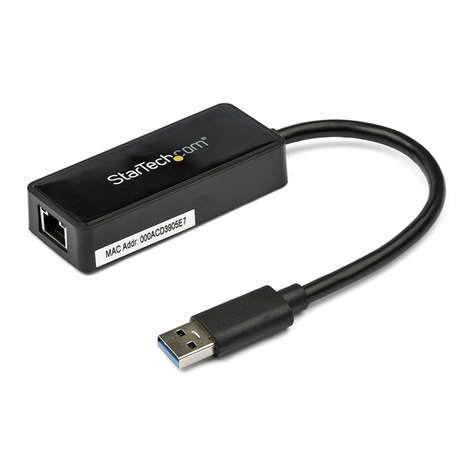
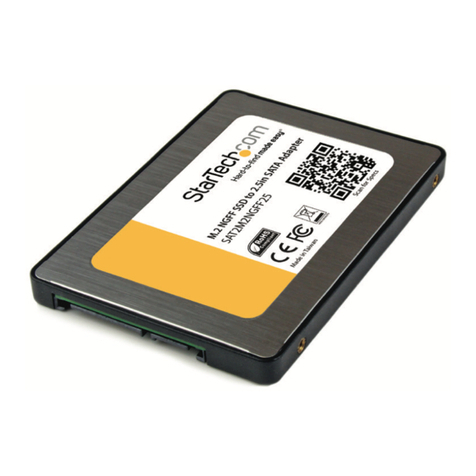
StarTech.com CBUSB22 User manual

StarTech.com

StarTech.com CBUSB22 User manual

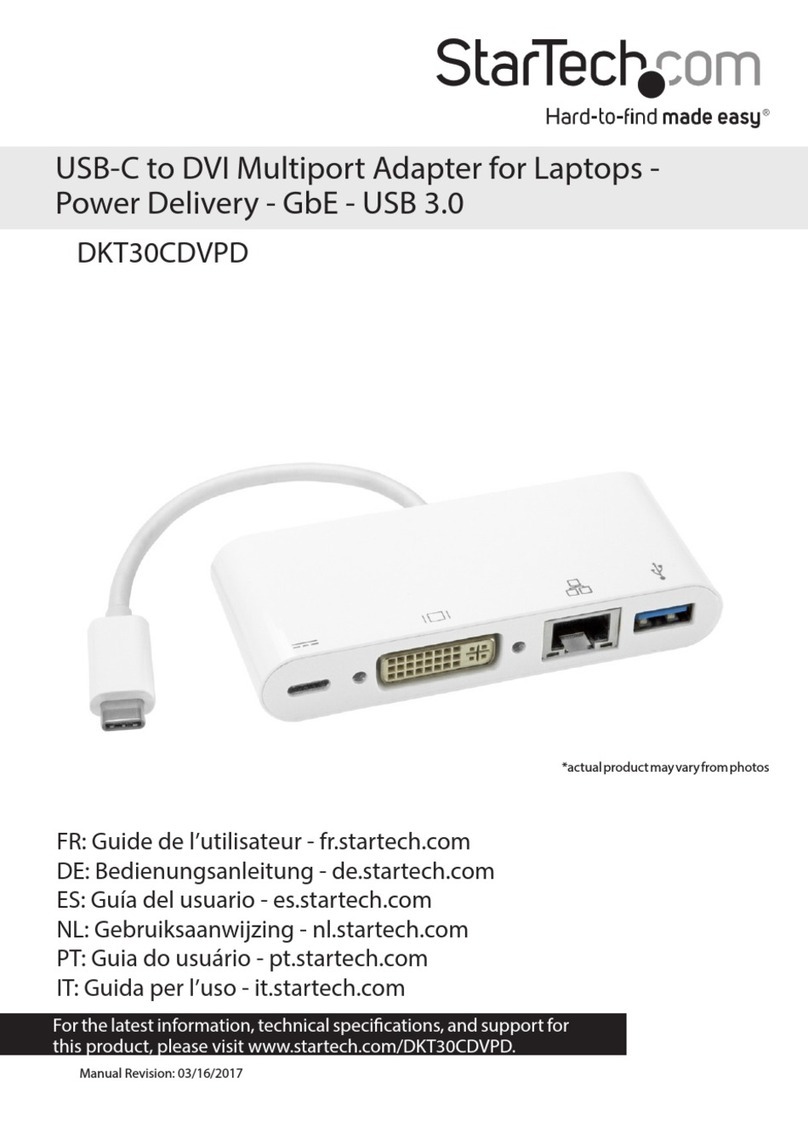
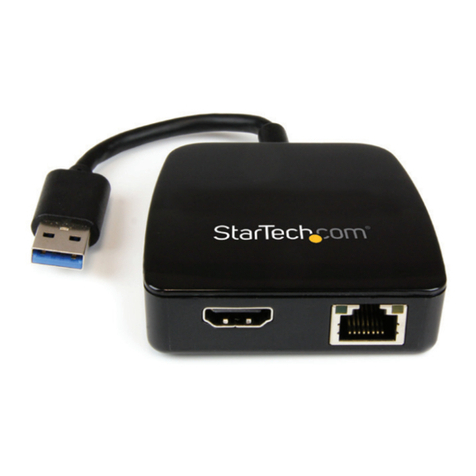
StarTech.com 103B-USBC-MULTIPORT User manual

StarTech.com

StarTech.com 103B-USBC-MULTIPORT User manual

StarTech.com US1GA30SFP User manual

StarTech.com

StarTech.com US1GA30SFP User manual

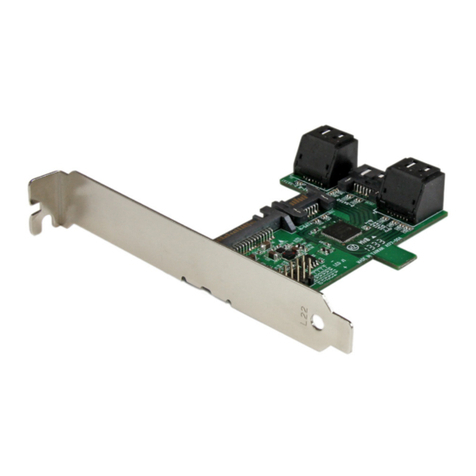
StarTech.com PEX1PCI1 User manual

StarTech.com

StarTech.com PEX1PCI1 User manual

StarTech.com MHD2HDF11 User manual

StarTech.com

StarTech.com MHD2HDF11 User manual

StarTech.com SP122DP2DVI User manual

StarTech.com

StarTech.com SP122DP2DVI User manual

StarTech.com TB310G2 User manual

StarTech.com

StarTech.com TB310G2 User manual

StarTech.com USB312SAT3CB User manual

StarTech.com

StarTech.com USB312SAT3CB User manual

StarTech.com USB32DPPRO User manual

StarTech.com

StarTech.com USB32DPPRO User manual

StarTech.com ECUSB3S2 User manual

StarTech.com

StarTech.com ECUSB3S2 User manual

StarTech.com PS22USB User manual

StarTech.com

StarTech.com PS22USB User manual

StarTech.com 8STUSB312SAT3CB User manual

StarTech.com

StarTech.com 8STUSB312SAT3CB User manual

StarTech.com WCH1C User manual

StarTech.com

StarTech.com WCH1C User manual

StarTech.com USB3S2SATA User manual

StarTech.com

StarTech.com USB3S2SATA User manual

StarTech.com ECESATUSB1 User manual

StarTech.com

StarTech.com ECESATUSB1 User manual

StarTech.com USB32VGAEH User manual

StarTech.com

StarTech.com USB32VGAEH User manual

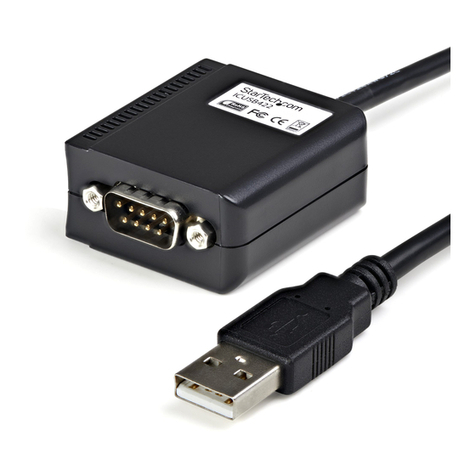
StarTech.com ICUSB2321X User manual

StarTech.com

StarTech.com ICUSB2321X User manual

StarTech.com PCI100MMSC User manual

StarTech.com

StarTech.com PCI100MMSC User manual

StarTech.com IDE35252X User manual

StarTech.com

StarTech.com IDE35252X User manual

StarTech.com DK30C2HAGPD User manual

StarTech.com

StarTech.com DK30C2HAGPD User manual

StarTech.com 8ST115BUSBCMULTI User manual

StarTech.com

StarTech.com 8ST115BUSBCMULTI User manual

StarTech.com NOTECONS02X User manual

StarTech.com

StarTech.com NOTECONS02X User manual

StarTech.com USB312SAT3CB User manual

StarTech.com

StarTech.com USB312SAT3CB User manual

StarTech.com ESATAPLT2M System manual

StarTech.com

StarTech.com ESATAPLT2M System manual

Popular Adapter manuals by other brands

NETGEAR XAV1301v1/XAVB1301v1 null

NETGEAR

NETGEAR XAV1301v1/XAVB1301v1 null

PCB Piezotronics 090B274 Installation and operating manual

PCB Piezotronics

PCB Piezotronics 090B274 Installation and operating manual

Gossen MetraWatt AT3-III E operating instructions

Gossen MetraWatt

Gossen MetraWatt AT3-III E operating instructions

Akribis ITF-21-BISS-MIT user manual

Akribis

Akribis ITF-21-BISS-MIT user manual

Auvidea J20 Technical reference manual

Auvidea

Auvidea J20 Technical reference manual

Tenda W54U user guide

Tenda

Tenda W54U user guide

ROHO AGILITY Operation manual

ROHO

ROHO AGILITY Operation manual

PROLiNK WN2001 Quick installation guide

PROLiNK

PROLiNK WN2001 Quick installation guide

Hawking HUF2 Specifications

Hawking

Hawking HUF2 Specifications

Airlink101 AWLC4030 user manual

Airlink101

Airlink101 AWLC4030 user manual

NETGEAR XAV101v1 - Powerline AV Ethernet Adapter user manual

NETGEAR

NETGEAR XAV101v1 - Powerline AV Ethernet Adapter user manual

Philips SWA4554S/10 user manual

Philips

Philips SWA4554S/10 user manual

JVC TS-C9D2B Assembly and installation instructions

JVC

JVC TS-C9D2B Assembly and installation instructions

NETGEAR A6100 quick start

NETGEAR

NETGEAR A6100 quick start

D-Link DWA-121 Quick install guide

D-Link

D-Link DWA-121 Quick install guide

Philips SWA2037 Specifications

Philips

Philips SWA2037 Specifications

Basalte 0610-20 installation manual

Basalte

Basalte 0610-20 installation manual

Yealink EHS40 user guide

Yealink

Yealink EHS40 user guide

https://manuals.online logo
https://manuals.online logoBrands
  • About & Mission
  • Contact us
  • Privacy Policy
  • Terms and Conditions

Copyright 2026 Manuals.Online. All Rights Reserved.

Instruction Manual
DE: Bedienungsanleitung - de.startech.com
FR: Guide de l'utilisateur - fr.startech.com
ES: Guía del usuario - es.startech.com
IT: Guida per l'uso - it.startech.com
NL: Gebruiksaanwijzing - nl.startech.com
PT: Guia do usuário - pt.startech.com
Manual Revision: 02/10/2012
For the most up-to-date information, please visit: www.startech.com
DP2DVID
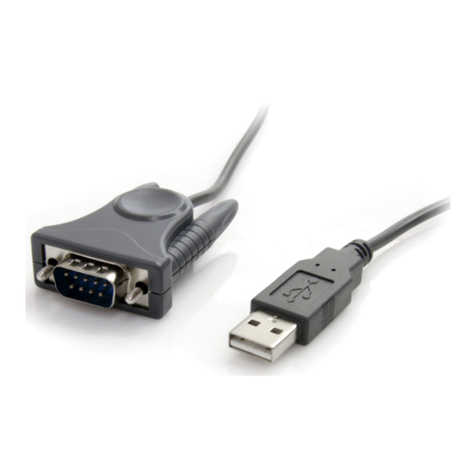
DisplayPort to DVI Dual Link Active Converter – USB Powered
*actual product may vary from photos
Packaging Contents
• 1xDP2DVIDadapter
• 1xInstallationGuide
System Requirements
• DisplayPortenabledcomputersystem/videocard
• AvailableUSBport
• DVI-D(digital)enableddisplaydevice(i.e.monitor,
projector,HDTV,etc)
Specications
Connectors
1xDisplayPortmale
1xUSBtypeAmale
1xDVI-Dfemale
Maximum Video Resolution
Support 2560x1600
Cable Length USB:18”
DisplayPort:14.5”
Dimensions 105.5mmx58.0mmx22.0mm
Weight 175g
Installation
1. Withthecomputersystempoweredo,plugthe
DisplayPortconnectorfromtheDP2DVIDadapterinto
thecomputer’svideocard.
2. ConnecttheUSBconnectorfromtheDP2DVID
adapterintoaUSBportonthecomputersystem.
3. ConnectaDVI-D(digital)cablefromtheDP2DVID
adaptertoyourdisplay.
NOTE:For2560x1600operation,aduallinkDVI-Dcable
mustbeused.
4. Poweronthemonitorfollowedbythecomputer
system.Nosoftware/driverinstallationisrequired.
FCC Compliance Statement
ThisequipmenthasbeentestedandfoundtocomplywiththelimitsforaClassBdigitaldevice,pursuanttopart15oftheFCCRules.Theselimitsaredesignedtoprovidereasonableprotectionagainst
harmfulinterferenceinaresidentialinstallation.Thisequipmentgenerates,usesandcanradiateradiofrequencyenergyand,ifnotinstalledandusedinaccordancewiththeinstructions,maycause
harmfulinterferencetoradiocommunications.However,thereisnoguaranteethatinterferencewillnotoccurinaparticularinstallation.Ifthisequipmentdoescauseharmfulinterferencetoradioor
televisionreception,whichcanbedeterminedbyturningtheequipmentoandon,theuserisencouragedtotrytocorrecttheinterferencebyoneormoreofthefollowingmeasures:
• Reorientorrelocatethereceivingantenna.
• Increasetheseparationbetweentheequipmentandreceiver.
• Connecttheequipmentintoanoutletonacircuitdierentfromthattowhichthereceiverisconnected.
• Consultthedealeroranexperiencedradio/TVtechnicianforhelp.
Use of Trademarks, Registered Trademarks, and other Protected Names and Symbols
This manual may make reference to trademarks, registered trademarks, and other protected names and/or symbols of third-party companies not related in any way to
StarTech.com.WheretheyoccurthesereferencesareforillustrativepurposesonlyanddonotrepresentanendorsementofaproductorservicebyStarTech.com,oranendorsementoftheproduct(s)
towhichthismanualappliesbythethird-partycompanyinquestion.Regardlessofanydirectacknowledgementelsewhereinthebodyofthisdocument,StarTech.comherebyacknowledgesthatall
trademarks,registeredtrademarks,servicemarks,andotherprotectednamesand/orsymbolscontainedinthismanualandrelateddocumentsarethepropertyoftheirrespectiveholders.
Technical Support
StarTech.com’slifetimetechnicalsupportisanintegralpartofourcommitmenttoprovideindustry-leadingsolutions.Ifyoueverneedhelpwithyourproduct,visitwww.startech.com/supportandaccess
ourcomprehensiveselectionofonlinetools,documentation,anddownloads.
Forthelatestdrivers/software,pleasevisitwww.startech.com/downloads
Warranty Information
Thisproductisbackedbyatwoyearwarranty.
Inaddition,StarTech.comwarrantsitsproductsagainstdefectsinmaterialsandworkmanshipfortheperiodsnoted,followingtheinitialdateofpurchase.Duringthisperiod,theproductsmaybereturned
forrepair,orreplacementwithequivalentproductsatourdiscretion.Thewarrantycoverspartsandlaborcostsonly.StarTech.comdoesnotwarrantitsproductsfromdefectsordamagesarisingfrom
misuse,abuse,alteration,ornormalwearandtear.
Limitation of Liability
InnoeventshalltheliabilityofStarTech.comLtd.andStarTech.comUSALLP(ortheirocers,directors,employeesoragents)foranydamages(whetherdirectorindirect,special,punitive,incidental,
consequential,orotherwise),lossofprots,lossofbusiness,oranypecuniaryloss,arisingoutoforrelatedtotheuseoftheproductexceedtheactualpricepaidfortheproduct.Somestatesdonotallow
theexclusionorlimitationofincidentalorconsequentialdamages.Ifsuchlawsapply,thelimitationsorexclusionscontainedinthisstatementmaynotapplytoyou.