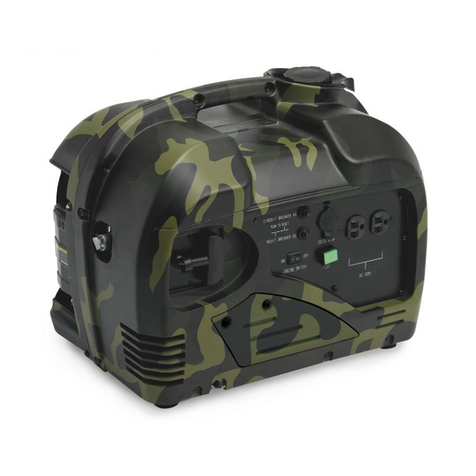
--" OIL ALERT INDICATOR LIGHT
INDICATOR LIGHT
RECEPTACLE
Output and Overload indicators
The output indicator light (green) will remain ON during operating conditions.
If the generator is overloaded (more than 1.OKVA), or if there is short in the
connected appliance, the output indicator light (green) will go OFF, the overload
indicator light (red) will go ON and current to the connected appliance will be
shut off.
Stop the engine if the overload light (red) comes ON and investigate the
overload source, start it after the overload light is OFF.
• Before connecting on appliance to the generator, check that it is ingood order,
and its electrical rating does not exceed the power of the generator.
Then connect the power cord of the appliance, and start the engine.
(_) DC application
The DC receptacle may be used for charging 12 volt automotive-type batteries
only.
• To prevent from creating a spark near the battery, connect charg-
ing cable first to the generator, then to the battery, Disconnect cable first at
the battery.
• Connect the positive battery terminal to the positive charging cord.
Do not reverse the charging cables, or serious damage to the generator
and battery may occur.
NOTE:
•An overloaded DC circuit will trip the DC circuit protector (push button comes
out). The DC circuit protector will trip when it's overloaded• If this happens,
wait a few minutes before pushing in the circuit protector
before resuming operation•
•DC CIRCUIT PROTECTOR
III IIO
ON OFF
.PLUG
•Auto Throttle Switch
When the generator is at charge function
condition and have not any other load,
it can saves your charge time if you start
the AUTO THROTTLE switch•
But the AUTO THROTTLE switch is OFF
in usually situation• AUTO THROTTLE SWITCH
13 14