This chapter is NOT applicable if your device is AHD and you
are using BNC coaxial connection for PTZ.
1)AC cable: Make sure your AC power source is close enough to the
camera. The easiest way is to get a premade AC extension cable (no
distance limit). Power strip is an example.
2)DC cable: Make sure the wire is AWG18 or thicker (distance dependent).
The thicker the cable, the smaller the electrical resistance and the longer it
can run without voltage loss.
RS485 Cable
Please use any twisted pair from Ethernet cable (cat5/5e/6). Please
ensure
the direction of +/- or A/B are consistent on both DVR and camera’s end.
3-in-1 cables are for bullet cameras and are not recommended as most
of them are parallel instead of twisted.
DON’T
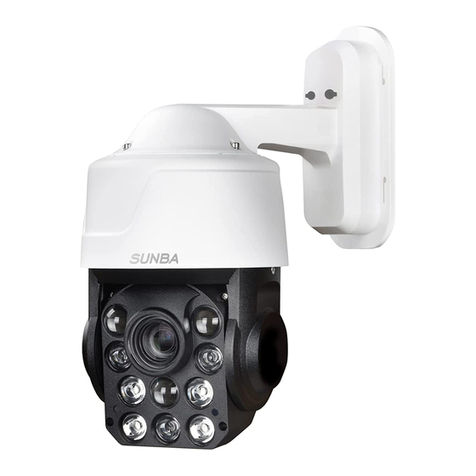
1)If it is an infrared camera, do not put a dome cover on the camera
which will block and obscure the IR Led.
2)Use a cat5 as the extension for power adapter. Cat5 has strong
electrical resistance (usually only AWG24) that can cause underpower.
3)Install the camera next to an electrical cable which will cause
interference and degrade video quality.
4)Dissemble the camera without notifying Sunba support team. This
may void the warranty.
WARNING:
Please strictly follow any applicable local security camera
installation rules.
5.Address Setting for PTZ
4.Cable Extension Methods
- 06 -