manuals.online logo
Brands
  1. Home
  2. •
  3. Brands
  4. •
  5. SureCall
  6. •
  7. Antenna
  8. •
  9. SureCall SC-550W User manual

SureCall SC-550W User manual

Other SureCall Antenna manuals
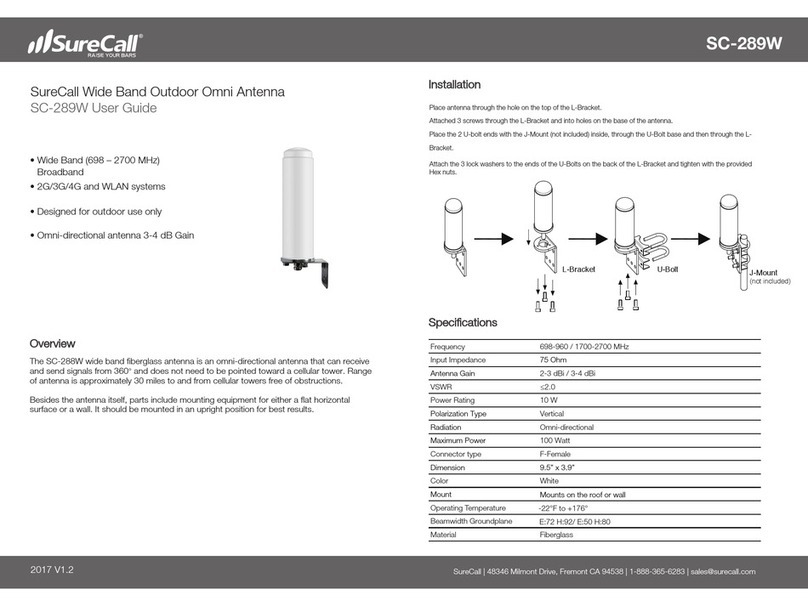
SureCall SC-289W User manual

SureCall

SureCall SC-289W User manual
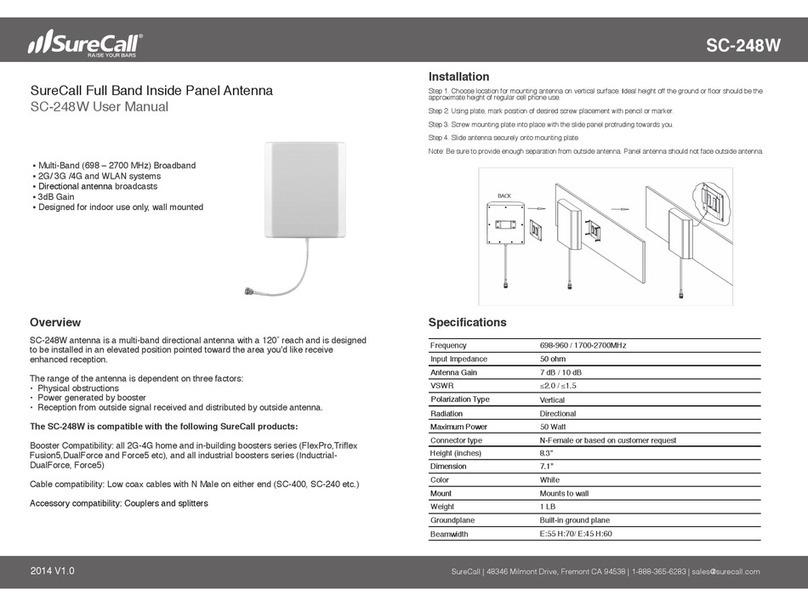
SureCall SC-248W User manual

SureCall

SureCall SC-248W User manual
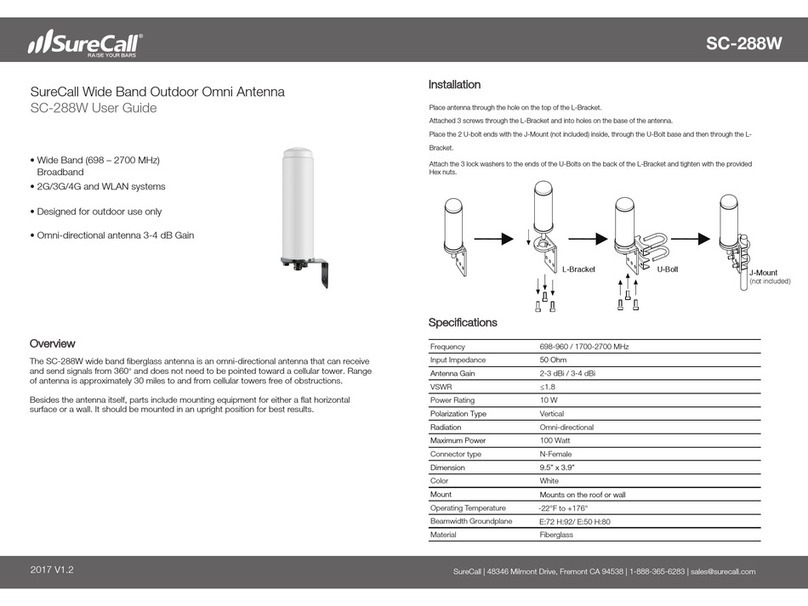
SureCall SC-288W User manual

SureCall

SureCall SC-288W User manual
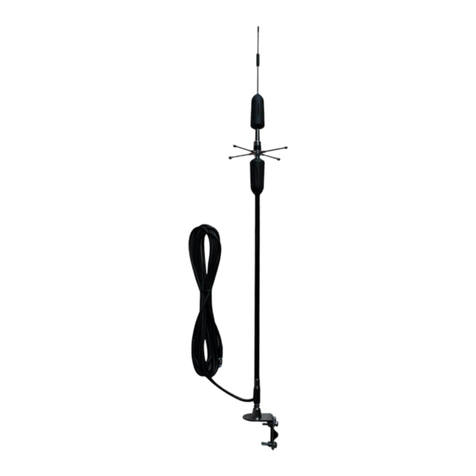
SureCall SC-130W User manual

SureCall

SureCall SC-130W User manual

SureCall SC-288W User manual

SureCall

SureCall SC-288W User manual

SureCall SC-LTE-V User manual

SureCall

SureCall SC-LTE-V User manual
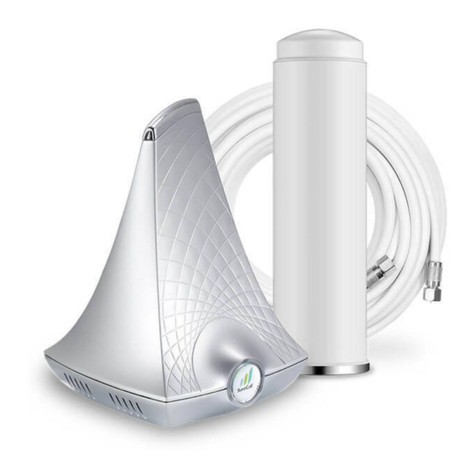
SureCall Flare User manual

SureCall

SureCall Flare User manual
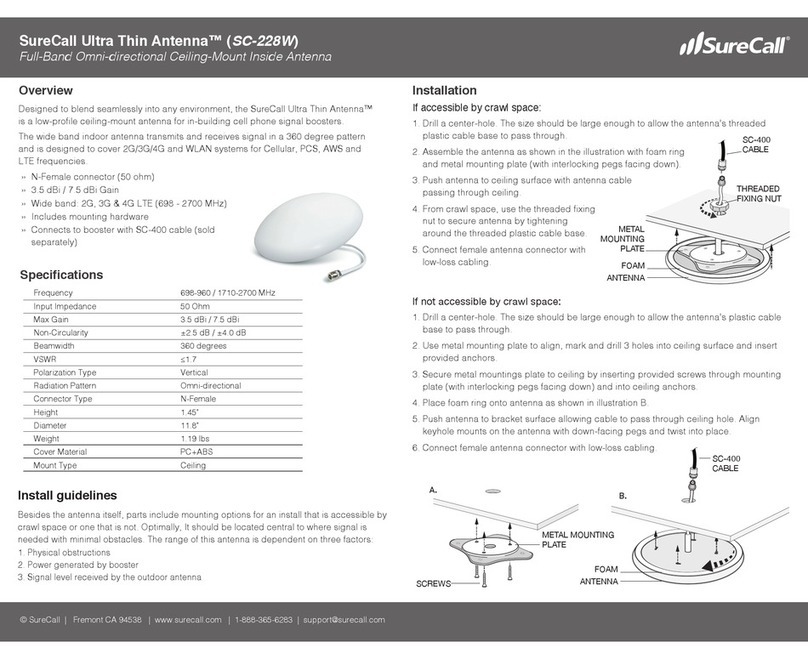
SureCall SC-228W User manual

SureCall

SureCall SC-228W User manual
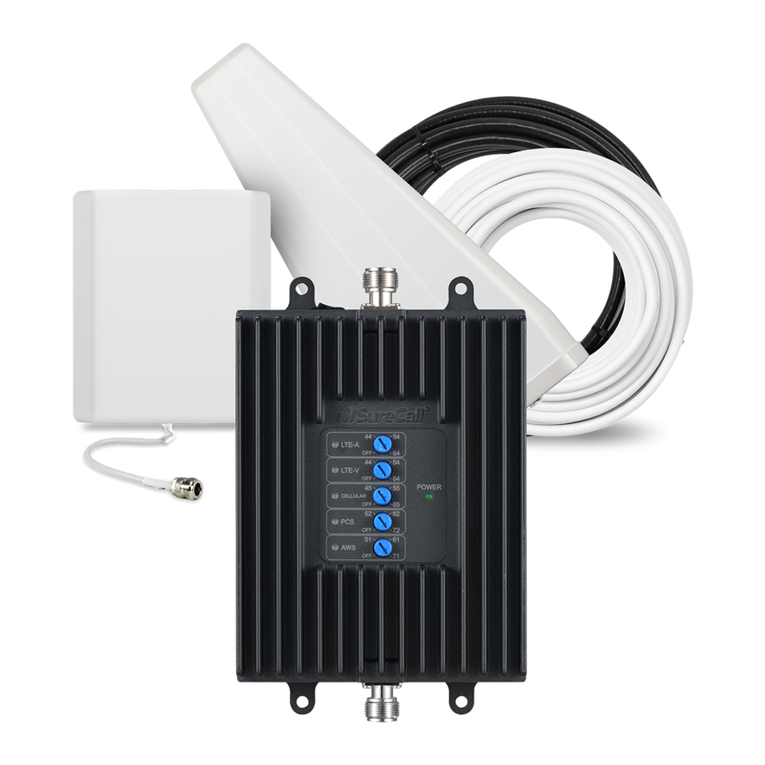
SureCall SC-Fusion User manual

SureCall

SureCall SC-Fusion User manual
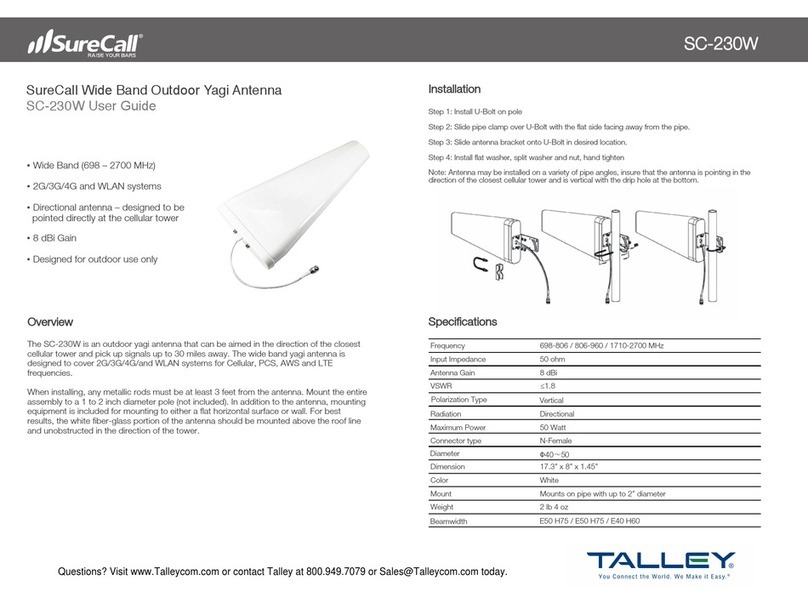
SureCall SC-230W User manual

SureCall

SureCall SC-230W User manual

Popular Antenna manuals by other brands
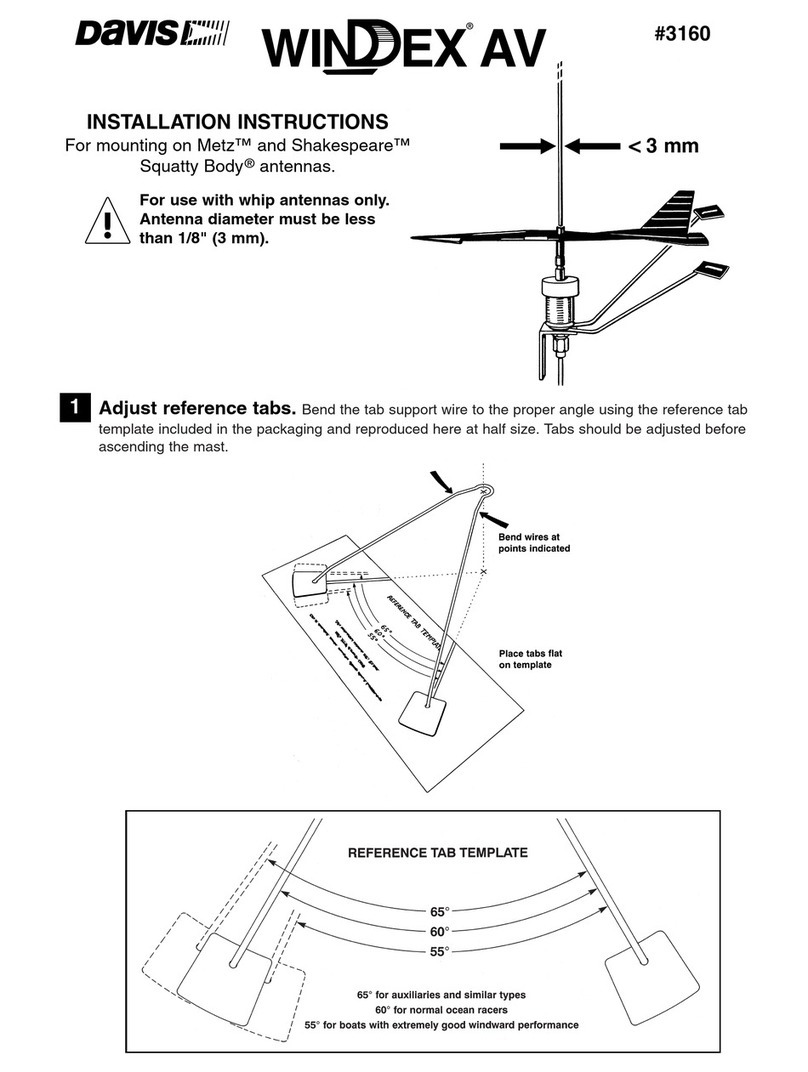
DAVIS Windex AV 3160 installation instructions
DAVIS

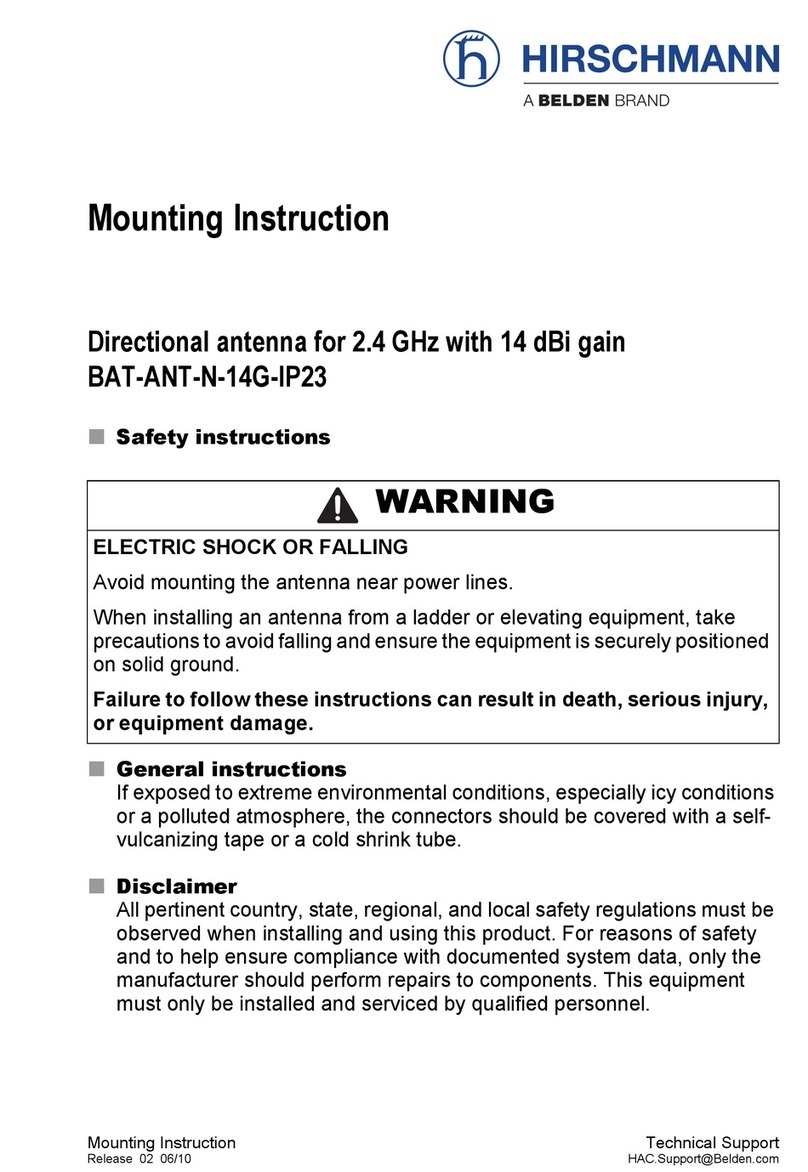
DAVIS Windex AV 3160 installation instructions

Belden Hirschmann BAT-ANT-N-14G-IP23 Mounting instruction
Belden

Belden Hirschmann BAT-ANT-N-14G-IP23 Mounting instruction

Vtronix YHK Fitting instructions

Vtronix

Vtronix YHK Fitting instructions
KVH Industries TracVision 6 Technical manual

KVH Industries

KVH Industries TracVision 6 Technical manual

Leica Geosystems GS10 user manual

Leica Geosystems

Leica Geosystems GS10 user manual
Sirio Antenne Gain-Master manual

Sirio Antenne

Sirio Antenne Gain-Master manual
Sony VCA-41 Installation/connections

Sony

Sony VCA-41 Installation/connections

ZCG Y100 Series installation guide

ZCG

ZCG Y100 Series installation guide

Advantech Wireless INTREPID120 Assembly instructions

Advantech Wireless

Advantech Wireless INTREPID120 Assembly instructions

Cerio ANT-10AO installation guide

Cerio

Cerio ANT-10AO installation guide

Alfa Network APA-L01 Specifications

Alfa Network

Alfa Network APA-L01 Specifications

Naval PR-422CA Operation manual

Naval

Naval PR-422CA Operation manual

Feig Electronic ID ISC.ANTH200/200 Series manual

Feig Electronic

Feig Electronic ID ISC.ANTH200/200 Series manual

TERK Technologies TV44 owner's manual

TERK Technologies

TERK Technologies TV44 owner's manual
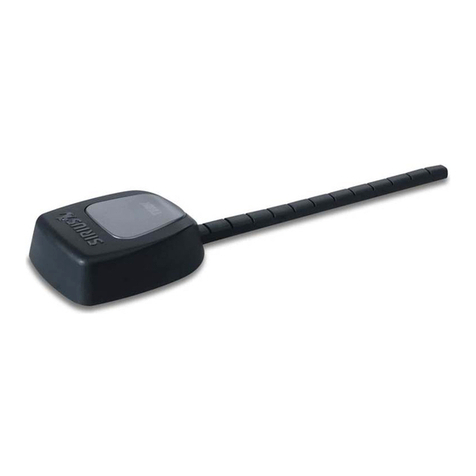
TERK Technologies SIR3 owner's manual

TERK Technologies

TERK Technologies SIR3 owner's manual

Directive Systems & Engineering DSE2324LYRMK quick start guide

Directive Systems & Engineering

Directive Systems & Engineering DSE2324LYRMK quick start guide

HP J8999A instructions

HP

HP J8999A instructions

MobilSat MSP-S Mounting instructions

MobilSat

MobilSat MSP-S Mounting instructions

manuals.online logo
manuals.online logoBrands
  • About & Mission
  • Contact us
  • Privacy Policy
  • Terms and Conditions

Copyright 2025 Manuals.Online. All Rights Reserved.

FEATURES
For best results, the antenna should be mounted on a
compatible surface, such as the mirror, in an upright
position with the antenna pointing toward the sky
(perpendicular to the ground).
Built-in ground plane allows for use on any surface –
metal, fiberglass, wood, etc.
• Designed for use with large trucks, big rigs, RVs and fleet vehicles
• Omni-directional antenna captures cell signal from all directions
• 3.5 dBi Gain
• Ultra wideband (617 - 2700 MHz)
• FME-Female connector
Stay connected anywhere with SureCall's heavy-duty OTR truck antenna
that is equipped with a strong base and mirror mount that can hold up in
the harshest of conditions.
The high-performance SC-550W antenna provides better interior coverage
and connectivity for multiple simultaneous users on all 5G and 4G LTE
cellular devices, including hotspots, when paired with the Fusion2Go 3.0 or
another in-vehicle signal booster kit.
INSTALLATION
TECHNICAL SPECIFICATIONS
© 2022, SureCall | 48346 Milmont Drive, Fremont CA 94538 www.surecall.com | 1-888-365-6283 | [email protected]
SC-550W TRUCK ANTENNA
Ultra-wideband exterior antenna designed for trucks,
big rigs, RVs and fleet vehicles
Frequency Range 617-697 / 698-960 / 1710-2700 MHz
Beamwidth H:360° E:60° / H:360° E:55°/ H:360° E:40
VSWR <2/2/2
Gain 3.5 dBi
Impedance 50 Ω
Polarization Vertical
Radiation Omni-directional
Direction Non-circularity ±2/±2/±2.5dB
Max Power 50W
Connector FME-Female
Color Black
Operating Humidity 5% ~ 95%
Operating Temp -22ºF to +176ºF
Cable Length 10 ft (integrated), 5 ft extension (optional)
Antenna Height T
otal height is 32 in with pole extension and
16 in without extension
A4 SC-130W_guide_A4 08.03.18
32 inches
16 inches
»Durable weather-proof components are protected from water, dust and
road grime
» 2-clamp mounting bracket and heavy-duty hardware with thread-lock
glue withstands vibrations
» Complete mounting kit for mirror installation with optional mast
extension for 16” and 32” height options
1-888-365-6283
[email protected]
www.surecall.com
SC-550W HIGH PERFORMANCE TRUCK ANTENNA
ASSEMBLE ANTENNA
1. Choose the best mounting location
Choose a location where a rail or mirror may be utilized to secure the
mounting bracket (3/8 x 24 thread mount) while also meeting the
following requirements:
The chosen location should (a) allow the full length of the antenna to
extend above the main cab and (b) provide a minimum distance of 12
inches from metal or other radiating elements.
Mast Extension:
If the chosen location is near or on the roof of the vehicle, the mast
extension may not be needed. Verify the height and clearance
requirements have been met before proceeding.
2. Route cable
Once you have determined the mounting location, assemble the antenna
parts by routing the cable through the mast extension (if used) and
through cable exit adapter.
3. Secure the antenna to the mast
Apply a small amount of the provided glue to the threads joining the
antenna to the mast extension (if used) then to cable exit adapter.
Be sure the pieces align appropriately before moving on as the
connection will be permanent.
4. Connect the spring base
Join the spring base to the bottom of the cable exit adapter. Making sure
to align pieces properly, apply glue to threads and join securely together.
FOR QUESTIONS AND SUPPORT
INSTALLATION
INSTALL MOUNTING BRACKET
Secure bracket to vehicle rail as shown using
provided hardware. Secure all four bolts in place
and secure with a wrench.
SECURE ANTENNA TO THE MOUNTING BRACKET
Remove bolt from the end of the spring base of the antenna. Add glue to the
threads then secure the antenna to the bracket by reconnecting the bolt to the
spring base through the bracket opening as shown.
Route cable from outside to the inside of the cabin where your compatible booster
(available separately) is located.
If additional cable length is needed, an optional 5 ft extension cable has been provided.
Mounting
bracket
Mounting
bracket
Antenna
Cable
Mast
extension
Spring
base
Cable exit
adapter