Design and specifications are subject to change without notice.
3
Page
Menu > Sound > Sound 15
Menu > Sound > Sound Mode 15
Menu > Sound > Balance 15
Menu > Sound > Auto Volume 16
Menu > Sound > Surround Sound 16
Menu > Sound > SPDIF Mode 16
Menu > Sound > EQ 16
Menu > Time 16
Menu > Time > Clock 16
Menu > Time > Off Time 16
Menu > Time > On Time 16
Menu > Time > Sleep Timer 16
Menu > Time > Auto Sleep 16
Menu > Time > Time Zone 16
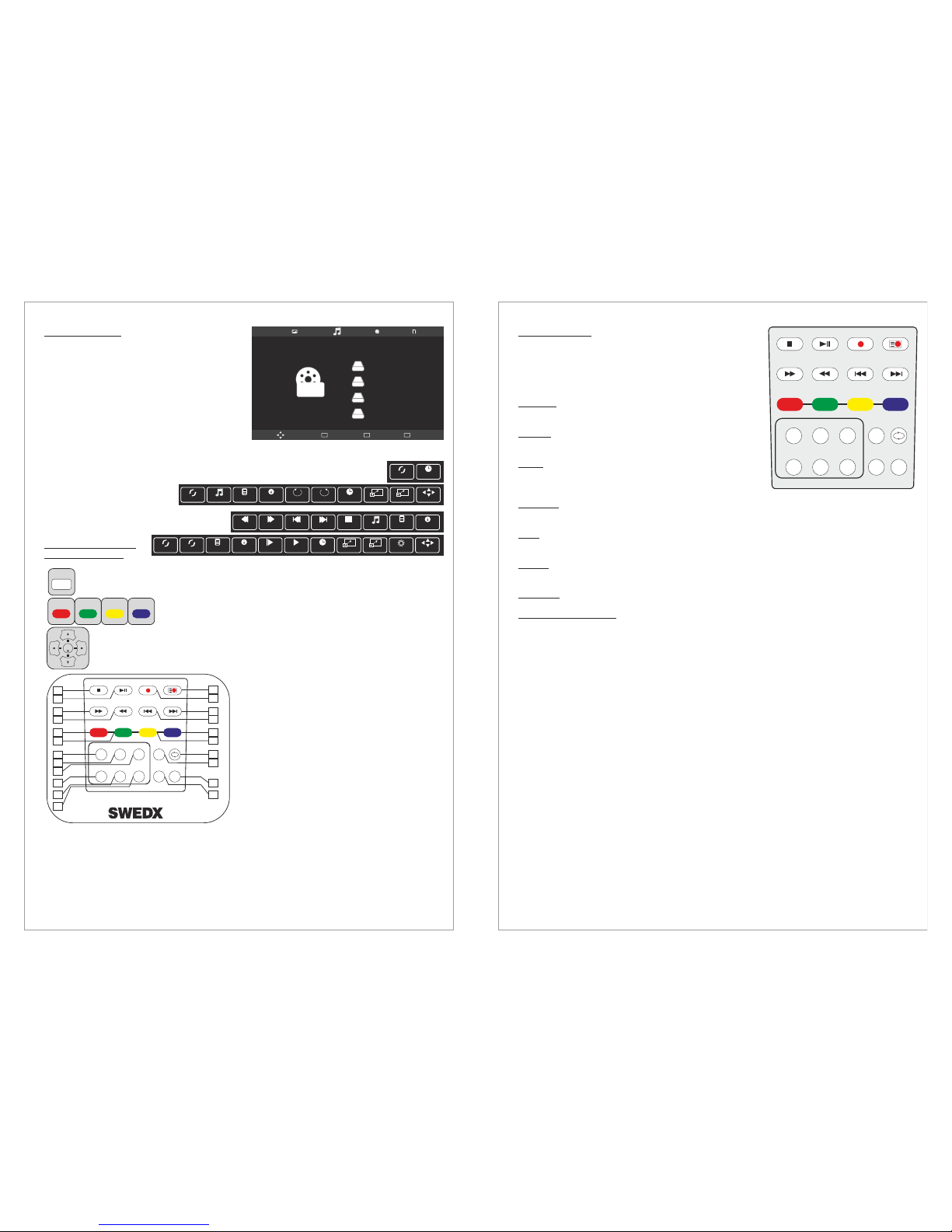
USB Media Player 17
Remote Control Keys used in USB Mode 17
Text-TV / Teletext 18
TV base assembly with the TV 19
Wall mount assembly with the TV 19
Connect External Speakers 19
Troubleshooting
Dead on Arrival (DOA)
How to get service
Warranty and Service
22
20
21
21
INDEX Page
Introduction 4
Basic operation 5
Contents 6
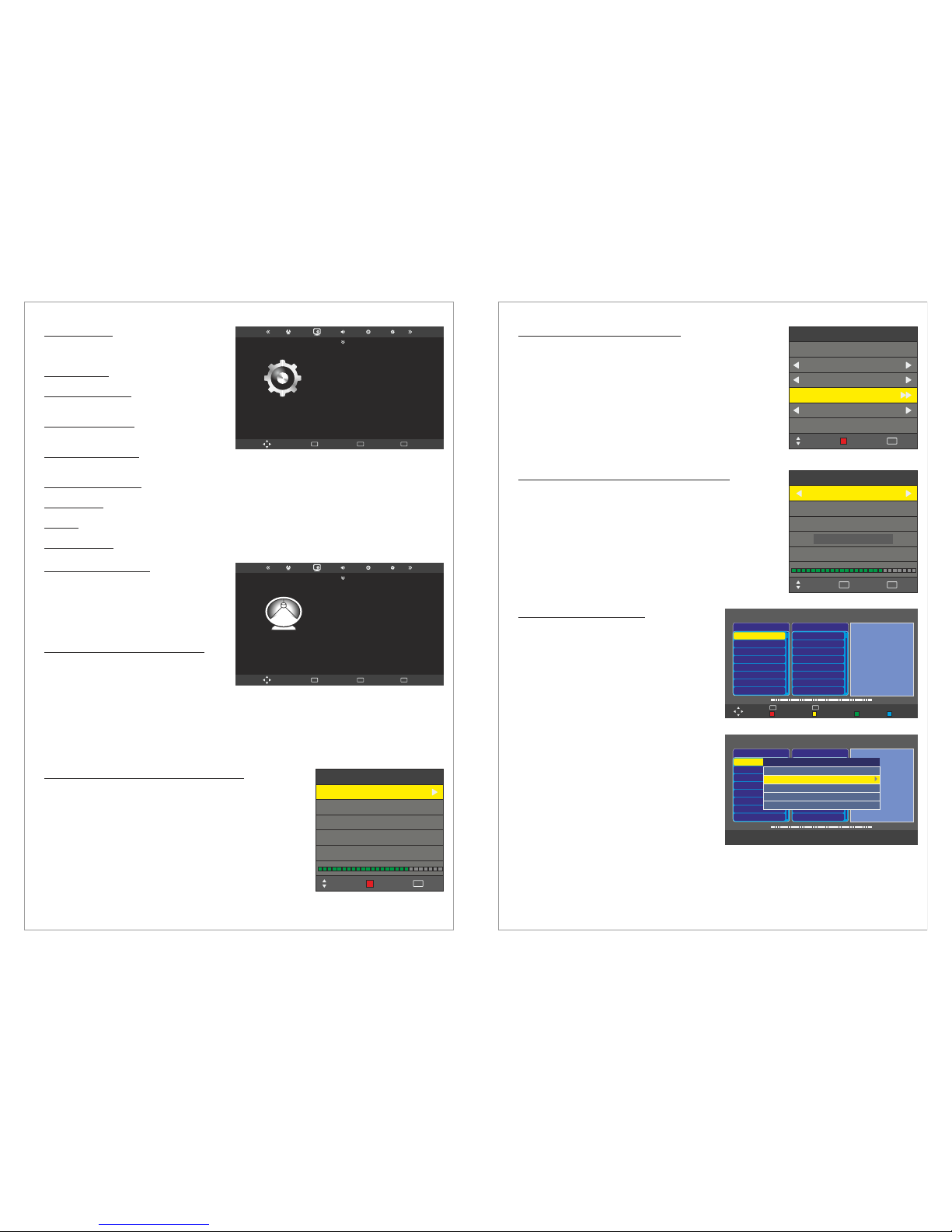
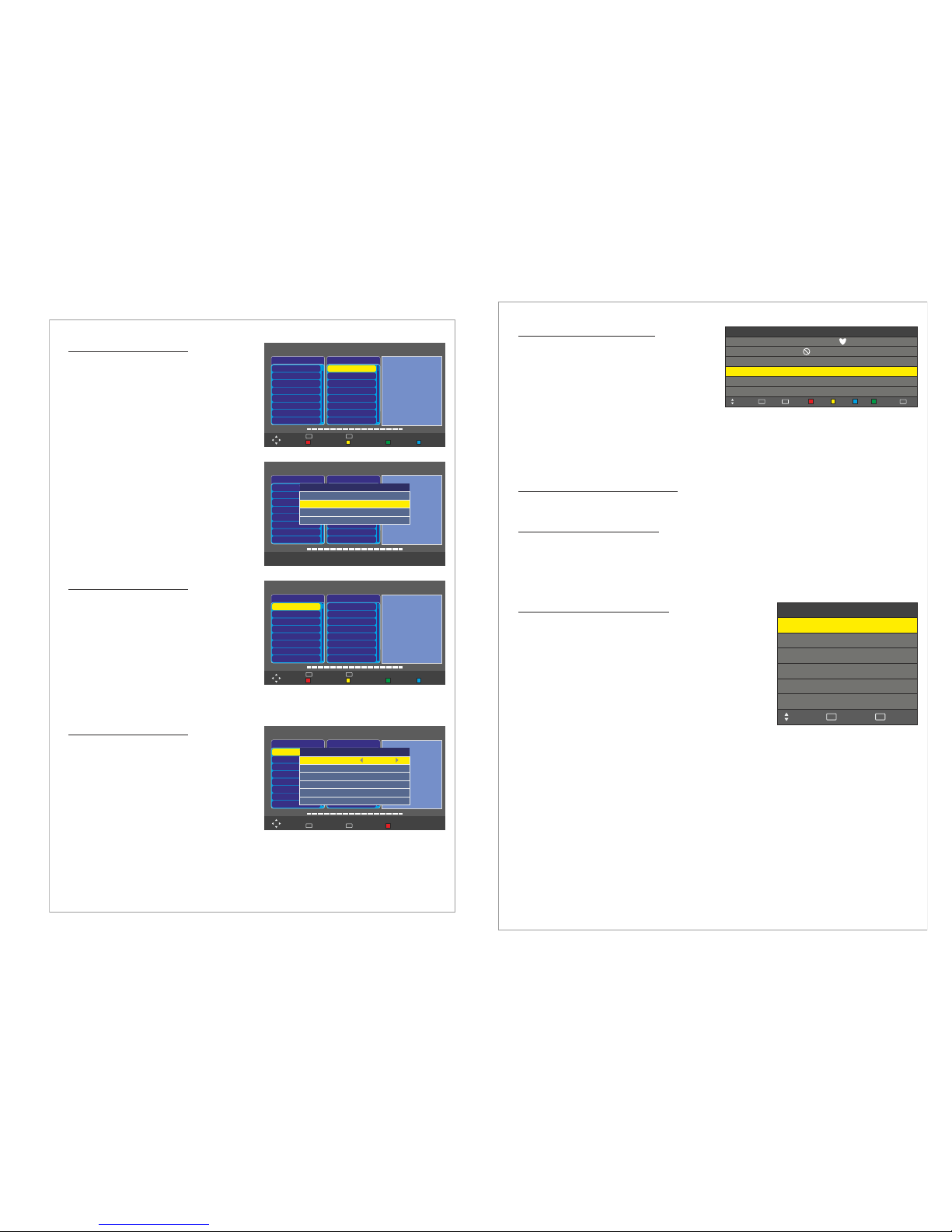
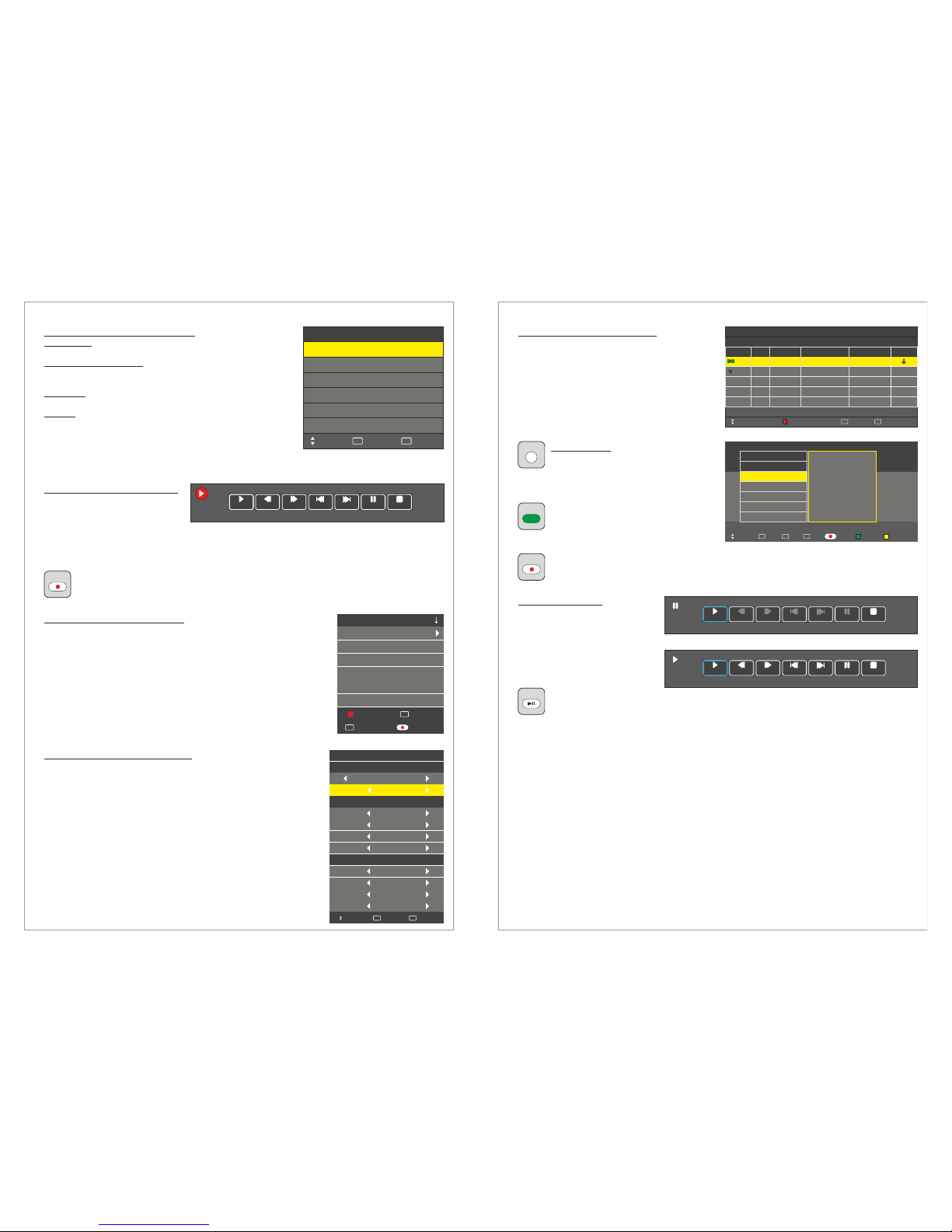
Menu > OPTION
Menu > Channel
Menu > Channel > Recorded List
Menu > Channel > Recorded Mode
Menu > Channel > Schedule List
EPG Function
Time Shift Function
Menu > Picture
7
Control buttons
Remote control buttons
Mai Operations
Volume Control
OSD Menu Structure
OSD Menu Operation:
Menu > Channel (DVB-T) > Auto Scan 9
Menu > Channel > DTV Manual Tuning 9
Menu > Channel > ATV Manual Tuning 10
Menu > Channel > DVB-C Manual Tuning 10
Menu > Channel > Dish Setup 10
Menu > Channel > Program Edit 12
Menu > Channel > Signal Information 12
Menu > Channel > PVR File System 12
Menu > Channel > Record Start 13
13
13
14
14
14
15
Menu > Picture > Picture Mode 15
Menu > Picture > Color Temperature 15
Menu > Picture > Aspect Ratio 15
Menu > Picture > Noise Reduction 15
Menu > Picture > Screen 15
6
8
8
8
8
9
9
Connections on the rear 6
Introduction
Thank you for choosing SWEDX LCD/LCD-TV. Please read this manual thoroughly before
operating the TV. Make sure the display was not damaged in transit. Should the TV be damaged,
please contact your dealer and do not install it. Check that you have all the accessories according
to the model.
Safety precaution
• Do not place the TV on unstable places, from which it may fell off.
• Do not expose the TV to extreme temperature and humid environment.
• Avoid subjecting the TV to direct sunlit and other heat sources.
• Do not put the TV into any liquid.
• Do not put anything inside the TV, or place water container on top of the TV.
• In thunder rainy days (especially with lightening), please unplug the power and antenna
cables.
• Do not step on the power cable, or tangle them together
• Avoid overload of the exterior electric outlet to prevent fire hazard of electric shock.
• Clean the TV with dry and soft cloth.
• lf your TV is broken, do not repair it by yourself, but contact the maintenance personnel.
• lf the remote control is left unused for a longtime, please take the batteries out and store them
in dry places.
• Avoid dropping the remote control.
• lf the LCD TV is installed for exhibition purpose, please do not place the overheated part on
the ground or carpet to prevent accident.
Please install the TV at proper position, such as wall or ceiling. Please install it under the
guidance of professional staff. (When used or exhibit, please do not place the TV horizontally or
vertically on the ground.)
This device complies with Part 15 of the FCC Rules. Operation is subject to the following two
conditions:
(1) this device may not cause harmful interference.
(2) this device must accept any interference received, including interference that may cause
undesired operation.
This equipment is predeterminated to work constantly (unless adding switch on this equipment)
Please disconnect the power cord if this equipment will not be used for a long time.
Precautions When Displaying a Still Image
A still image may cause permanent damage to the TV screen.
• Do not display a still image on the LCD panel for more than 2 hours as it can cause screen
image retention.
This image retention is also known as "screen burn".
To avoid such image retention, reduce the degree of brightness and contrast of the screen
when displaying a still image.
• Watching the LCD TV in 4:3 format for a long period of time may leave traces of borders
displayed on the left, right and center of the screen caused by the difference of light emission
on the screen. Playing a DVD or a game console may cause a similar effect
to the screen. Damages caused by the above effect are not covered by the Warranty.
• Displaying still images from Video games and PC for longer than a certain period of time may
produce partial after-images.
To prevent this effect, reduce the ‘brightness’ and ‘contrast’ when displaying still images.
Design and specifications are subject to change without notice.
4