User Manual: Sweetlight FR-252 MK2
10
CH3: Segment 1/Blue intensity
CH4: Segment 1/ value 000-127 = Master dimmer (overall weighting to the values received on
CH1/2/3), Strobe off
value 128-227 = Strobe (128= slow / 227= max. speed 23 Hz)
value 228-255 = Master dimmer full on, Strobe off
CH5: Segment 2/Red intensity
Ch6: Segment 2/Green Intensity
CH7: Segment 2/Blue intensity
CH8: Segment 2/ value 000-127 = Master dimmer (overall weighting to the values received on
CH1/2/3), Strobe off
value 128-227 = Strobe (128= slow / 227= max. speed 23 Hz)
value 228-255 = Master dimmer full on, Strobe off
CH9: Segment 3/Red intensity
Ch10: Segment 3/Green Intensity
CH11: Segment 3/Blue intensity
CH12: Segment 3/ value 000-127 = Master dimmer (overall weighting to the values received on
CH1/2/3), Strobe off
value 128-227 = Strobe (128= slow / 227= max. speed 23 Hz)
value 228-255 = Master dimmer full on, Strobe off
“d” Mode (DMX Mode)
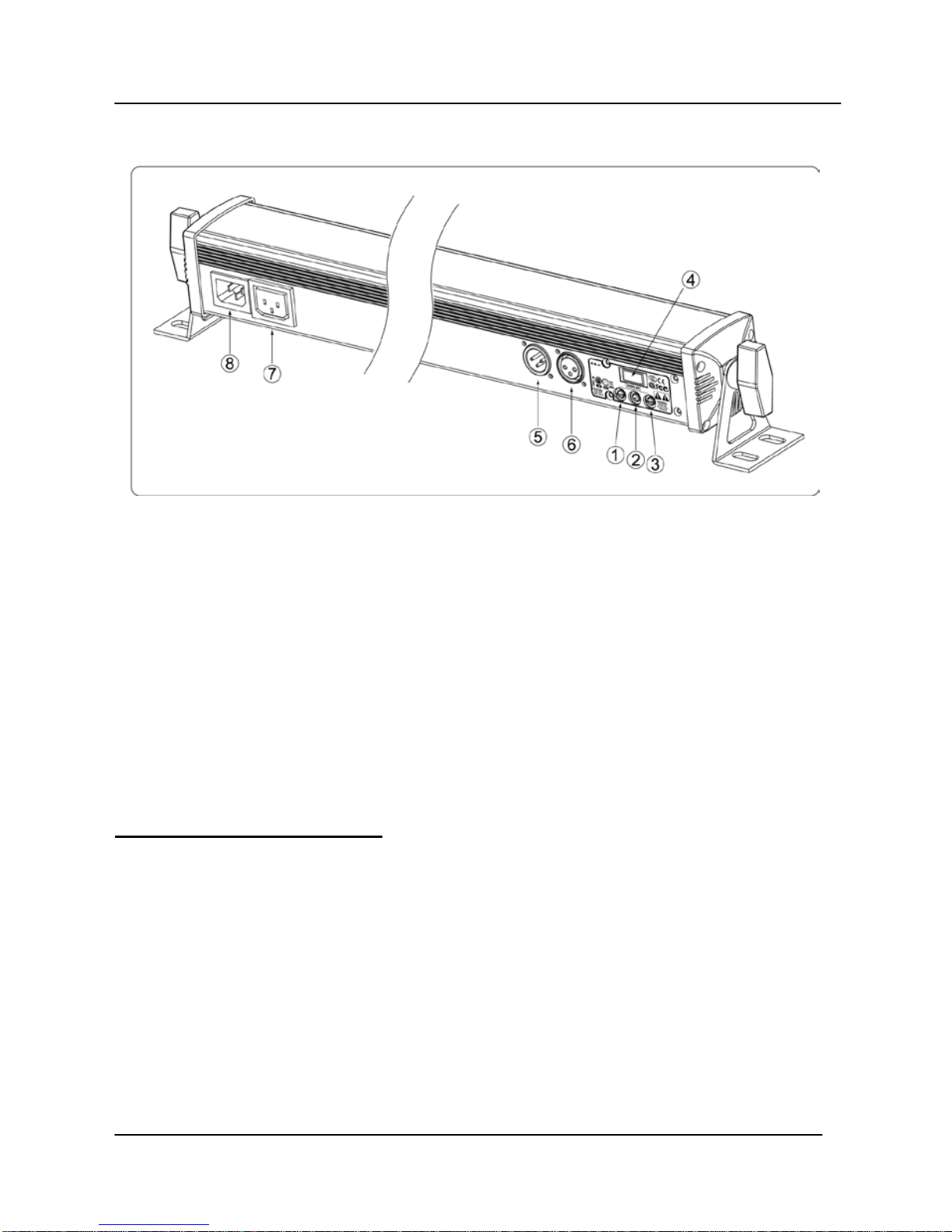
Press the MODE button (1) until the display shows “d”, indicating operation in “d”
(DMX) mode. Shortly after that, the display shows the DMX starting address. In this
mode, the unit receives DMX values on a packet of four channels for mutual DMX
control of all 3 segments, and mirrors the received data on the DMX output. You can
choose any DMX starting address by simply using the UP/DOWN buttons (2/3). The
chosen DMX-address comes effective approximately 3 seconds later and will show up
on the display (4) in alternation to the “d”. This allows control of the unit by any external
DMX signal. Once such signal is received, a LED on the lower right side of the “d” in
the display indicates that a DMX signal is present. All settings are stored even when the
device is switched off. Factory default = channel 001. Setting are stored even if the
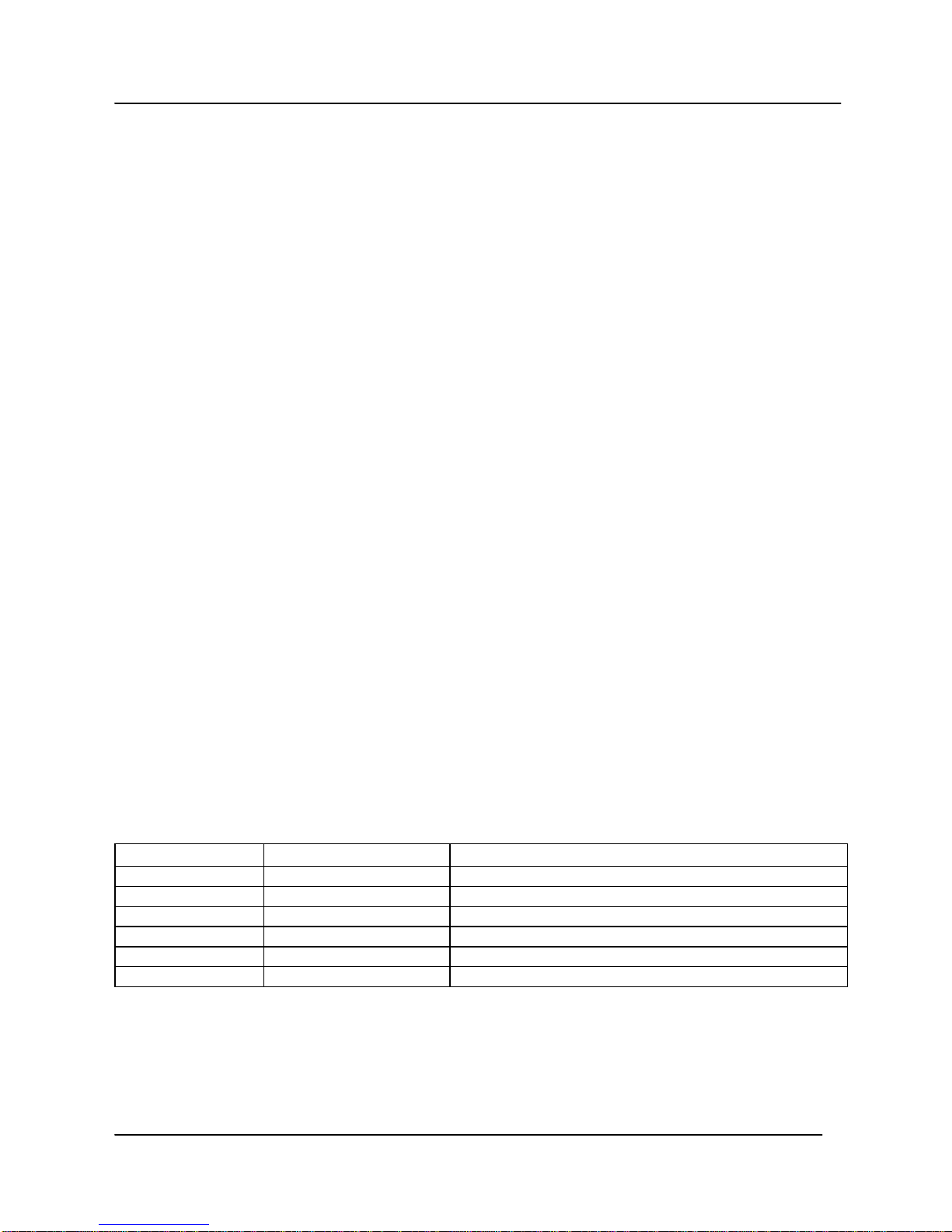
device is switched off. The four channels control the unit as follows: