Troubleshooting
Symptom Cause Corrective Actions
Digital Photo
Frame doesn't
power on
No photo files
on the memory
card
The file doesn't
play.
The power connector
to the unit is not
securely inserted.
Card is wrongly
inserted
Incompatible file
format
Make sure youconnect the AC adaptor tothe
frame properly.When you connect the AC
adaptor to theframe and power on the unit,
even without amemory card, you should see
the main menu.If you don't see it, checkif
the power isconnected to the Digital Photo
Frame and makesure it is securely attached.
Verify ifthe way you inserted the cardis
correct. Make surethe front label of the
memory card isfacing AWAYfrom the front
of the unit.Do not force the memory card
into the slot.
Make sure thereis at least one supported
image file onthe memory card.
Compatible photo format:JPEG
Specifications
Type
Resolution
Output
Input
Working Temperature
Display Mode
File Format
Cards
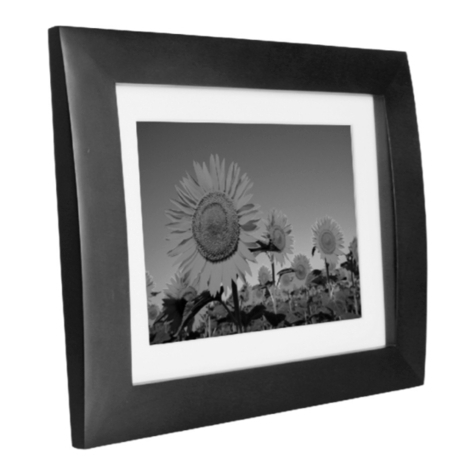
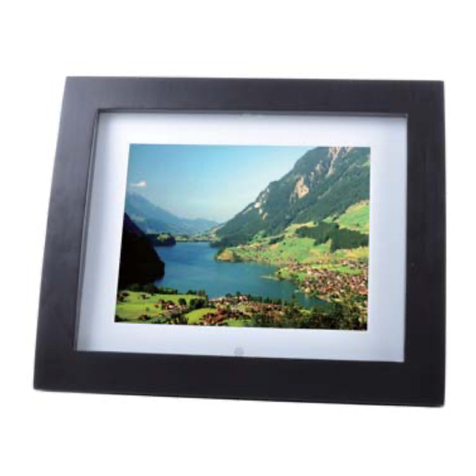
8 inch DigitalPhoto Frame
800*600 Pixel
5V 1.0A
AC100-240V~50/60Hz
0-40°C
4:3
JPEG
SD/MMC/MS
Weight
Dimension 260*220*50 mm
0.85 kg
9
8
Language : Select theon screen display language English/Deutsch/French/Italian.
Backlight : you canadjust the Backlight (between 1,2,3,4,5).
Brightness :Adjust screen brightness(between0,1,2,3,4,5,6)
Contrast : Adjustscreen contrast(between 0,1,2,3,4,5,6)
Saturation : Adjustscreen saturation (between 0,1,2,3,4,5,6)
Power On : When the cursor position movingto the Icon,using the directional “ ”to
select the unitauto Power on mode(on/off),
Auto Boot Time: When the cursor position movingto the Icon,using the directional
“ ” toselect the unit auto Power on time.
Power Off : When the cursor position movingto the Icon,using the directional “ ”to
select the unitauto Power off mode(on/off),
Auto Shut Time : When thecursor position moving to the Icon,usingthe directional
to select theunit auto Power off time.
Auto-Power Frequency : When the cursor position movingto the Icon,using the
directional “ ”toselect the unit Auto-Power Frequencymode(Everyday/Mon.to
Fri./Weekend/Once),
Default : When thecursor position moving to the Icon,pressing “ ” to show
the dialog,and select“YES”,press“ ” to revert to thefactory settings.
Ver : When thecursor position moving to the Icon,pressing “ ” to show the
dialog of thesoftware version number.
System setup
OK
OK
OK
Calendar Setup
Display Mode
Set Date
Clock Mode
Set Time
Calendar
01-01-2010
24hr
00:03
System Setup
Language
Backlight
Brightness
Contrast
Saturation
Power On
Auto Boot Time
Power Off
English
5
3
3
5
Off
00
Off