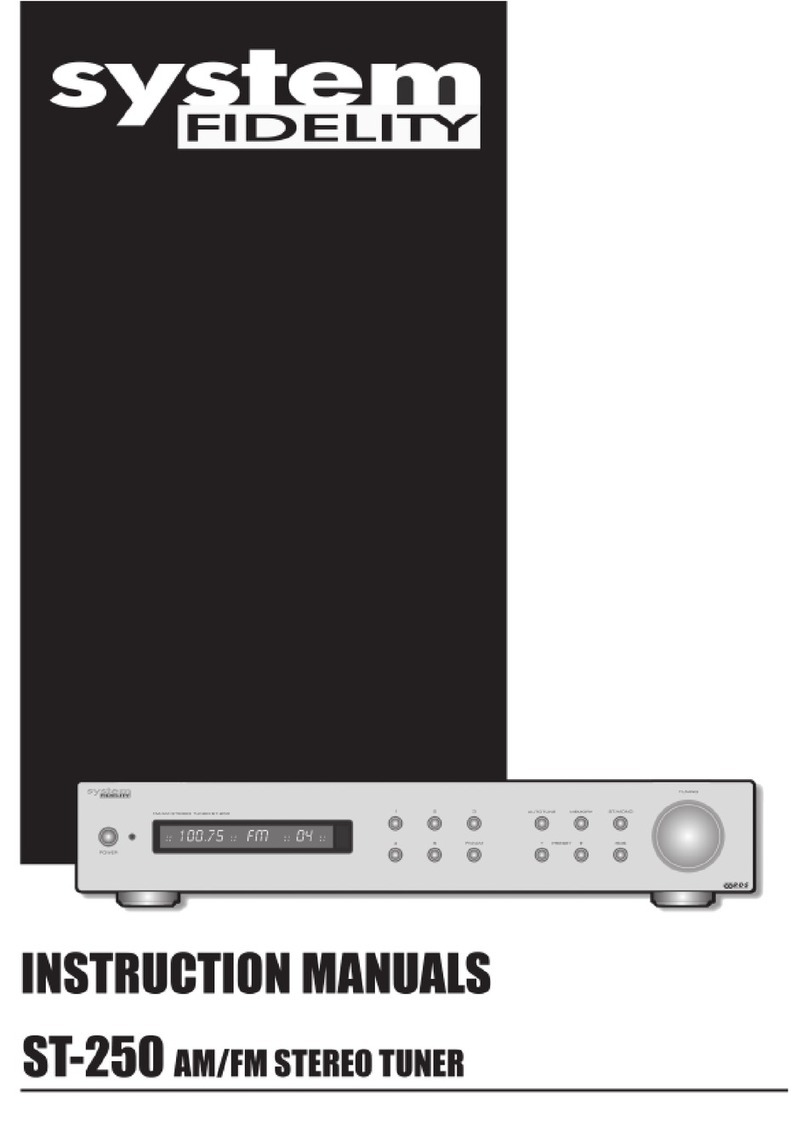
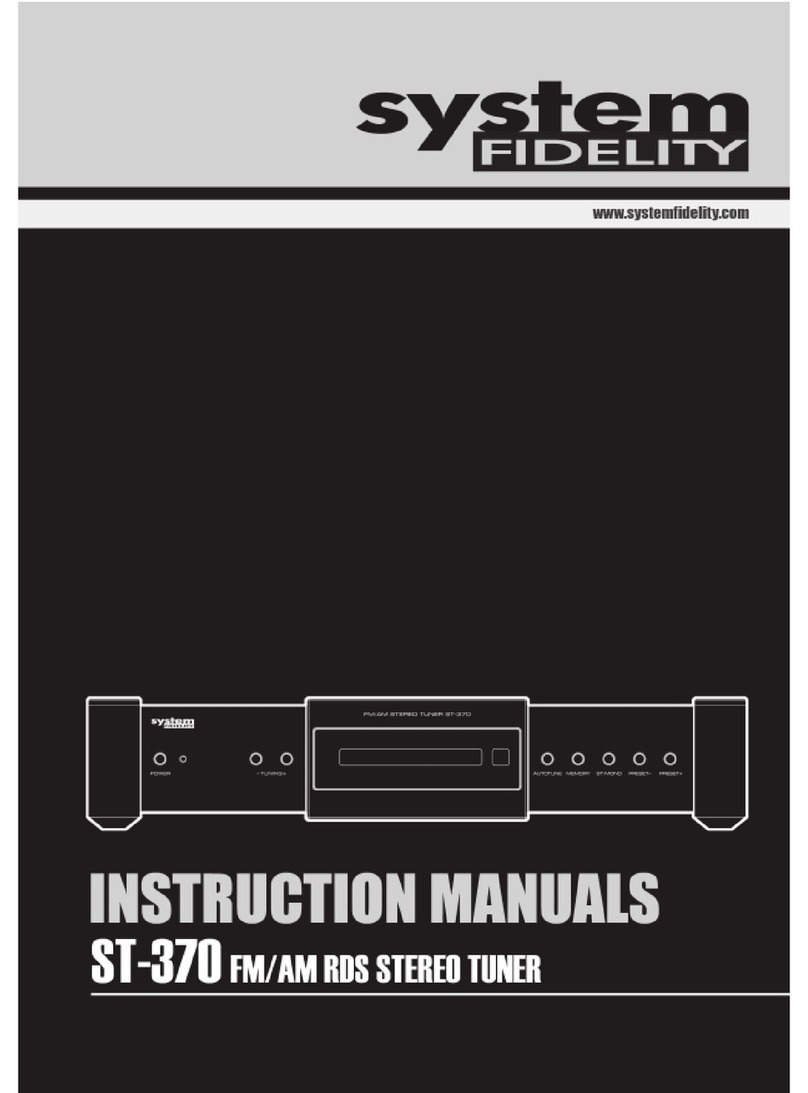
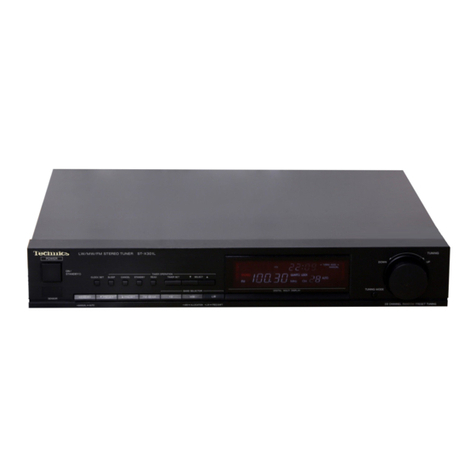
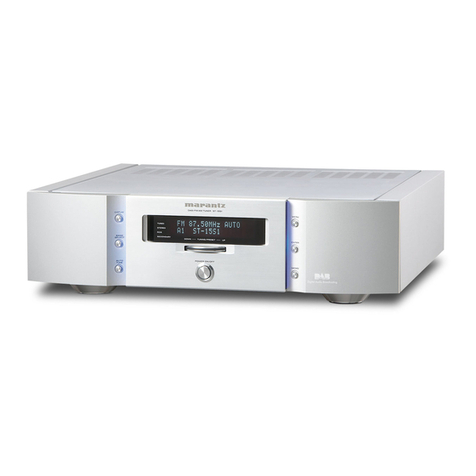
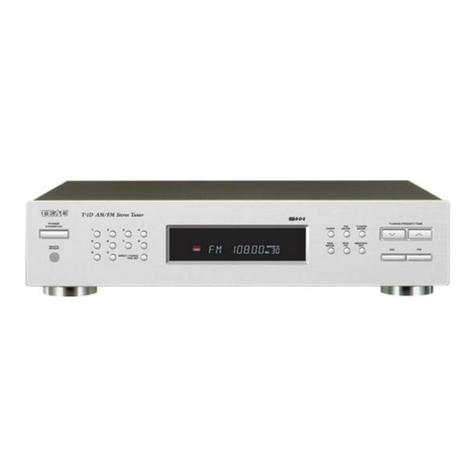
ST-270 AM/FM TUNER
FUNCTIONS:
(1) Power: Sets the ST-270 in standby mode.
(3) 1-10 : Selects stored stations. If depressed
for more than two seconds, a station is stored
under the number concerned.
(4) RDS: Displays RDS and other information.
(5) AM/FM: press to choose between AM or
FM mode
(6) ST/MONO: press to choose between stereo
or mono reception (in case of very weak signal,
mono can offer better sound without noise.
(7) Autotune: Press once to automatic tune in
to AM/FM stations. Depress button for two
seconds to initiate an automatic search. At FM,
the autotune function will search for a station
at a higher frequency.
(8) MEMORY: press to store the tuned station
SA-270 AMPLIFIER FUNCTIONS:
(1) Power: Sets the SA-270 in standby mode.
(19-23) Input buttons: Selects input source
of amplifier.
(24) SPKRS A/B: selects which pair of speakers
are playing - press once for SPEAKERS A,
press one more time for SPEAKERS B, press
third time for SPEAKERS A+B
(25) Function: Adjusts treble/bass level,
loudness and balance by means of VOL + and -
(26) Volume +/-: Adjusts the master volume.
Some of the amplifier functions can only be
performed by means of the remote control.
Some functions are connected with the selected
signal input source. Some buttons on the
remote control may therefore not be available
if the corresponding signal input source has
not been selected.
CD-270 CD-PLAYER FUNCTIONS:
(1) Power: Sets the CD-270 in standby mode
(2) Eject: Opens the CD tray
(3) 1-10 : Selects desired track for playback
(11) PLAY/PAUSE: press once for playback. If
press during play, the disc is paused. Press
one more time for resume play.
(10) SKIP (IWW): Selects the previous track
(12) SKIP (XXI): Selects the next track
(9) SEARCH (XX): Search forward
(13) SEARCH (WW): Search back
(14)Random: All tracks are played in random
order
(15) Repeat: Repeats a single track or all tracks
on a CD
(16) Stop: Stops playback
(17) Program: Allows playback of the music
tracks on a CD in a certain order
9
Remote control functions