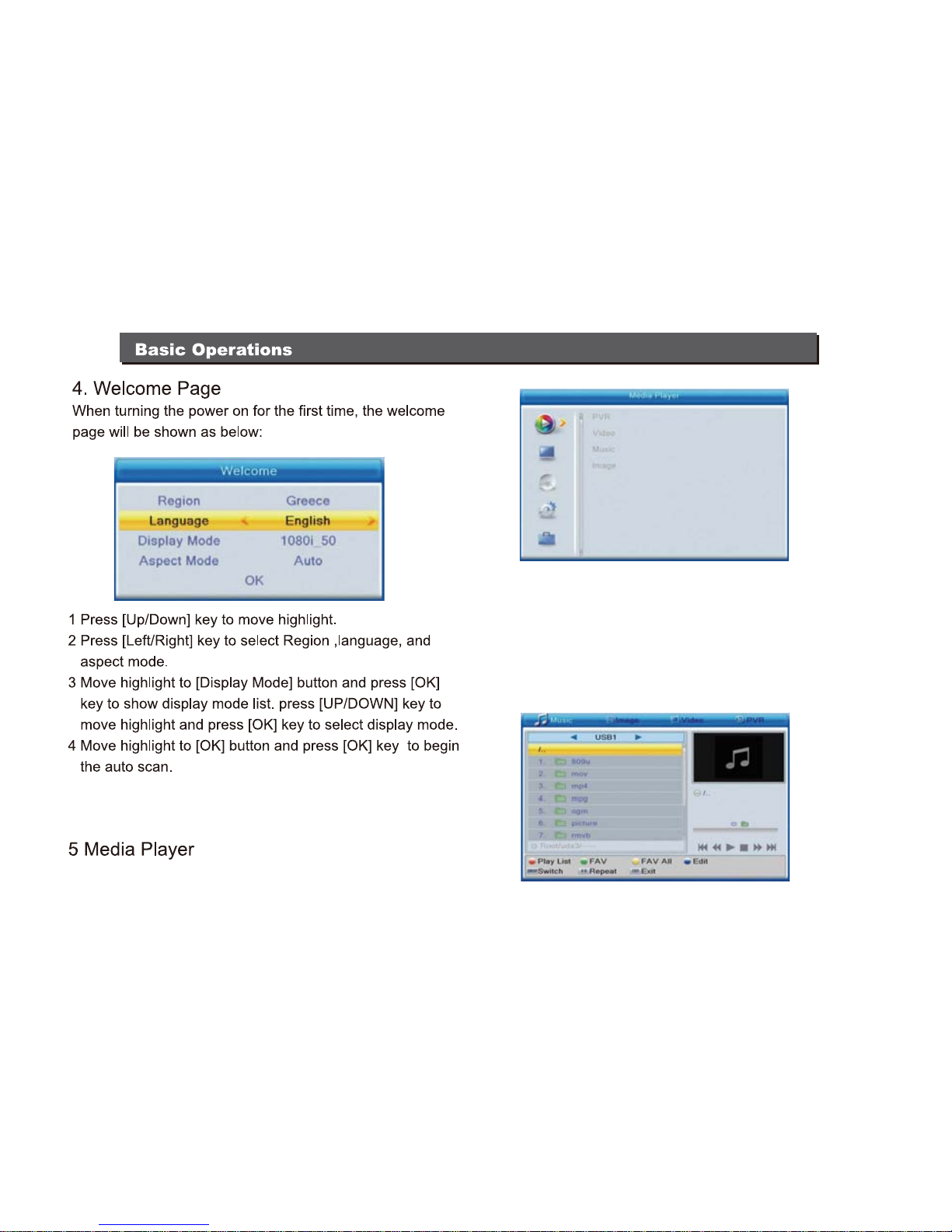
When the "Media Player" window appears, the highlight
bar will be placed on USB/HDD device.
Press the [Down] ket to move the highlight bar to the
directory and file field.
If you need to switch the device, press the [SWAP] key
to highlight USB/HDD device and then press the [Left/
Right] key to select the correct device. In this state press
the [SWAP] key once more to witch the TAB between
Music / Image / Video / PVR.
When enterring the "TV Channel List", the below picture 1. Press the [FAV] key and then the [OK] key to access to
will appear.
7
the following picture will appear.