Tandberg Data StorageLoader User manual

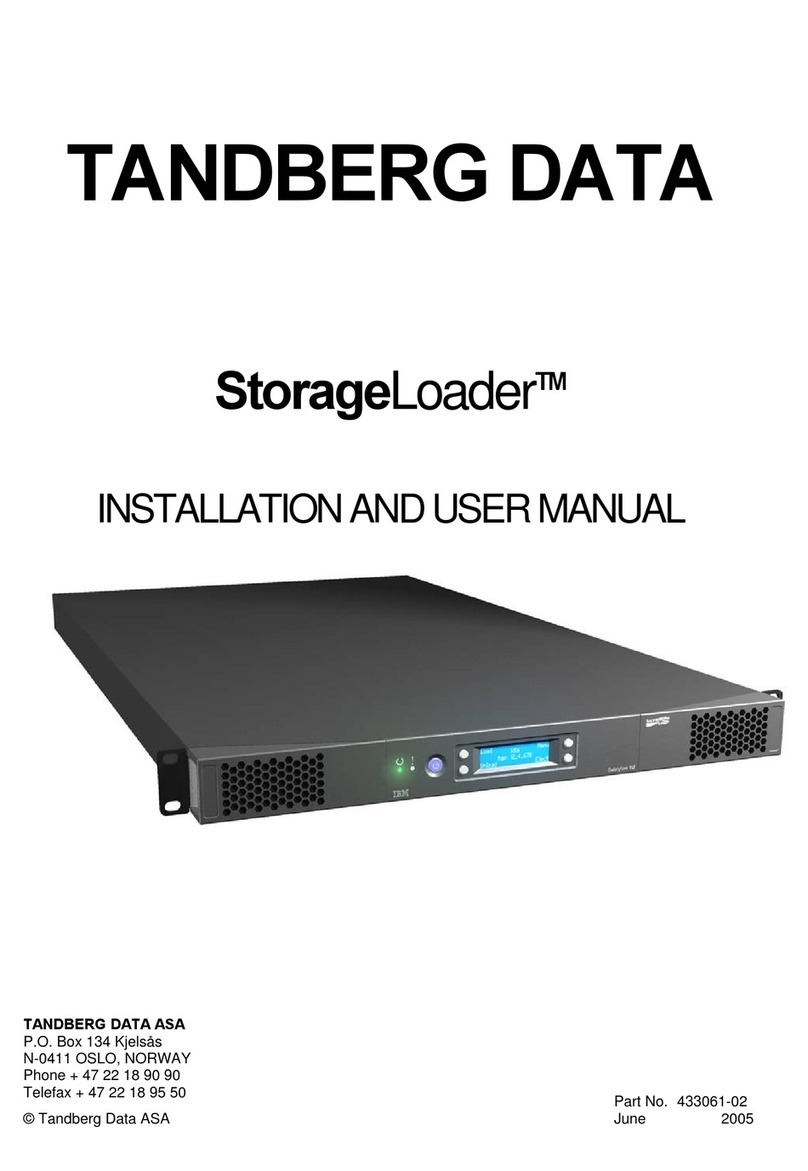
TANDBERG DATA
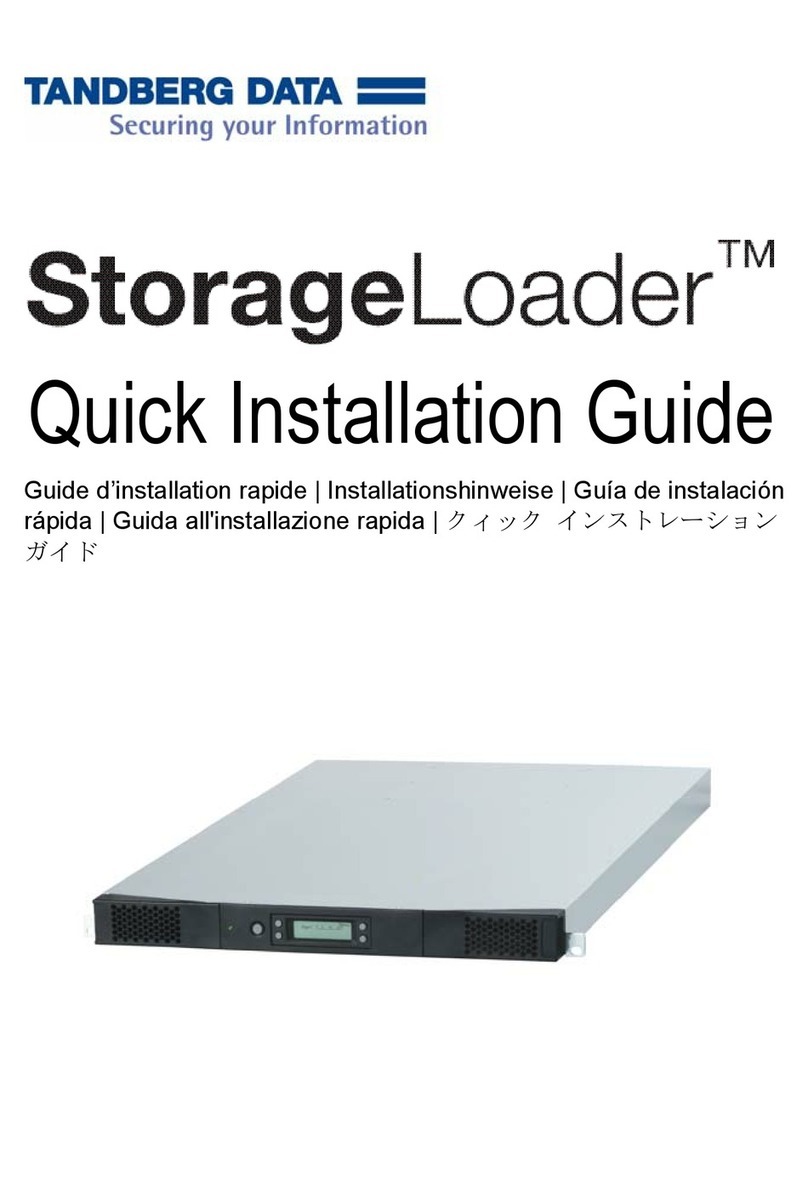
StorageLoaderTM
QUICK INSTALLATION GUIDE
TANDBERG DATA ASA
P.O. Box 134 Kjelsås
N-0411 OSLO, NORWAY
Phone + 47 22 18 90 90
Telefax + 47 22 18 95 50
© Tandberg Data ASA
Part No. 433060-02
May 2005

Related publications available from Tandberg Data ASA:
Part No. Title
433061 Tandberg Data StorageLoader Installation and User Manual
432980 Tandberg Data StorageLoader SCSI Interface Functional
Specifications
432679 Tandberg Data DLT VS160 Reference Manual
433280 Tandberg 420LTO Installation and user manual
This publication may describe designs for which patents are granted or pending. By publishing this
information, Tandberg Data ASA conveys no license under any patent or any other rights.
Every effort has been made to avoid errors in text and diagrams. However, Tandberg Data ASA
assumes no responsibility for any errors, which may appear in this publication.
It is the policy of Tandberg Data ASA to improve products as new techniques and components
become available. Tandberg Data ASA therefore reserves the right to change specifications at any
time.
We would appreciate any comments on this publication.

Table of Contents
Introduction................................................................................................ 4
Step 1. Unpacking the StorageLoader........................................................ 5
Step 2. Installing the StorageLoader in a Rack.......................................... 6
Step 3. Connecting Power Cable.............................................................. 10
Step 4. Removing the Transport Lock ..................................................... 11
Step 5. Running Power-On Selftest.......................................................... 11
Step 6. Setting the SCSI Address............................................................. 11
Step 7. Connecting the SCSI Bus Cable .................................................. 12
Step 8. Connecting the Ethernet Connector............................................. 13
Step 9. Restarting Your System ............................................................... 14
Step 10. BCR: Labeling of cartridges ...................................................... 14
Warning!
Do not apply power to or attempt to operate the
Tandberg Data StorageLoader until the
transporter locking screw is removed. This
operation is necessary to prepare the unit for
normal operation.

Tandberg Data StorageLoader
Introduction
This guide is designed to act as a guideline to enable quick installation of the
Tandberg StorageLoader series. For additional product and operation details please
refer to the Tandberg Data StorageLoader Installation and User manual P/N 433061,
which is found on the resource CD included with the unit.
Installation of the StorageLoader may be quickly summarized in steps as follows:
• Unpack the StorageLoader
• Install the StorageLoader in a rack
• Connect the power cable to the StorageLoader
• Turn the StorageLoader on
• Remove the transport lock by following the instructions displayed on the front
panel
• Select the appropriate SCSI ID’s and unit options
• Connect the SCSI interface cable, and optionally the Ethernet cable
• Install the backup application software and configure it for use with the
StorageLoader
• Load recording media into the removable magazines
In order to complete full installation of the StorageLoader the following additional
materials are required.
• Simple hand tools (small Phillips screwdriver).
• Tool for emergency magazine removal (included in accessory kit)
• SCSI Host adapter card with 68 pin wide HD or VHDC connector
• Tape Application software which is verified with the StorageLoader
• Up to 8 pieces of the appropriate recording media to “stock” the StorageLoader
to full tape capacity.
4StorageLoader Quick Installation Guide

Tandberg Data StorageLoader
Front Panel of the StorageLoader
Magazine
front bezel LED
indicators Standby
switch LCD
display Control
buttons Magazine
front bezel
Figure 1. The StorageLoader's front side
Step 1. Unpacking the StorageLoader
Carefully unpack the unit from the shipping container. Save the container and
packing materials in case you need to transport the StorageLoader in the future. The
packaging is specifically designed for the loader to ensure it is not damaged during
transportation.
Review the contents of the shipping container to be sure that all parts were included
in the shipment. A standard package for the StorageLoader consists of the following
items:
• A factory-assembled StorageLoader unit containing two cartridge
magazines.
• A Standard Accessory Kit containing:
- 1 The Tandberg Data StorageLoader CD containing all manuals
- 1 Printed copy of the Quick Installation Guide
- 1 Warranty/Registration Card
- Rack Mount Hardware Kit
- 2 Line Power Cords: one for USA/Japan and one for European
power outlets
- 1 VHDCI SCSI Interface Cable
- 1 68-pin VHDCI LVD/SE SCSI Terminator.
- 1 Ethernet cable
- Tool for Emergency Magazine Release
- 30 StorageLoader specific Bar code labels
StorageLoader Quick Installation Guide 5

Tandberg Data StorageLoader
There will be variations of this list. Please refer to your Quick Installation guide
shipped with the StorageLoader.
Note: The StorageLoader contains no cartridges before shipment.
Step 2. Installing the StorageLoader in a Rack
The StorageLoader 1U is designed for use in 19” rack system using 1U of rack
space. The length of the power cord and the SCSI cable may restrict the placement.
Attention: The StorageLoader is designed to operate in a horizontal position. Do
not attempt to operate the StorageLoader in any other position than horizontally.
Also make sure that:
• The airflow around the front and back of the StorageLoader is not
obstructed.
• There is a minimum of 60cm free space in front of the unit to allow the
operator to safely remove the magazines.
• The display and operator controls are easily accessed.
• The StorageLoader is away from the floor, and in a clean environment with
temperature within specification.
The Rack Mounting Kit includes the following items:
• Rail Left Assembly
• Rail Right Assembly
• Screw M6x12 (6 pieces)
• Screw M5x8 (2 pieces)
Recommended mounting tools:
• Folding rule or tape measure
• Screwdriver
• 7 mm open-end wrench
Note: The rails are mounted to the loader during transportation. Before mounting
the rails into the rack, dismount the rails from the loader and remove the spacers
between the rails and the loader.
6StorageLoader Quick Installation Guide

Tandberg Data StorageLoader
Rail Left Assembly
Back
Front
Rail Right Assembly
Figure 2. Rack Mounting kit
Installing the Rack Mounting Kit
• Determine the proper position of the rails in the rack.
Caution: Consider rack stability when deciding where to place the StorageLoader,
hazardous conditions can be the result of uneven mechanical loading of a rack.
StorageLoader 1U uses 1U of vertical
rack space. The rails must be installed
in a full U position (The bottom of the
rails must be aligned with the bottom
of a U), see figure 3.
Figure 3. Rack mount rail
StorageLoader Quick Installation Guide 7

Tandberg Data StorageLoader
Installing the “Rail Left Assembly”
1. Measure the length between the rear rack mount rails and the front rack
mount rails. If the measurement is shorter than the StorageLoader, move the
two sets of screws M4x12, washers and nuts shown in Figure 4.
2. Adjust the “Rail Left Assembly” to fit the measurement in step 1.
3. Use a 7 mm open-end wrench together with the screwdriver to tighten the
two M4x12 screws to fix the rail length. Note: Using more than two screws
will increase the stability of the Rack Mounting Kit.
4. Place the “Rail Left Assembly” on the left side of the rack, between the rear
rack mount rail and the front rack mount rail.
5. Mount the “Rail Left Assembly” at desired height using one M6x12 screw in
front (upper hole in rail only) and two M6x12 screws at the backside. See
figure 5.
Installing the “Rail Right Assembly”
Follow the instruction for left side only using the “Rail Right Assembly” on the
right side of the rack.
Step 5
(Screw
M6x12) Step 1
Rear Rack
Mount Rail
Use these holes
if rack depth is
equal or longer
than the
StorageLoader
Step 1
Holes to be
used if rack
depth is shorter
than the
StorageLoader
Front Rack Mount Rail
Step 5
(Screw M6x12)
Step 2
Step 3
(Screw M4x12,
nut and washer)
Figure 4. Mounting the Rack mounting kit to a rack
8StorageLoader Quick Installation Guide

Tandberg Data StorageLoader
Figure 5 shows step 5 in the description:
Rack mounting kit mounted in rack with
one screw M6x12 in upper hole on both
left and right side.
On the rear side two screws must be
used on both left and right side.
Totally six screws are used to install the
“rack mounting kit” to the rack.
Figure 5. Rack mounting kit mounted
in rack
Mounting the StorageLoader to the Rack
Make sure that all the screws in the Rack Mounting Kit are tightened properly
before installing the StorageLoader in the rack.
Slide the StorageLoader on the rails from the front of the rack, as shown in figure 6.
Then fix the StorageLoader using one M6x12 screw in front of the rack on both left
and right side (see figure 7) and one M5x8 on the backside of the Rack Mounting
Kit on both left and right side (see figure 8).
Figure 6. Slide the StorageLoader in
from the front
Figure 7. Fasten the front of the
StorageLoader to the rack
StorageLoader Quick Installation Guide 9

Tandberg Data StorageLoader
Use one M5x8 screw on both left
and right side (M5-thread) to
fasten the StorageLoader to the
rails’ backside.
Figure 8. Fasten the rear of the StorageLoader to the rails.
Step 3. Connecting Power Cable
Before connecting the StorageLoader to your host computer system you should run
the self-diagnostic of the unit. This preparation requires power to the StorageLoader.
Go through the following steps to perform this test:
1. Use the power cables from the accessories included in the shipment. Make
sure you select the power cord suited for your power system.
2. Plug the power cable into the rear of the StorageLoader (see figure 9). Plug
the other end of the cable into a properly grounded electrical outlet.
Note: Reliable earthing depends on earthing in the AC electrical outlet, in which the
StorageLoader’s power cable is connected. Adding the StorageLoader to an existing
rack installation can cause a leaking current fault condition because of the
summation of the leaking currents. For security, a 250V 2A (H) fuse is located near
the power switch.
3. Turn on the StorageLoader by
switching the Power Switch to
“1”.
If the transport lock is present the
loader will detect this and
instruct the user to remove it, see
next step.
Figure 9. Power switch, fuse holder
and power cord connection
10 StorageLoader Quick Installation Guide
Other manuals for StorageLoader
4
Table of contents
Other Tandberg Data Network Storage Server manuals
Popular Network Storage Server manuals by other brands

HP
HP NetStorage 6000 user guide
Seagate
Seagate U10 ST320423A installation guide
Synology
Synology RackStation RS816 Hardware installation guide
D-Link
D-Link ShareCenter Pro DNS-1200-05 user manual

Avid Technology
Avid Technology VideoRAID ST Setup and user guide
Western Digital
Western Digital My Cloud Home Duo user manual