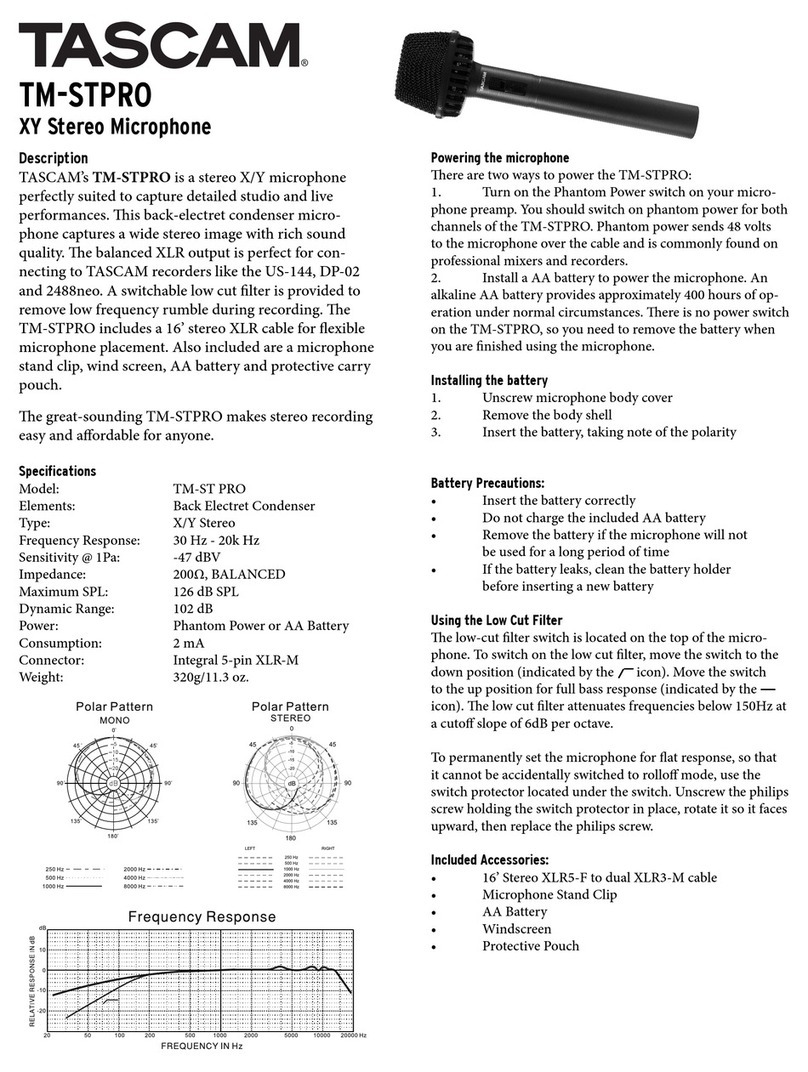
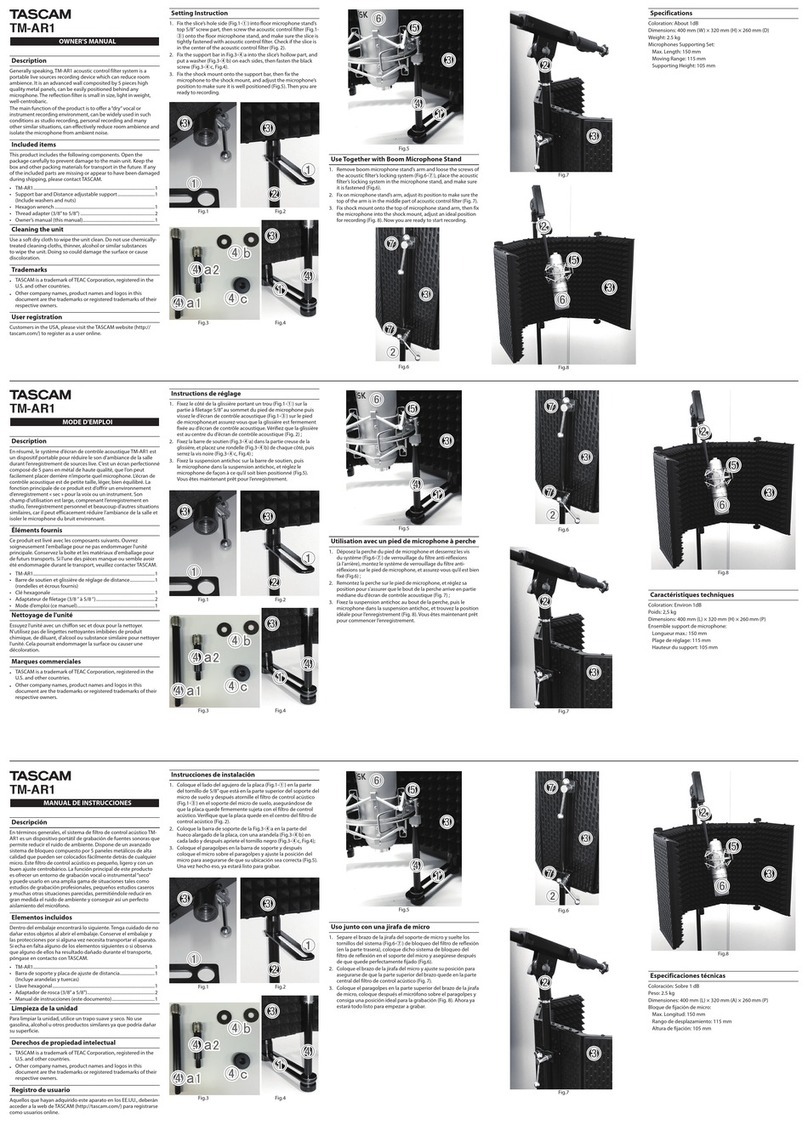
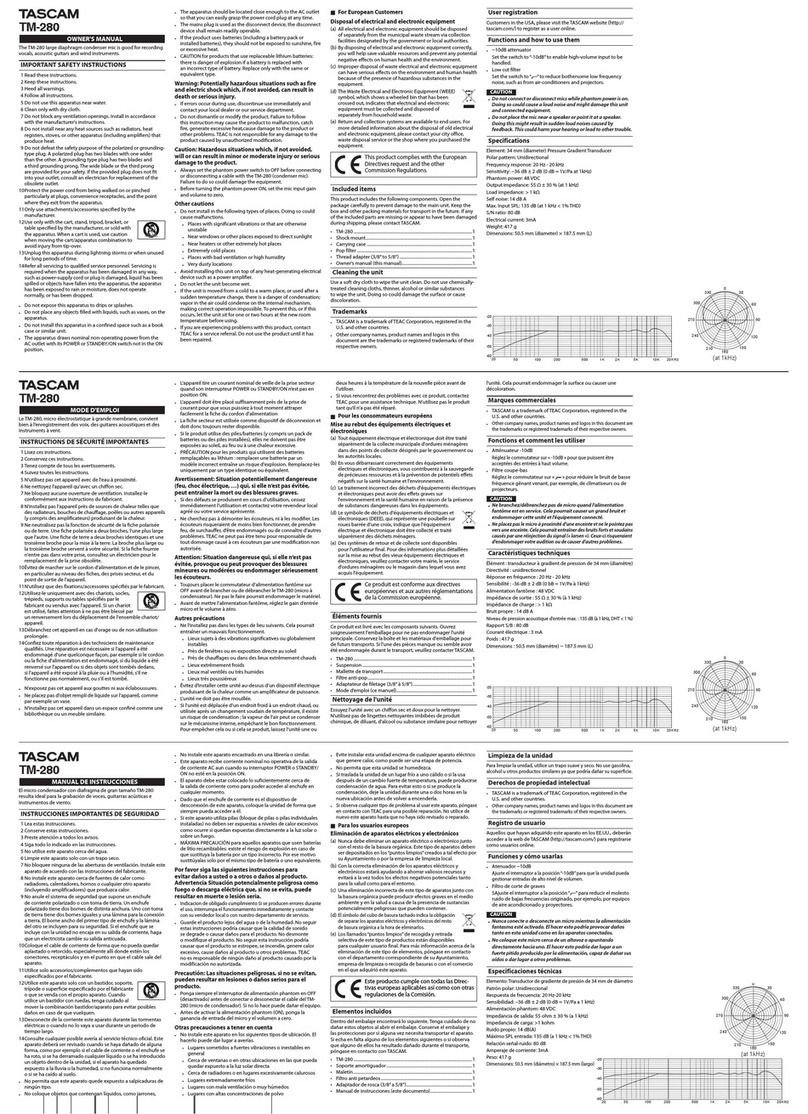
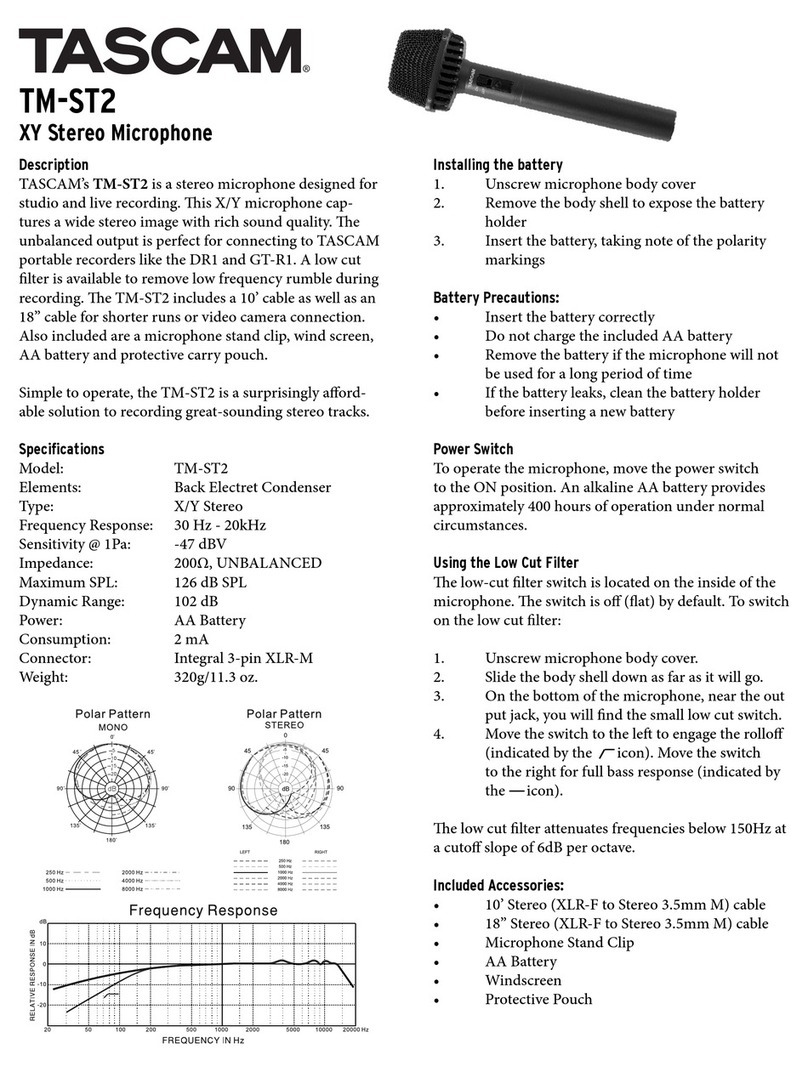
The TM-ST1 includes a microphone clip and tabletop
stand. To use the clip with a microphone stand, the mic
clip comes with 3/8" and 5/8" adapter screws. A
windscreen is also provided to reduce breath or wind
noise.
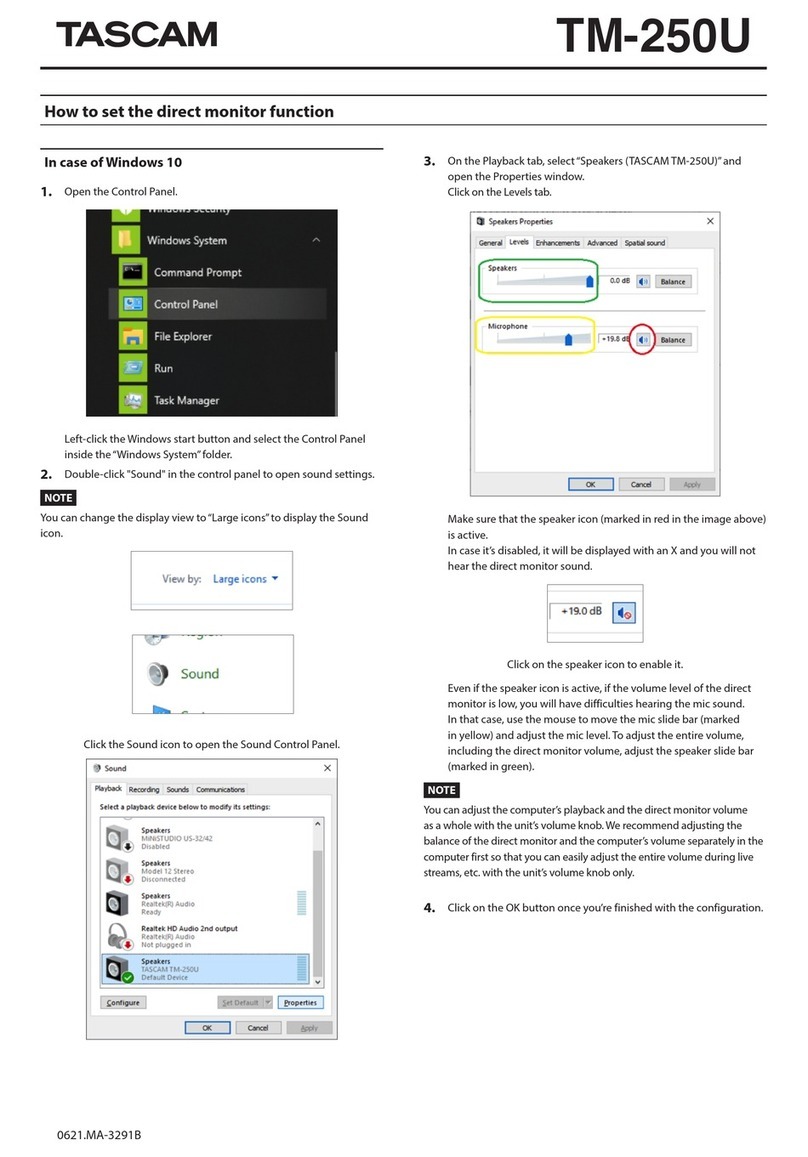
1. Unscrew themicrophone rear cover.
2. Remove thebody shell toexpose the batteryholder.
3. Insert the battery according to the polarity markings.
Switch off the microphone and insert the 3.5mm stereo
plug into themicrophone input ofyour recording device.
Precautions
When powering on the microphone, the Power LED
flashes once then goes off to extend battery life. When the
light no longer turns on, you need to change the battery.
The AA battery generally provides approximately 200
hours of use under normal circumstances. This can vary
from user touser.
1. Insert thebattery correctly
2. Do not charge the battery
3. Remove the battery if the microphone will not be used
for a longperiod of time.
4. If the battery leaks, clean the battery holder before
inserting a new battery.
Description
Connection
Features
Specifications
Accessories
The TASCAM TM-ST1 is configured
with an M/S stereo pattern for excellent
imaging and naturalambience.
The microphone pattern can be switched
to 90 for narrower coverage, such as a
solo instrument or voice, or 120 for
orchestra, choir orstage performance.
The TM-ST1 is suitable for digital
recordings of concerts, meetings and
events.
Inserting Battery Steps
Power Switch
Type: Single point stereo (Mid-Side
arrangement), electret
condenser microphones
Weight:
Polar pattern: Cardioid for Mid, and figure of 8
for Side. Coverage at 90 or 120
110g(including battery)
Frequency response: 100~15,000Hz
Sensitivity: -45dBV/Pa @120 setting.
Channel difference within 3dB
Nominal Impedance: 1k ohm 20% at 1kHz
Min load impedance: 2k ohm
Max. SPL: 110dB
Dynamic range: 85dB
Power Source: 1.5V Battery (AA)
Power consumption: 4mA
Battery lifetime: approx. 200 hours
Output connector: 3.5mm stereo plug
!M/S stereo space, for natural and clear stereo sound
image.
!Coverage can be switched between 90 and 120
!3.5mm stereo plug.
!Light weight body with professional clip, convenient
for carrying and set-up.