TM-ST2
XY Stereo Microphone
Description
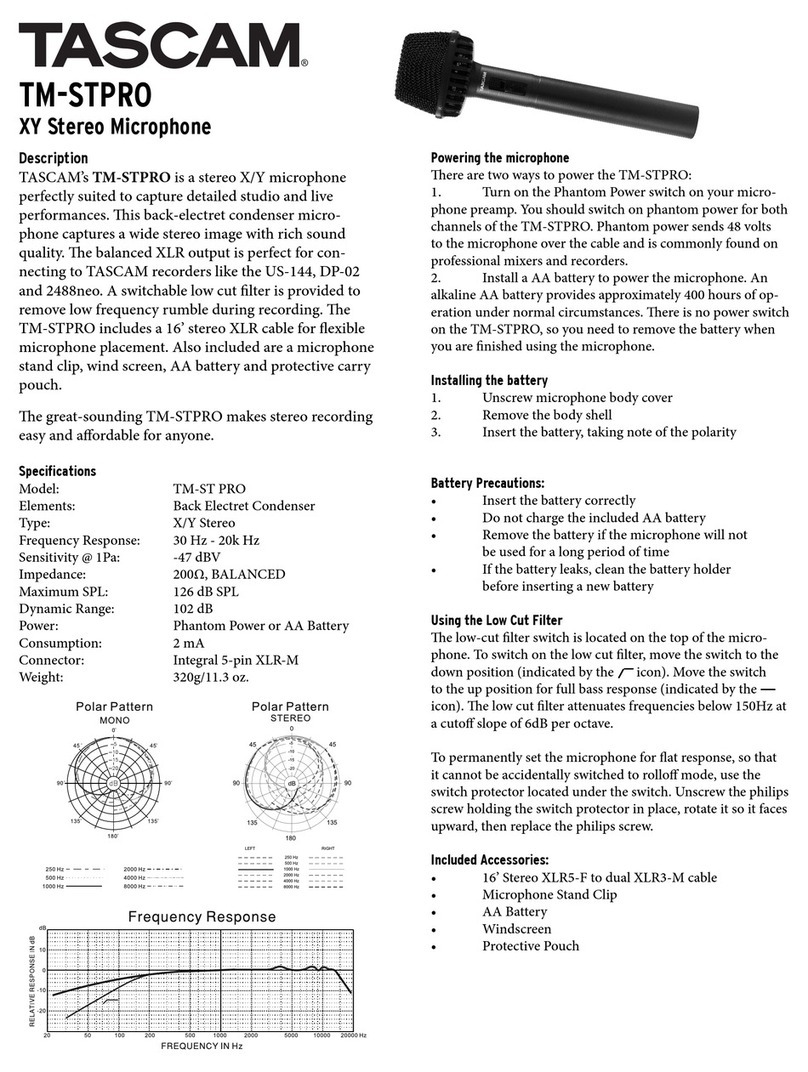
TASCAM’s TM-ST2 is a stereo microphone designed for
studio and live recording. is X/Y microphone cap-
tures a wide stereo image with rich sound quality. e
unbalanced output is perfect for connecting to TASCAM
portable recorders like the DR1 and GT-R1. A low cut
lter is available to remove low frequency rumble during
recording. e TM-ST2 includes a 10’ cable as well as an
18” cable for shorter runs or video camera connection.
Also included are a microphone stand clip, wind screen,
AA battery and protective carry pouch.
Simple to operate, the TM-ST2 is a surprisingly aord-
able solution to recording great-sounding stereo tracks.
Specifications
Model: TM-ST2
Elements: Back Electret Condenser
Type: X/Y Stereo
Frequency Response: 30 Hz - 20kHz
Sensitivity @ 1Pa: -47 dBV
Impedance: 200Ω, UNBALANCED
Maximum SPL: 126 dB SPL
Dynamic Range: 102 dB
Power: AA Battery
Consumption: 2 mA
Connector: Integral 3-pin XLR-M
Weight: 320g/11.3 oz.
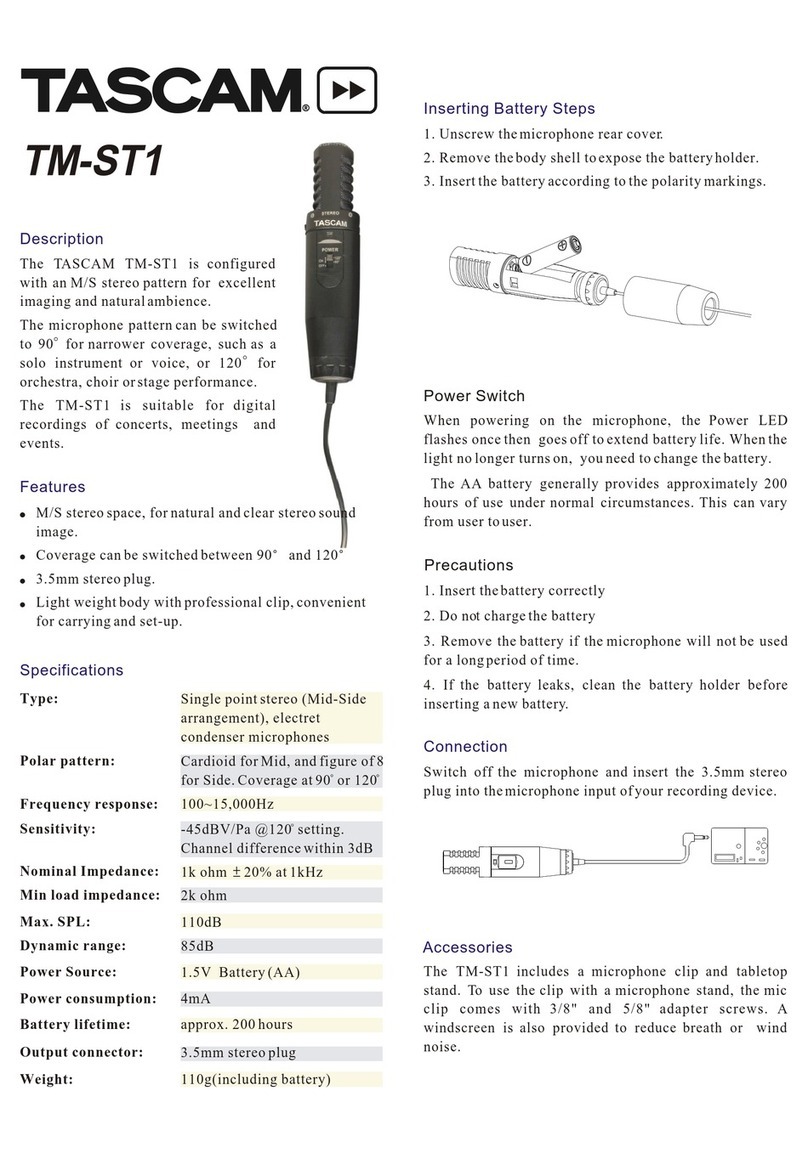
Installing the battery
1. Unscrew microphone body cover
2. Remove the body shell to expose the battery
holder
3. Insert the battery, taking note of the polarity
markings
Battery Precautions:
• Insert the battery correctly
• Do not charge the included AA battery
• Remove the battery if the microphone will not
be used for a long period of time
• If the battery leaks, clean the battery holder
before inserting a new battery
Power Switch
To operate the microphone, move the power switch
to the ON position. An alkaline AA battery provides
approximately 400 hours of operation under normal
circumstances.
Using the Low Cut Filter
e low-cut lter switch is located on the inside of the
microphone. e switch is o (at) by default. To switch
on the low cut lter:
1. Unscrew microphone body cover.
2. Slide the body shell down as far as it will go.
3. On the bottom of the microphone, near the out
put jack, you will nd the small low cut switch.
4. Move the switch to the le to engage the rollo
(indicated by the icon). Move the switch
to the right for full bass response (indicated by
the icon).
e low cut lter attenuates frequencies below 150Hz at
a cuto slope of 6dB per octave.
Included Accessories:
• 10’ Stereo (XLR-F to Stereo 3.5mm M) cable
• 18” Stereo (XLR-F to Stereo 3.5mm M) cable
• Microphone Stand Clip
• AA Battery
• Windscreen
• Protective Pouch