Techko STL-232 User manual

for a long period of time,
Sol ar Lant ern
Bracket Kit
User manual
Mounting sticker
Screws/3* Anchors
3
or it may damage your eyes.
2.80x 2.72 inch /1W
4.84x4.84x11.73inch
Hanging
232

Flame Off Still
1. Secure the unit and fully charge in direct sunlight and select desired
operating mode before use.
2.Charging time may vary depending on the weather,temperature
and seasons.
3
3
.Do not place the product indoors or any place where there is no direct
sunlight,the product will not charge properly.
(Wall with Bracket Kit)
Please note all LED’s will not be illuminated in this setting.
c. Off Mode: Slide switch to the“Off ” position, the light power is off.
The product can be charged in all operating modes.
The solar panel is equipped with daylight sensor.
The product will charge in direct sunlight during the
daytime and automatically turn on at dusk.
The switch is on the top of the solar unit.
Install
Avoid placing the unit where shade from buildings or objects would
block the solar panel.
the unit in a place where the solar panel can be
continually exposed to the sun.
1.
3.Place and align the wall bracket against
the wall and then use a screwdriver to
secure the bracket with the provided screws.
4.Place the solar unit to the bracket.
wall bracket
screws
Slide the switch to the desired position.
b.Still Mode: Slide switch to“Still” position. the light will stay illuminated.
a.
a
Flame Mode: Slide switch to the “Flame” position. The light will
Other Techko Lantern manuals
Techko
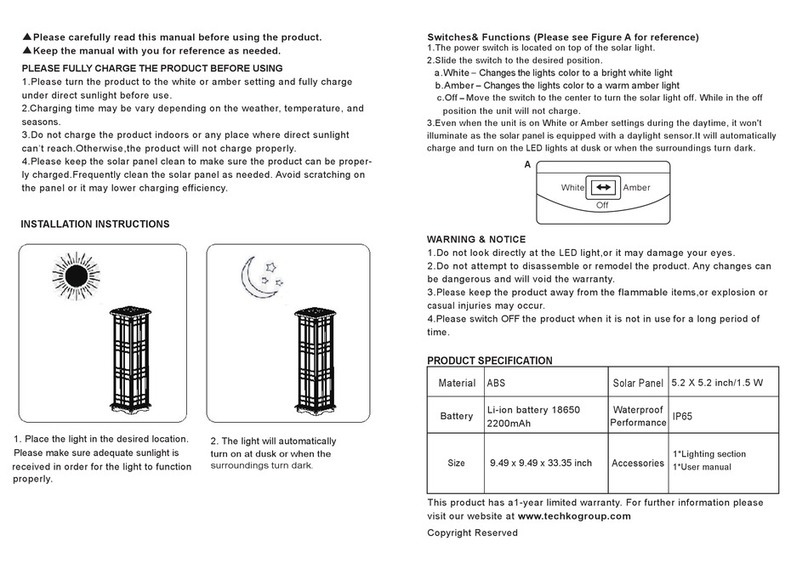
Techko SJL-643 User manual
Techko
Techko STL-222 User manual
Techko
Techko STL-213 User manual
Techko
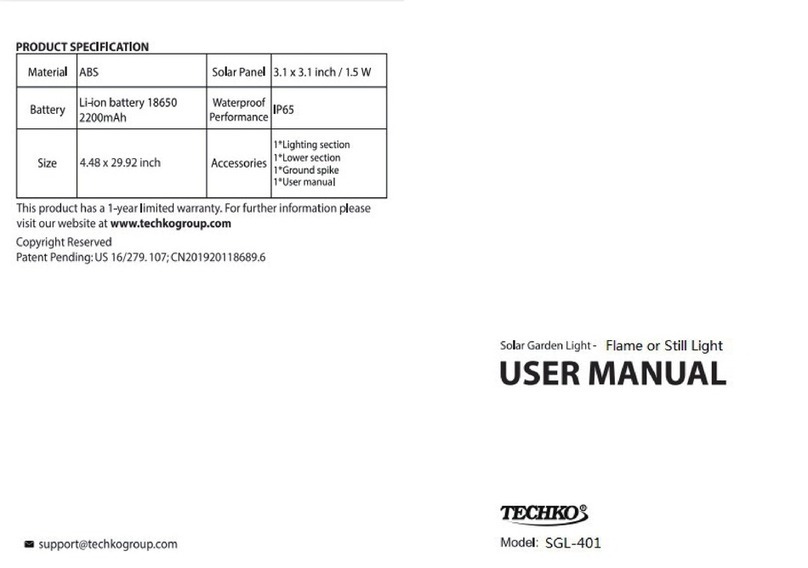
Techko SGL-401 User manual
Techko
Techko STL-228 User manual
Techko
Techko STL-216 User manual
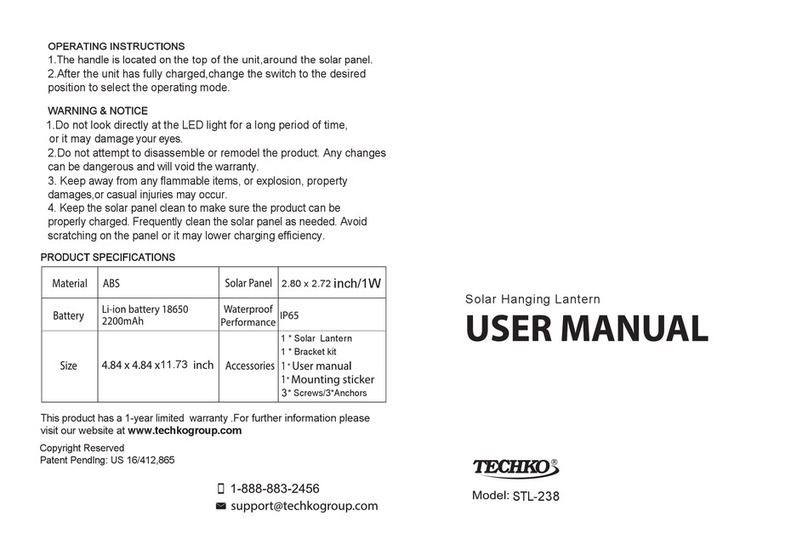
Techko
Techko STL-238 User manual
Techko
Techko STL-211 User manual
Techko
Techko SGL-406 User manual
Techko
Techko SJL-641 User manual