ENG-2 TI-GRAPH LINK 2 for Macintosh
GL2M-ENG.DOC TI-GRAPH LINK 2-Mac Version 2.3, English Condensed, 5.38" x 8.13" Andrei Parfionov Revised:
09/28/99 12:37 PM Printed: 09/29/99 10:27 AM Page 2 of 23
Getting Started with TI-GRAPH LINK 2 for Macintosh....... 3
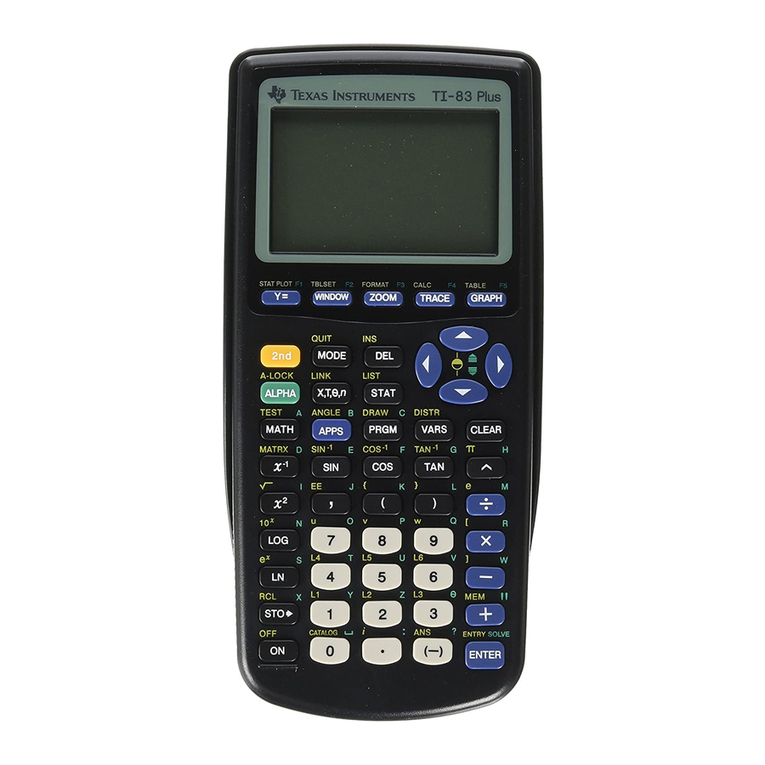
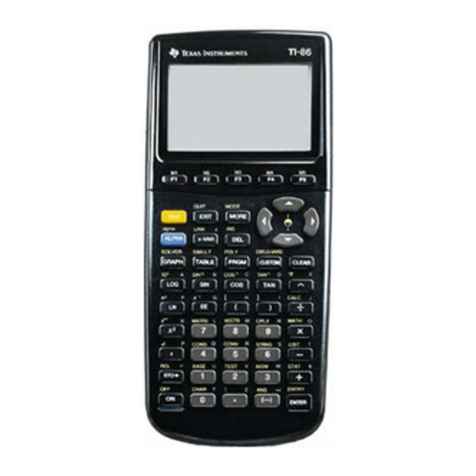
Which Calculators are Compatible?.................................. 3
Support for CBRèAccessory ............................................ 3
System Requirements ......................................................... 3
Connecting the TI-GRAPH LINK Cable............................ 4
Installing the TI-GRAPH LINK Software.......................... 4
Starting and Exiting TI-GRAPH LINK............................... 4
Opening a Connection to Your Calculator ....................... 5
Beginning a New Program ...................................................... 6
Creating a New Program File............................................. 6
Selecting a Keyword from the Function List ................... 7
Getting, Printing, and Saving Calculator LCD Screens........ 8
Using Group Windows........................................................... 10
Copying Objects from the Calculator to the Macintosh .... 11
Sending Objects from the Macintosh to the Calculator .... 13
Opening, Editing, and Printing Calculator Objects............ 14
Editing an Object Directly on the Calculator...................... 15
Working with Lab Reports .................................................... 16
Transferring a Lab Report from the Calculator
to the Macintosh............................................................. 16
Viewing the Lab Report .................................................... 17
Editing the Lab Report...................................................... 18
Printing the Lab Report .................................................... 18
Setting Preferences................................................................ 19
Selecting the Default Calculator and the
Default Communication Port........................................ 19
Connecting Automatically at Startup.............................. 19
Setting Print Headers Preference.................................... 20
Setting the Sorting Preference......................................... 20
Setting the Resolution of a Captured Screen ................. 20
Working with Backups .......................................................... 21
Backing Up a Calculator................................................... 21
Reloading a Backup .......................................................... 21
Support and Service Information......................................... 22
Product Support ................................................................ 22
Product Service ................................................................. 22
Other TI Products and Services....................................... 22
Warranty Information ............................................................ 23
Customers in the U.S. and Canada Only......................... 23
All Customers outside the U.S. and Canada................... 23
Table of Contents
Contents