4 Installation and starting up
Unpack and check carefully there is no transportation damage before using the unit. Keep the
equipment packaging. To fully protect the product against vibration, dust and moisture during
transportation or storage use the original packaging or your own packaging material suitable
for transport or storage, respectively.
Create all connections while the device is o. Use the shortest possible high-quality cables for
all connections. Take care when running the cables to prevent tripping hazards.
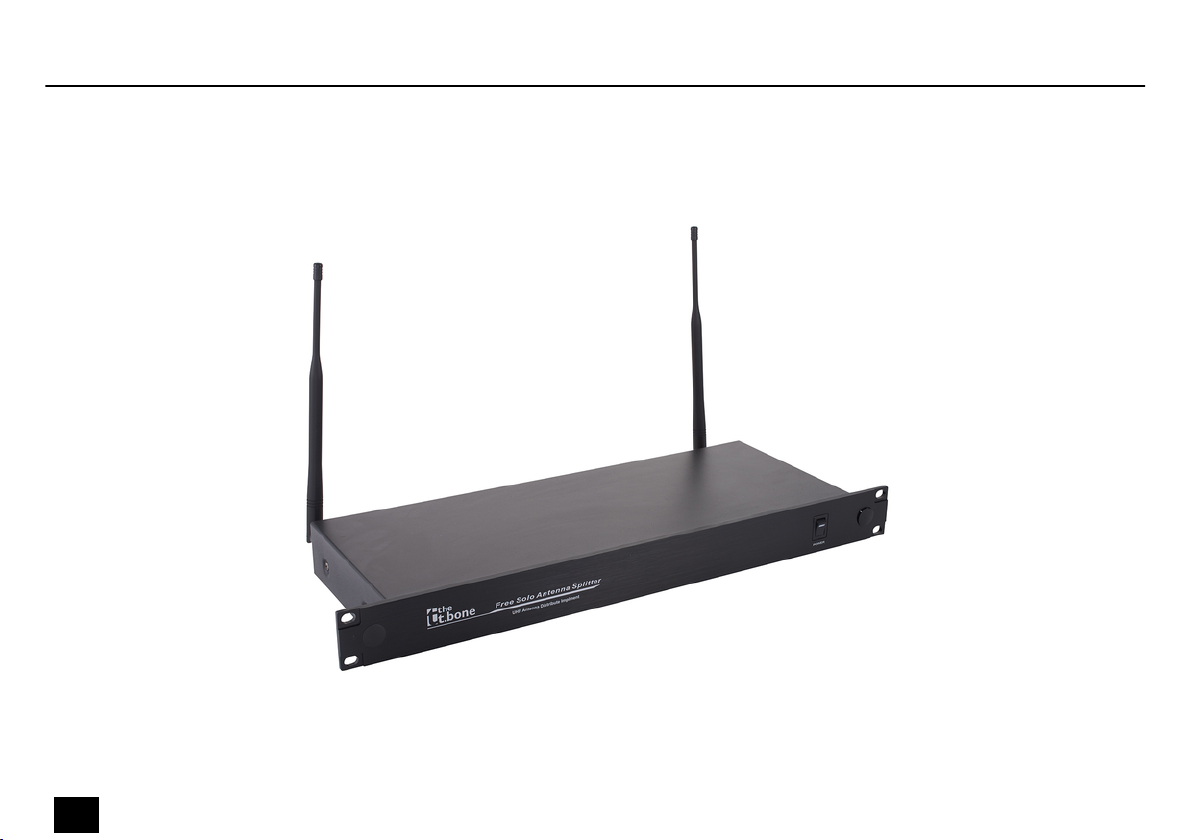
The unit has been designed for rack mounting in a standard 19-inch rack; it occupies one rack
unit.
Before you start, make sure that the frequencies of the connected wireless systems are legiti‐
mate in the respective country and check whether the operation must be registered with the
responsible authority. For further information on that refer to the manual of the wireless sys‐
tems.
Attach the supplied antennas to appropriate positions, such as the PA rack. To improve the
transmission quality and to adapt to the spatial conditions, the antennas are rotatable and
swivelling. Position the antennas so that all used transmitters (e.g., wireless microphones,
body-pack transmitters) are within radio range. Install a BNC cable from both antennas to one
of the antenna inputs each of the device.
Rack mounting
Notes on radio transmission
Attaching and connecting
antennas.
Installation and starting up
free solo 9
Active Antenna Splitter