manuals.online logo
Brands
  1. Home
  2. •
  3. Brands
  4. •
  5. Toshiba
  6. •
  7. LCD TV
  8. •
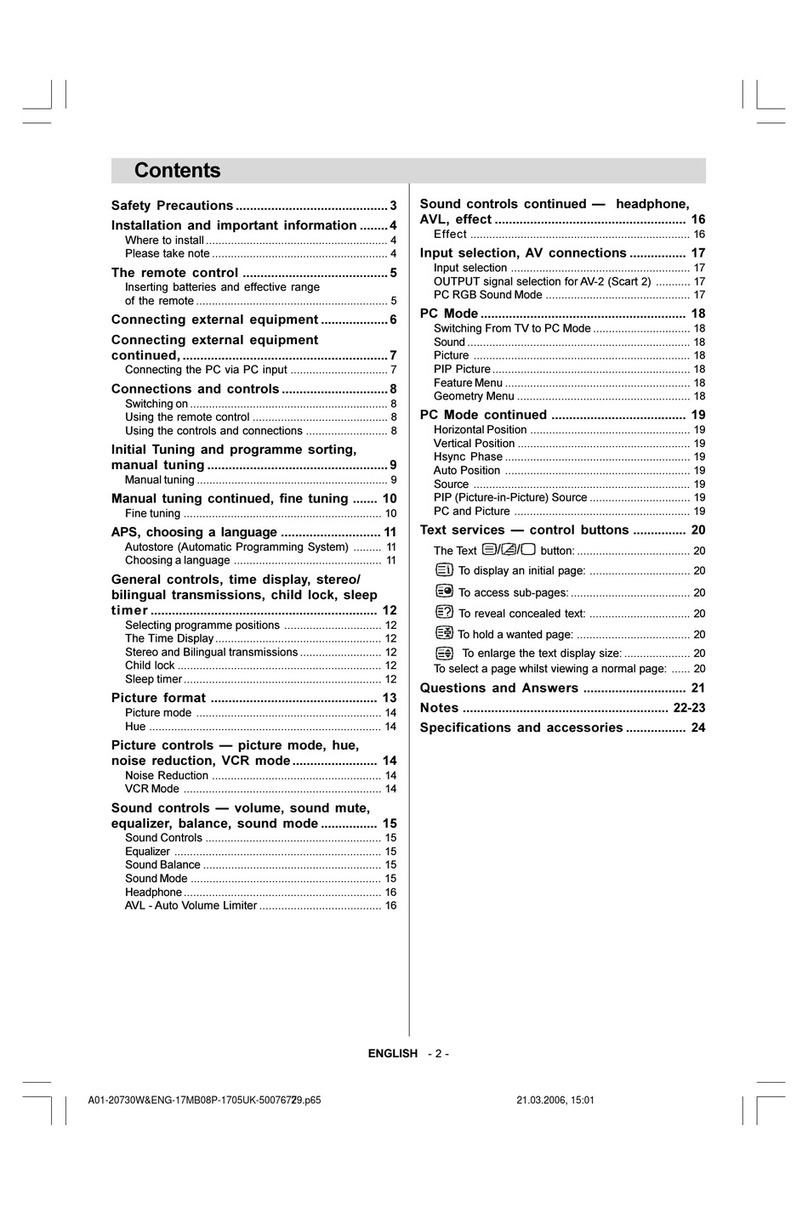
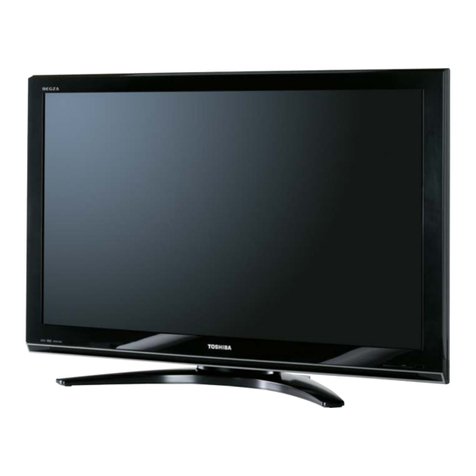
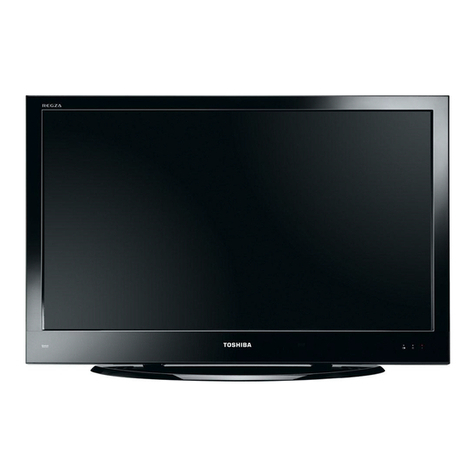
  9. Toshiba REGZA 37HL66 User manual

Toshiba REGZA 37HL66 User manual

Other manuals for REGZA 37HL66

2

Other Toshiba LCD TV manuals

Toshiba REGZA 37HL66 User manual

Toshiba

Toshiba REGZA 37HL66 User manual

Toshiba 32FT2U User manual

Toshiba

Toshiba 32FT2U User manual

Toshiba Regza 47LZ196 User manual

Toshiba

Toshiba Regza 47LZ196 User manual

Toshiba 40G300U1 User manual

Toshiba

Toshiba 40G300U1 User manual

Toshiba Regza 47HL167 User manual

Toshiba

Toshiba Regza 47HL167 User manual

Toshiba 20VL14 User manual

Toshiba

Toshiba 20VL14 User manual

Toshiba RV6 DIGITAL Series User manual

Toshiba

Toshiba RV6 DIGITAL Series User manual

Toshiba 40LV655P User manual

Toshiba

Toshiba 40LV655P User manual

Toshiba 22BL712G DIGITAL Series User manual

Toshiba

Toshiba 22BL712G DIGITAL Series User manual

Toshiba 22DL704B User manual

Toshiba

Toshiba 22DL704B User manual

Toshiba 32CV505D User manual

Toshiba

Toshiba 32CV505D User manual

Toshiba 26AV500U - 26" LCD TV User manual

Toshiba

Toshiba 26AV500U - 26" LCD TV User manual

Toshiba 37HLX95 - 37" LCD TV User manual

Toshiba

Toshiba 37HLX95 - 37" LCD TV User manual

Toshiba 15DL75 User manual

Toshiba

Toshiba 15DL75 User manual

Toshiba TheaterWide 27HL85 User manual

Toshiba

Toshiba TheaterWide 27HL85 User manual

Toshiba 26DL833B User manual

Toshiba

Toshiba 26DL833B User manual

Toshiba Regza WL75 Digital Series User manual

Toshiba

Toshiba Regza WL75 Digital Series User manual

Toshiba 26AV502R - 26" LCD TV User manual

Toshiba

Toshiba 26AV502R - 26" LCD TV User manual

Toshiba 37RV733 User manual

Toshiba

Toshiba 37RV733 User manual

Toshiba VTW21FQR User manual

Toshiba

Toshiba VTW21FQR User manual

Toshiba REGZA WL66 Series User manual

Toshiba

Toshiba REGZA WL66 Series User manual

Toshiba 32DB833G COMBI Series User manual

Toshiba

Toshiba 32DB833G COMBI Series User manual

Toshiba 32DT2U1 User manual

Toshiba

Toshiba 32DT2U1 User manual

Toshiba 55RZ1 Series User manual

Toshiba

Toshiba 55RZ1 Series User manual

Popular LCD TV manuals by other brands

Panasonic Vieta TX-26LX600P null

Panasonic

Panasonic Vieta TX-26LX600P null

LG 22LK33 Series null

LG

LG 22LK33 Series null

Philips BDL323I null

Philips

Philips BDL323I null

LG 32LC4R* Service manual

LG

LG 32LC4R* Service manual

Samsung LA32E420 E-manual

Samsung

Samsung LA32E420 E-manual

Dell W1900 19 Setting up

Dell

Dell W1900 19 Setting up

Samsung LN40C670M1F user manual

Samsung

Samsung LN40C670M1F user manual

Runco CX-52HD Owner's operating manual

Runco

Runco CX-52HD Owner's operating manual

Sharp LC-32AX3H Service manual

Sharp

Sharp LC-32AX3H Service manual

Philips 47PFL7704D Specifications

Philips

Philips 47PFL7704D Specifications

Vizio VO42LFHDTV10A user manual

Vizio

Vizio VO42LFHDTV10A user manual

Philips 42PF7520D/79 user manual

Philips

Philips 42PF7520D/79 user manual

Insignia NS-LCD32-09 Service manual

Insignia

Insignia NS-LCD32-09 Service manual

Sony WEGA KLV-27HR3 operating instructions

Sony

Sony WEGA KLV-27HR3 operating instructions

Nexus NX32031 owner's manual

Nexus

Nexus NX32031 owner's manual

Zenith Z32LC2D Specifications

Zenith

Zenith Z32LC2D Specifications

Sony KDL-32S3000R - 32" Class Bravia S-series Digital Lcd... Specifications

Sony

Sony KDL-32S3000R - 32" Class Bravia S-series Digital Lcd... Specifications

Medion MEDION LIFE X14330 quick start guide

Medion

Medion MEDION LIFE X14330 quick start guide

manuals.online logo
manuals.online logoBrands
  • About & Mission
  • Contact us
  • Privacy Policy
  • Terms and Conditions

Copyright 2025 Manuals.Online. All Rights Reserved.

KEY FEATURES
ADVANTAGE TOSHIBA
37HL66
Cinespeed ™ panel LCD sets provide the lightning fast (8 ms or less) response time required by the most demanding
home theater enthusiasts.
PixelPure™ Hi-Bit processing means a smooth transition from dark parts of the picture to light, with over 4,000 steps,
for significantly more natural images.
Wide 176oviewing angle means everyone in the room can enjoy the show.
SRS®WOW™ greatly improves audio performance with improved fidelity and wider "sweet spot" for the listener.
HDMI™ Digital Input provides uncompressed digital video and digital audio in one convenient cable for connection
from home theater components.
37" (measured diagonally)
INTEGRATED REGZA Premium LCD TV
VIDEO

New Cinespeed™ Panel with Response Time of 8ms or Less

PixelPure™ Hi-Bit Digital Video Processing

Wide 176oViewing Angle
AUDIO

SRS®WOW™ (3D, TruBass®, FOCUS®)

StableSound®
CONVENIENCE

ATSC/NTSC/QAM Digital Television Tuner

HDMI™ Digital Input

PC Input (15 Pin, D-Sub)

4-Item Glow Universal Remote1
PRELIMINARY SPECIFICATIONS SUBJECT TO CHANGE
SPECIFICATIONS
AUDIO
TERMINALS CONVENIENCE
TECHNOLOGY
& BENEFITS
VIDEO
REGZA Premium LCD Hi Speed Cinespeed™ Panel -
LCDs include new panels that offer response times that are
among the best in the industry (8ms or less) giving you the
response for the most demanding home theater enthusiast.
Hi-Speed PixelPure™ Hi-Bit Digital Video Processing -
using 12-bit picture processing (up to 14 bit internally) can
create 4096 steps of gradation (steps between the whitest
white, to the blackest black), and will also incorporate
improvements in areas such as: real speed progressive
scanning, video noise reduction, sharpness, and gamma
control to set a new standard for picture quality.
Wide 176oViewing Angle - Off axis viewing is maximized
to allow everyone in the room to enjoy the show.
AUDIO
StableSound®- reduces unwanted volume fluctuations (eg.
during commercials) by keeping volume within set levels, for
easier listening.
SRS®WOW™ (3D, TruBass®, FOCUS®)- Greatly improves
audio performance with improved fidelity and wider "sweet
spot" for the listener.
CONVENIENCE
ATSC/QAM/NTSC Tuner - allows tuning of off-air, and
unscrambled HD cable channels for increased flexibility.
PC Input (15 Pin D-Sub) - For use as a computer monitor
for added flexibility.
HDMI™ Digital Input - includes both uncompressed
digital video and digital audio in one convenient cable for
connections from today's best home theater components.
4-Item Glow Universal Remote - This universal remote will
operate a home theater system and is fully backlit for ease
of operation at night.
Updated Silver and Black Cabinetry - For the best look,
even when the set is turned off, Toshiba has designed a
black and silver cabinet with integrated bottom speakers.
VIDEO
37HL66
Brightness 400 cd/m2
Contrast Ratio 800:1
Viewing Angle 176°
Tuner ATSC/QAM/NTSC
MTS/SAP X
TheaterWide®Modes 5
Screen Freeze X
Comb Filter 3D Y/C
Real Digital Picture X
DNR 480i/480p/720p/1080i
MPEG DNR 480i/480p/720p/1080i
Cross Color Suppression X
Chroma Bug Correction X
Dot Cross Color Reduction X
Cinema Mode 480i
Game Mode X
Audio SRS®WOW™
Dolby Digital®X
Audio Output 20 Watts
On Timer X
Sleep Timer X
Picture Modes X
Channel Return X
Channel Browser™X
Trilingual OSD X
Closed Caption X
JPEG Viewer X
Audio Video Input 2
ColorStream®HD Input 2
S-Video Input 1
HDMI™Digital Input 1
PC Input 1
RF Input X
Audio Video Output 1
Digital Audio Output Optical
Integrated Stand X
Remote X
Cabinet Color Black/Silver
Cabinet w/o stand (inches) (WHD) 36.09 x 25.06 x 4.81
Cabinet w/stand (inches) (WHD) 36.09 x 27.11 x 11.82
Weight w/o stand (lb) 49.61
Carton (inches) (WHD)(inches) 40.07 x 30.26 x 15.13
UPC Code 022265240724
http://www.tacp.toshiba.com Customer Service: 800.631.3811 Marketing Communications
© Toshiba America Consumer Products, L.L.C. 82 Totowa Road, Wayne, NJ 07470 (2006).
All Rights Reserved (04/06.01) SRS and WOW are registered trademarks of SRS Labs, Inc.
HDMI is a trademark of HDMI Licensing L.L.C.. Dolby Digital is a registered trademark of
Dolby Laboratories. TheaterWide, StableSound and ColorStream are registered trademarks of
Toshiba America Consumer Products, L.L.C.. Cinespeed and PixelPure are trademarks of
Toshiba America Consumer Products, L.L.C.. Product design and specification subject to
change or modification without notice.

1In some cases, the remote control may not operate additional devices or
certain features of such devices, in which case, it is suggested that you use
the original remote control for the applicable device.